



Streamlined CNC Workflow for the DATRON neo High‑Speed Mill
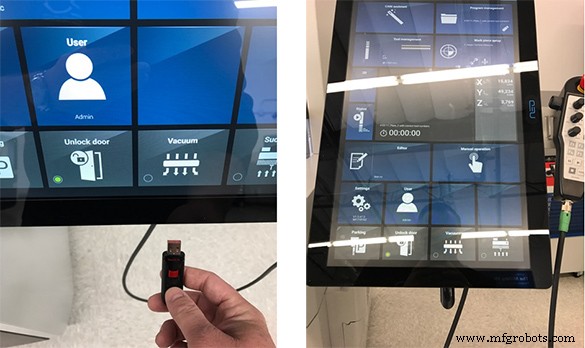
DATRON neo was specifically designed and purpose-built to provide an easy and affordable introduction to high-speed milling. It’s a Plug-and-Play system that features the new DATRON next software which gives you full control of 3-axis milling without requiring years of experience as a machinist. That said, customers ask me all the time about the CNC workflow for this machine and whether it is actually as easy to use as we say it is. Well, I’m not a machinist, I’m a salesman, but in detailing the CNC workflow below, I operated the machine myself (as evidenced by my reflection in the touchscreen). Keep in mind, that I’ve included instruction on many optional functions and features and the actual CNC workflow for DATRON neo can be as short as 4 simple steps. Anyway, here goes:
CNC Workflow for DATRON neo
Once the CAM’d part or “G” code is done, simply load onto a flash drive or send to DATRON neo if networked.
Once loaded, DATRON neo will take the operator through the steps to run the part.
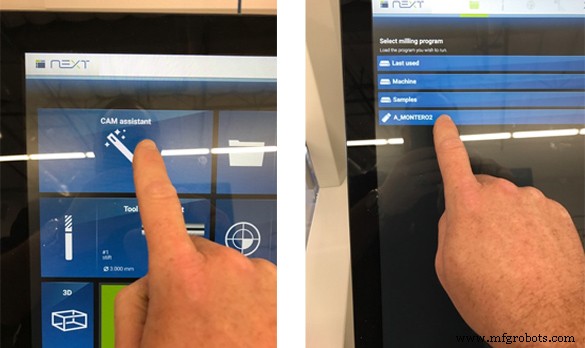
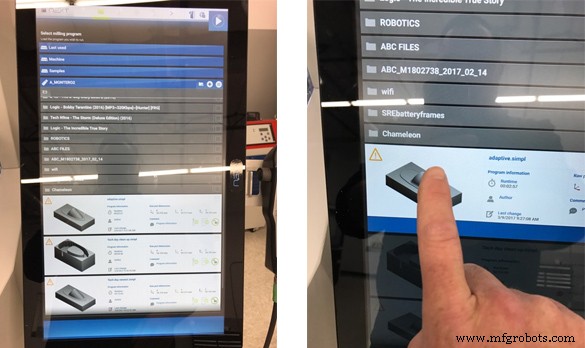
After loading the “G” code into the DATRON neo, the operator can pick the saved file to run.
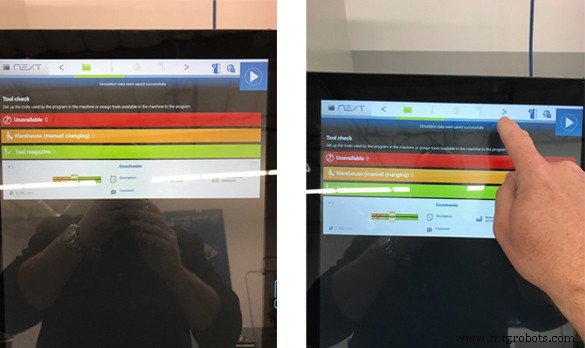
As the operator moves through the process, DATRON neo will check the tools already loaded vs tools the file calls for. If a is tool is missing, DATRON neo can suggest a tool that is already loaded.
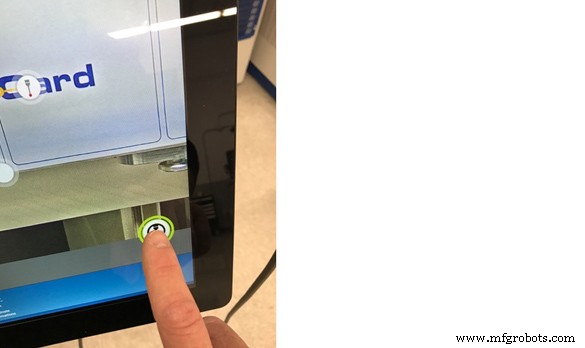
Next, the operator can drag their finger across the screen and use the integrated camera system to locate the part for probing.
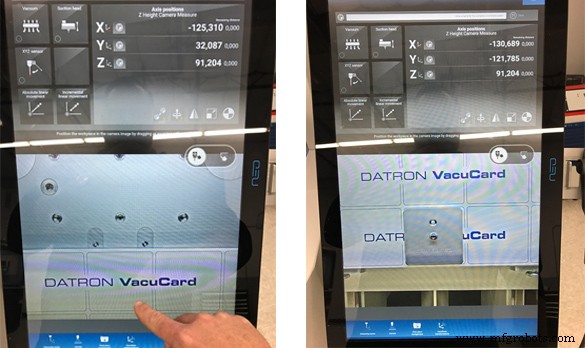
Once the part is visually located, the operator can simply draw on the screen to start probing with the integrated probe on the DATRON neo.
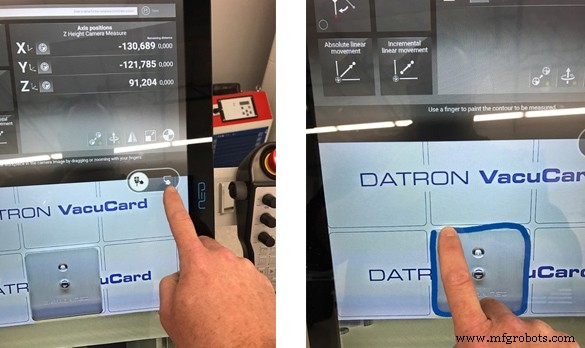
DATRON neo will automatically place probing points based on the operator’s drawing. These points can be easily moved as the operator sees fit.
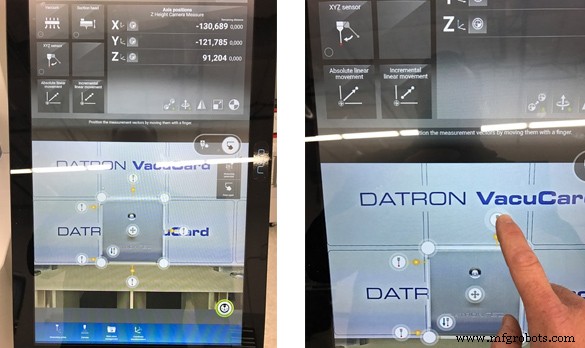
Another option that the DATRON neo operator has, is to move the probe points individually and manually set the parameters to avoid any special features, all by touch.
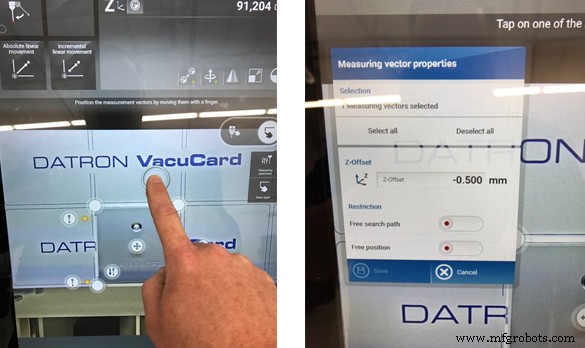
Once the probe points are to the operators liking, they just hit go.
The next screen will bring the part into a simulation so the operator can see the tool paths they created and make sure the part is ready to run correctly.
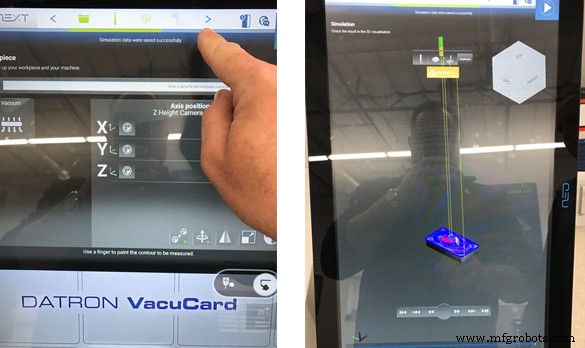
The DATRON neo operator has options on how to view the part to ensure the correct machining file was chosen.
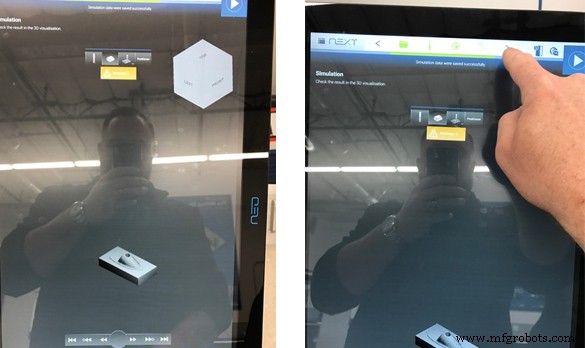
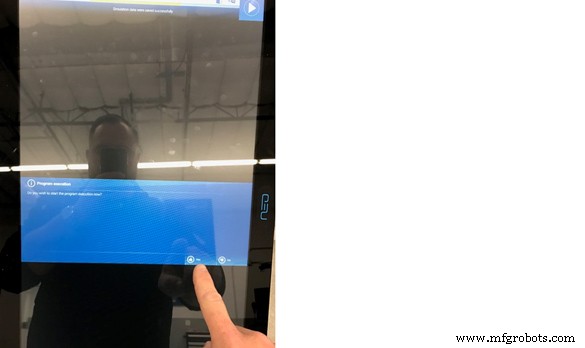
After the simulation, the DATRON neo is ready to execute the program.
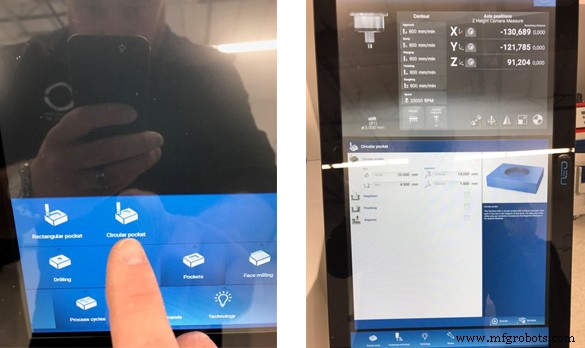
Other options can be done on a DATRON neo for quick and simple milling. Macros are pre-set on the neo to run pockets, drilling, face milling, and contours. For quick prototyping, these operations can be done right on the machine without the need to CAM a part.
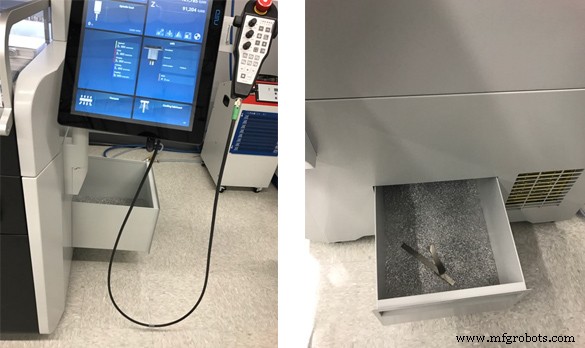
Chip disposal could not be easier, because the DATRON neo features a removable drawer allowing clean dry aluminum chips to be vacuumed out. The neo also uses a Minimum Quantity Lubricant (MQL) system instead of a traditional flood coolant system.
With DATRON neo tools can be hand loaded into the machine very easily.
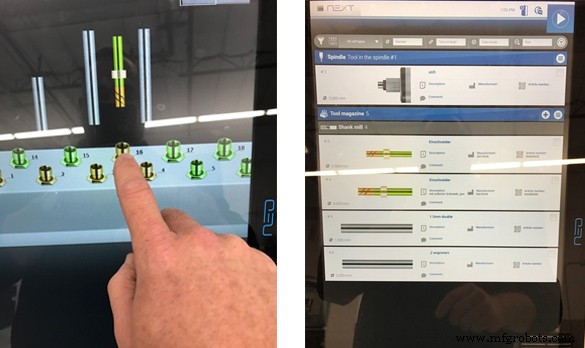
After the tool is placed, the operator can simply tell the neo which space and tool were used.
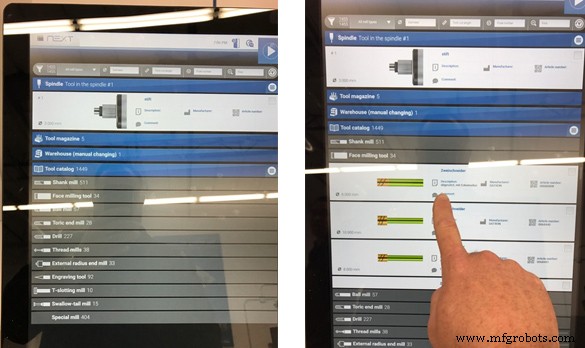
The DATRON neo can track tools inside the tool changer, as well as tools in the shop inventory, and has DATRON’s full tool library installed. This makes it a breeze to load tool information.
The DATRON neo can accommodate two vacuum tables and each can be operated independently. DATRON can also provide a sacrificial card that is air-permeable. This allows for parts to be cookie cut without milling into the table.
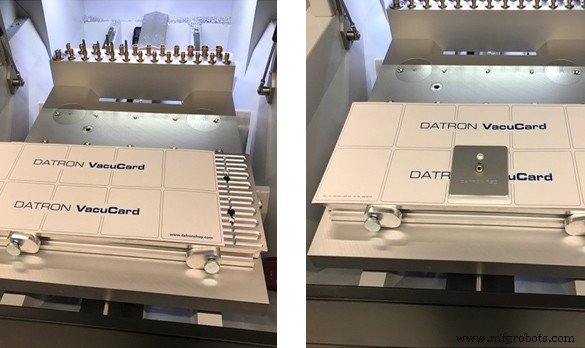
DATRON neo has vacuum port controls at the front of the machine to easily turn the vacuum tables on and off. This type of workholding is a great option for flat parts. When using the vacuum table, parts do not need to be perfectly aligned because you can use the probe to locate parts and their rotation will be compensated for automatically.
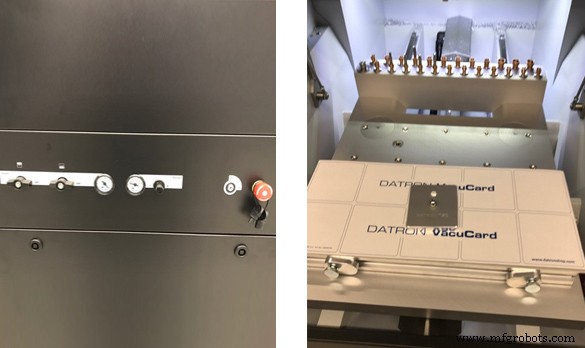
There are a host of other accessories available for DATRON neo including a dust extraction head and pneumatic clamping. Please let us know if you would like further information on these items.
CNC Machine
- AION500 MK3: The Fastest FFF 3D Printer for Small‑Batch Manufacturing
- CNC Router Fundamentals: A Beginner’s Guide to Mastery
- Is High‑Speed Machining Right for Your Shop? Unlocking Efficiency & Profitability
- Microsoft R&D Leverages DATRON CNC Machines for Swift Prototype Production
- High-Speed Machining Explained: Techniques, Applications, and Benefits
- High-Speed Cutting Explained: Boosting Manufacturing Efficiency and Precision
- Optimizing CNC Workholding for Precise Milling Operations
- GT-32 High-Speed CNC Lathe – Precision, Rigidity, and Speed
- Precision High‑Speed Machining of Aluminum Milling Parts
- CNC Mill Drills Explained: Key Uses, Benefits, and Industry Applications