



Integrated CAD/CAM Solutions: Boost Efficiency and Collaboration—Is It Right for Your Business?
This article dives into the benefits of integrated, cloud CAD + CAM software, including collaboration, automation, and organization.
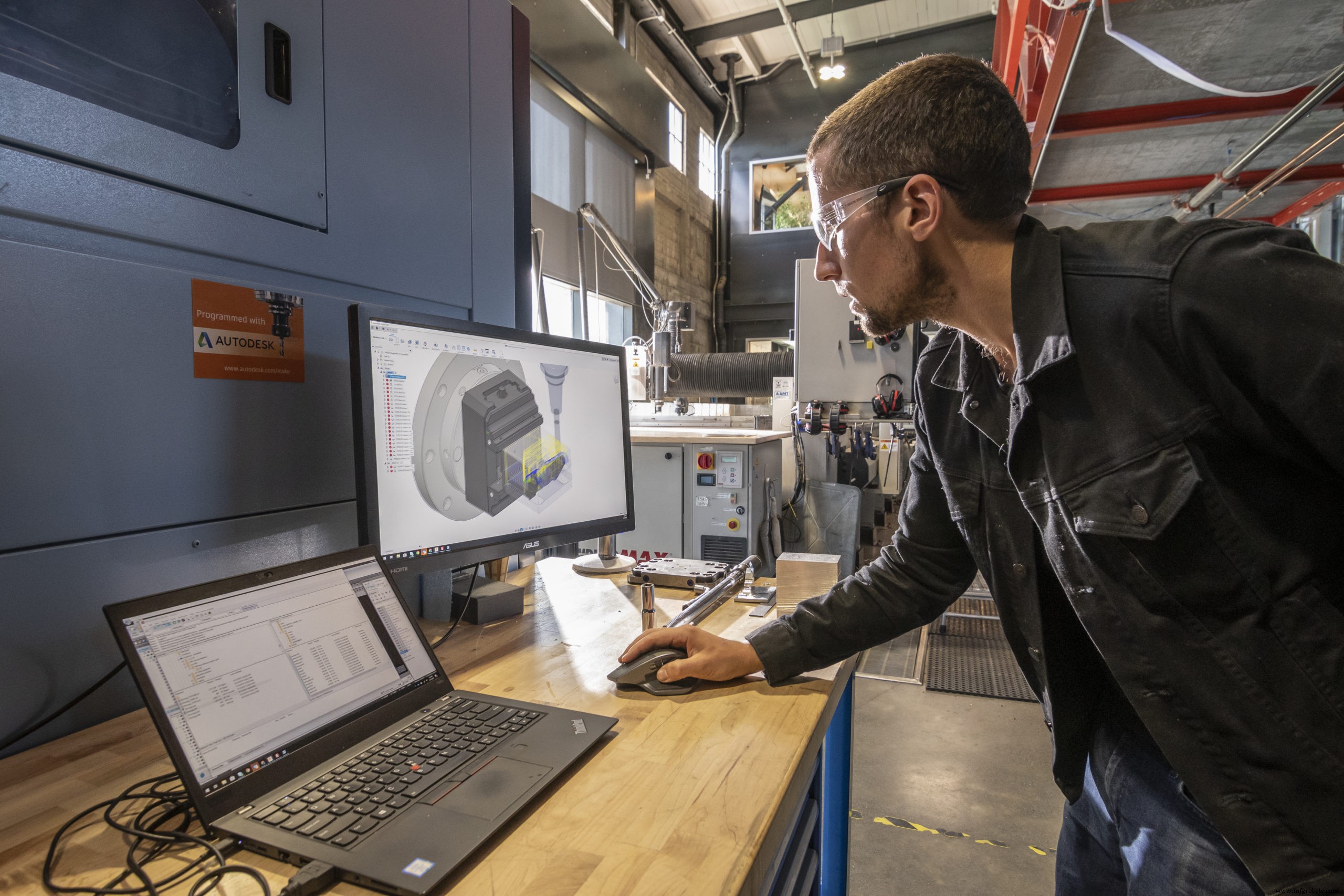
Integrated CAD + CAM solutions combine the benefits of CAD (computer-aided design) and CAM (computer-aided manufacturing) programs into one system. An integrated CAD + CAM program takes you all the way through the design process to the manufacturing process and can either be based on a traditional node-locked system or cloud-based.
If you’re a designer, an integrated CAD + CAM solution can easily share your CAD models with your in-house machinist or an external manufacturer. And if you’re a machinist, receiving CAD files and collaborating across departments has never been easier. Sounds convenient, right? While ease of use is certainly an overarching benefit, there are plenty more to explore.
If the following features can benefit you or your team, an integrated CAD + CAM solution may be right for you. Let’s dive in.
Eliminate Data Translation Issues
An integrated CAD + CAM solution eliminates the need to translate to a neutral file format such as STEP or IGES or purchase expensive data translators. There is never an issue with losing data or corrupting data during a translation process when working within the same design system.
Although you may purchase direct translators for other systems, they will often lag the CAD system for updates. This means that it could take your direct translator weeks or months to catch up to file format changes of the original CAD format.
Model Associativity
Working within the same environment as a CAD design allows the CAM data to maintain some degree of associativity with the original model. Changes in the model will automatically be flagged and often automatically updated within the integrated CAD/CAM system.
Simplified Workflow
Eliminating the extra steps of data translation and utilizing the same interface as the design allows for a simplified design to manufacture workflow. This can translate into reduced training time required, fewer IT resources maintaining multiple CAD and CAM software packages, and a more robust upgrade process.
Automate More of the Manufacturing Process
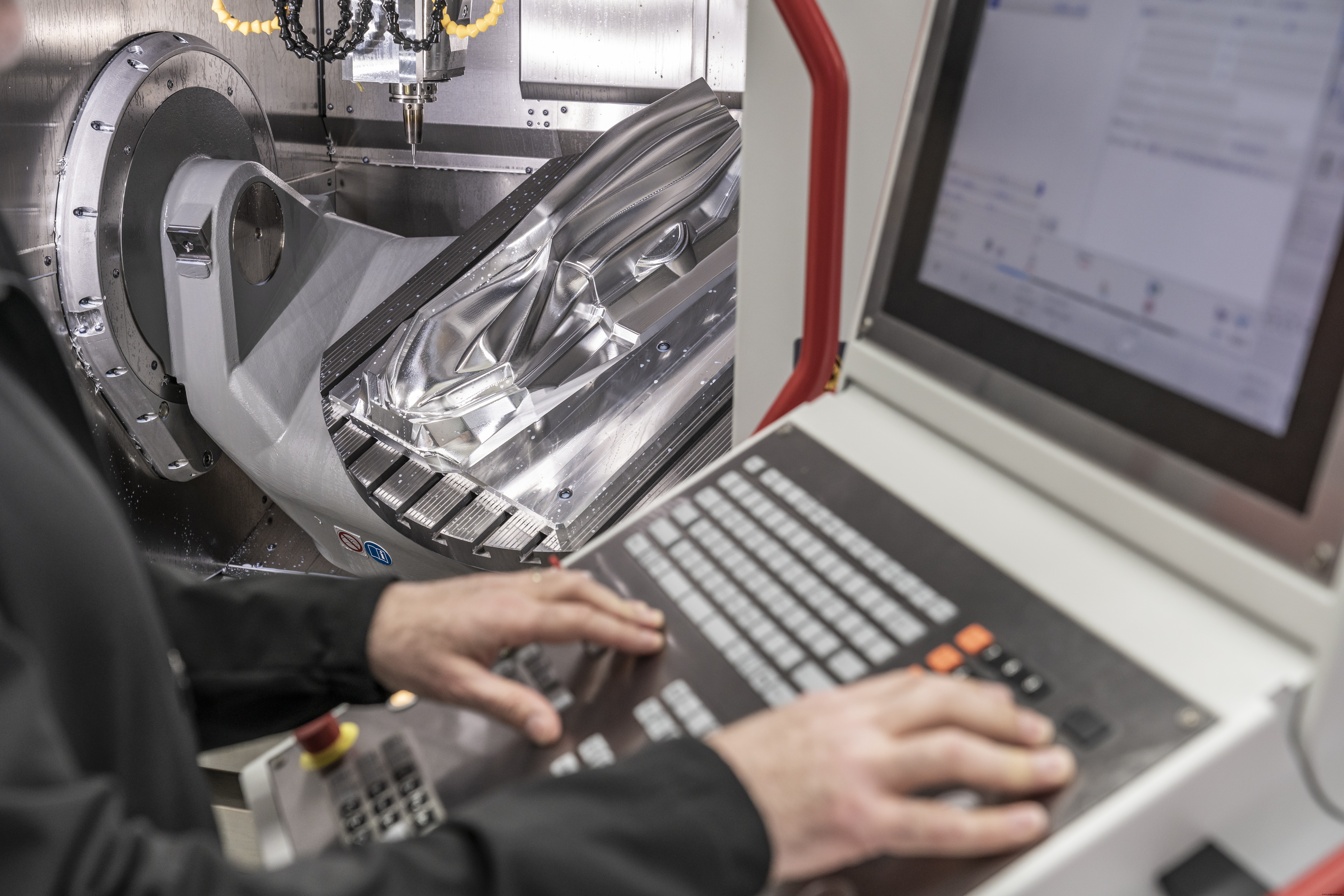
Integrated CAD/CAM solutions offer a more complete manufacturing workflow that allows you to take advantage of automation. Besides creating CAM cutter paths, it may output to other manufacturing processes such as 3D printing, probing, and scanning.
Full Design Functions
Having access to full design capabilities is one of the biggest advantages of an integrated CAD/CAM software. These design functions can be utilized to modify the model, create work holding or fixtures, or create extra “runoff” or addenda data on the model before manufacturing.
Direct editing of solid models can help modify fillets and create clearances on stamping dies. It can also quickly change portions of a mold for quickly editing gating and cooling. Assembly functions can quickly and easily insert vises, clamps, tables, and other manufacturing equipment. Additionally, drawing functions with full dimensioning can create quick 3D prints when necessary for sharing with others.
Integrated Validation Tools
Complete CAD/CAM systems can also include or have available modules for validating designs before starting the 2.5-axis, 3-axis, or 5-axis machining process. Structural analysis can be calculated to see if a design will fail before it is created and tested. Plastic mold flow analysis can validate a mold design before the tooling is created.
Simulations of the calculated CNC cutter paths can be used to verify a collision-free run, even taking clamps, fixtures, and vises into consideration.
Stay Organized and Work in Teams
Full CAD/CAM systems have a form of file management and repository that can ensure everyone is working on the latest design iteration. Utilizing a master model with associativity means that analysis, simulation, and cutter path updates can happen faster than before, without version conflicts.
Share Knowledge Between Departments
Design for manufacturability is a key component to being efficient. When design and manufacturing utilize the same system, they can share data and collaborate, ensuring that any concerns that may be brought up during manufacturing are raised earlier in the design process.
Cloud Functionality
Cloud-based CAD/CAM software, like Autodesk Fusion 360, have most if not all of the benefits of an integrated CAD/CAM system. Since the parts are shared and accessed from the cloud, version control of the data is maintained automatically. If you update a part and someone else has it open, they will get a notification with the newer version and be updated accordingly. Products like Fusion 360 even include some analysis tools for stress or heat analysis.
Cloud-based CAD/CAM systems are best suited to collaboration. Anyone can be granted access to view and measure a part, place notes on it during the design process, and ensure manufacturability. Cloud-based systems are updated automatically and typically have lower IT costs to maintain, allowing you to edit or CNC program your model from anywhere — even on an airplane.
As you can see, an integrated CAD/CAM solution offers many benefits over a non-integrated approach. Cloud-based CAD/CAM packages offer even more distinct advantages. How do you know if this solution is right for you? Learn more about how Fusion 360 can help maximize your machines here.

Industrial Technology
- Choosing the Ideal CAD Software for Your 3D Printing Workflow
- Is Continuous Monitoring the Right Choice for Your Operations?
- Is Additive Manufacturing Right for Your Business? A Practical Decision Guide
- CAD, CAE, CAM Explained: Key Differences and How They Work Together
- Stick Welding vs. MIG Welding: Choosing the Best Method for Your Projects
- Discover the Key Advantages of Integrated CAD/CAM Software
- Fiber Laser vs CO₂ Laser: Choosing the Best Technology for Your Application
- Leveraging UX Design to Choose the Ideal CMMS App for Rapid ROI
- CNC CAD Design for Product Designers: A Comprehensive Overview
- Laser Cutting Robotics: Does It Fit Your Production Needs?