



Choosing the Right RoboDK Platform: Desktop, Web, Mobile, or Embedded
There are various versions of RoboDK, including for Desktop, Web, and Mobile. The question is, which is the best one for your needs?
RoboDK has a wide product family. Unlike our competitors, the different versions of RoboDK are not grouped by application area.
All versions of RoboDK offer the same integrated robot programming experience and apply to all robot applications. You also have access to all versions with your RoboDK license.
Instead, the versions differ by which devices they support.
This means you are likely to use each version of RoboDK in slightly different places or situations. For example, RoboDK for Mobile is more useful when you are on the go. RoboDK for Desktop is best when you need the full power and flexibility of the software.
Here’s how the different versions fit together…
The Various Versions of RoboDK
At RoboDK, we don’t want to restrict you from using the software just because you use a particular computer, device, or operating system.
Our customers use RoboDK for an impressive range of different applications and in many situations. There is no “one size fits all” for robot programming.
To help you use the software in the best way for you, we have a range of different versions of RoboDK. All have an extensive range of robot programming features.
At the time of writing, the versions of RoboDK are:
- RoboDK for Desktop
- Windows (for both 32-bit and 64-bit systems)
- Desktop for Mac (64-bit as this applies to all modern Macs)
- Ubuntu Linux (64-bit)
- RoboDK for Web (supported by all major web browsers)
- RoboDK for Mobile
- for iOS
- for Android
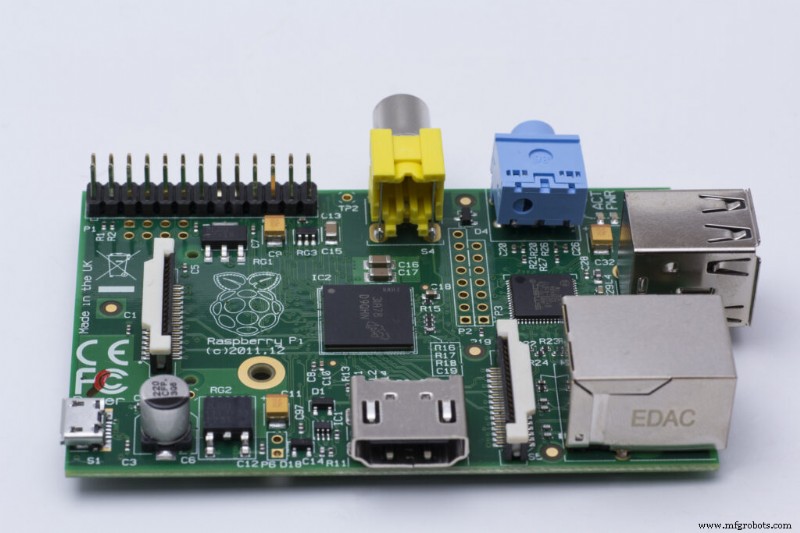
- RoboDK for Desktop for Embedded Systems
- Raspberry Pi
- Nvidia Jetson
- NanoPi NEO
As you can see, we have a lot of versions!
Why Not Make RoboDK Cloud-Only?
Many other software providers try to achieve cross-compatibility of their products by bringing them entirely into the cloud. This means that users can access the software on any device with a web browser, but it’s also restrictive.
We do have a version of RoboDK for Web. However, we have chosen not to make RoboDK a cloud-only software. This wouldn’t work for our community of users.
Plenty of our clients use RoboDK as a self-contained robot programming station in their facilities, attached to their robot station. A web-only service would require them to always be connected online. If the internet failed for any reason, they would lose the ability to reprogram their robots.
Our wide selection of versions means you can use RoboDK however best suits your workflow.
When to Use RoboDK for Desktop vs Web vs Mobile?
We understand that all this choice might raise some questions for you…
When should you use the different versions of RoboDK?
Should you only use one version or multiple versions?
Do you need to use all the versions?
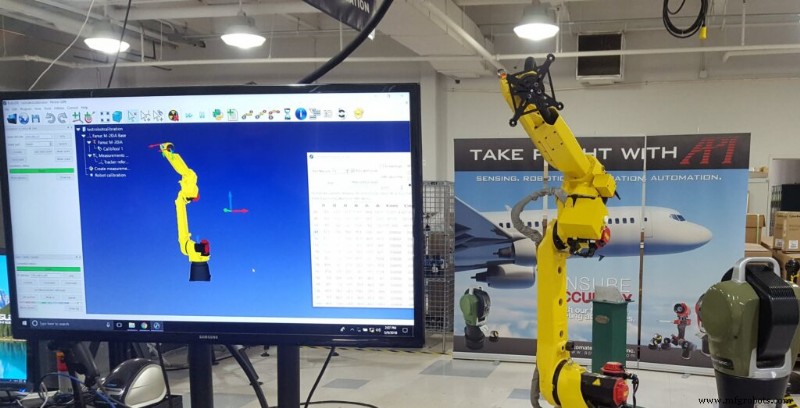
RoboDK for Desktop
RoboDK for Desktop is the flagship version of our industry-leading robot programming software. It should be at the center of your robot programming workflow. It is the most fully-featured version. Most users use this version most of the time.
Benefits of using RoboDK for Desktop include:
- You have full access to the extensive range of RoboDK features.
- It supports a wide range of systems, including embedded computers.
- It is installed on your computer so you can use it at any time.
RoboDK for Web
RoboDK for Web is a free, simplified version of the software that provides access to the most basic features of the software. It is useful for making quick prototypes and sending simulations to clients or team members without requiring them to install the desktop version.
Benefits of using RoboDK for Web include:
- Anyone can access it from any computer with a web browser.
- You can use it immediately with no installation or license key required.
- It provides a simpler interface with only the basic features of RoboDK.
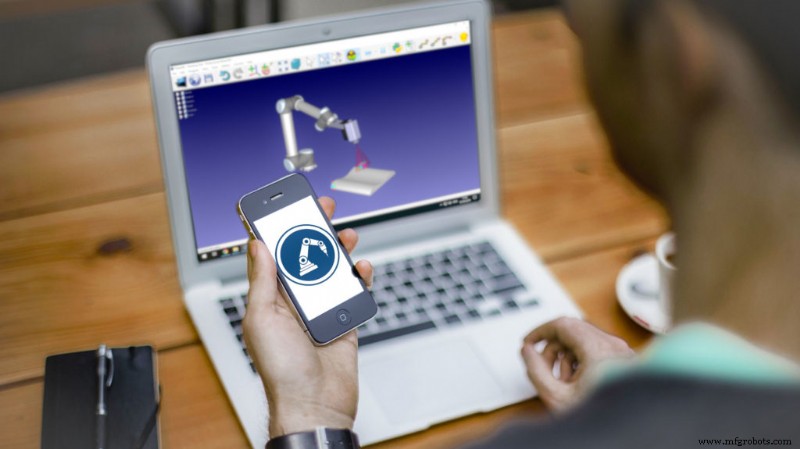
RoboDK for Mobile
Finally, RoboDK for Mobile is targeted at iOS and Android Devices. It offers a highly portable option for using the software on the go and is best suited to larger screen tablet devices.
Benefits of using RoboDK for Mobile include:
- Access to all of RoboDK’s features.
- A multi-touch interface so you can quickly navigate the interface
- Completely portable, so you can program your robot from anywhere.
How the Different Versions of RoboDK Fit Together
The real power of using the different versions of RoboDK comes when you use them together. We recommend you use RoboDK for Desktop as your main robot programming hub.
An example workflow might be:
- You use RoboDK for Web at the very start of your project to quickly compare different robot models for your task.
- You create the initial program within RoboDK for Desktop.
- When you are pitching your developed robot solution to clients or team members, you load it back into RoboDK for Web so they can easily see the simulation in action.
- When you are out on the shop floor, you use RoboDK for Mobile to make quick changes to the robot program.
Your specific workflow will look different from this. But, whatever workflow you choose, the different versions of RoboDK can help you work in the way that makes the most sense to you.
You can download the different versions of RoboDK on our download page
Which version of RoboDK do you think you’ll use most often? Tell us in the comments below or join the discussion on LinkedIn, Twitter, Facebook, Instagram, or in the RoboDK Forum.. Also, check out our extensive video collection and subscribe to the RoboDK YouTube Channel
Industrial robot
- Top 5 Factors to Evaluate When Selecting an Embedded Edge AI Platform for Smart Retail
- Smart Sensor Integration for Robotic Welding: When to Invest
- When to Use Inconel: Choosing the Right Alloy for High-Performance Projects
- RoboDK Unveils Free Web Version, Making Robot Programming Accessible and User‑Friendly
- When to Outsource On-Demand Manufacturing for Optimal Results
- When to Choose Airbending for Press Brake Forming: Boost Efficiency & Save Costs
- When 3D Printing Outshines Traditional Mold Tooling
- Choosing Urethane Casting: Ideal Applications & Benefits
- Guidelines for Selecting Polypropylene Applications
- Unlock Powerful Embedded Robotics with RoboDK – Simple Programming for Modern Systems