



Top 3 Free Circuit Design Tools: Simple, Powerful, No Cost
Engineering software and online resources are often expensive as software equipment necessary for mold making. These resources are often necessary for users to execute projects or just for engineering validation, but the associated costs are prohibitive for many. Here are a few high-quality freeware that you’ll love.
1. Circuit Simulation
PartSim
PartSim is a browser-based circuit simulator through which users can conduct circuit experiments.
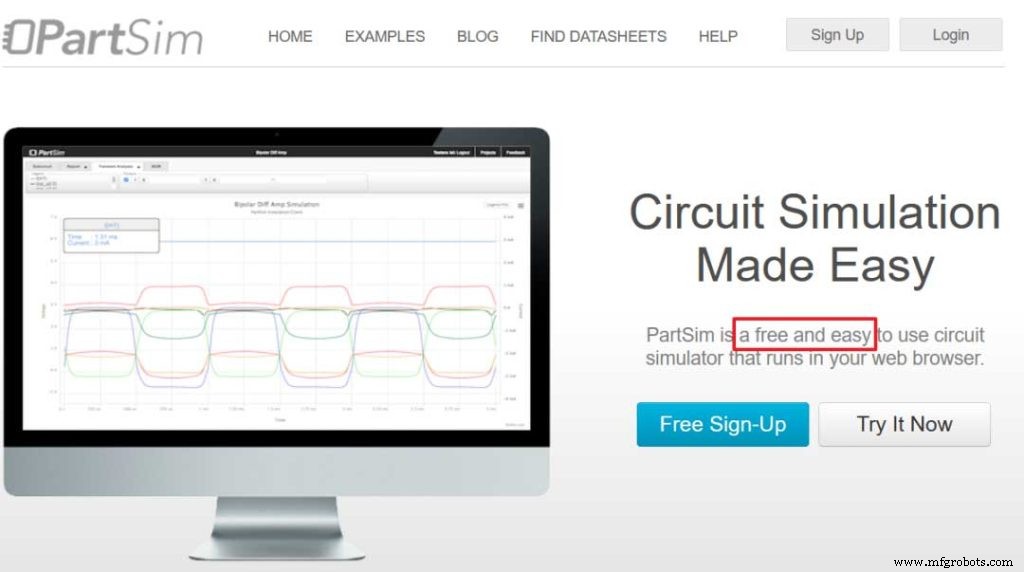
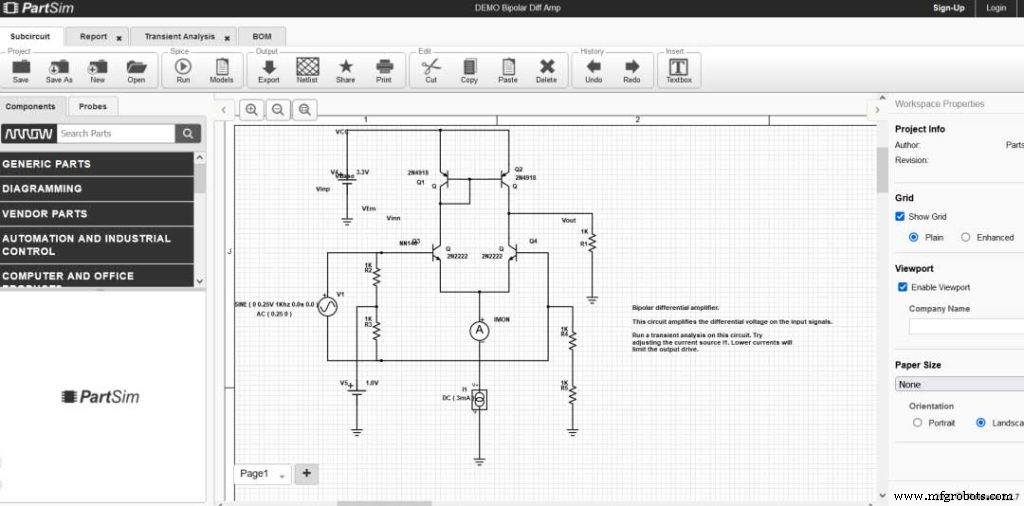
The simulator’s simple layout ensures ease of use, while providing a full SPICE simulation engine, a web-based schematic capture tool, and a graphical oscilloscope to monitor the analog/digital signal levels of the circuit.
The tool also includes a Digi-Key BOM (Bill of Materials) that allows users to assign part numbers to design components and then find distributors.
EasyEDA
EasyEDA aims to “help designers turn ideas into manufactured prototypes faster by providing comprehensive data and collaboration tools for electronic design“. EasyEDA provides free online circuit simulation, PCB design and electronic circuit design functions.
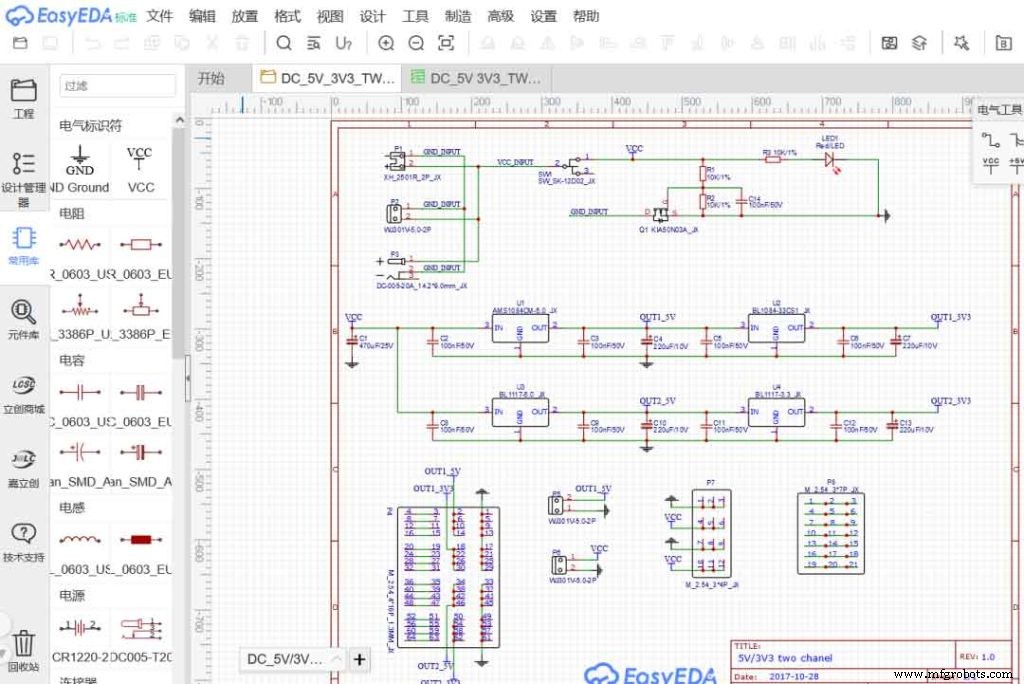
One can access an extensive library of schematic components, PCB footprints and packaging, spice simulations, models and subcircuits to save design time. You can also invite others to collaborate on projects and easily share designs across teams. Standard Edition is free to use and offers unlimited public projects and 2 private projects.
2. PCB Design
DesignSpark PCB
DesignSpark PCB bills itself as the world’s easiest-to-use electronics design software for rapid prototyping and turning your circuit ideas into testable boards faster.
This software has no limit on schematic size, so users have no limit when creating PCB designs. Users can also import and export files in any format they need and are able to create a BOM (Bill of Materials) in the desired format.
While the tool is completely free, it is important to note that users must register on its website to unlock the program, and must confirm the ads displayed before starting to work.
KiCad EDA
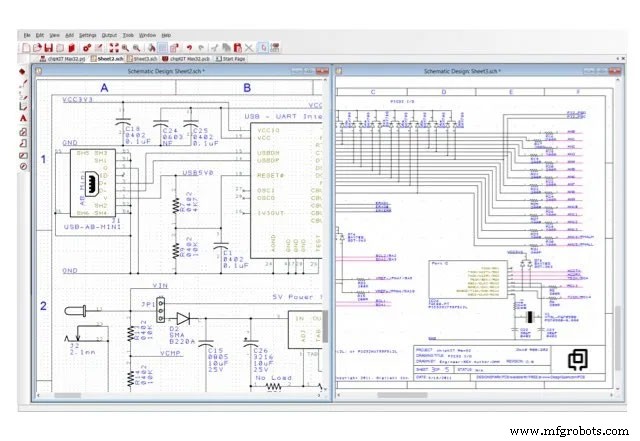
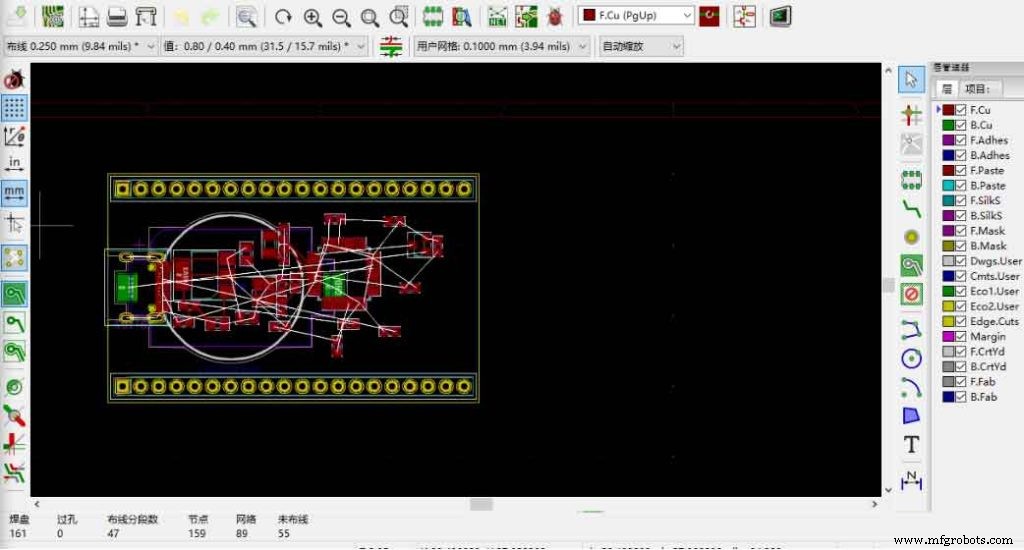
KiCad is a cross-platform open-source electronic design automation suite. The kit consists of 3 different tools: Eeschema (schematic capture), PcbNEW (PCB layout) and 3D Viewer (view board designs in 3D).
The 3D Viewer is a unique tool that rotates and translates your board to see details not visible in 2D.
3. CAD modeling
FreeCAD
FreeCAD is a multi-platform open source parametric 3D modeling tool designed to help users bring design projects to life. This is a universal multi-tool, suitable for different levels of users. FreeCAD is available for beginners, educators or experienced CAD users who want to get involved with 3D printing.

Programmers can also take advantage of Python to “extend the capabilities of FreeCAD, automate with scripts, build their own modules, and even embed FreeCAD into their own applications.“
QCAD
QCAD is a free and open-source 2D CAD application. QCAD is a free, open-source application for two-dimensional (2D) computer-aided drafting (CAD). With QCAD, you can create technical drawings such as architectural plans, interior designs, mechanical parts or schematics and diagrams. QCAD is available for Windows, macOS and Linux.
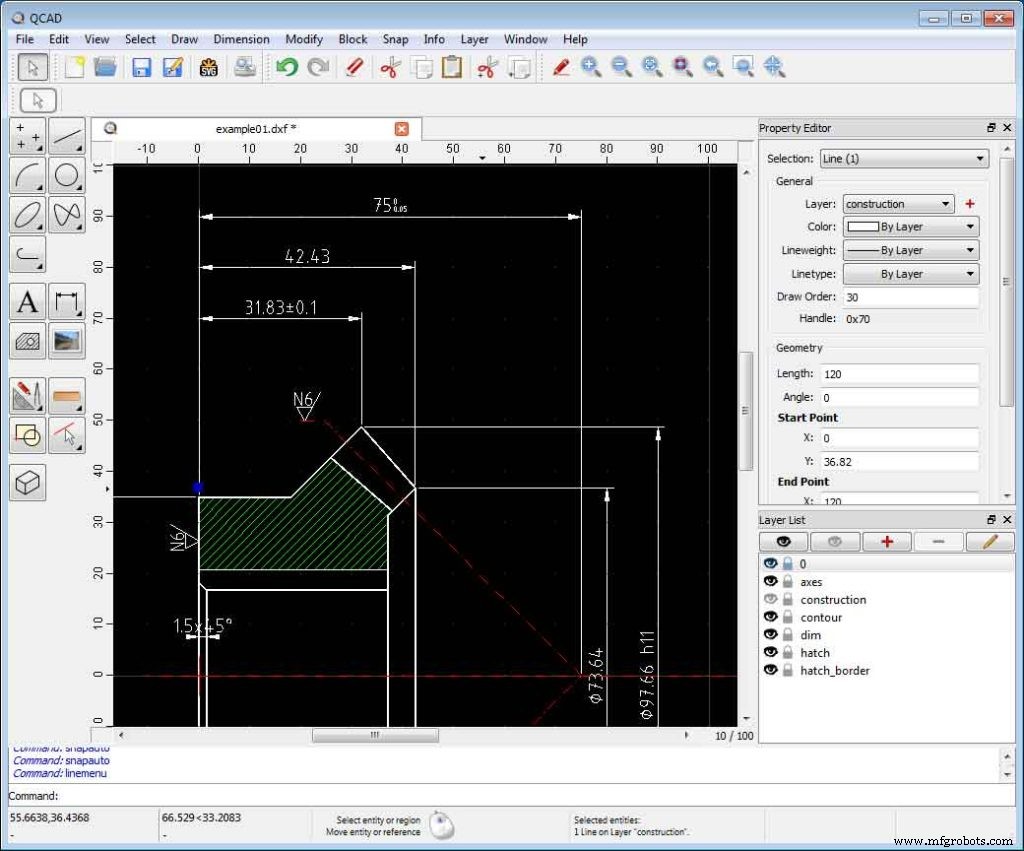
The program’s features are listed below: layers, blocks (grouping), 35 CAD fonts, more than 40 construction tools, more than 20 modification tools, and more. Many users appreciate QCAD’s easy-to-use interface and versatility, giving it high marks.
Summarize
The above is the free circuit design software that JTR shared with you, I hope it can be helpful to you. Of course, if you feel that the process of mold making is too cumbersome, we can also complete the remaining production steps for you, and our quotation will always make your heartbeat. If you want to finish your design but don’t know how to start. Please contact us and we will present your work to you in the shortest possible time.
Industrial Technology
- Crowbar Circuits: How They Protect Against Overvoltage
- Downtime Tracking Software: Boost Manufacturing Efficiency & Cut Costs
- Designing a Reliable PWM Circuit for Precise DC Motor Speed Control
- Top 9 Tips to Optimize Printed Circuit Assembly and Reduce Costs
- Master the Buzzer Circuit: Build, Optimize, and Enhance Your Design
- Top 13 Free Circuit Simulators: Trusted Tools for Accurate Design
- Passive Tone Control Circuits: Design, Applications, and Audio Benefits
- Silicon Circuit Boards: Advantages and Design Tips for Reliable Electronics
- Overcoming Challenges in RF PCB Design: Proven Solutions for Reliable Performance
- Why PCB Assembly Services Need Cutting-Edge Design Software