



Haas M89 Code: Disable Through-Spindle Coolant (TSC) & Manage Pump Settings
Haas M89 Through-Spindle Coolant Off
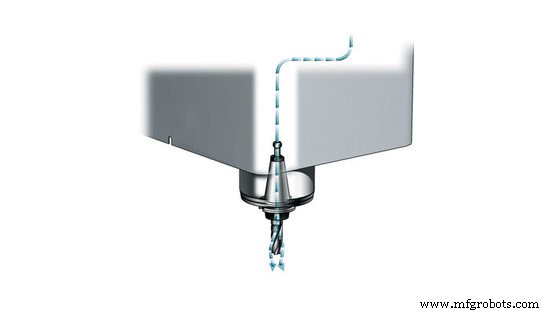
M89 is used to turn off the Through the Spindle Coolant (TSC) option. When M89 is called, the spindle will stop and the TSC pump will shut off. Turns on purge for the amount of time specified in parameter 237 then turns off purge.
Related Haas Settings
Haas Setting 32 Coolant Override
This setting controls how the coolant pump operates. The “Normal” selection allows the operator to turn the pump on and off manually or with M-codes. The “Off” selection will generate an alarm if an attempt is made to turn the coolant on manually or from a program. The “Ignore” selection will ignore all programmed coolant commands, but the pump can be turned on manually. (Haas Setting 32)
Haas M95 Sleep Mode: Program Your Mill for Energy‑Efficient Rest
Activating Through‑Spindle Coolant on Haas Mill: How to Use the M88 Code
CNC Machine
- Haas CNC Mill G Codes: Comprehensive Guide to Preparatory Functions
- Haas Mill Manual for Operators & Programmers – Comprehensive Guide
- Complete Guide to Haas Mill M Codes: Functions, Settings & Usage
- Optimizing Haas CNC Mill Settings: A Complete Operator Guide
- Haas Programmable Coolant Nozzle: Boost Precision and Efficiency in CNC Machining
- Haas Programmable Coolant Nozzle: Tips & Safety Guidelines
- Haas M35: Move Coolant Spigot Up One Position – Mill Manual
- Haas M34: Adjust Coolant Spigot Position Down for Precise Mill Operation
- Haas M95 Sleep Mode: Program Your Mill for Energy‑Efficient Rest
- Activating Through‑Spindle Coolant on Haas Mill: How to Use the M88 Code