



Secure Remote Access & Control for Mitsubishi Industrial Robots
Securely access Mitsubishi collaborative robots with VPN, VNC, and advanced data logging.
Mitsubishi Electric offers a broad portfolio of collaborative industrial robots—ideal for palletizing, inspection, processing, assembly, packing, and more. By extending these robots with edge connectivity and remote capabilities through IXON’s end‑to‑end IoT solution, operators and engineers gain unparalleled flexibility and control.
- Introduction to IXON Cloud: Remote Service and IIoT platform
- What IXON Cloud can offer for Mitsubishi robots
- Edge connectivity for Mitsubishi robots
- How to connect the Mitsubishi robot with IXON Cloud
- Remote VPN access
- Remote control of the Mitsubishi HMI GOT display via VNC
- How to collect and log data from Mitsubishi Robots
- Create a dashboard from robot data
- Set up predictive maintenance alarms for Mitsubishi robots
- Try IXON Cloud 30 days with our Starter Kit
Industrial IoT Platform for Mitsubishi Electric Robots
IXON has engineered a robust Industrial IoT platform that upgrades Mitsubishi MELFA Robots and PLCs with remote access and data capabilities. Using IXON Cloud, you can instantly connect to your horizontal (RH), vertical (RV), working (RP), or smart plus MELFA robots via a secure VPN, no matter where you are in the world.
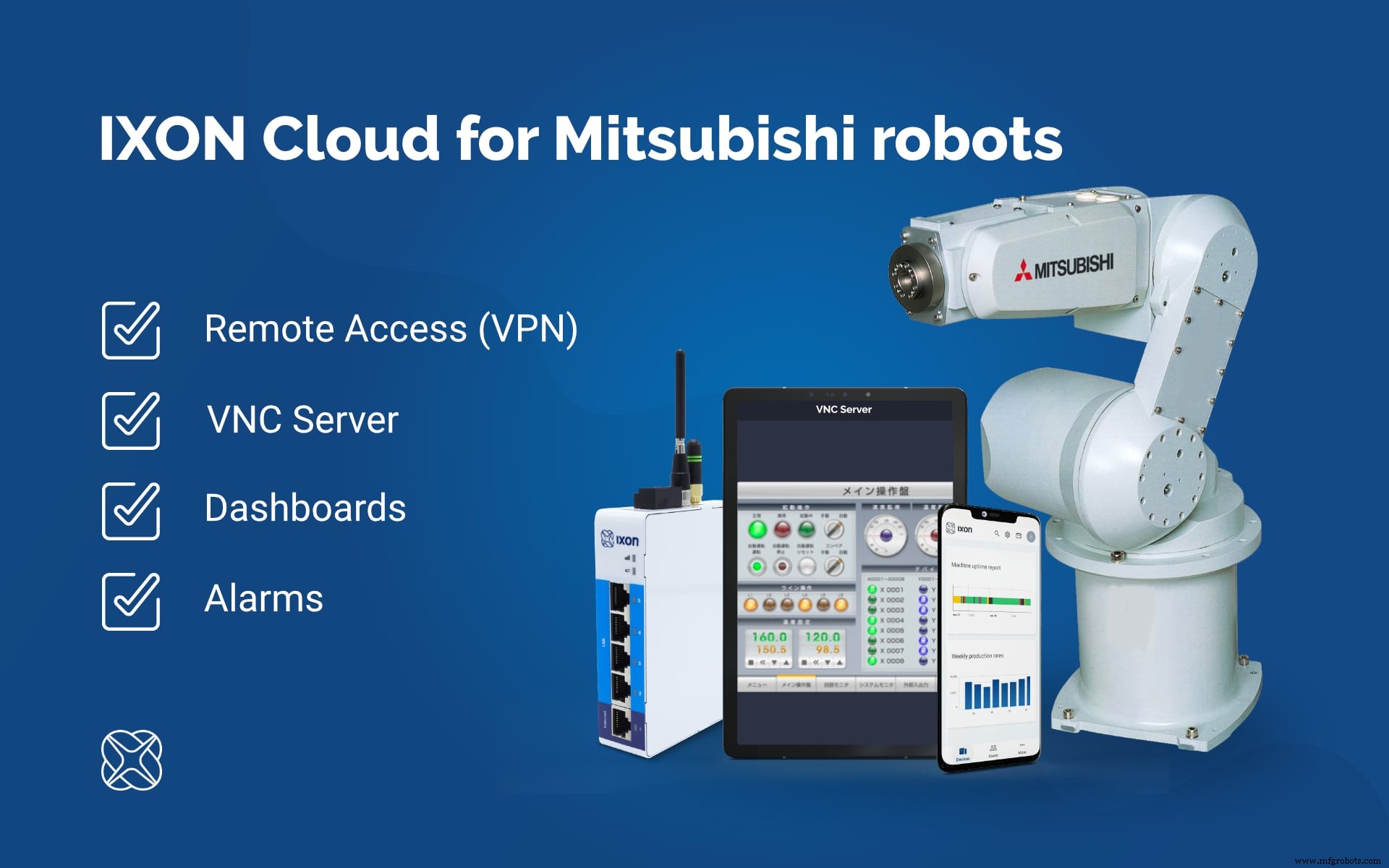
What IXON Cloud Offers Mitsubishi Robotics
IXON Cloud delivers secure, web‑based access to Mitsubishi robots, enabling you to control the robot and its HMI interface from a smartphone or computer. Key benefits include:
- Secure VPN access to the robot controller and remote VNC control of the HMI GOT teach pendant.
- Real‑time dashboards that visualize collected data with graphs, tables, and gauges.
- Proactive notifications for preventive or predictive maintenance via email or mobile push.
- Centralized robot management with granular user permissions.
- Custom app development and third‑party integration through the IXON API.
Connecting your Mitsubishi robot to IXON Cloud is straightforward with the IXrouter—an industrial VPN router optimized for security and ease of use.
Discover more benefits of an IoT platform for industrial robotics here.Edge Connectivity for Mitsubishi Robots
The IXrouter serves as IXON’s edge gateway, fully compatible with Mitsubishi industrial robots. It links the robot to IXON Cloud, enabling remote PLC/controller programming over VPN, VNC control, and data logging.
VNC allows you to view and manipulate the robot’s HMI screen remotely, while the built‑in data collector—leveraging OPC UA and Modbus/TCP—captures valuable statistics and triggers alerts when parameters deviate.
Tip: Try the easiest secure remote access solution for Mitsubishi Robots: IXON Cloud. Request your Starter Kit here.Connecting Mitsubishi Robots to IXON Cloud
Start by creating a free company account on IXON Cloud, then connect your industrial robots using an IXrouter. Each IXrouter features four Ethernet ports for PLCs and robots, plus a WAN port for internet connectivity. Choose from:
- Ethernet only
- Ethernet & 4G Global
- Ethernet & Wi‑Fi
- Ethernet, 4G Global & Wi‑Fi
Every device includes lifetime free VPN/VNC access and support, with optional Cloud Logging and Cloud Notify. After selecting your connectivity method, simply connect your robot(s) and you’re ready to go.
Watch this short video that explains how to connect the IXrouter to IXON Cloud in just three simple steps.
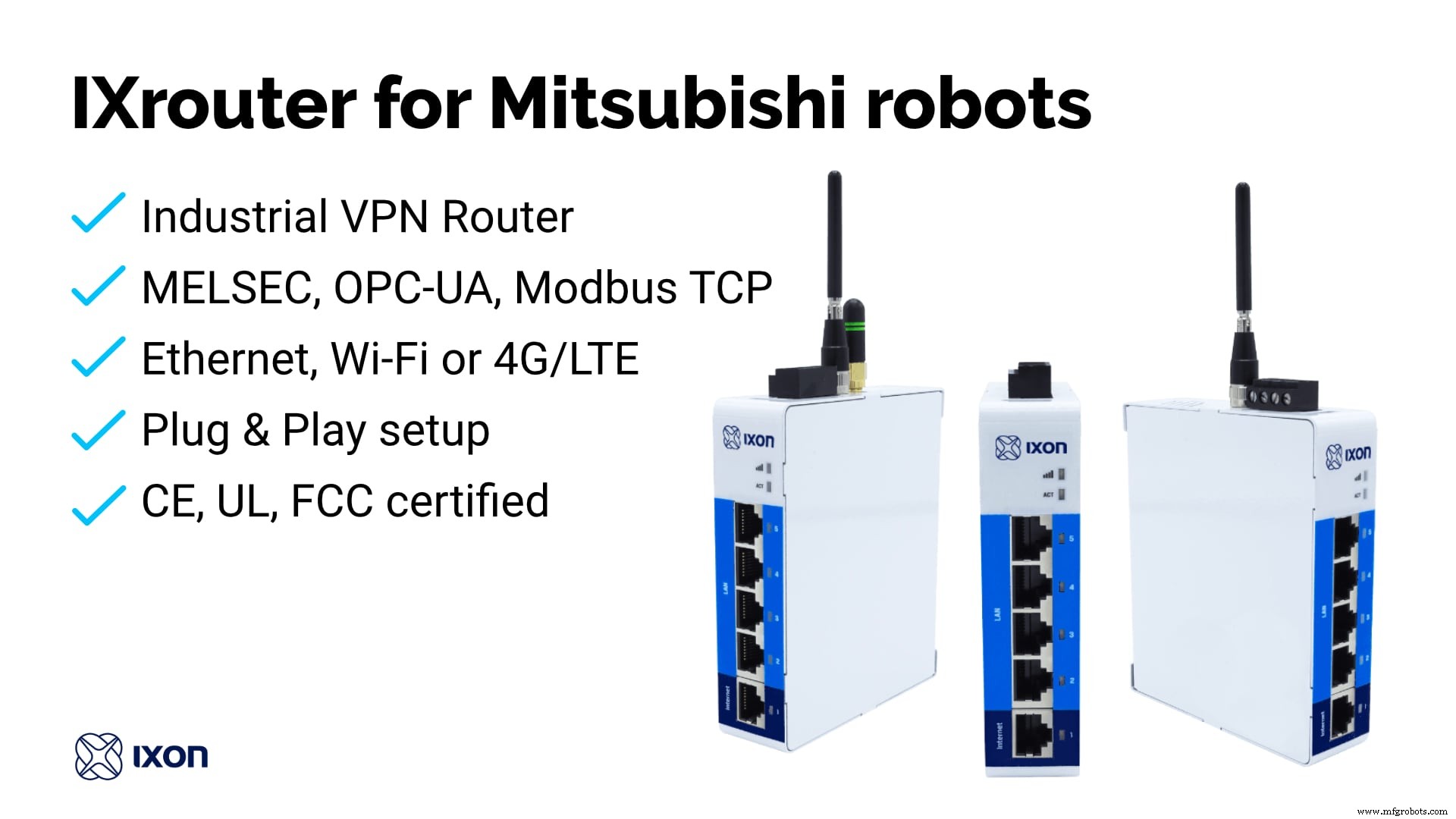
Secure VPN Access to Mitsubishi Robots
Once the IXrouter is activated, log into your IXON Cloud account and establish a secure VPN tunnel to your MELFA robot. Select the device, press the VPN button, and a protected tunnel is created from your workstation, through IXON Cloud, to the robot. This grants full network access for remote PLC troubleshooting, monitoring, and firmware updates.
Remote Control of the Mitsubishi HMI GOT Display via VNC
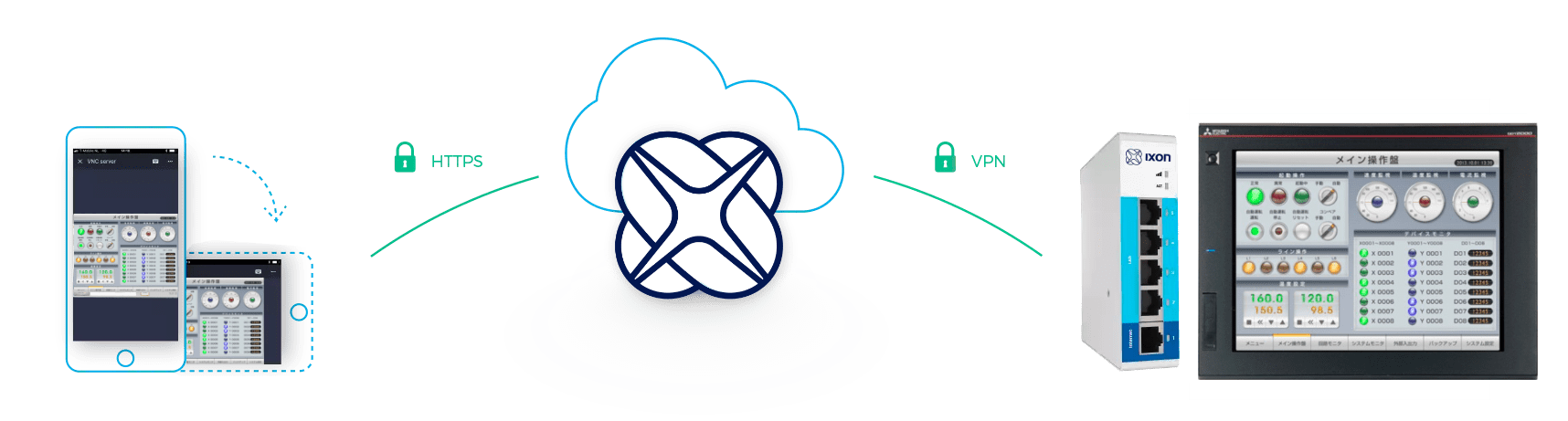
Configure the VNC server on the robot, then use IXON Cloud to take over the HMI GOT panel. From any browser or smartphone app, you can view, configure, and control the robot as if you were physically present.
Collecting and Logging Data from Mitsubishi Robots
Cloud Logging enables you to capture data from your Mitsubishi robot, securely transmit it to IXON Cloud, and visualize it via intuitive dashboards—or use it to trigger cloud‑based alarms. Dashboards are accessible from any device—smartphone, tablet, or PC—connected to the internet.
Data is cached locally on the IXrouter until it can be uploaded, ensuring no loss even during temporary connectivity outages. With typical data volumes, this buffer can span several weeks.
Setting Up Data Collection
Activate Data Logging in your IXON Cloud account. IXON supports MELSEC, OPC UA, and Modbus/TCP protocols. Configure the robot parameters you wish to log and set the logging frequency (interval, change, or custom trigger). The IXrouter monitors these parameters and forwards them to IXON Cloud, where you can create dashboards or trigger alarms.
Creating Dashboards from Robot Data
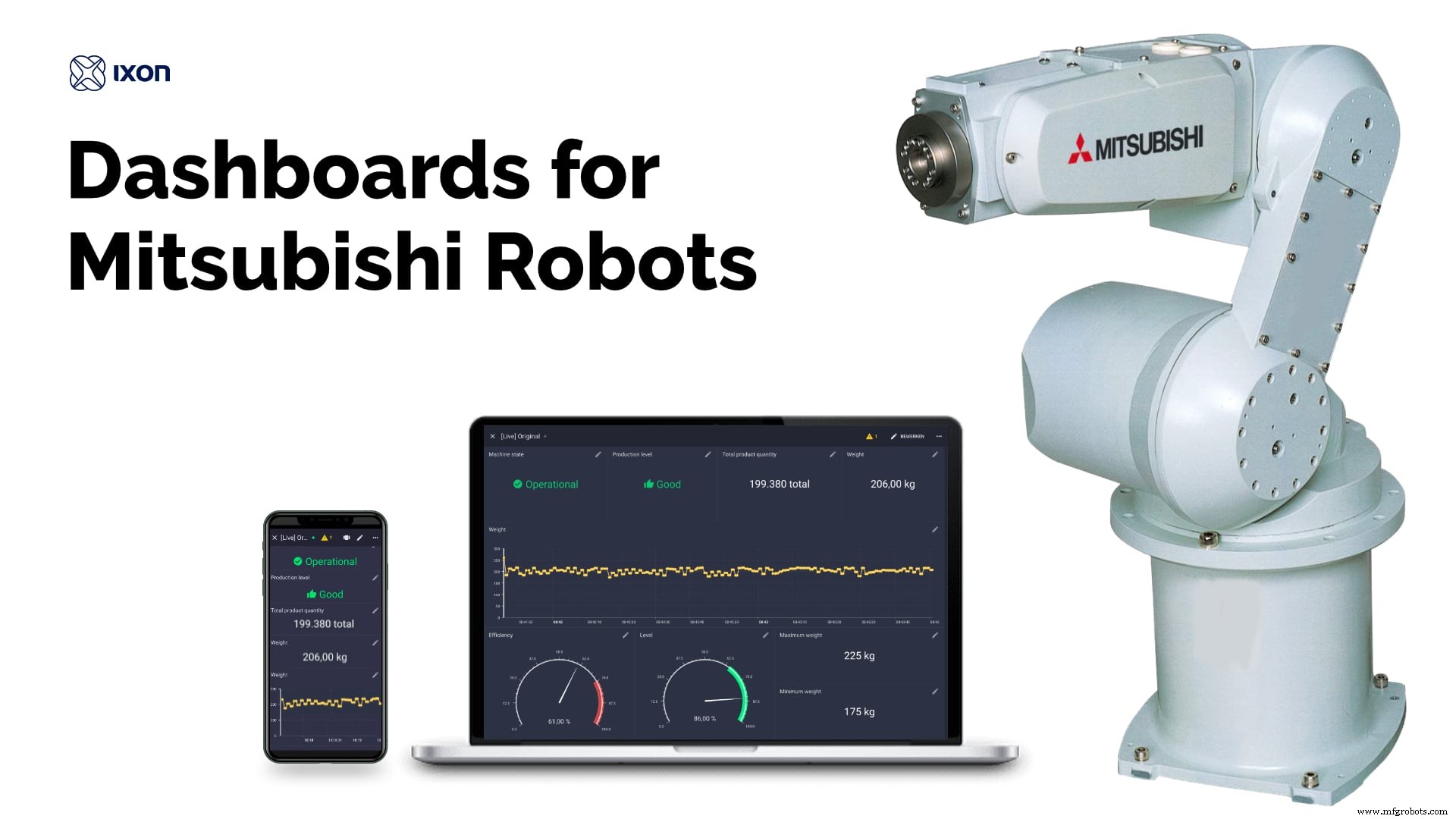
Once data is collected, use IXON Cloud’s drag‑and‑drop editor to build multiple dashboards. Add widgets—gauges, period selectors, tables, graphs—to produce live reports or monitoring screens. Combine robot data with external sources via the IXON API, making the platform truly open and adaptable to any use case.
Predictive Maintenance Alarms for Mitsubishi Robots
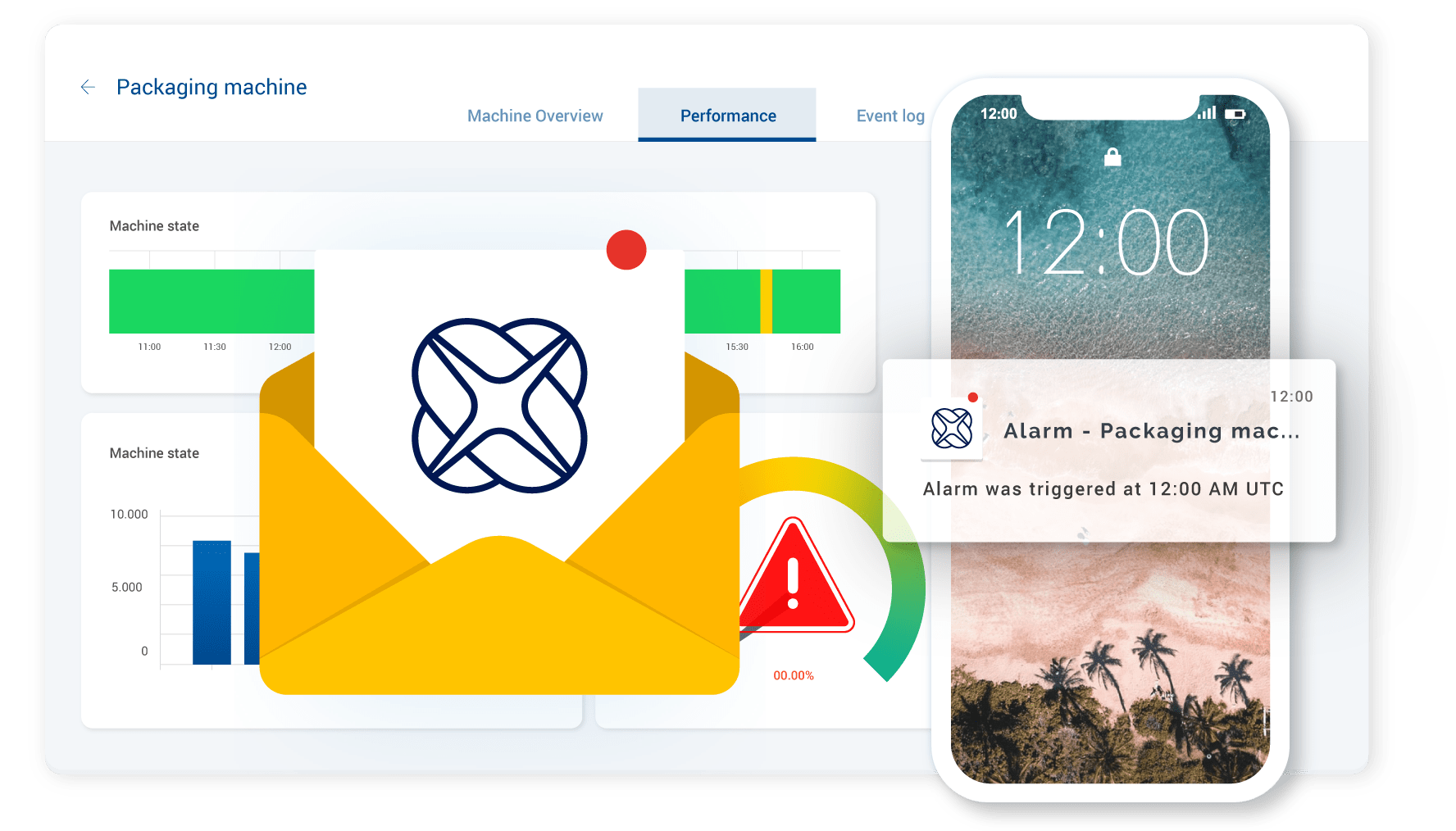
Activate Cloud Notify to create and receive alarms based on robot parameters. For example, trigger an alarm when the program state equals “STOPPED”. In the Cloud Notify section, specify the variable, priority, condition, and operator instructions. Define recipients for push notifications or emails.
Experience IXON Cloud for Remote Maintenance of Mitsubishi Robots
Set up remote access in minutes! Submit your details and we’ll ship a Starter Kit containing the latest IXrouter (Wi‑Fi, Ethernet, and 4G/LTE) and all necessary accessories. Test a complete remote access scenario with your own Mitsubishi robot and discover the convenience of IXON Cloud.
[[Request Starter kit]] or explore the IXON Cloud platform in our Free Product Tour.
You are not the first to connect an industrial robot to IXON Cloud. Our support team is ready to help you get started. Send any questions through our contact page.Internet of Things Technology
- Proven Quality Control Practices for Industrial Metal Finishing
- Renesas Launches RX72T Microcontrollers for Advanced Servo Control in Industrial Robots
- 21 Expert Guides: How to Maximize Industrial Remote Access for Industry 4.0 Success
- Secure Remote Access, Service, and Monitoring for Industrial Robots & Cobots
- Secure Remote Access & Control for Universal Robots via IXON Cloud
- How IoT Boosts Productivity, Longevity, and Maintenance for Industrial Robots
- Secure Remote Access for WAGO PLCs with IXON Cloud
- Maximize Robot Longevity: Expert Preventative Maintenance Strategies
- Revolutionizing Industrial Automation: Advanced 3D Vision Tech for Robots
- Essential Safety Standards for Mobile Industrial Robots