



How to Prevent and Resolve 3D Printer Nozzle Jams
The main causes that create a jam in the extruder are the use of low quality materials, impurities lodged in the filament due to poor storage or use in temperatures outside the range recommended by the manufacturer. To solve this problem we recommend using the following methods:
ColdPull
This method is the simplest and fastest to perform. First the extruder is heated up to the printing temperature of the filament that has clogged the nozzle (for example, PLA 190 ºC). Next, we reduce the temperature until it is close to the glass transition temperature of the material, for the PLA over 90 ºC, and thus get the material solidifying and the impurities that cause the blockage with the filament. Now it is time to pull the filament with one hand and hold the extruder with the other hand. This process must be repeated until the filament is free of impurities.
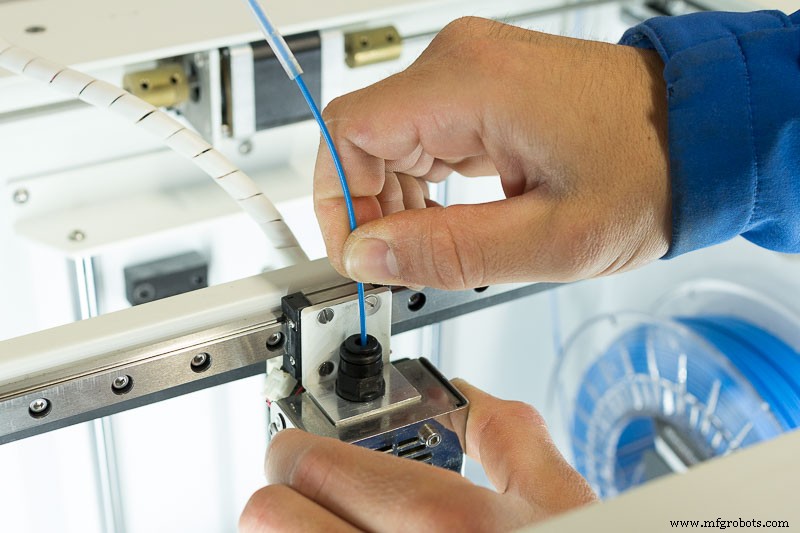
Image 1: ColdPull
Unblocking with precision needles
This method is very effective with medium or low gravity jams. The way to carry out the process is very simple, you just have to heat the HotEnd to the extrusion temperature of the material that caused the jam, introduce the precision needles between 10 mm and 30 mm by the nozzle about 3 or 4 times. Next, check that the jam has been released by actuating the extruder a length of 100 mm. In case of not obtaining a continuous flow, the whole process is carried out again.
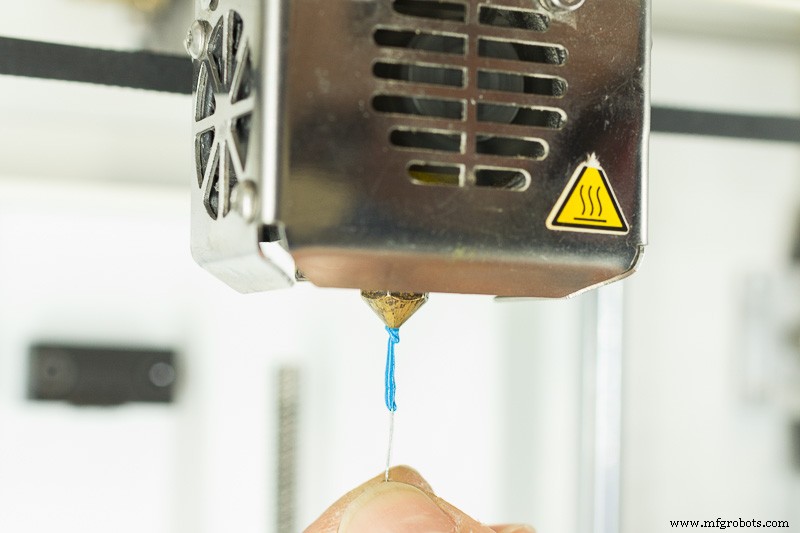
Imagen 2: Unblocking with precision needle
Unblocking with acetone
This method is only effective if the jam has occurred using ABS. Before starting the process you need pure acetone (do not remove nail polish) in a glass jar with a lid. The nozzle is removed from the HotEnd, always with the HotEnd hot to facilitate the process and avoid damage to the components. Once removed the nozzle is introduced into the jar with acetone mentioned above and left in the liquid for 24 hours. After that time, we removed the nozzle from the acetone and we helped, if necessary, a needle or pin to clean the interior of the nozzle, always being careful not to damage the internal walls. Finally, we mount the nozzle again in the HotEnd and check that it is unclogged.
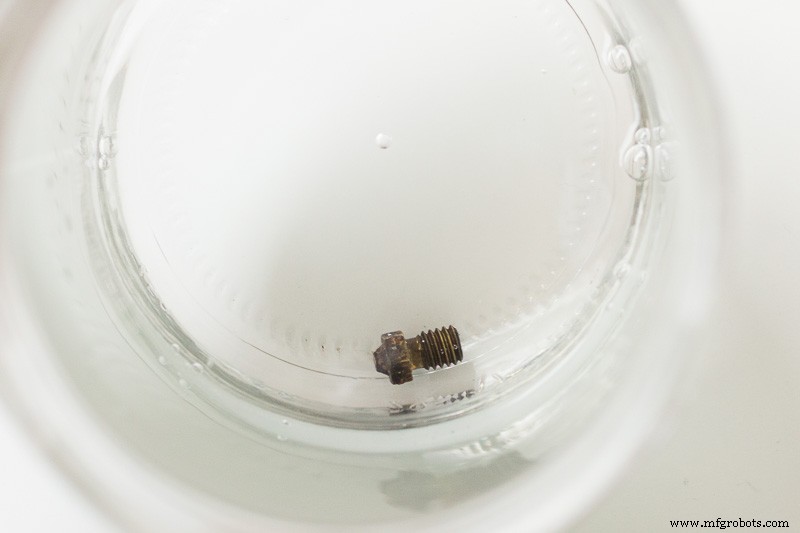
Image 3: Unblocking with acetone
The following video shows how to correctly perform the above techniques and some trick to keep the nozzle totally clean.
Keeping the outside of the nozzle is very simple, simply heat the HotEnd to the glass transition temperature of the material and with a paper, piece of cloth or fine steel wool gently rub the nozzle to remove the remains of material deposited on it.
In case the jam is very serious, the only solution is to change the nozzle with a new one, so it is advisable to always have a spare nozzle.
Tips to avoid jams
To finish this article we want to give some tips to avoid problems, not only with the nozzles, but also with everything related to the 3D printers:
- We recommend always using quality materials, both in filaments and in components. A quality filament avoids many problems of nozzle clogging, since its tolerance of diameter is reliable and the raw material is of quality and uniform. In the components the same thing happens, with a quality nozzle you will get better results and for a longer time.
- Another aspect that affects the dirt of dust that can take a filament once removed from its initial packaging, so we always recommend using filament cleanner, which apart from preventing problems of obstruction, increases the life of the nozzle, which will be further increased with the use of a silicone sock for the HotEnd.
- Last but not least, using a cleaning filament is crucial when making a material change and after using filaments that contain fibers, to eliminate all unwanted remains that could be left of the last material. If you do not perform this cleaning process, the extruder will be full of fibers that will cause a jam in the following 3D prints.
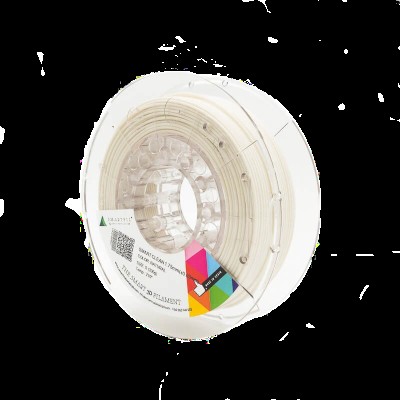 Smart Clean Filament
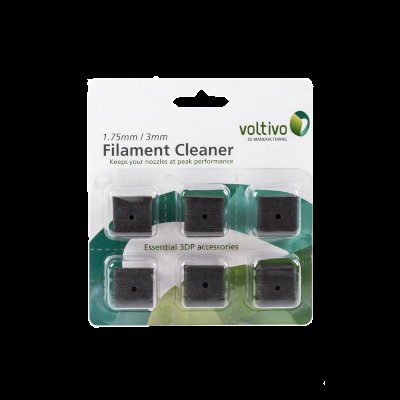 Filament Cleaner
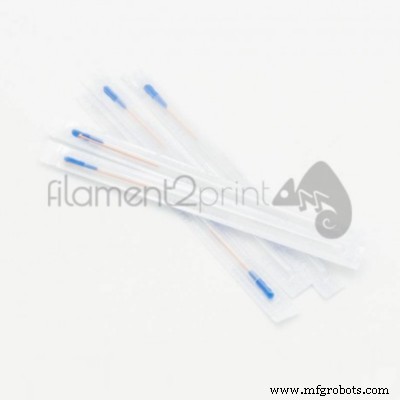 Nozzle cleaning needles
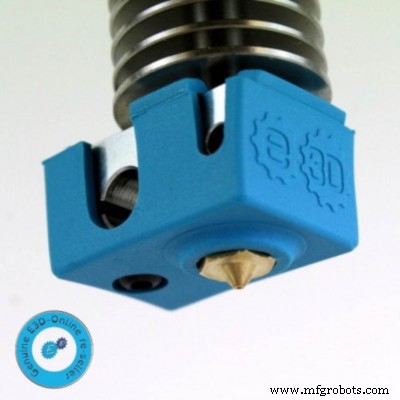 HotEnd silicone sock
Do not forget that keeping 3D printers with the best components and filaments, ensures that all jobs are always of the highest quality.
Do not hesitate to leave your recommendations or questions in the comments.
Related Posts
All about 3D printer nozzles (I): Classification and recommendations
All about 3D printer nozzles (II): When to change the nozzle
3D printing
- Upcoming 3D Printer Models Poised to Transform the Industry
- Voice‑Driven Tech in Manufacturing: Driving Efficiency, Accuracy and Real‑Time Insight
- Ender 3 Nozzle Cleaning: Quick, Easy Unclogging for Reliable Prints
- Fixing Mid‑Print Extrusion Failure in 3D Printers – Quick Troubleshooting Guide
- Fixing a 3D Printer That Won’t Feed Filament: Step-by-Step Guide
- Interchangeable 3D Printer Nozzles: How to Choose the Right One for Your Prints
- Injection Molding in Healthcare: Benefits, Applications, and Industry Insights
- Preventing Extruder Jams: Expert Tips for 3D Printers
- When to Replace Your 3D Printer Nozzle – Expert Guide
- Understanding 3D Printer Nozzles: Types, Uses, and Expert Recommendations