



Master Boolean Searches in E3.series: A Step‑by‑Step Guide
In this article, you can check how to use Boolean expressions to search the different tables that E3.series provides for managing your project. Expressions serve to facilitate and speed up the search for certain terms and conditions. See the full video article and optimize your processes!
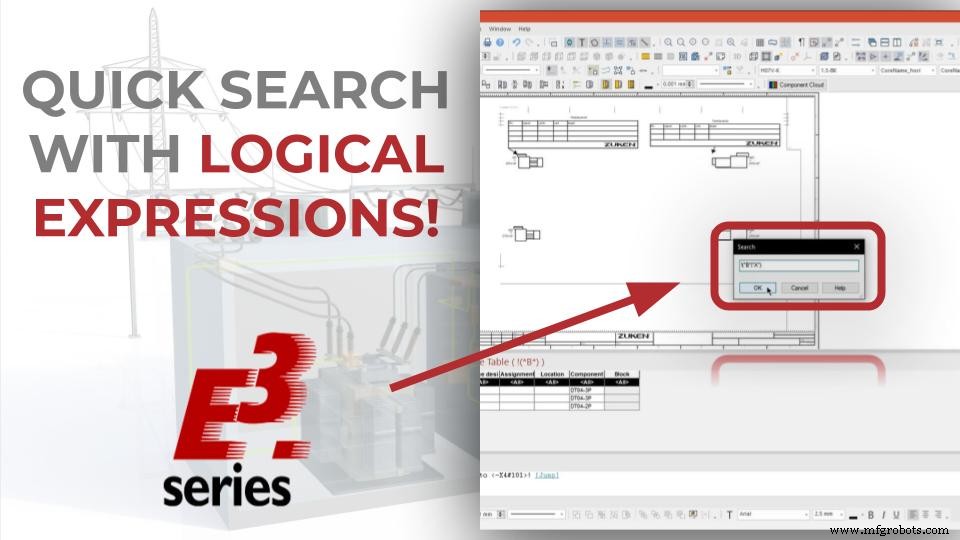
Insertion of Connectors and E3.formboard Features
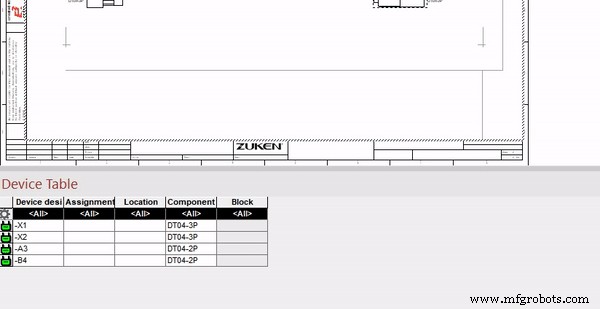
The project starts with the insertion of 4 connectors to a formboard sheet. The chosen connectors are "DT04-3P" and "DT04-2P".
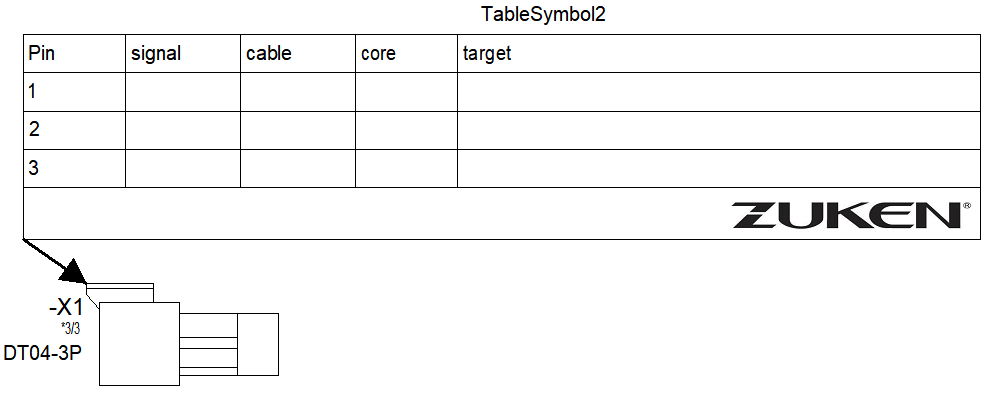
DT04-3P Type Connector Example
When inserting database components, E3.formboard automatically provides a list of available views for each connector and table insertion is automatic.
Try NOW the industry-leading E-CAE E3.series tool in the world with technical training courses!
Click on the banner below
Rename Available Devices and Settings
After adding the connectors, two of them are renamed to further optimize the search example with the logical expressions. The connectors "-X3" and "-X4" are renamed respectively as "-A3" and "-B4".
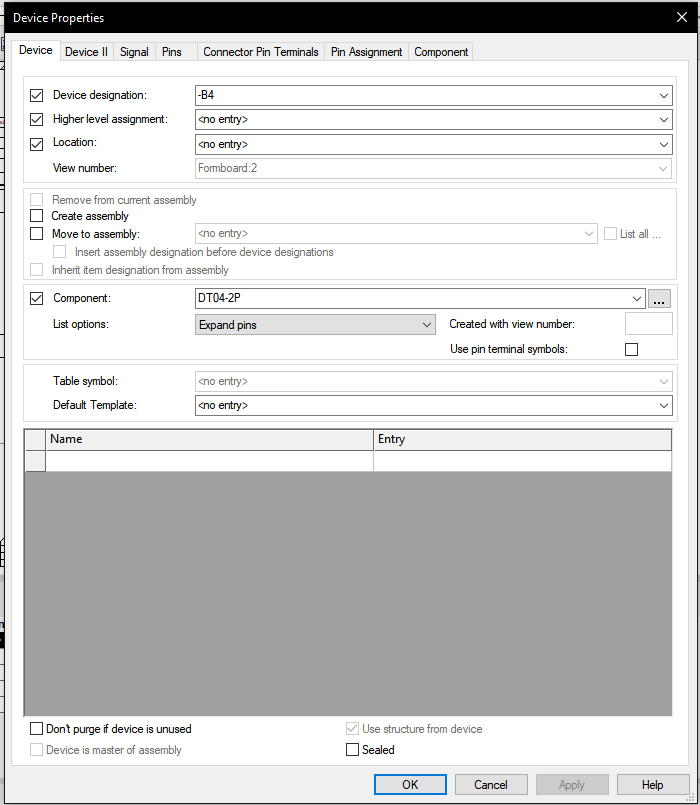
Device Properties window
For this, the "Device Properties" window is accessed by clicking the right mouse button on the devices in the sheet. Then the "Device Designation" field in the "Device" window is used for name change. Some configuration options in this window are:
- Device Designation
- Higher Level Assignment
- Location
Watch the Full Video
Subscribe to our Youtube channel here for more technical videos.
Search with Boolean Expressions
Boolean expression search works on pin tables, device tables, spreadsheet tables, translation tables, and connection tables.
How to Search Using Boolean Expressions in E3.series
This functionality can be used to search multiple terms within a table, which are connected with Boolean expressions, and the following Boolean operations are available:
- logical AND (&);
- logical OR (|);
- denial (!);
- combination of terms in parentheses.
To search a table using Boolean expressions, first open any table. To do this, select the command "View" or "Format" - "Translation Table" in the Main Menu and then a table.
Press the "F7" key or right-click on the gear symbol and select "Search".
Make the E3.series Trial according to your demand using the button below!

Are You a Student?
Download E3.series for free!

Industrial Technology
- Essential Boolean Simplification Rules for Logic Circuit Design
- Leverage AI for Smarter Inventory Management and Unlock $1.1 Trillion in Cash
- Build a Full Connection Table in E3.series 2021 – A Complete Guide
- Streamline E3.series: Master Database Templates for Efficient Component Searches
- Step-by-Step Guide: Wiring Solar Panels & Batteries in Series for a Reliable 24V System
- Harnessing Analytics to Elevate Customer Experience in Manufacturing
- Mastering Industry 4.0: Proven Steps to Future-Proof Your Business
- Beginner’s Guide to Using a 3D Pen: Easy Steps & Tips
- Maximize Production Efficiency with Turnkey PCB Services
- Mastering Metal Lathes: A Beginner’s Step‑by‑Step Guide