



Avoid These 5 Common Electrical Design Mistakes in Classic CAD Tools
You may probably be experiencing these problems and you don't know.
When carrying out engineering projects, it is essential that the appropriate tool is used in order to optimize your work and gain efficiency in your processes.
When carrying out engineering projects, it is essential that the appropriate tool is used in order to optimize your work and gain efficiency in your processes.
When carrying out your electrical projects using a CAD solution, many of your technical needs and documentation demands are not met in an efficient, optimized or reliable way, because of this your work and results end up being harmed over time.
In this positioning, we want to highlight 5 errors or inefficiencies that you are likely to be experiencing and that make your results less profitable.
- Little or No Technical Details
Electrical properties of a wire, for example, are not available. Specifications such as diameter, size and all wiring information are only represented symbolically with colors, texts and markings and do not have integration with the software's intelligence to avoid errors.
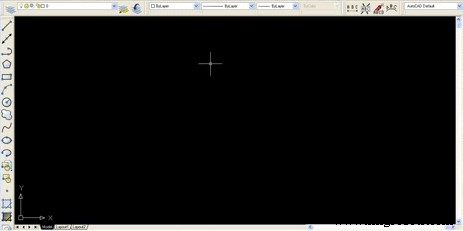
Lack of technical detail when creating a wire in CAD software.
- Long Product Design Time
The use of a CAD system does not allow the elimination or a significant reduction in the amount of test prototypes to be built, thus increasing the production time for a final product.
- Defective Error Detection
Software-oriented error checking, circuit analysis and validation is the most effective solution to reap the benefits of analysis without the added burden.
Due to the lack of internal documentation of various electrical properties of components and devices, error detection becomes ineffective or practically non-existent.
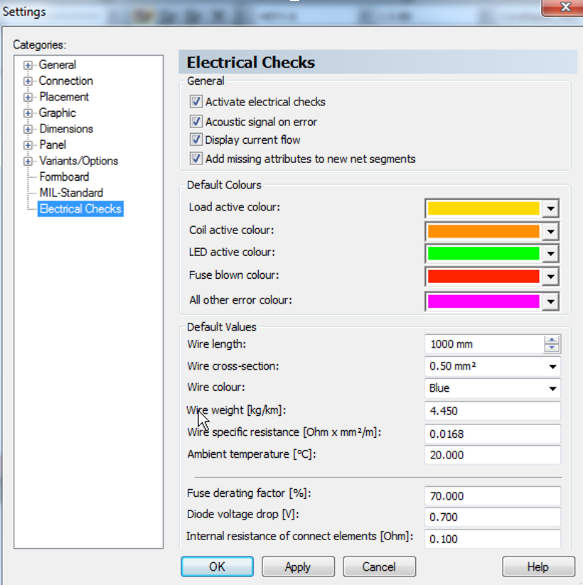
Validations that can be performed with CAE software.
- Low Productivity
The performance of complex calculations in an automated way, such as the length of the wires of the segments of a harness in the computer engineering phase, increases the productivity, because they speed up the process due to the time saving in the punctual definition of each wire. design takes a lot of work and is even more common when using a CAD tool. Therefore, these solutions do not lead to an accelerated design cycle.
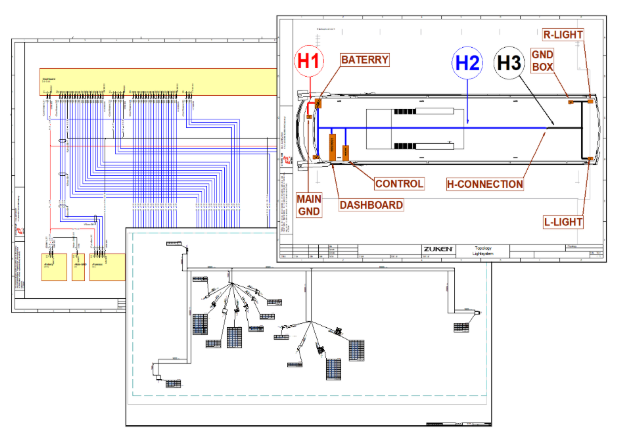
Multiple project sheets in CAE software.
- Lack of Support for Components from Major Market Suppliers
It is unlikely that a CAD tool will provide special attention to your electrical design needs, customizing the component list and providing a comprehensive library in order to optimize your project with an environment for dissemination and sharing between client companies.
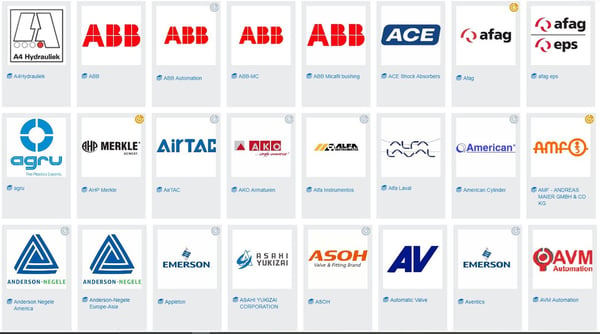
Example of list of Components Dedicated to companies in CAE software.

Industrial Technology
- Design Electrical Panels Efficiently with E3.panel: Fast, Accurate, and Smart
- Why Modern Electrical Projects Need CAE Software—Moving Beyond Legacy CAD
- Three Key Benefits of Using the Ideal CAE Tool for Electrical Panel Projects
- Avoid These 10 Common Electrical Design Software Mistakes
- CAD, CAE, CAM Explained: Key Differences and How They Work Together
- A Comprehensive Overview of the Evolution of Electrical Design
- Reduce PCB Design Errors: Proven Strategies for Faster, Cost‑Effective Production
- Mastering CAD: The Ultimate Guide to Computer-Aided Design
- Know When to Upgrade Your Taps for Optimal Performance
- Master Lattice Design with nTopology: Advanced Additive Manufacturing Solutions