



Design Electrical Panels Efficiently with E3.panel: Fast, Accurate, and Smart
2D or 3D panel design does not need complex MCAD software to be done.
From schematic and panel integration, design rules checks to the automatic interconnection of panel components, an E-CAE tool like E3.panel provides numerous advantages over classic CAD solutions.
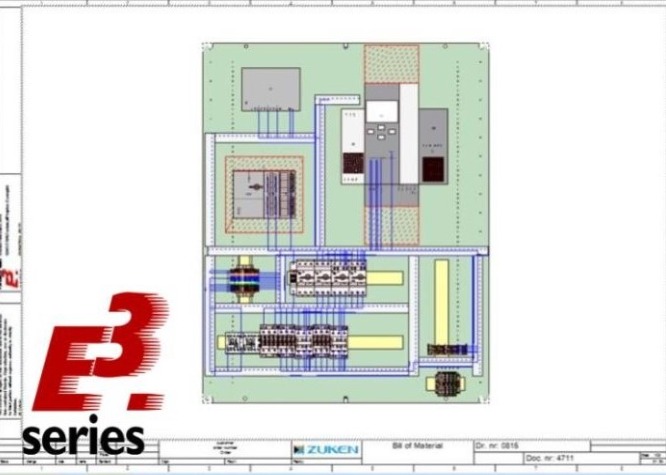
With E3.panel and E3.panel Plus, the creation of panels and switchgear becomes smart, fast and easy.
E3.panel allows full documentation of control panels, while
the integrated design rules checks prevent the occurrence of
errors in the manufacturing phase. E3.panel Plus, on the other hand, is an additional tool for E3.panel which allows automatic routing within the panel.
See an example of creating the basic structure of a panel:

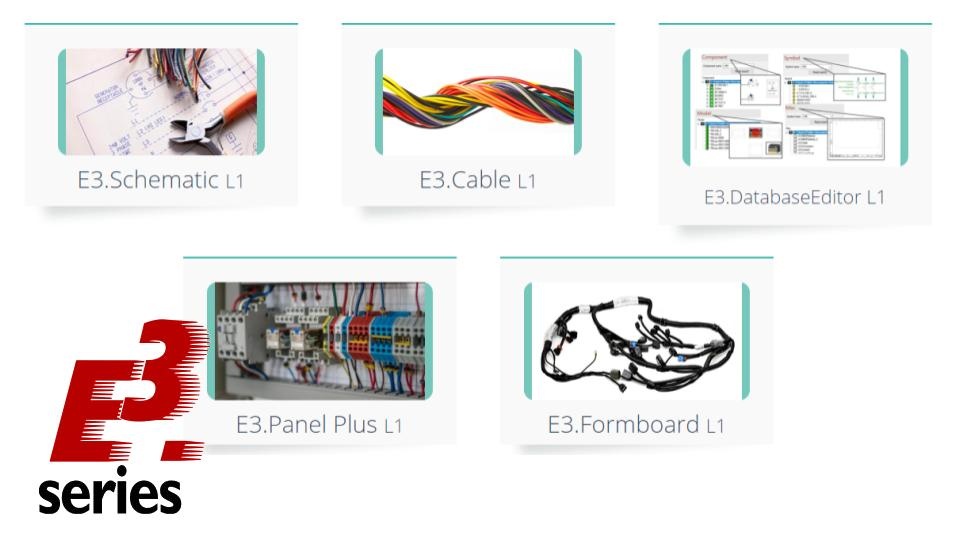
Try NOW the industry-leading E-CAE E3.series tool in the world with technical training courses!
Click on the banner below:
Project Rules Checks
Allocation errors can be prevented with the help of areas that maintain clearance and height restrictions, and mounting rail information makes organizing the panels easier.
In addition, mounting locations are automatically highlighted and snapped, which provides immediate feedback and removes the need to use complex offset commands.
Single-Click Automatic Wiring with E3.panel Plus
E3.Panel Plus generates a spreadsheet with the cable list that shows the wire paths and the length of each cable.
Also, auto-routing can be done with just one click.

Schematic and Panel Integration
Components added to sheets are available in the opposite design space, schematic or panel. Thus, any changes made to the dashboard are reflected in all project views automatically.
Automatic Docking Points
The joining of the panel components is possible through the direct fitting points provided by E3.series:

Manufacturing Project
Design data is extracted from the panel in the form of wire lists, which include path and length information. Also, E3.panel has an interface with various equipment for manufacturing, such as:
- Komax yarn preparation machinery
- Perforex drilling
- Punch tools
- Cutting tools.
2D and 3D creation
Flattened views are selected from the database and dragged onto the design sheet:

Now, see a summary of the main features of E3.panel and E3.panel Plus:
E3.panel
- Integrated panel design and schematic
- Schematic Panel Navigation
- Panel Sheets
- Shared Dashboard Sheets
- Automatic placement of capture
- Detection of conflicts between components
- Avoid risks
- 2D and 3D projects
- 3D placement
- Fluid Control Panels
E3.panel Plus
- Automatic routing
- Shortest Path Algorithm
- Checking the cable tray filling capacity
- DXF output (punching, drilling and cutting detail)
- Support for hoses, tubes and pipes
E3.panel and E3.panel Plus is Recommended for:
- Machine industry
- Factory Processes
- Energy Industries
- Vehicles that need panel cabins
Learn more about this module here.
Use the button below and test the E3.series software!

Industrial Technology
- Why Electrical Safety Matters: Protecting Your Life and Work
- Master Cable Duct Installation in Electrical Panels Using E3.series
- Build Electrical Panels Quickly with CAE E3.series: A Step‑by‑Step Guide
- E3.panel Plus L1 – Master Efficient Electrical Panel Design
- Master E3.series for Industrial Equipment Design: Unified Electrical & Mechanical Engineering
- A Comprehensive Overview of the Evolution of Electrical Design
- Electrical Control Panels: Design Essentials for Safety & ROI
- Professional Spring Cleaning for Electrical Control Panels: Tips & Checklist
- Design-Driven HMI Panels for Safer, More Efficient Machine Operation
- Lower Maintenance Costs with Advanced Gas Panel Solutions