



E3.series Electrical Projects: Fast & Intuitive Symbol Creation for DXF/DWG Export
Creating symbols in E3.series is fast and intuitive. The symbol is graphically created in a project and exported as DXF/DWG for import into the database editor. Pins are added and device designation and master reference texts can be added.
Try NOW the industry-leading E-CAE E3.series tool in the world with technical training courses!
Click on the banner below:
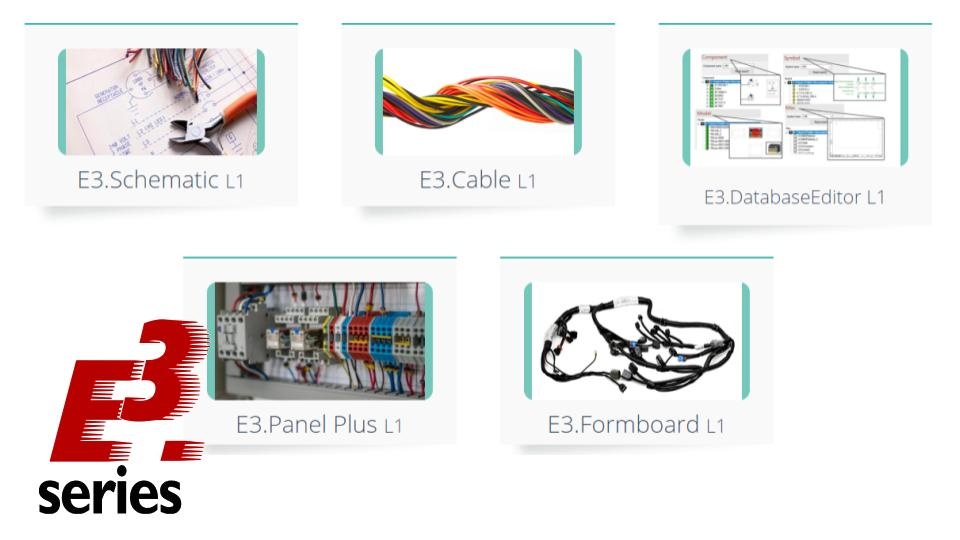
See the full tech tip below:

Subscribe to our Youtube channel here for more technical videos.
To learn more about E3.series use the button below:

Effective Documentation for Cable and Harness Design: Best Practices & Process Guidance
Design Electrical Panels Efficiently with E3.panel: Fast, Accurate, and Smart
Industrial Technology
- Master Block Diagram Design in E3.series: Boost Electrical Project Efficiency
- Create Electrical Panel Variants Quickly with E3.series – Efficient Design Layouts & Custom Documentation
- E3.series 2021: Highlight Panel Connections for Faster Electrical Design
- E3.series Electrical Projects: How to Create a Single‑Line Component View
- Generate Automatic Reports for Electrical Projects in E3.series – Boost Documentation & Efficiency
- Effortless Panel Design in E3.series: Quick Assembly Guide
- Master Cable Creation & Editing in E3.series: A Step-by-Step Guide
- Master Terminal Strip Creation in E3.series for Electrical Projects
- Insert Step Models into E3.series Electrical Projects: A Step-by-Step Guide
- Create Hierarchical Blocks in E3.series Electrical Projects – Easy & Efficient