



Master Cable Creation & Editing in E3.series: A Step-by-Step Guide
In this video, we show how the creation and editing of cables can be easy and intuitive inside E3.series. Cables are created as components of the database editor to later be added to your project sheet. Options such as shielding and twisted pair can be added and are graphically represented. Also, new components can be edited from existing ones and inherit the specifications and characteristics to facilitate and streamline your process.
Try NOW the industry-leading E-CAE E3.series tool in the world with technical training courses!
Click on the banner below:
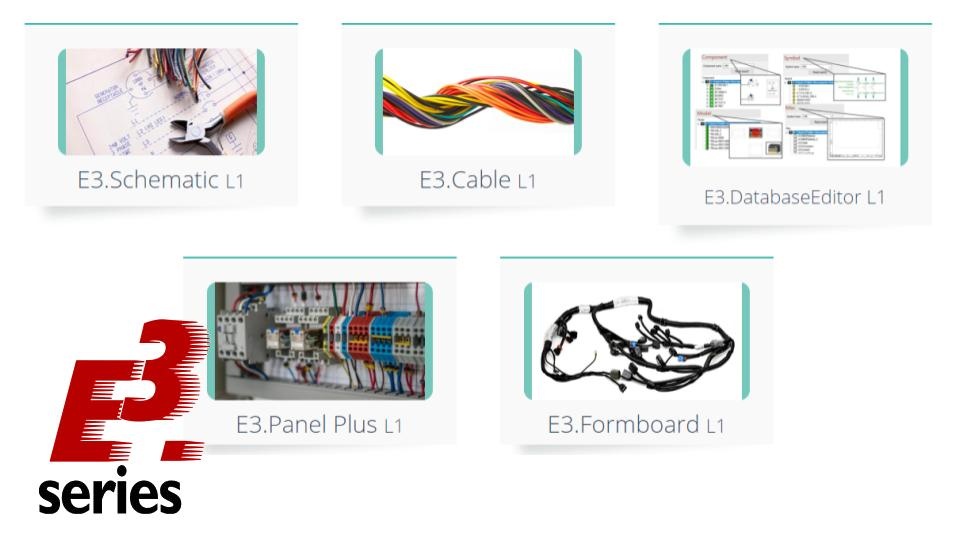
Check out:

To learn more about E3.series, use the button below:

CAD vs CAE: Key Differences & E3.series Advantages
E3.formboard: Complete, Automated Electrical Harness Documentation
Industrial Technology
- Master Block Diagram Design in E3.series: Boost Electrical Project Efficiency
- Create Electrical Panel Variants Quickly with E3.series – Efficient Design Layouts & Custom Documentation
- E3.series 2021: Highlight Panel Connections for Faster Electrical Design
- E3.series Electrical Projects: How to Create a Single‑Line Component View
- Generate Automatic Reports for Electrical Projects in E3.series – Boost Documentation & Efficiency
- E3.series Electrical Projects: Fast & Intuitive Symbol Creation for DXF/DWG Export
- Effortless Panel Design in E3.series: Quick Assembly Guide
- Master Terminal Strip Creation in E3.series for Electrical Projects
- Insert Step Models into E3.series Electrical Projects: A Step-by-Step Guide
- Create Hierarchical Blocks in E3.series Electrical Projects – Easy & Efficient