



Optimize Machine Setup with Fusion 360 Probing: Save Time & Resources
This brief overview and video series cover probing in Fusion 360 and how it makes machine setup quicker before jobs.
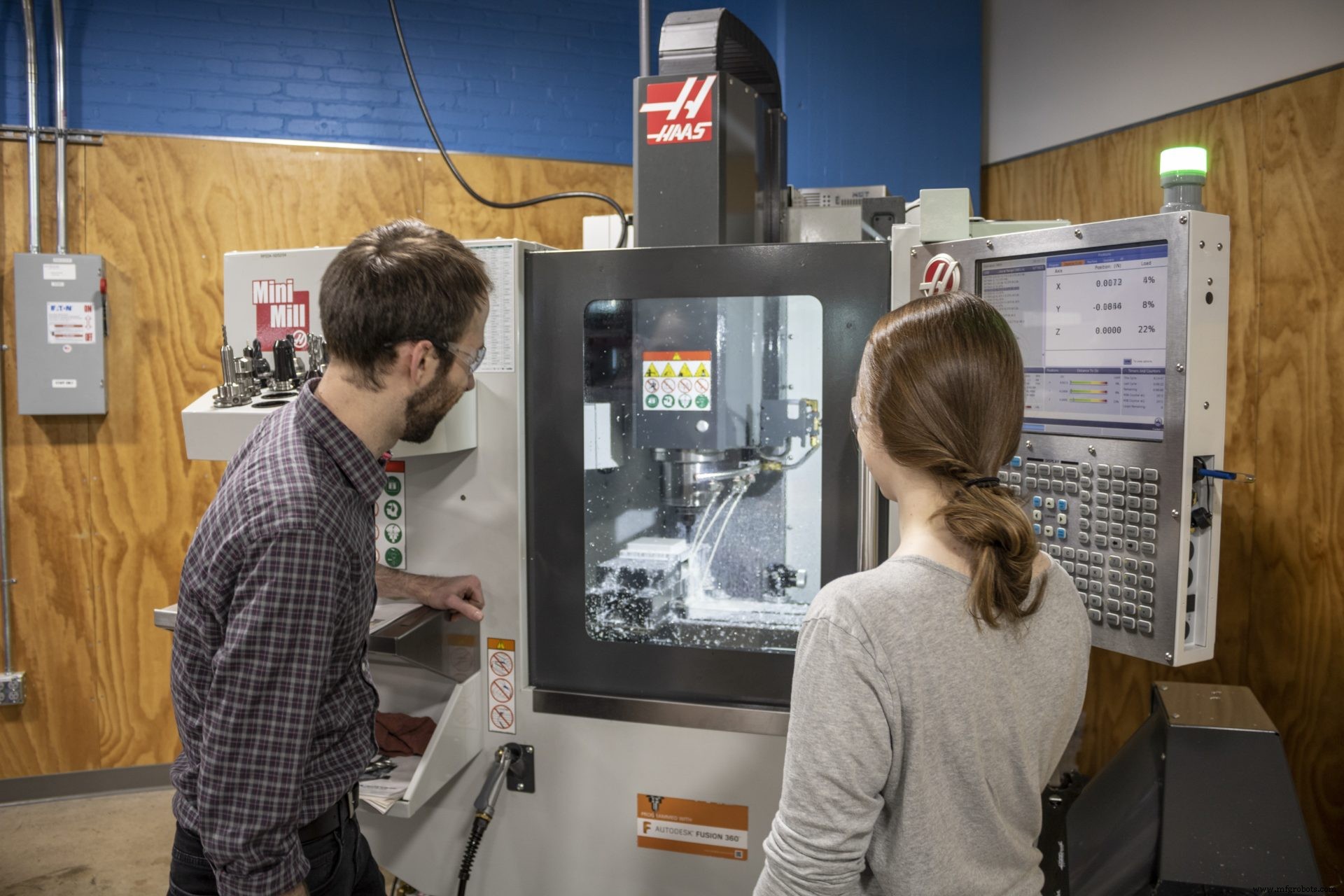
Enhancing workflows with effective software platforms is crucial to increasing productivity, especially when machining projects. These projects often take time, which is why computer-aided manufacturing (CAM) has become commonplace among many modern-day machinists. Autodesk Fusion 360 and its CAM software offer easy-to-use programming that saves time and money.
Sometimes, even during the smallest of projects, machine setup is limited. Fusion 360, however, optimizes setup by combining model intelligence and probing cycles to increase reliability and improve part accuracy.
What is probing, and how can it help with setup?
Most computer numerical control (CNC) machines have a touch probe system. The probe can gather measurements inside a cutting area to confirm feature locations. A probe is a stylus of sorts that touches the part, travels a specified distance (pre-travel), and then provides a signal. Probing cycles trigger an alarm or shift the coordinate system when a part gets loaded incorrectly.
Manual part setup is expensive, requires skilled specialists, and can significantly add to the machine’s setup time. Probing offers a faster, more affordable, and accurate option.
Other machine probing benefits include:
- Reduced rework rates
- Quick detection of machining errors
- Automatic compensation for tool wear
- Inspection of parts throughout the machining process
Understanidng probing cycles
Probing cycles locate stock accurately in the machine without the need for manual probing every cycle. Machinists can now set the clearance and over-travel to set the allowable location error before the machine alarms. In this instance, the operator can swap stock quickly without wasting time trying to find new stock. Machinists can also probe between features to tighten tolerances without increasing tolerances across the entire part.
Those familiar with Fusion 360 will benefit from enabled tool orientation probing and multi-access programs. Probing cycles in Fusion 360 shorten setup time while increasing process reliability and part accuracy.
Mastering WCS probing
For those looking to learn more about how to utilize probing, Fusion 360 provides an informative video series that includes:
- WCS Probing Overview
- WCS Stock Probing
- Understanding the Code Behind Probing
- Probing Previously Machined Features
- Other WCS Probing Cycles
You can also learn more in this video:
Try WCS probing in Fusion 360 to enhance your next project without sacrificing time, productivity, or materials.

Industrial Technology
- Step‑by‑Step Guide to Machining a Steering Wheel with Fusion 360
- Mastering Spider Plate Machining with Fusion 360: A Detailed Tutorial
- Mastering Wheel Hub Machining in Fusion 360: A Practical Guide
- Mill a Hemisphere in Fusion 360: A Complete, Professional Guide
- Blaise Barrette: Fusion 360's Renaissance Innovator
- Fusion 360 CNC Guide: How to Machine a Chess Piece
- Fusion 360: Driving Innovation in the Fourth Industrial Revolution
- Master Fusion 360’s Machine Builder: Build Custom Machines for Simulation
- Master Autodesk Fusion 360 Machine Simulation: From Preview to Production
- Master Fusion 360 on a Haas Machine: Expert Tips – Part 1