



USB PCB Design: Mastering Common Troubleshooting
Are you using USB connectors the right way? Like all other hardware, USB connectors are also prone to issues. Know about the different USB PCB problems. Create an efficient and high-performance design. Or work without hiccups.
Today, we will find out all about USB PCB problems and how they affect your project. Know the different aspects of USB PCB and solutions that you can use to overcome the problems. We will also list solutions to the issues so that you don’t need to look anywhere else for answers.
What are Electronics?
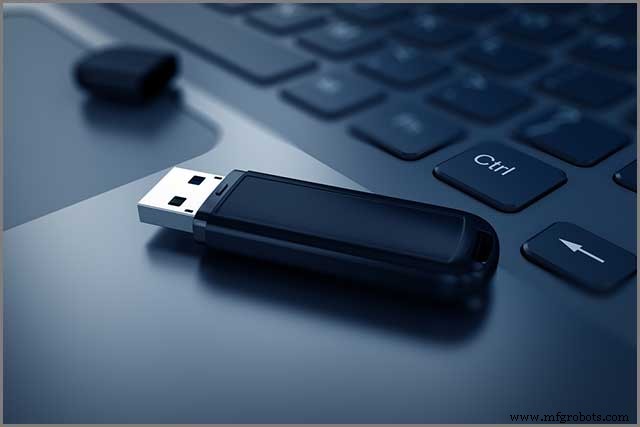
USB or Universal Serial Bus is a popular connector found in electronic devices. You can find them everywhere. Find them on computers, printers, pen drives, mobile phones, or even digital cameras. All the devices have a USB connector. It helps establish a connection with other accessories like computers and peripherals.
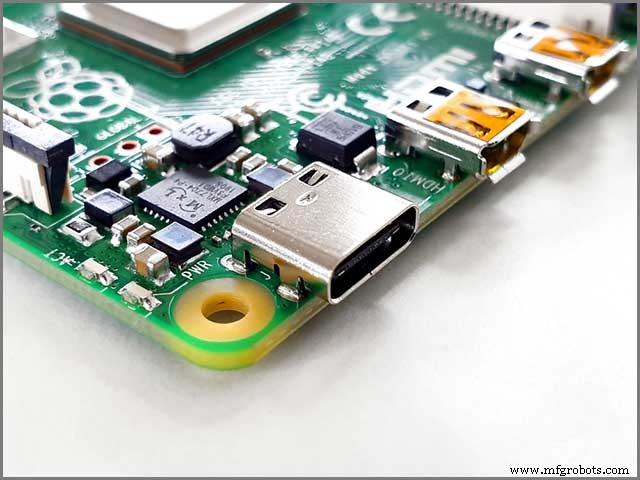
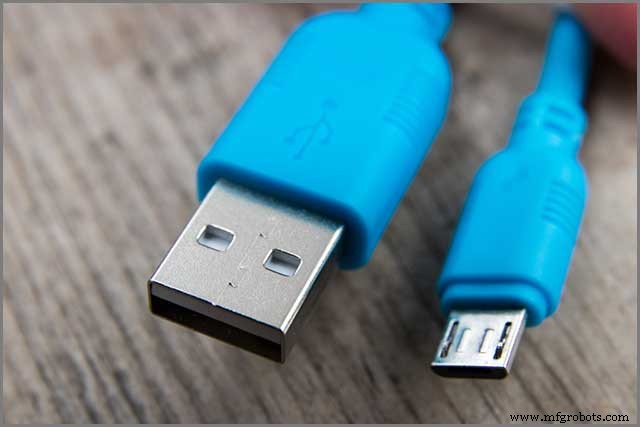
You can find different connectors like USB-A, USB-B, and USB-C based on the versions of USB. Connectors also come in male and female genders to ensure accurate connections. You will find the USB connectors fixed on the board or PCB of the device. It helps to form a connection between boards or devices.
Components of USB PCB Connectors
USB PCB connectors can have different components that include-
Contacts:
All USB PCB connectors come with a minimum of four contacts. Some connectors like USB 3.0 features five or more contacts to create a connection. The contacts include ground, power, and two data lines. USB connectors can transmit 5Volts, up to a maximum of 500mA.
You will find the contacts over a plastic bar.
Shielding:
USB PCB connectors can perform in environments that involve a lot of electrical noise. The shielding is of metal covering, which doesn’t form part of the electrical circuit.
Terminations:
USB PCB connectors may have pins or terminations at their bottom. It helps to fix them to the PCB without any trouble. Manufacturers use various methods like soldering to fix the pins to the board.
What USB PCB Thickness should You Use?
You will need to choose the right thickness of the USB PCB board to ensure smooth functioning. The standard PCB thickness of 1.6mm will work fine for most cases. However, a 2 mm thickness can be better for some applications.
Want to save the costs of a 2mm board? You can design the backside to accommodate additional shims to increase the thickness. Remember that the theoretical height of the plug to the contact from the outer shield is 2.235mm.
Types of USB PCB Connectors You can Choose From
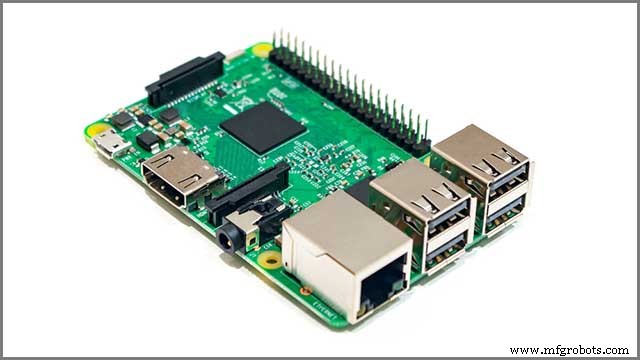
A wide range of USB PCB connectors is available to suit various applications. Some of the common types of connectors include-
Vertical Mount Plug
You will find vertical mount USB PCB connectors made to fix them to a PCB vertically. You can mount these vertical plugs through various methods like through-hole or soldering. These plugs are ideal for cradle mounting applications. You can use them for charging multiple devices like smartphones and computers.
Vertical Through Hole
These connectors have a vertical orientation, just like vertical mount plugs. The terminations of the USB connectors pass through the plated thru holes of the PCB before fixing. Vertical through-hole connectors offer a narrow footprint for space-restricted applications.
Mid-Mount
Mid-Mount PCB connectors are suitable for low-profile consumer electronics. You find them useful when you are concerned about the height over and below the PCB. You can mount the connectors in the middle portion of the PCB using surface mount or through-hole method.
Top Mount
You can fasten the top mount USB connectors using the terminating leads on the top side of the PCB. Generally, you find the Top mount connectors onto the contact pads.
Bottom Mount
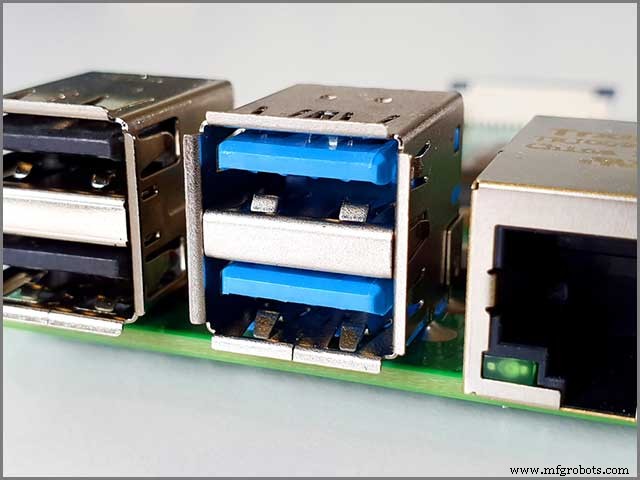
You will find that the bottom mount USB connectors are fixed to the bottom side of the PCB. These mainly use surface mount technology.
Micro Connectors on USB PCB- Can they Create Problems?
Sometimes you may need to mount USB micro connectors on your PCB. These connectors can be prone to weakness as you continually plug in and plug out cables or devices. With time, they may become loose or get wholly detached from the PCB. You can take the following measures to resolve the problem-
- Use the mid-mount or through-hole method for extra mechanical strength
- Take help of a plug that you can place flat on the PCB
- Use neutral cure silicon rubber or molten glue to add additional support
What Makes a PCB Layout Stop Working?
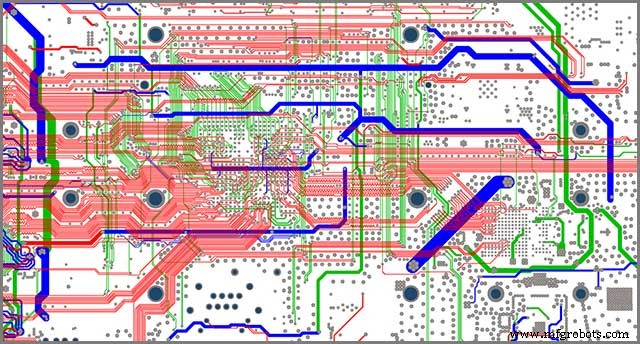
The design and layout of your USB PCB should be accurate and errorless for it to function smoothly. Various mistakes in the layout can give rise to complications and cause malfunctions and issues.
Incorrect landing patterns:
Mistakes are common while drawing a landing pattern. You may get the pin-pin spacing wrong making it difficult to solder the part on your board. Try to use the components in the library of your designing software to prevent such problems.
Incorrect location of decoupling capacitors:
Improper placement of decoupling capacitors may also cause issues. Make sure the capacitors are placed on the power supply rail. They should also be closer to the pin receiving the voltage.
Insufficient power trace width:
Your traces need to have the proper width to carry the signal or power successfully. If you get your trace widths wrong, then your whole application can suffer. Always stick to the minimum required widths and use a trace width calculator for correct measurements.
Common Problems of USB PCB
In this section, we will take a look at some common USB PCB problems and their solutions.
1. Faulty USB PCB Ports
Your USB PCB can cause errors or malfunction if you have a defective USB port. First, you need to determine whether the problem is with the port or the device. Plugin your device into another USB port and check if it works. If it does, then you can be sure that the USB port is out of order. If your device still doesn’t work, then it’s not the fault of the USB port.
You can try the following-
- Check and clean if any dirt has accumulated on the USB port.
- Do a physical check to see if the port is loose or broken.
- Restart your computer/laptop and see if the port works
- Check your device manager and uninstall the USB Host Controller.
- Replace USB port if everything else fails
2. Software Configuration Problems of USB PCB
Invalid software or operating system may also cause USB PCBs not to work. The problem may arise after you have changed your computer settings or installed a new operating system. You can follow the steps below to resolve the issue-
- Check the settings in Device Manager, Control Panel, or the main setup.
- Ensure you have the proper drivers installed
- Run a virus scan to check if your computer is healthy
3. Hardware Problems
Sometimes, your USB PCB problems can result from hardware failure or malfunctions. Your USB card can come loose from the expansion slots, or the slots can fail themselves. Some wires connecting the USB port to the motherboard may also become loose or detached. You may also encounter a defunct USB controller or ports.
Here’s what you need to do-
- Check your ports and connectors for dust and dirt.
- Run a physical check to determine if any wire or components are loose
- Replace faulty expansion slots, cables, or ports
4. Parts From Before
Your USB PCB may not work if you have previously connected a faulty device. Sometimes, rapid connection and disconnection of appliances can also cause the ports not to work. To address the issue-
- Shut down and restart your computer again
- Reconnect your device and scan for hardware changes
- Reset the USB Controller
5. Wrong Type of Extension Cable for USB PCB
Using the wrong type of USB extension cables may result in a USB PCB malfunction. That can happen when you use high-speed accessories with low-speed cables. Do the following-
- Choose the right USB extension cable.
- Check for USB type (A, B, C) to choose the proper cable.
- Read the user manual of your device for suitable cable types.
Conclusion
We have discussed the most common problems. Don’t worry about USB PCBs problems while using, designing, or manufacturing. You can avoid most of these problems by adopting a careful approach. Double-check to make sure you are committing no mistakes. It’s also equally important to ensure that your USB connectors are of high quality. You need a durable material for maximum performance and safety. Get your USB PCB components from a reliable manufacturer so that you can get complete peace of mind.
We can help you with high-standard USB PCB connectors with precision and quality.
Industrial Technology
- Essential Azure Platform Tools for Modern Cloud Success
- Top 5 AWS Tools Every Cloud Professional Needs
- How 5G is Transforming Smart Factories into High‑Performance Powerhouses
- Five Key Ways IoT is Transforming Manufacturing
- AI is Reshaping SOCs: Tackling Talent Shortages and the Surge of Cyber Threats
- How IoT Drives Transformational Change in Freight Logistics
- Transform Manufacturing Workflows with Innovative Mobile Apps
- Everything You Need to Know About USB‑C: Features, Pinouts & Power Delivery
- USB Pinout Explained: A Comprehensive Beginner’s Guide
- How Industry 4.0 Will Transform Manufacturing: Key Impacts & Opportunities