



Connect Node-RED to PLCnext Controllers with the New REST API Connector
There is a new package available for Node-RED that enables the user to communicate with the PLCnext controller via the REST api. The name of the package is node-red-plc-next-connector. It can be installed via the “Managa palette” menu in Node-RED.
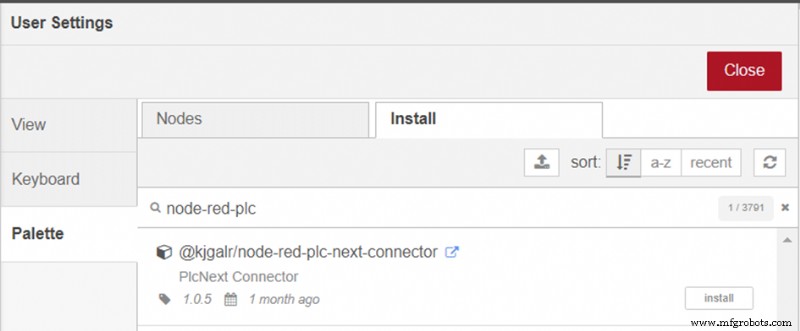
The package includes nodes to browse the available variables and datatypes, to read and write variables and to handle sessions and groups.
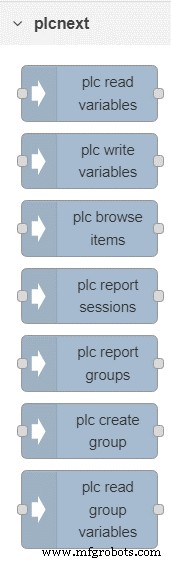
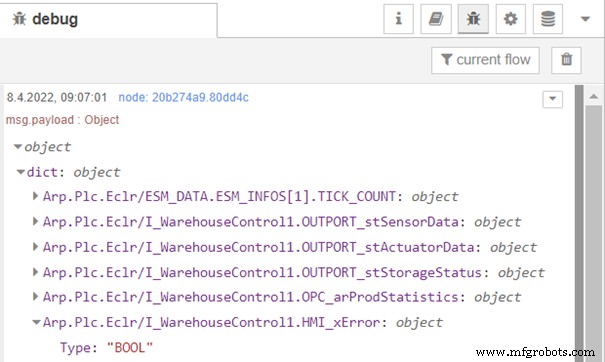
The first example shows how to browse all available variables. At the beginning, a new plc-connector must be created, i.e. a connection to the PLC must be configured. This plc-connector can then be used for all other nodes as well.

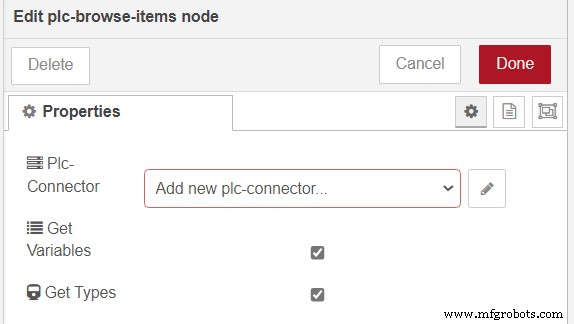
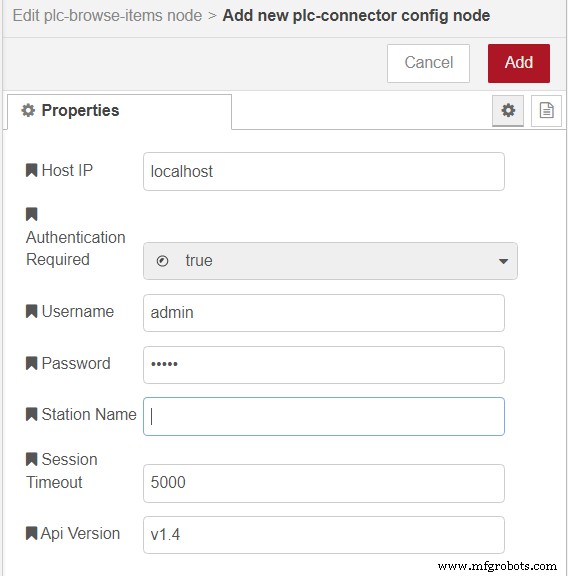
The result is returned as a dictionary.
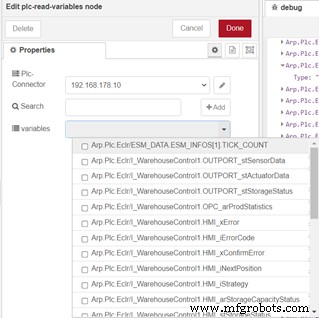
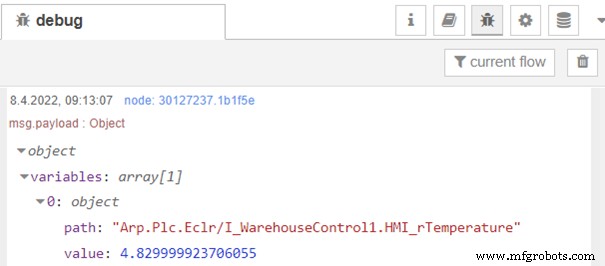
Reading variables from the PLC is also very simple. In the read variables node, the plcnext connector must be selected. After that, you can select the variables from a dropdown list. The result is returned as an array of struct, containing the variaable path and the value.

The writing of variables works the same way. The plc-write-variables node expects the msg.payload in json format.
Here is an example payload:
msg.payload= {variables : [
{
  "path": "Arp.Plc.Eclr/I_WarehouseControl1.HMI_rTemperature",
  "value": 12.34,
  "valueType": "Constant"
},
{
  "path": "Arp.Plc.Eclr/I_WarehouseControl1.HMI_iHumidity",
  "value": 85,
  "valueType": "Constant"
}
]};
Industrial Technology
- Integrating Sensor Data into a Raspberry Pi: A Hands‑On Guide
- Integrating the Acconeer A111 Pulsed Radar with a Raspberry Pi: A Practical Guide
- Getting Started with IoT and MQTT: A Code‑Free ESP8266 Tutorial
- Mastering the PSoC 6 Pioneer Board with the IoT Add‑On Shield: A Developer’s Guide
- Integrating the MAX30100 Pulse Sensor with Arduino: A Step-by-Step Guide
- Step-by-Step Guide: Connecting YL-39/YL-69 Soil Moisture Sensor to Arduino UNO
- Secure Remote gRPC Access with grpcurl on PLCnext Devices
- Maximizing PLCnext Engineer Simulation: Connect to Node‑RED via REST
- Python REST Library for Accessing PLCnext AXC F 2152 Variables
- Build Your First Go Application on PLCnext: A Beginner’s Guide