



u-blox LEA‑6H 02 GPS Module: Arduino & Python Integration Guide
Components and supplies
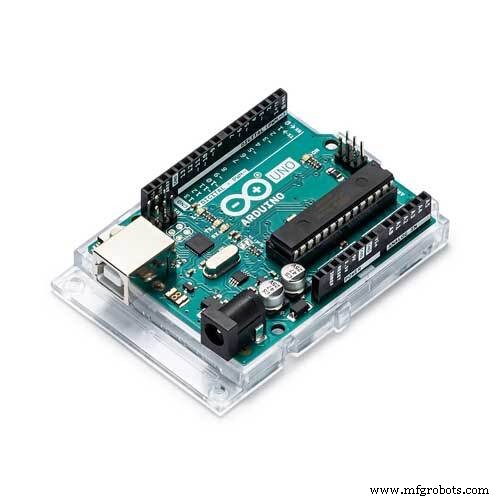 |
| × | 1 | |||
| × | 1 | ||||
 |
| × | 1 | |||
 |
| × | 1 |
Apps and online services
 |
|
About this project
Interfacing of GPS module (I used LEA-6H 02) using an Arduino UNO (or any other Arduino device) and calculating latitude and longitude to display on application window written in Python.
Step 1: Get a u-blox LEA-6H 02 GPS module, read data sheet specifications, and make module ready to connect to Arduino- Read the u-blox LEA 6 datasheet carefully and make sure your module is correct
- Most of the modules operate at ~ 2.7 to 3.6v, so make sure you have the proper power source, I used Arduino 3.3v pin
- All the modules support UART communication port, so we will be using it to interface with Arduino
- Modules by default come with micro female sockets which I find hard to connect to Arduino, hence I replaced it with 2.54mm jumper wire female socket (before replacing it make sure that you know which pin does what and make a pin diagram on paper or computer)
- Now this module is ready to connect to Arduino
Connect Tx and Rx of GPS module with Rx and Tx of Arduino
- Tx of GPS(Green wire in my case) to => Rx of Arduino
- Rx of GPS(Yellow wire in my case) to => Tx of Arduino
- Identify Tx (transmitter) and Rx (receiver) of GPS module and same on Arduino also (I used UNO so it got only 1 UART communication port, Tx on pin0 and Rx on pin1, more specifications on Arduino UNO )
Caution: Make sure that you apply no more than 3.3v (max. 3.6v) to your GPS module and read instruction module carefully
Step 3: Upload Arduino program to read Serial (communication) port- The code for this project can be found in the GitHub repository
- Link: https://github.com/harshgosar/LEA-6h-GPS-Arduino-Python
- Please do read README.md file
Observe response on the screen
- It will take some time to give the valid response and depends on the signal's strength received by GPS module
- Keep the GPS module in the open surrounding or near to the window
- Install u-center software as given in above README.md file
- Upload Arduino code to Arduino module
- Connect GPS pins to Arduino
- Open the Serial monitor on Arduino IDE and observe the output of GPS module, make sure it's printing worthful output
- Disconnect the Arduino serial port by closing serial monitor and now open u-center software and select the serial port of Arduino
- Download and configure Python in your local machine
- Download Python code to read GPS data via the serial communication port of your machine
- Connect and power GPS with Arduino
- Identify com port to which Arduino is connected
- Run Python code
- Enter com port details
- Verify lat and long data
Code
Github
https://github.com/harshgosar/LEA-6h-GPS-Arduino-Pythonhttps://github.com/harshgosar/LEA-6h-GPS-Arduino-PythonLEA-6h-GPS-Arduino-Python
Arduino code to upload to microcontroller and Python code for interfacehttps://github.com/harshgosar/LEA-6h-GPS-Arduino-PythonSchematics
GPS and Arduino connection Images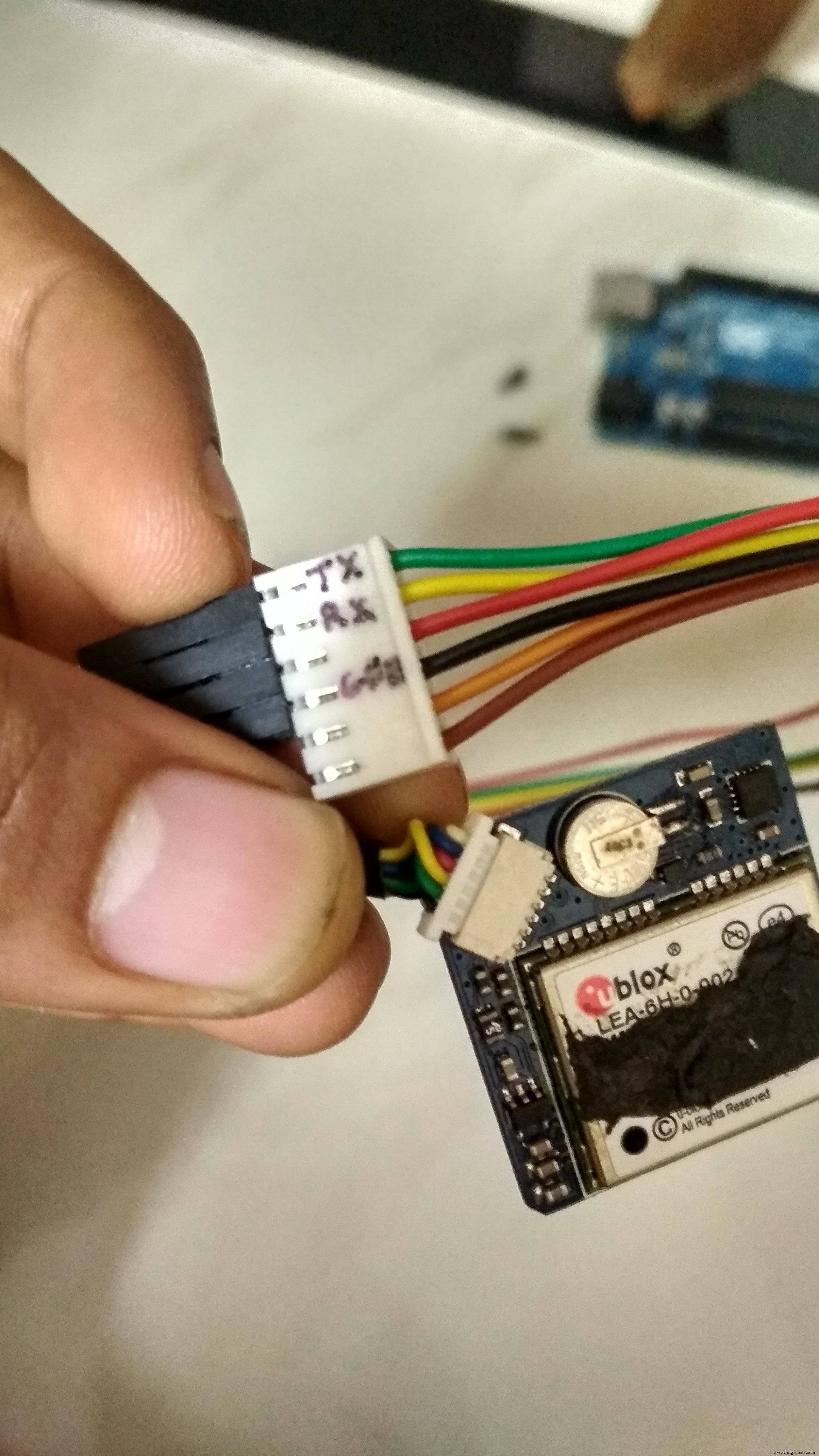 GPS and Arduino connection Image2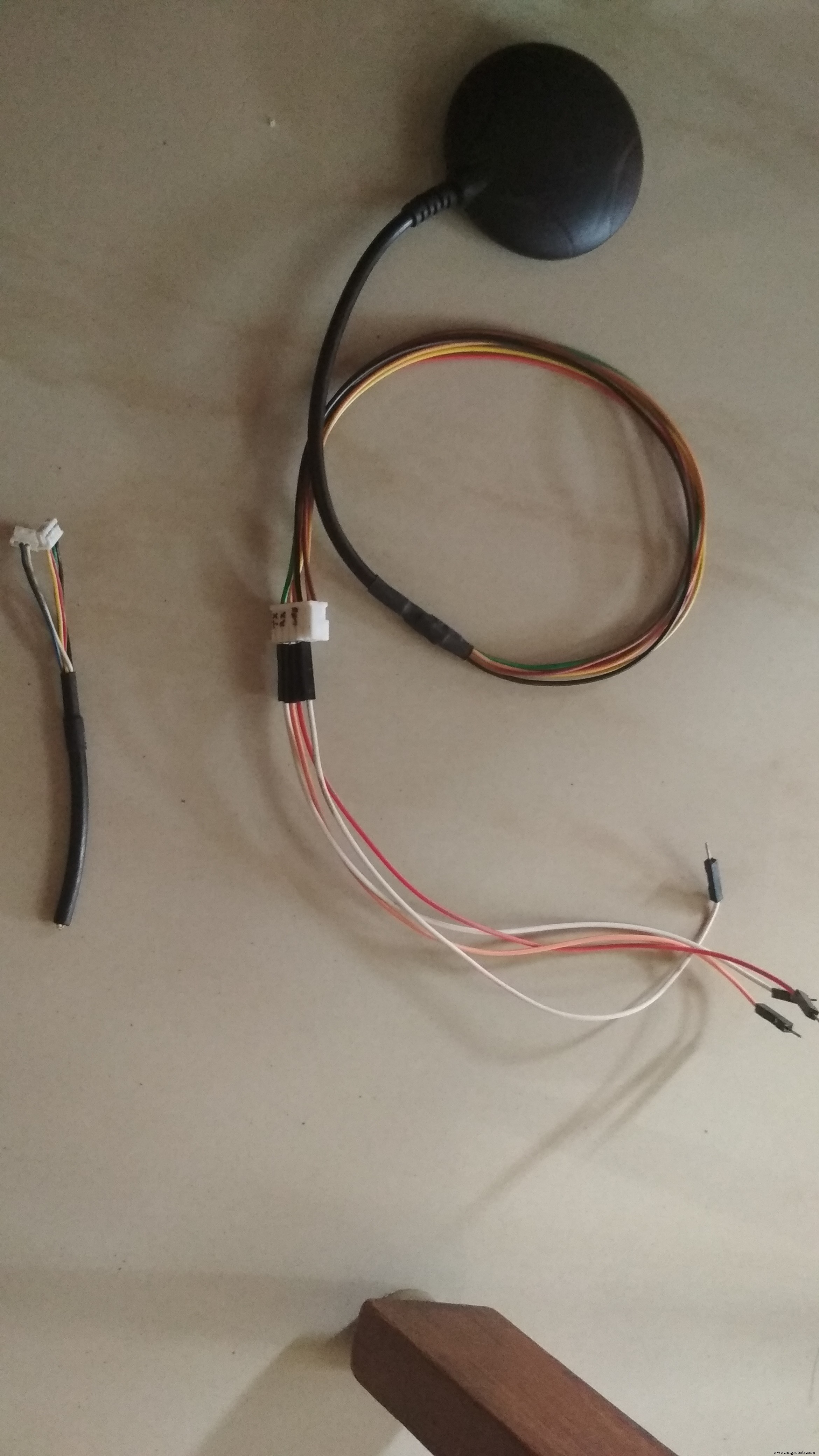
Advanced Remote‑Controlled Gripper Robot for Precision Handling
Arduino-Powered Residential Air Flowmeter: Build & Monitor
Manufacturing process
- Build a Robot with Raspberry Pi and Python: A Complete Guide
- Python Module Importing – A Practical Guide with Examples
- Capture Water Droplets in Action Using Arduino Nano – DIY High-Speed Photography
- Reliable Arduino-Based RFID Attendance System Powered by Python
- Connecting Arduino Mega to a NEO‑6M GPS Module: A Step‑by‑Step Guide
- Arduino GPS and TFT Touchscreen Shield Project: Real-Time Location Display
- Build a GPS Destination Notifier with Arduino UNO & NEO‑6M Module
- Voice-Controlled LED Project: Arduino Micro + BitVoicer Server for Speech Recognition
- Build Your Own AI Assistant Robot Using Arduino & Python
- PIR Motion Sensor: Working Principles & Arduino Integration Guide