



Build an IR Sensor Project with Arduino UNO – Simple Guide
Components and supplies
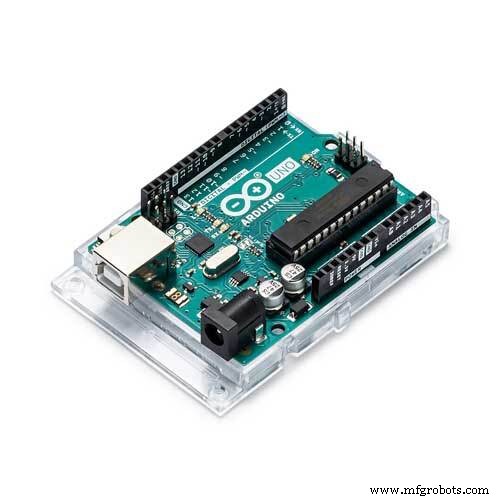 |
| × | 1 | |||
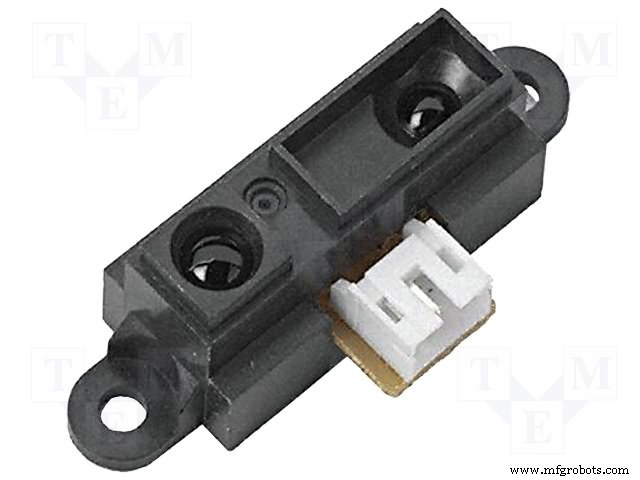 |
| × | 1 | |||
 |
| × | 1 |
About this project
Hello, friends! Today I will show you how to interface an IR sensor with an Arduino UNO. So let's start!
1. Arduino Uno
2. IR sensor
3. LED
4.Arduio cable
5.Jumper wire
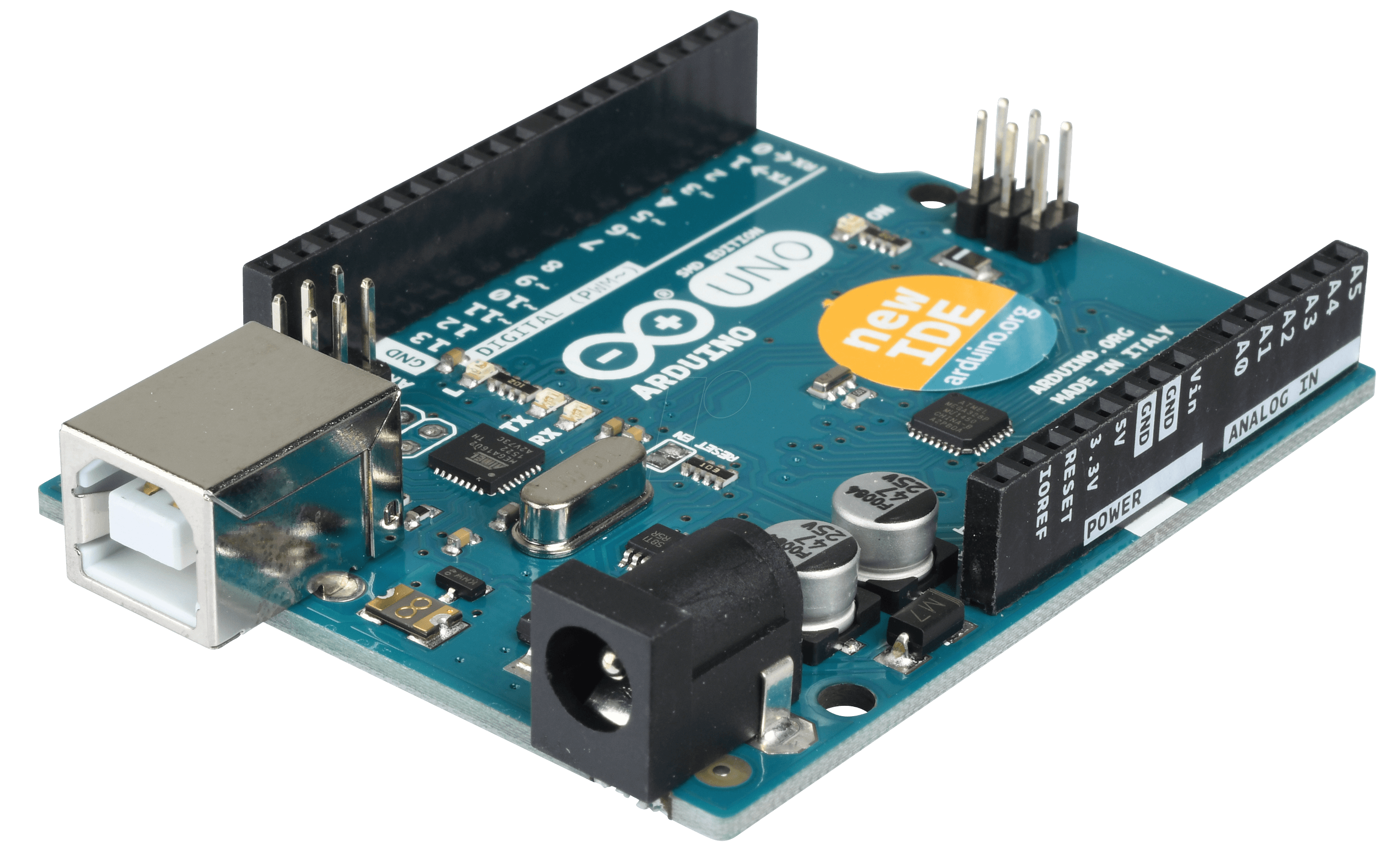
What is the Arduino Uno used for? Arduino is an open-source electronics platform based on easy-to-use hardware and software. Arduino boards are able to read inputs - light on a sensor, a finger on a button, or a Twitter message - and turn it

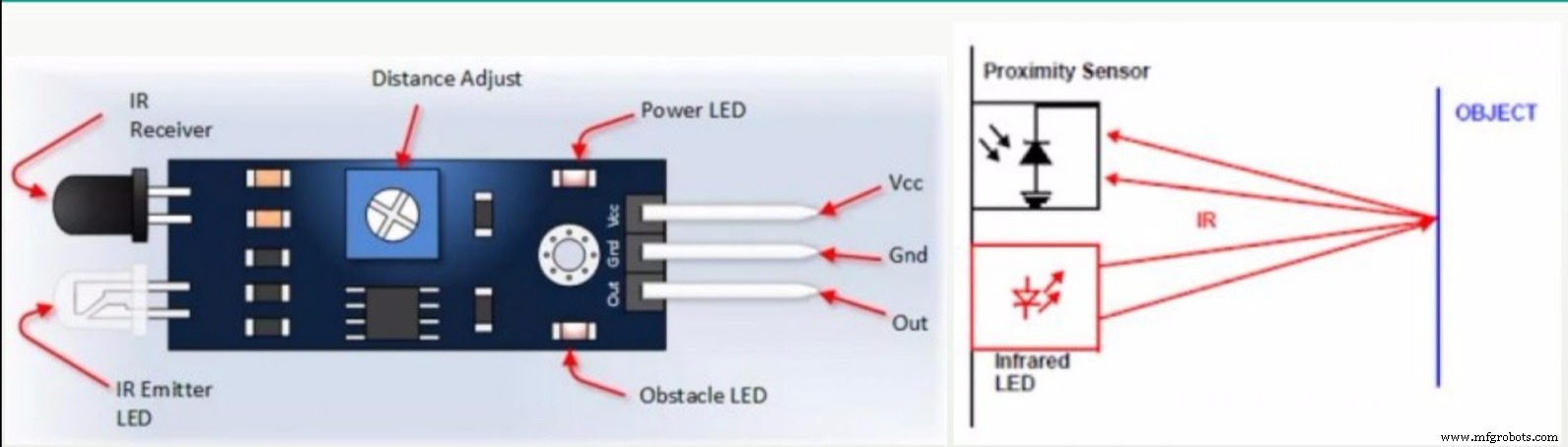
What is an infrared sensor? An infrared sensor is an electronic device, that emits in order to sense some aspects of the surroundings. An IR sensor can measure the heat of an object as well as detects the motion.These types of sensors measures only infrared radiation, rather than emitting it that is called as a passive IR sensor.
Can an IR sensor detect humans? The Passive Infrared (PIR) sensor is used to detect the presence of human.... The Grid-EYE sensor detects the human using the infrared radiation radiated by the human body. Every human radiates the infrared energy of specific wavelength range. The absorbed incident radiation changes the temperature of a material.IR sensors? 2.8V at 15cm to 0.4V at 150cm with a supply voltage between 4.5 and 5.5 VDC.
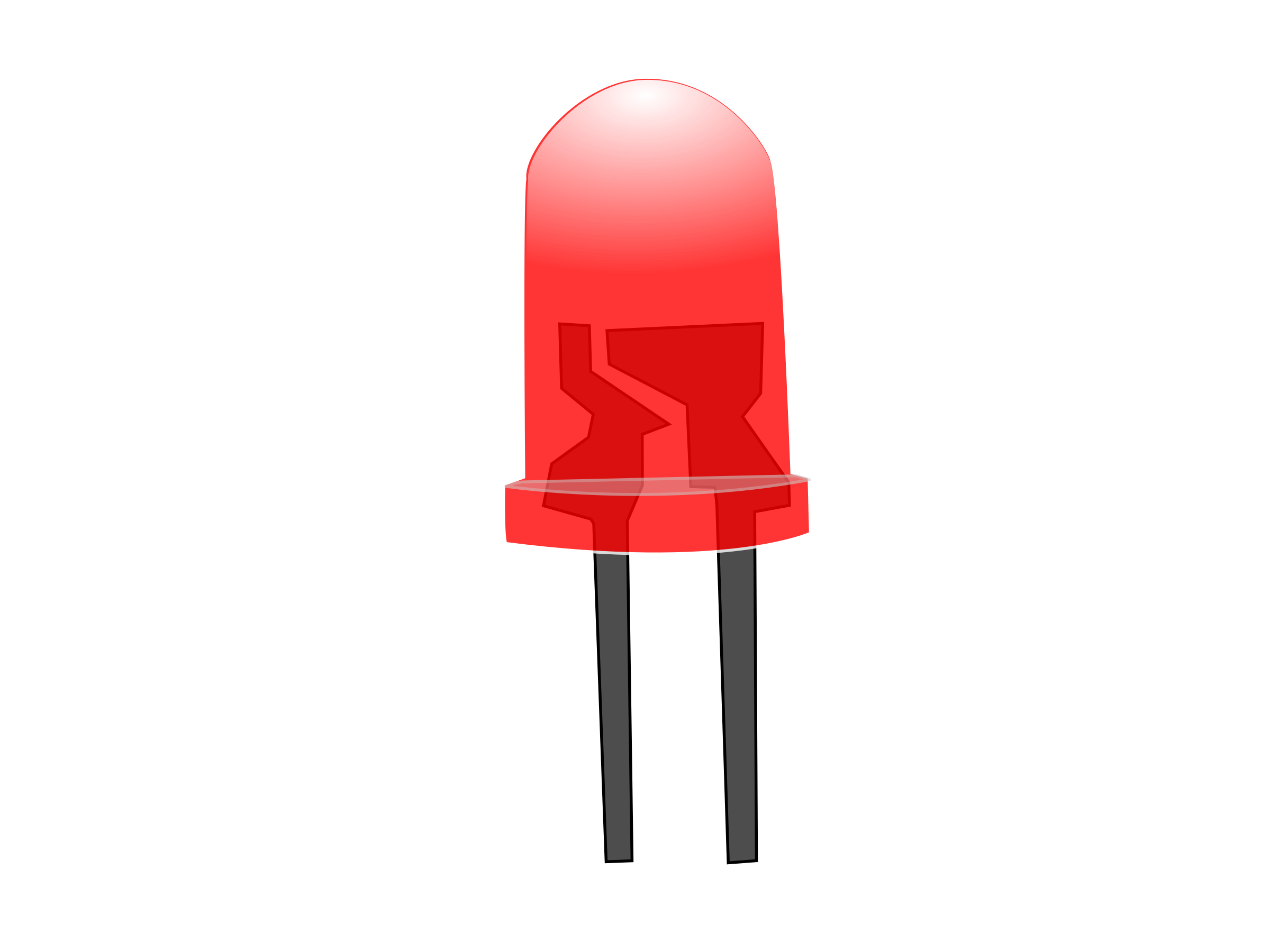
What do you mean by LED? Stands for "Light-Emitting Diode." An LED is an electronic device that emits light when an electrical current ispassed through it. Early LEDs produced only red light, but modern LEDs can produce several different colors, including red, green, and blue (RGB) light.
Code
- Code
CodeArduino
int IRSensor = 2; // connect ir sensor to arduino pin 2
int LED = 13; // conect Led to arduino pin 13


void setup()
{


  pinMode (IRSensor, INPUT); // sensor pin INPUT
  pinMode (LED, OUTPUT); // Led pin OUTPUT
}

void loop()
{
  int statusSensor = digitalRead (IRSensor);

  if (statusSensor == 1)
    digitalWrite(LED, LOW); // LED LOW
  }

  else
  {
    digitalWrite(LED, HIGH); // LED High
  }

}
Manufacturing process
- K30 CO2 Sensor: Real‑Time Indoor Air Quality Monitoring
- Build a Simple Obstacle Sensor with Arduino – Easy IR LED & Photodiode Tutorial
- Integrating a DFRobot Capacitive Fingerprint Sensor with Arduino or ESP8266
- Build a Sensor Tower with Arduino Cloud: Temperature, Motion & Gas Monitoring
- Compact Arduino Radar System with HC‑SR04 Ultrasonic Sensor & 1.8" Display
- Arduino Nano Fingerprint Sensor Project – Step‑by‑Step Tutorial
- Build an Ultrasonic Range Detector Using Arduino UNO and SR04 Sensor
- Arduino‑Powered HID UPS: Upgrade Your Dummy Power Supply to USB‑Compatible Backup
- Real-Time Soil Moisture Monitoring with LCD Display – Arduino DIY Kit
- SmartAgro: Advanced IoT Solutions for Precision Farming