



Arduino‑Powered HID UPS: Upgrade Your Dummy Power Supply to USB‑Compatible Backup
Components and supplies
| × | 1 | ||||
 |
| × | 1 | |||
 |
| × | 1 |
About this project
I’ve been playing with Arduino recently to see what it can do for me. I have an old “dummy” UPS, which cannot report its status to the host computer since there is no USB port on it. One of the projects I had in mind is to create “brains” for the dummy UPS with help of Arduino board. The purpose of such UPS brains would be to read internal UPS status by measuring remaining battery capacity, charging/discharging state, battery current, voltage etc. All these readings should be then passed through the USB interface and be interpreted by the host operating system of the computer in the same fashion as it is done with commercial smart UPS (say, by APC).
I did not want to mess with developing hardware drivers for my custom UPS and I wanted it to be "plug-and-play" so I decided, after some research, to implement a HID-compliant interface according to this specification. HID stands for "Human Interface Device" and was originally designed for keyboards, mice, joysticks and similar devices for human input, however it has been extended recently to support power devices such as UPS, batteries and chargers, which can benefit from using the HID standards for intelligent communication with the host computer. My next step was to learn that some Arduinos like Leonardo, Pro Micro and their clones can present themselves to the host as a HID keyboard or a mouse. After some analysis of Arduino HID library, Keyboard library and lots of googling :) I wrote my own HIDPowerDevice lib. You will find some details how to set it up and use in the GitHub readme.
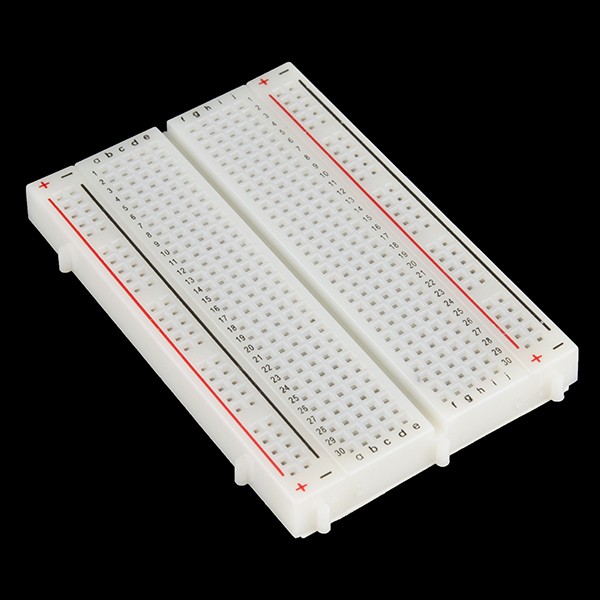
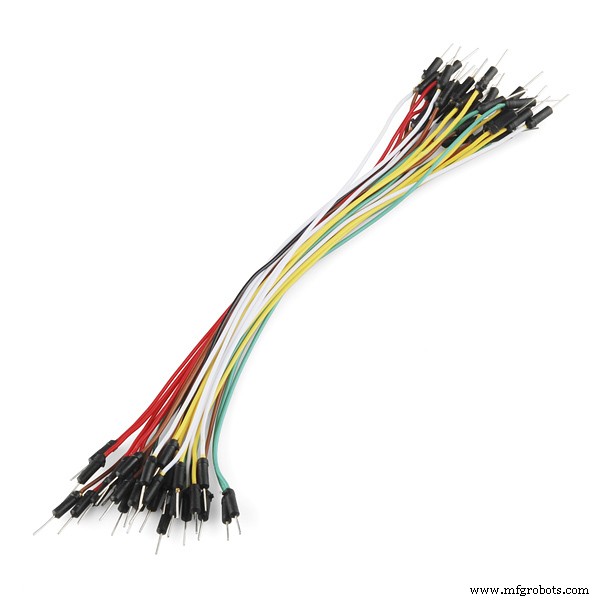
My test lab is very simple and is comprised of my laptop, Arduino Pro Micro connected to the laptop (Macbook in my case but it will work on Windows 10 and Ubuntu as well) through USB, a breadboard and one switch (I actually used a jumper instead). I also added couple of LED for diagnostics and a potentiometer to simulate the charge level. Schematic is below:


The S1 connects the pin 4 of the Arduino Pro Micro to the ground thus simulating the UPS going on battery power. When S1 IS OFF, Arduino reports to PC that it is "charging".
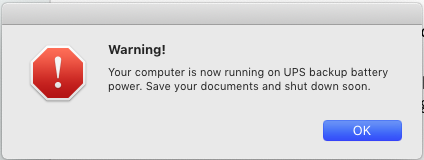

Since my "UPS" is HID-compliant, Windows 10 also recognizes the Arduino as a HID Battery and the percentage of remaining capacity is shown correctly:
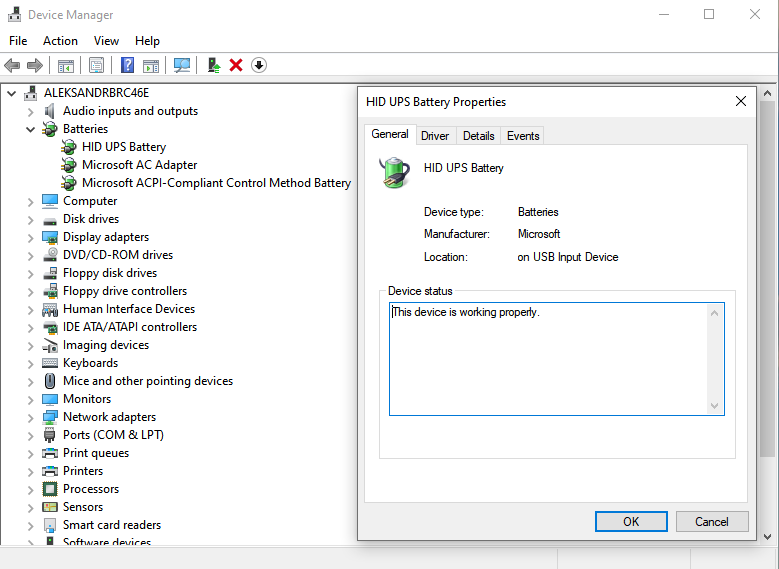
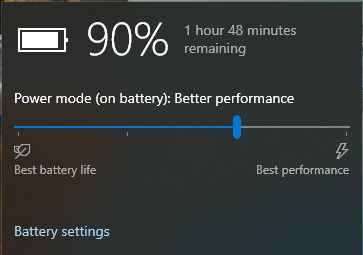
There is one important limitation to mention - Windows 10 does allow multiple batteries in the system and all of them can be displayed in the tray. However, the batteries must report their status in the same mode (HID specification supports maH, mwH and percentage) but most of UPS are only reporting percentage of charge. If you already have ACPI battery in your system (let's say you are testing on a laptop) then the percentage may not be reflected correctly.
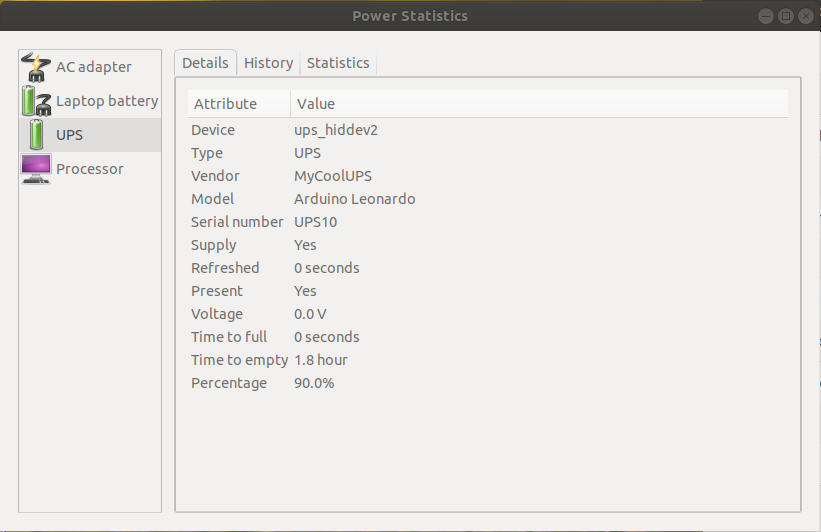
Similarly, the UPS works on Linux as well although some additional configuration may be necessary, see README.


UPDATE 12-Jun-2021 After receiving several queries regarding Synology support (Arduino boards were not recognized by Synology as HID-compliant UPS devices) I decided to research a bit on this. The problem happens to be in the Network UPS Tools (NUT) used by Synology distro - it assumes USB interface 0 by default for all HID-compliant UPS models but Arudino Leonardo/Pro Mini advertises itself to USB port as a composite device with UPS accessible on Interface 2. There is similar problem with interrupt endpoints. More technical details about this issue can be found here.
The modified NUT library with Arduino support is here. You may build it from source and install on your target platform (Synology or any other compatible Linux distro). Please take into account that this is still experimental so creating backup of your current NUT files is highly recommended.
Enjoy! :)
Code
HIDPowerDevice source code
https://github.com/abratchik/HIDPowerDeviceSchematics
arduino_ups_mlvhJQLrSZ.fzzManufacturing process
- K30 CO2 Sensor: Real‑Time Indoor Air Quality Monitoring
- Facilitating Deaf-Blind Communication Using 1Sheeld and Arduino
- Build a Smart Piggy Bank: Control a Coin Acceptor with Arduino Nano
- Control an LED via Bluetooth with Arduino – Simple DIY Guide
- Accurate Solar Radiation Measurement Using Arduino UNO and Ethernet Shield
- Build a Portable RFID Door Lock with Arduino – Step-by-Step Guide
- Build an IR Sensor Project with Arduino UNO – Simple Guide
- Build an ESP8266 Telegram Bot: IoT Control Made Easy
- Efficiently Program ATtiny85 Using Arduino Uno: A Cost‑Effective Multi‑Sensor Solution
- Arduino Nano Magnet Levitation Project: Parts & Wiring Guide