



Blockly@rduino: Build Arduino Projects with Visual Block Coding
Components and supplies
 |
| × | 1 | |||
 |
| × | 1 |
Apps and online services
| ||||
| ||||
|
About this project
The purpose is to permit 'Scratch-block' programming for Arduino card, with many features needed for kids in school & newbies.
Everyone knows Scratch and the way it made easy the program learning for every child in the world. The next step was to use it to control material and that's why the extension possibilities were great: LeapMotion, Arduino, Wii, Picaxe, etc.
But extension use is 'only connected' real time programming, so the 'Graal' was to find a software which permits blocks programming and code generating. I found BlocklyDuino but it was left unworked for months. After contacting its creator David Li I decided to create my own fork.
After few months, with help, I created a totally new version from the original Blockly new version: Blockly@rduino.
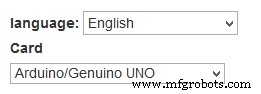
Video resumeWhat you can doChoose card and language:
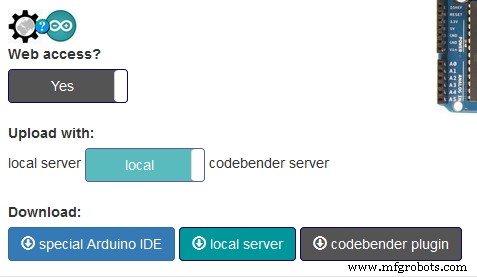
Choose between on line upload (thanks to Codebender plugin) or offline upload (thanks to Blockly@rduino-communication):
Communicate with card in real time to test input/ouput, thanks to FirmataPlus from Alan Yorinks wonderful work:
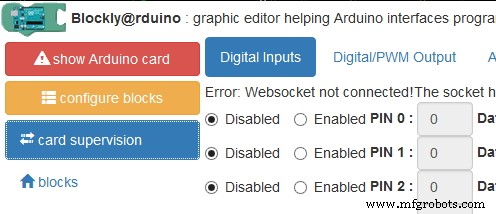
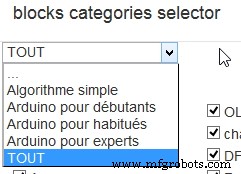
Choose between different level of difficulty for your student, and have a specific list of blocks:
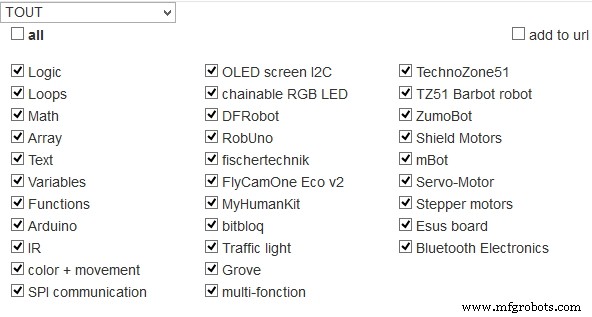
Choose if you use or not in a list of blocks, always growing:
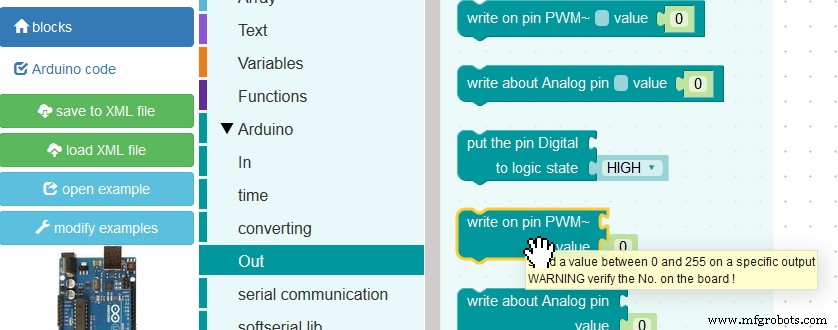
Drag'n'drop block to program:
See Arduino code updating in real time:
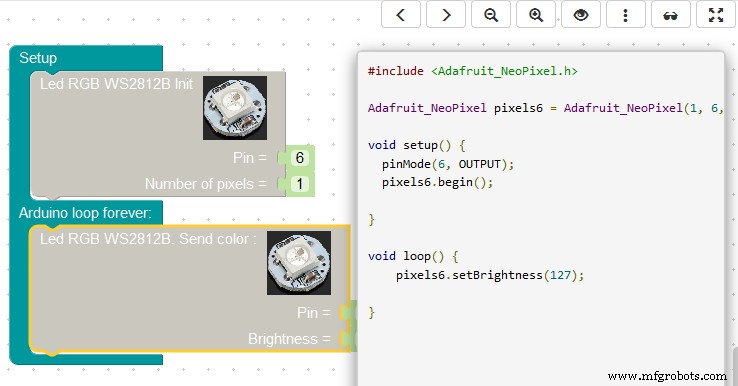
Edit Arduino code, save it, paste it to local IDE:

Or use Codebender plugin to upload:

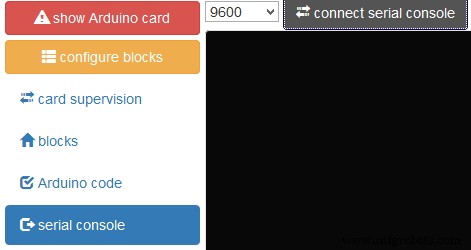
And communicate by serial port:
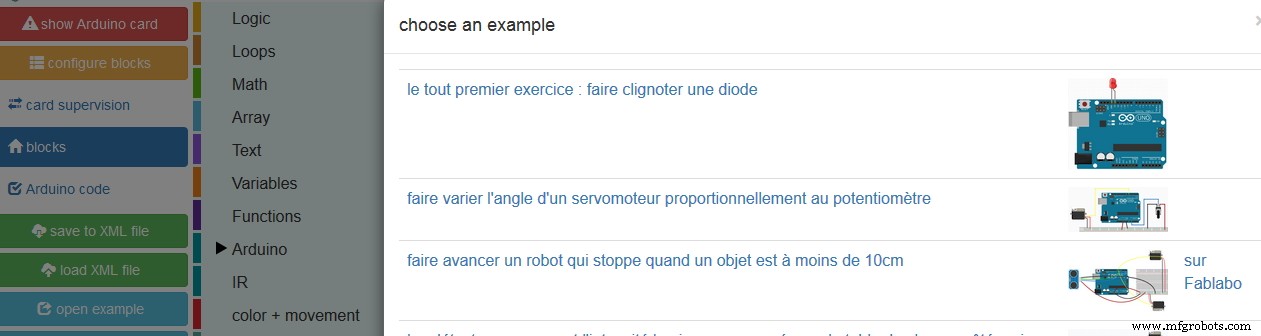
Choose in a list of example:
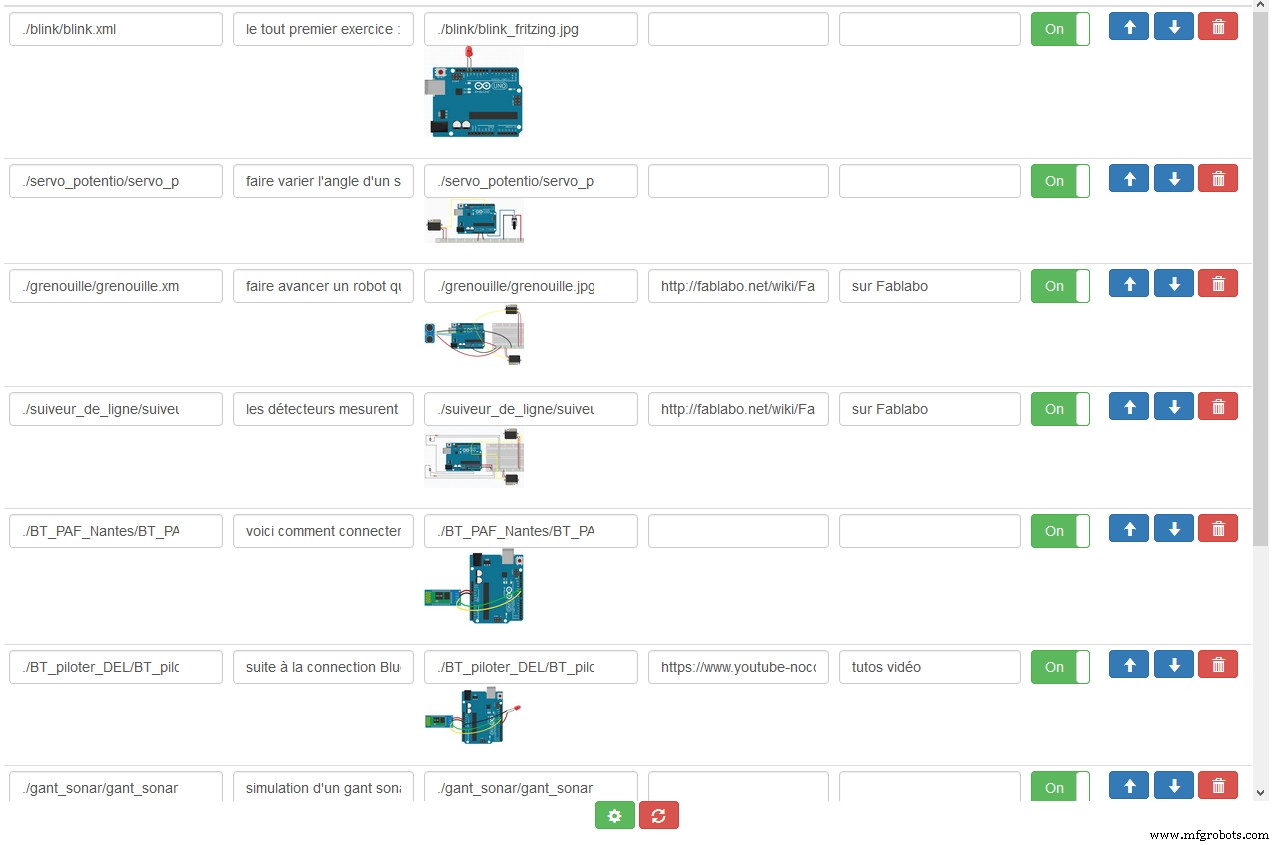
Create your own example:
Choose not only card, but specific 'kit' prepared with specific categories of block and prepared pinout for student:
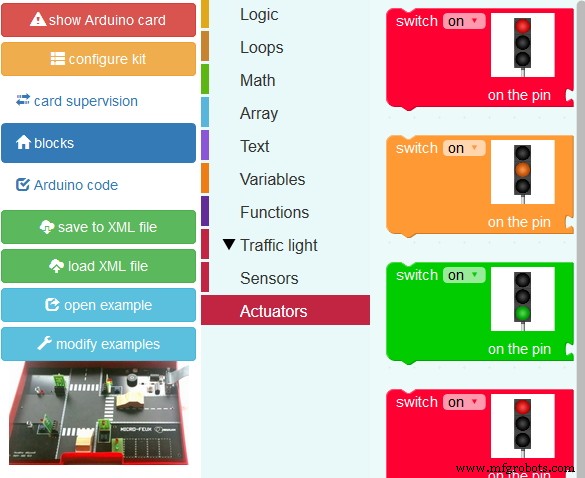
And many graphic enhancements! And many more yet to come, like enhancing accessibility.
Code
github for Blockly@rduino
Github repositoryhttps://github.com/technologiescollege/Blockly-at-rduinoManufacturing process
- Build a Smart Piggy Bank: Control a Coin Acceptor with Arduino Nano
- SERENA: A Custom Arduino Mega 2560 Alarm System with TFT LCD Touchscreen
- Control an LED via Bluetooth with Arduino – Simple DIY Guide
- Python 3 to Arduino UNO: Easy Command Control and LED Demo
- Accurate Solar Radiation Measurement Using Arduino UNO and Ethernet Shield
- Arduino‑Powered HID UPS: Upgrade Your Dummy Power Supply to USB‑Compatible Backup
- Build a Portable RFID Door Lock with Arduino – Step-by-Step Guide
- Build an IR Sensor Project with Arduino UNO – Simple Guide
- Build an ESP8266 Telegram Bot: IoT Control Made Easy
- Efficiently Program ATtiny85 Using Arduino Uno: A Cost‑Effective Multi‑Sensor Solution