



Build an Ultrasonic Range Detector Using Arduino UNO and SR04 Sensor
Components and supplies
 |
| × | 1 |
About this project
Ultrasonic Range Detector With Arduino Using The SR04 Ultrasonic Sensor
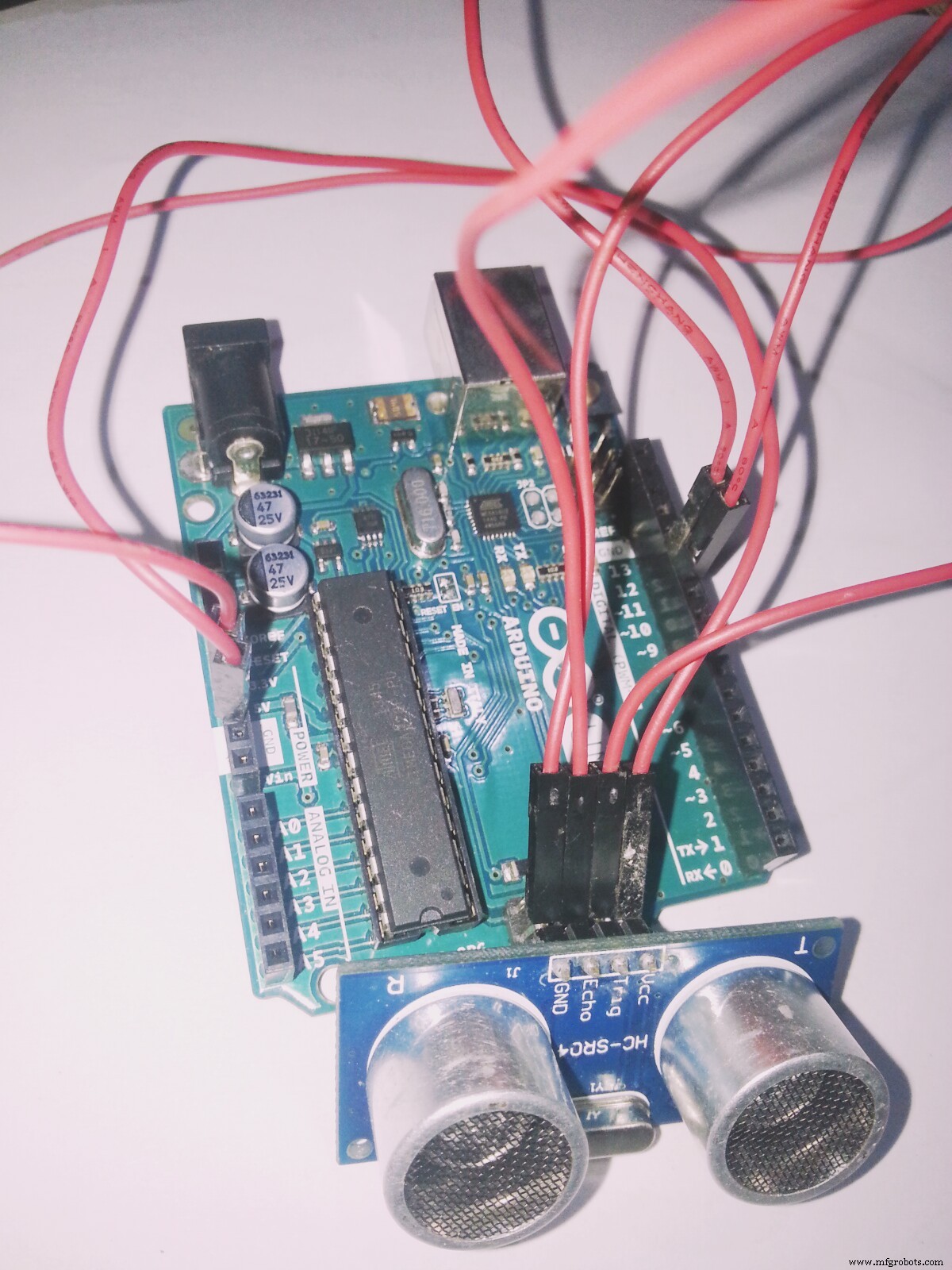
This is a preliminary project that will take you through the steps I took to get the SR04 ULTRASONIC SENSOR connected and working to the Arduino.
Step 1: Parts List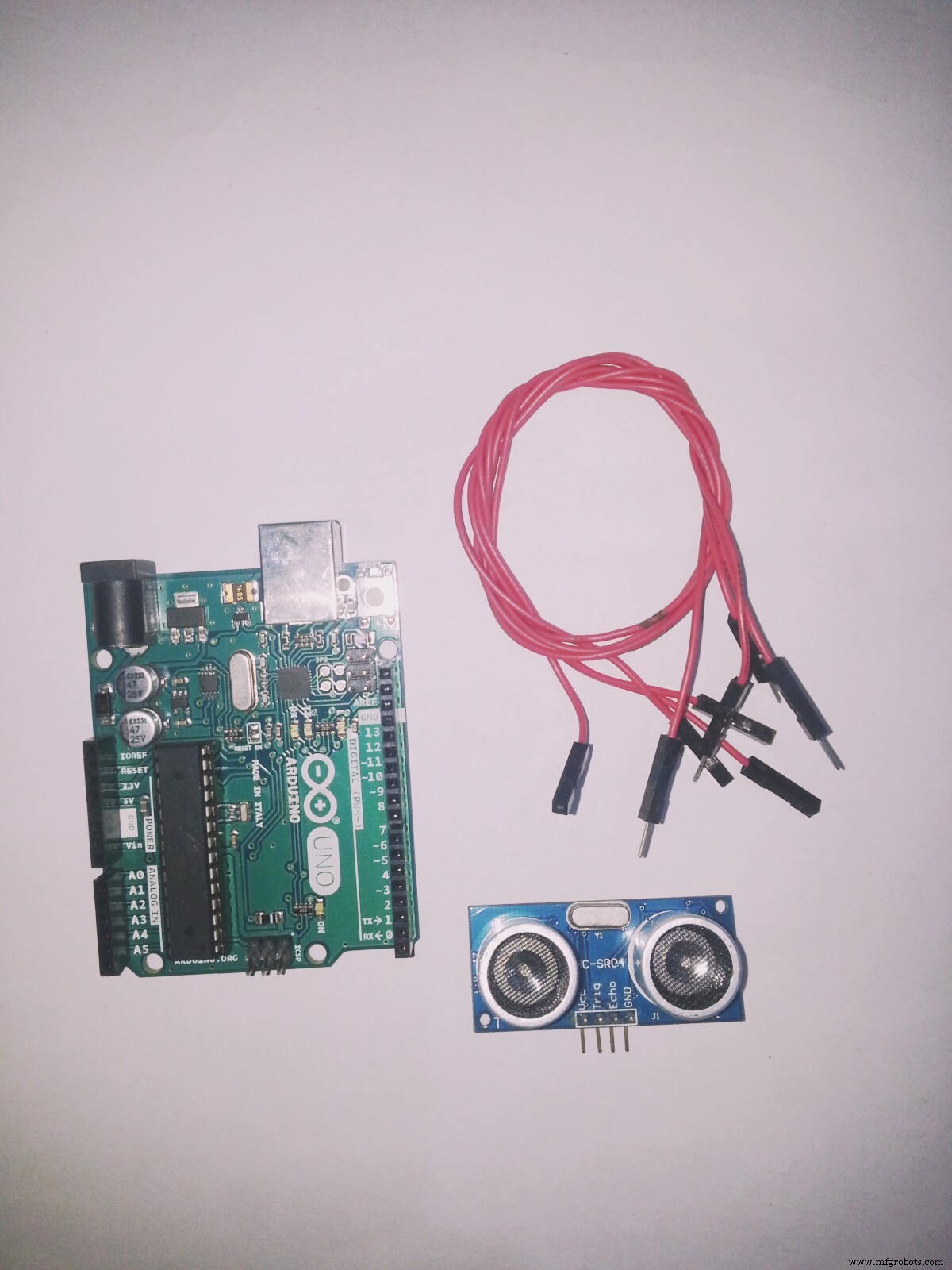
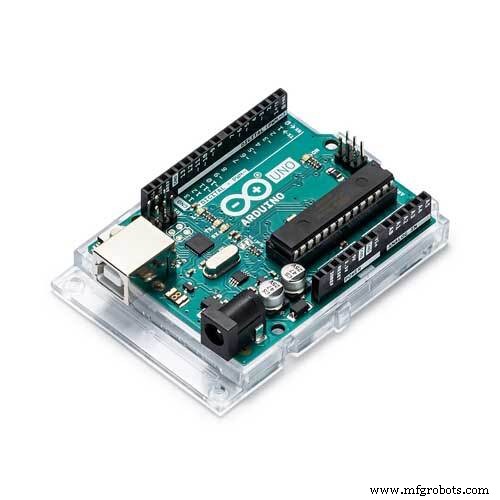
- Arduino Uno or compatable
- SR04 Ultrasonic Sensor
- Four male to female Jumper Wires
Let’s do it!.
Step 2: Connecting the SR04 Ultrasonic Sensor to the Arduino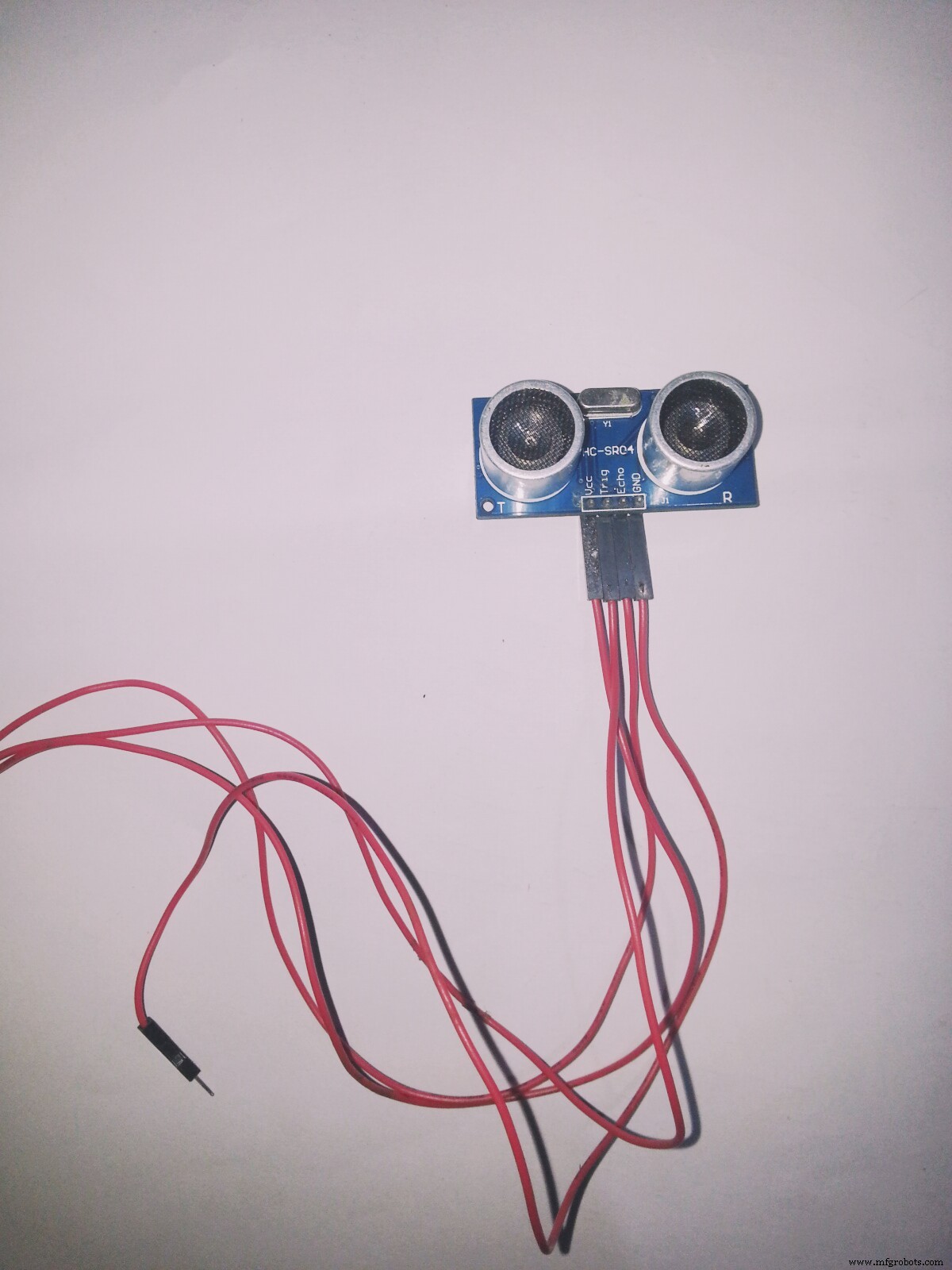
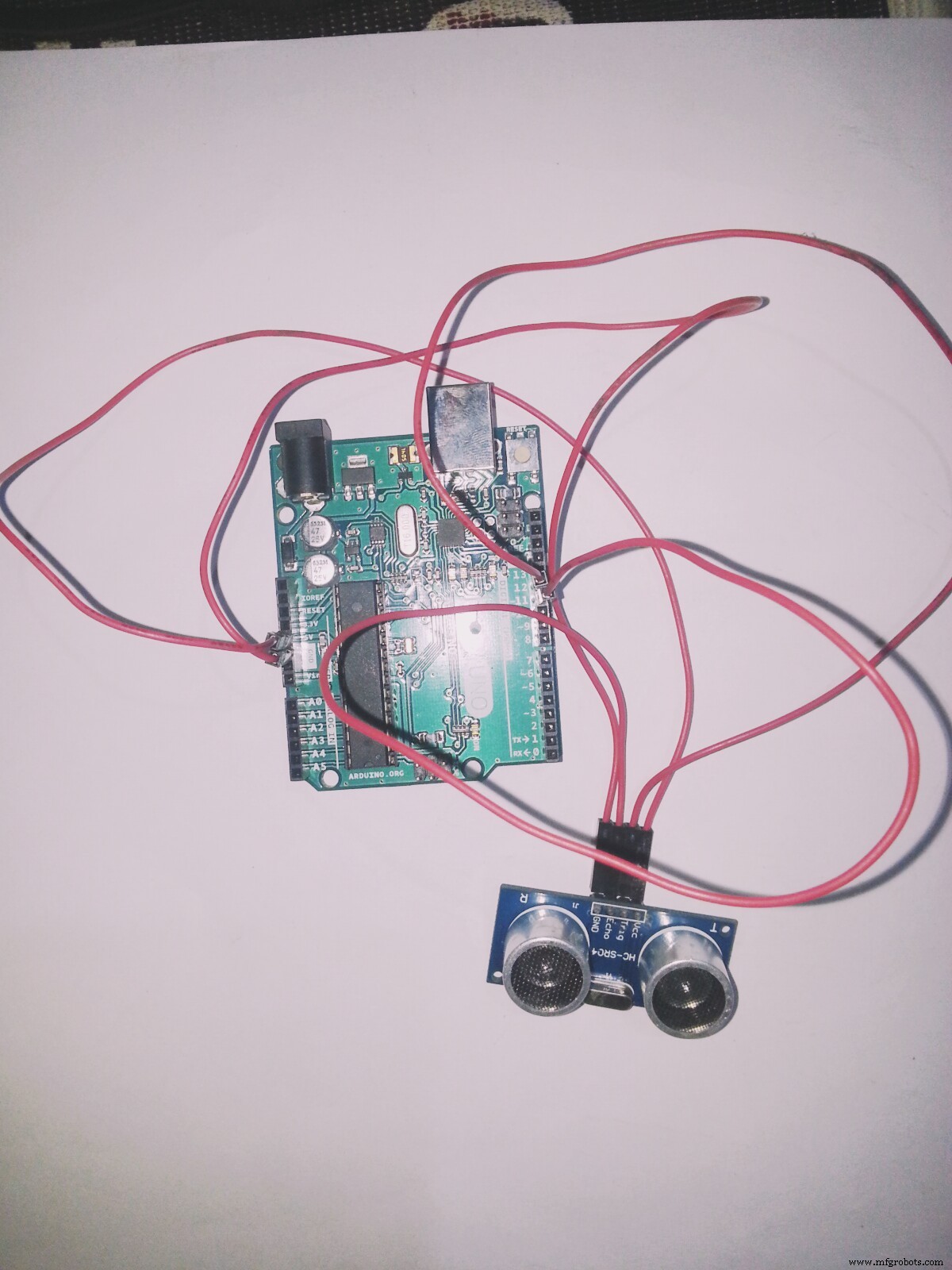
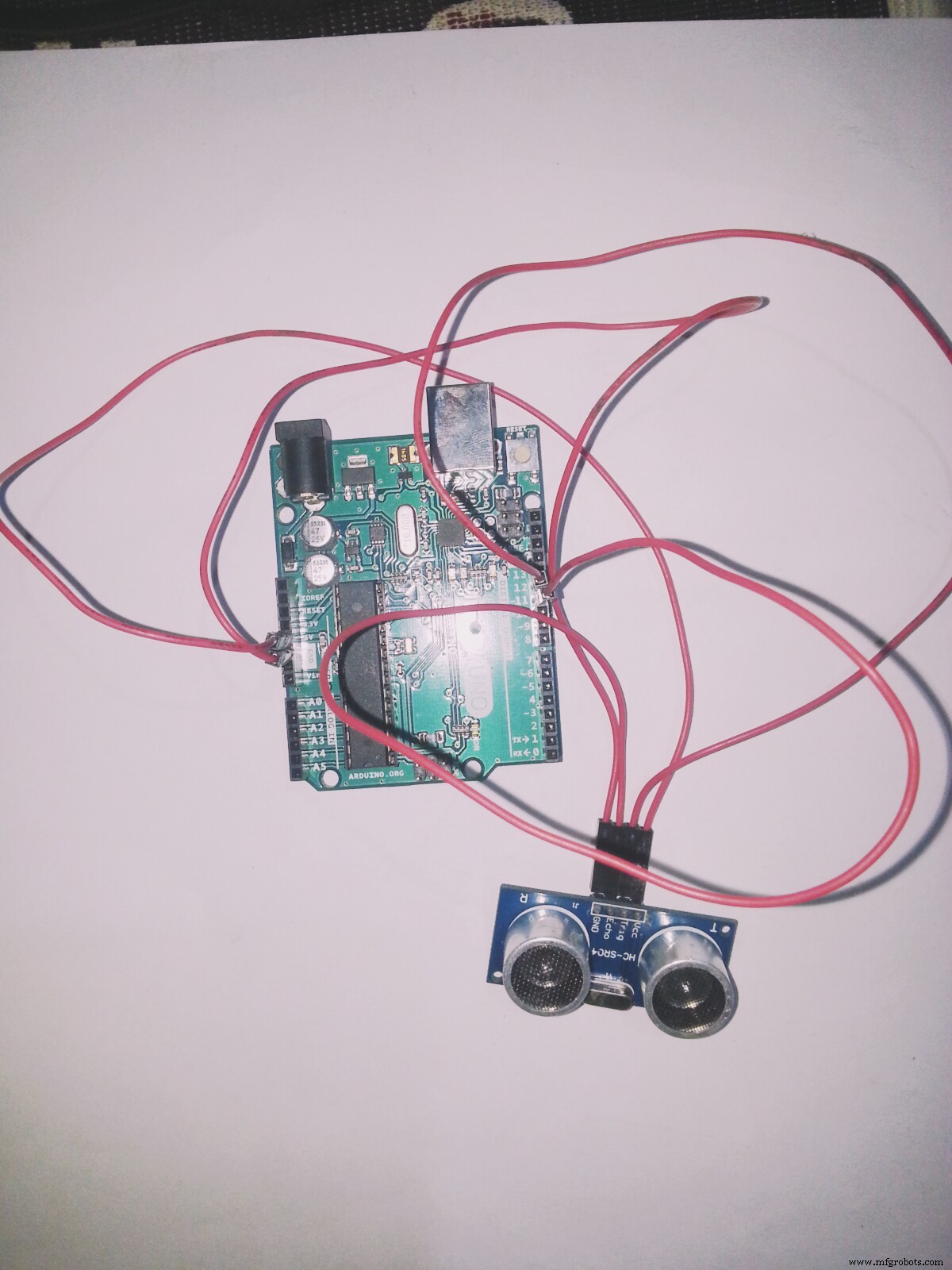
- VCC pin to the Arduino 5v
- GND pin to the Arduino GND
- TRG pin to the Arduino Digital pin 12
- ECHO pin to the Arduino Digital pin 11
That's all the wiring you need..
Next step, load the Software library and sketches.
Step 3: Download SR04 Library and install to Arduino IDEYou need to download another Library to get the Arduino to talk with the SR04 sensor. The sensor I got didn't come with any documentation, so I Googled around until I found a library that works.
Download the library unzip it, and install it in the Arduino IDE. Place it inside your Arduino libraries folder , and restart the Arduino IDE. For convenience, I included the file in the files section below,
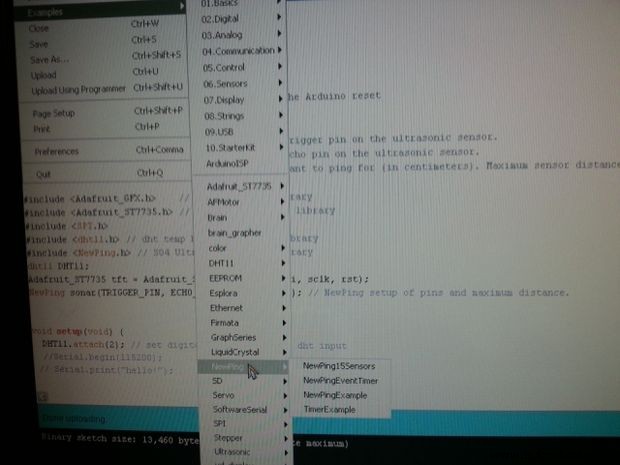
- You should now be able to see the library and examples in select File > Examples > NewPing > NewPingexample sketch load the sketch to your Arduino.
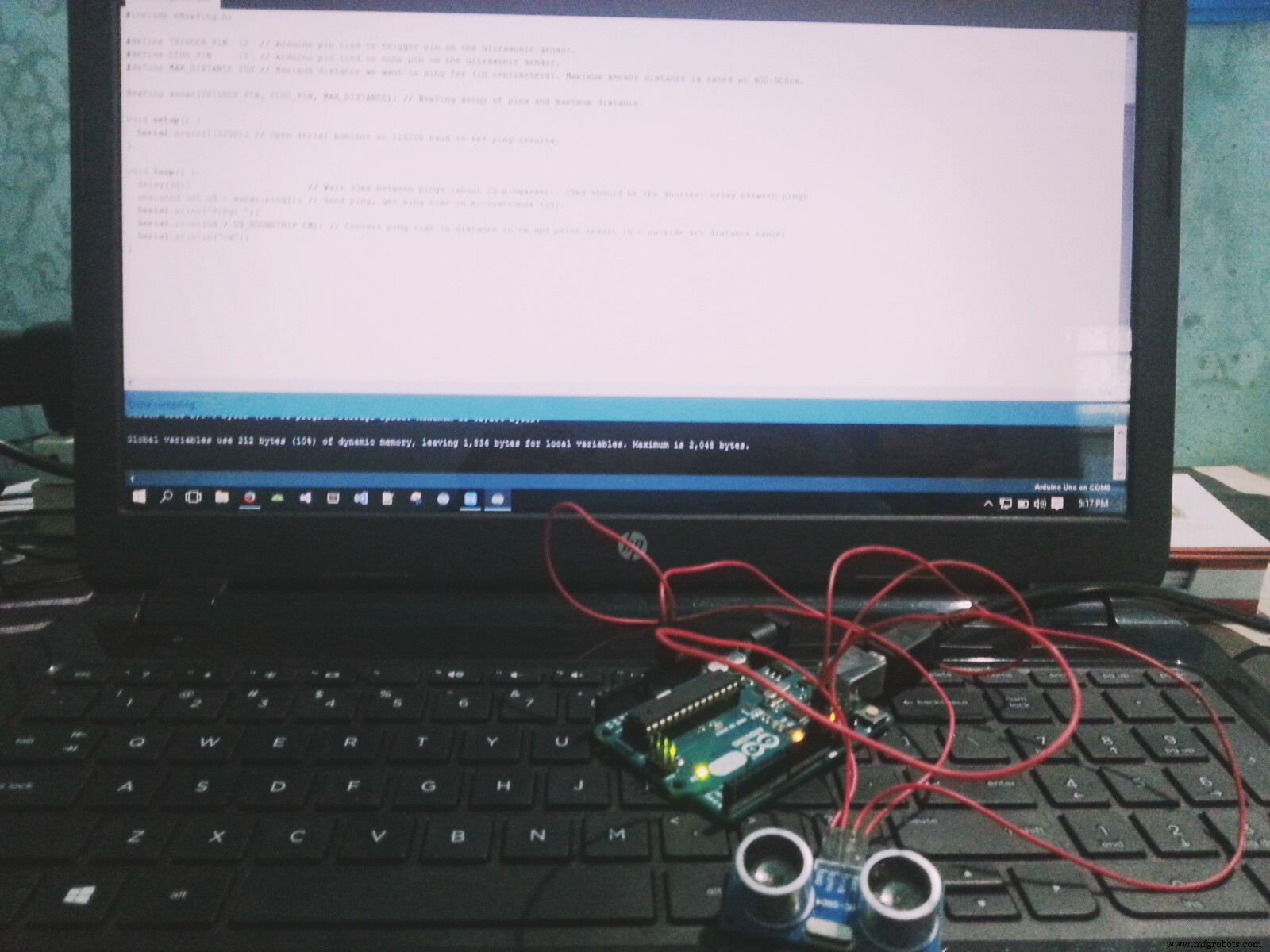
- If you were successful at installing the libraries, and loading the NewPingexample sketch, Compile the sketch by clicking on the verify button and make sure there are no errors.
It's time to connect your Arduino to your PC using the USB cable. Click on the upload button to upload the sketch to the Arduino.
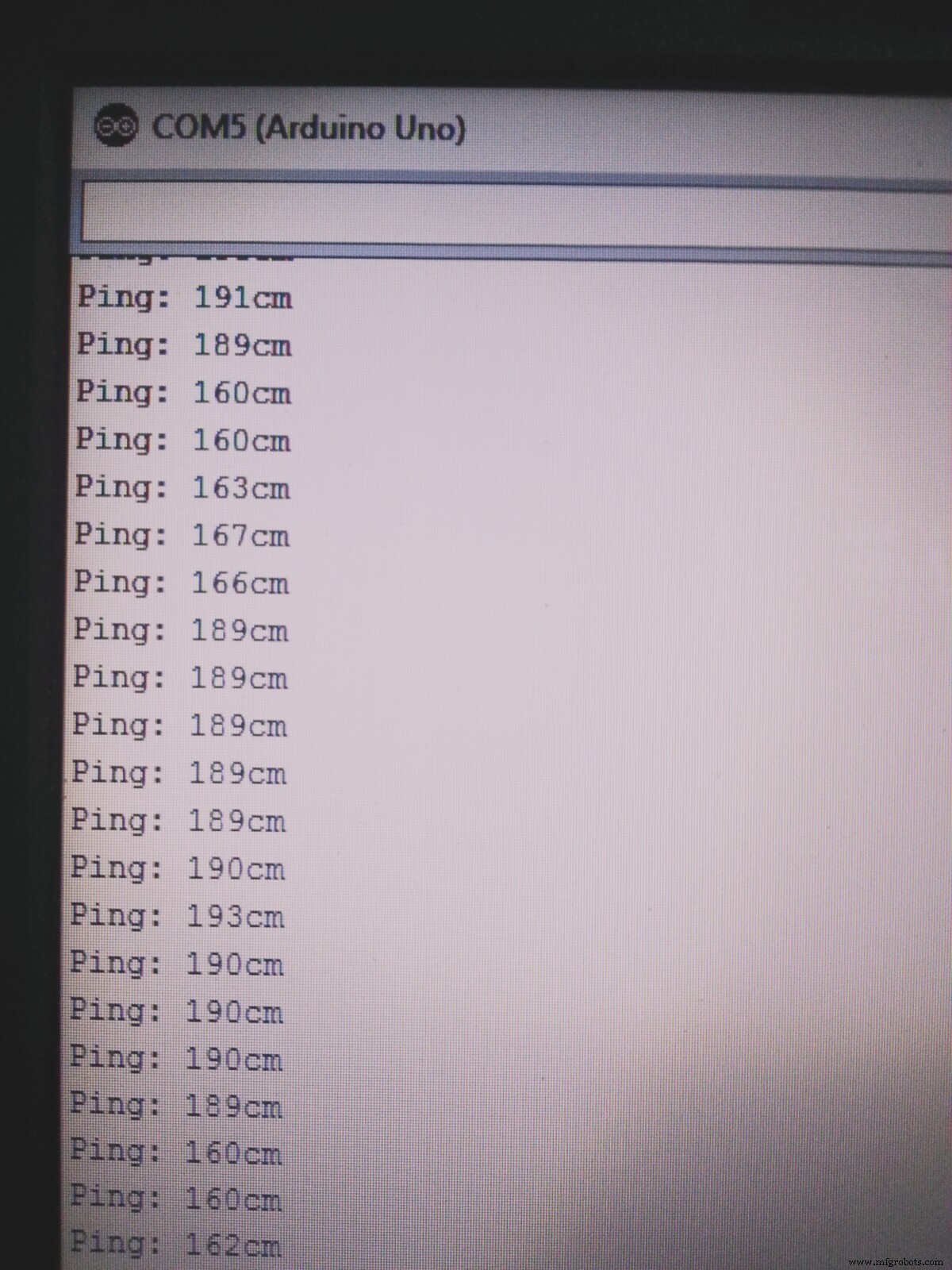
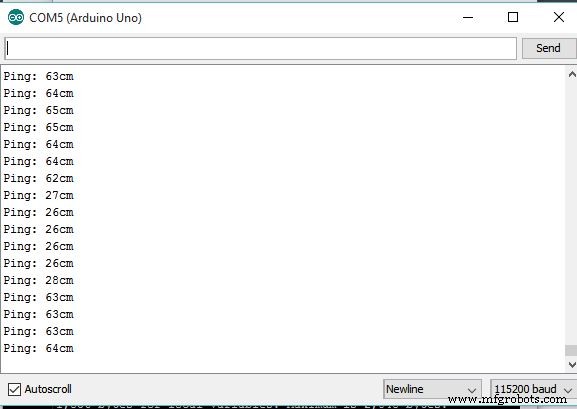
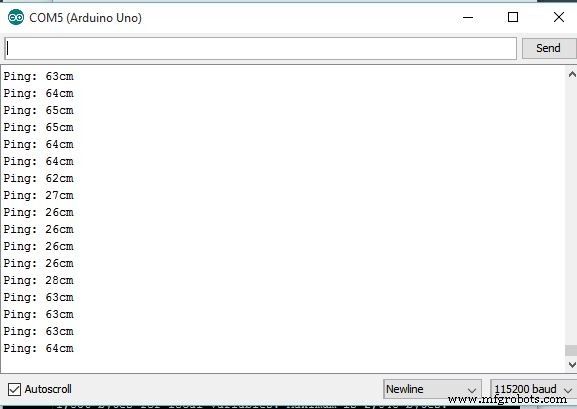
Once uploaded to the Arduino, open the serial monitor, and you should see the distance data stream coming from the sensor,
Click here to download the library.

To get all the resources.
Thank you!
Code
- NewPing.zip
NewPing.zipC/C++
No preview (download only).
Schematics
Manufacturing process
- Connecting an HC‑SR04 Ultrasonic Sensor to a Raspberry Pi – A Practical Guide
- K30 CO2 Sensor: Real‑Time Indoor Air Quality Monitoring
- FlickMote: Gesture‑Controlled IR Remote for Smart Home
- Build a Simple Obstacle Sensor with Arduino – Easy IR LED & Photodiode Tutorial
- Integrating a DFRobot Capacitive Fingerprint Sensor with Arduino or ESP8266
- Compact Arduino Radar System with HC‑SR04 Ultrasonic Sensor & 1.8" Display
- Arduino Ultrasonic Distance Sensor Project: HC‑SR04 Range Finder
- Build an IR Sensor Project with Arduino UNO – Simple Guide
- Android Motion‑Detection Camera Controlled by Arduino MCU
- Mastering the HC‑SR04 Ultrasonic Sensor with Arduino: A Complete Tutorial