



Top 6 FAQs About 3D Printing: Expert Answers from CADimensions
Why Opt for 3D Printing?
3D printing offers a cost‑effective pathway to validate designs before committing to expensive tooling. By producing a handful of prototypes, you can assess fit, form, and function in a fraction of the time and budget required for traditional manufacturing. Additionally, 3D printing frees up machine‑shop capacity—many shops face backlogs that delay critical components. With 3D printers running unattended overnight, production can be accelerated, enabling faster iteration and delivery.
Understanding FDM and PolyJet Printing Technologies
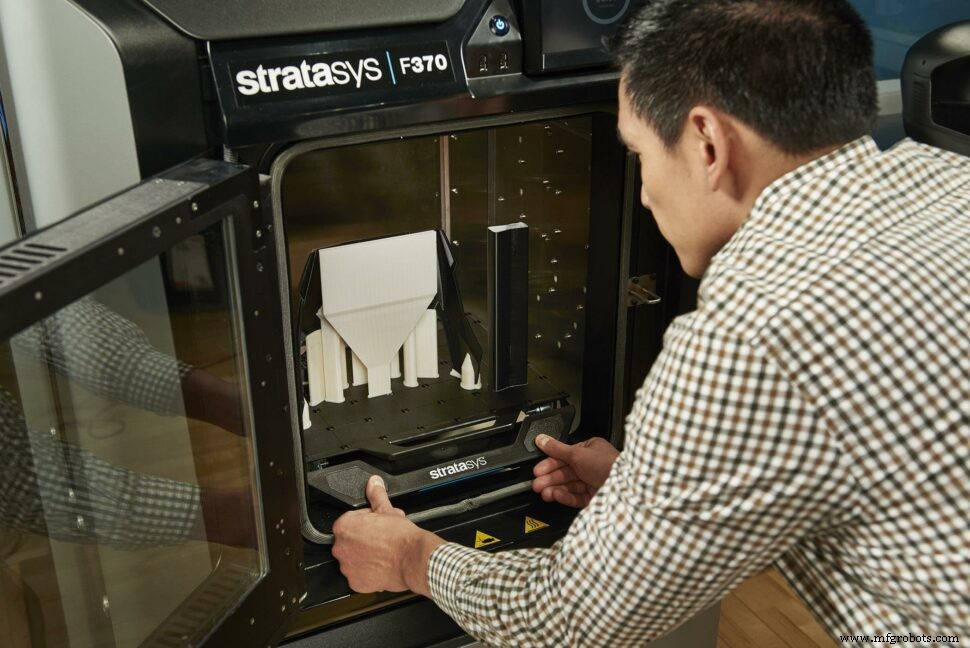
At CADimensions, we provide two industry‑standard methods: Fused Deposition Modeling (FDM) and PolyJet. FDM builds parts by extruding thermoplastic filament layer by layer, producing a characteristic visible layering effect. The technology supports a broad spectrum of materials—ABS, PETG, TPU, and more—making it suitable for functional prototypes and end‑use parts. PolyJet, on the other hand, jets liquid photopolymer resin in micro‑droplets and cures each layer with UV light. The result is an ultra‑fine layer resolution ideal for high‑detail parts, such as dental models or complex molds. However, PolyJet parts are generally more brittle, so we recommend them for non‑load‑bearing applications.
Choosing the Right Infill Density for Your Parts
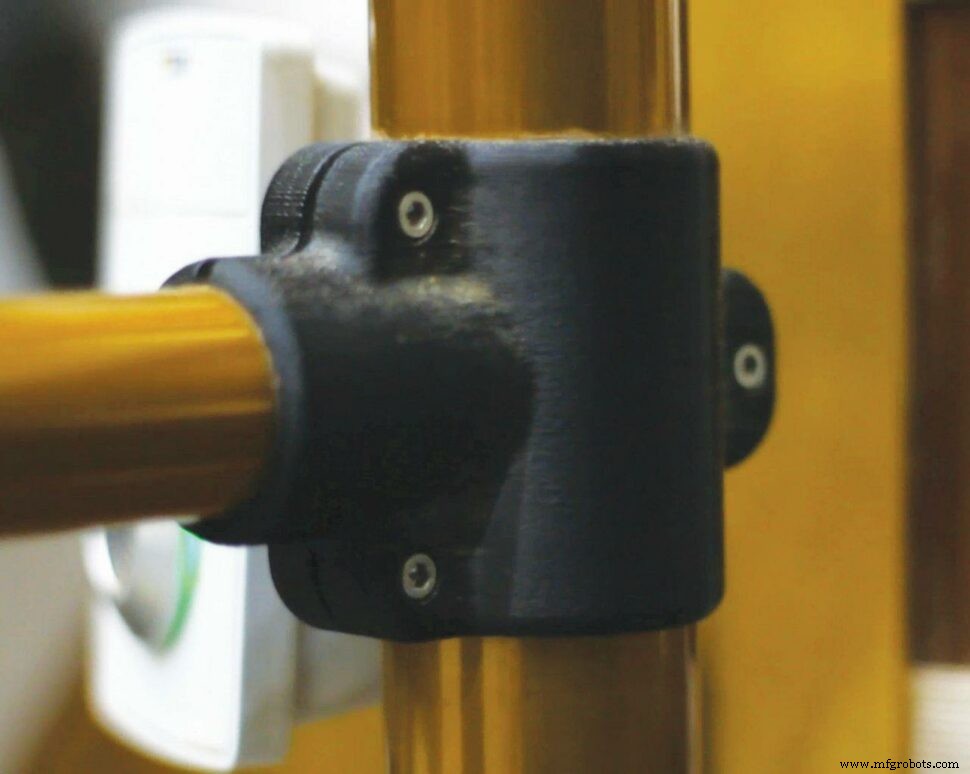
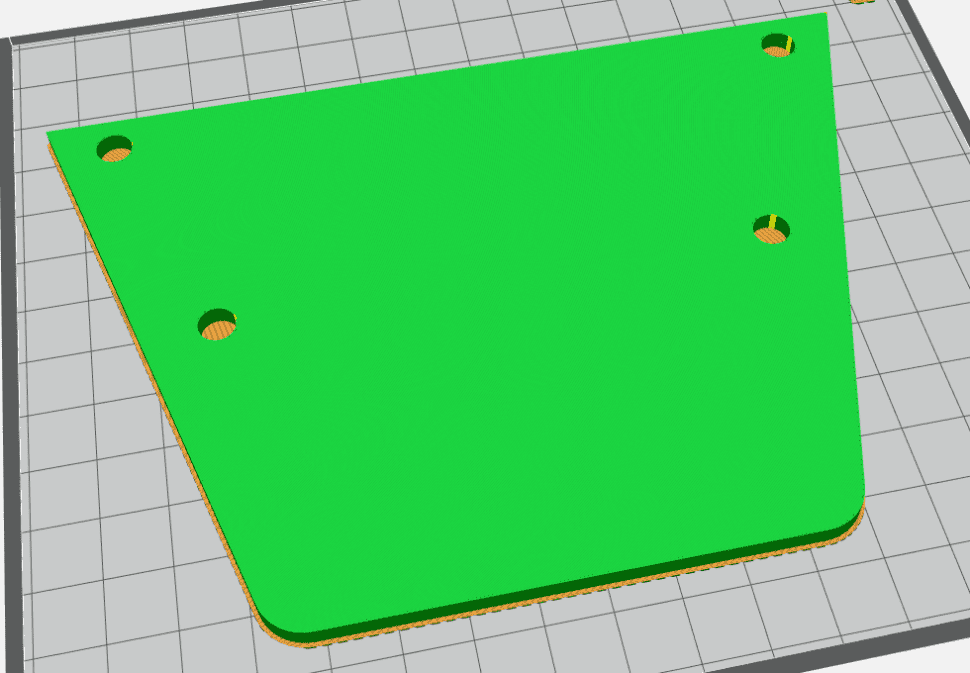
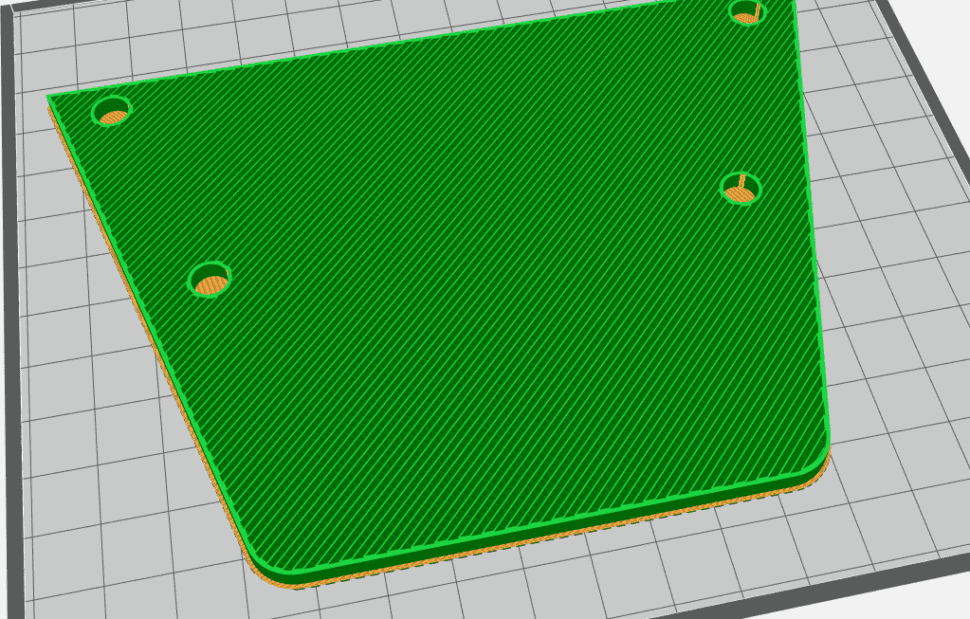
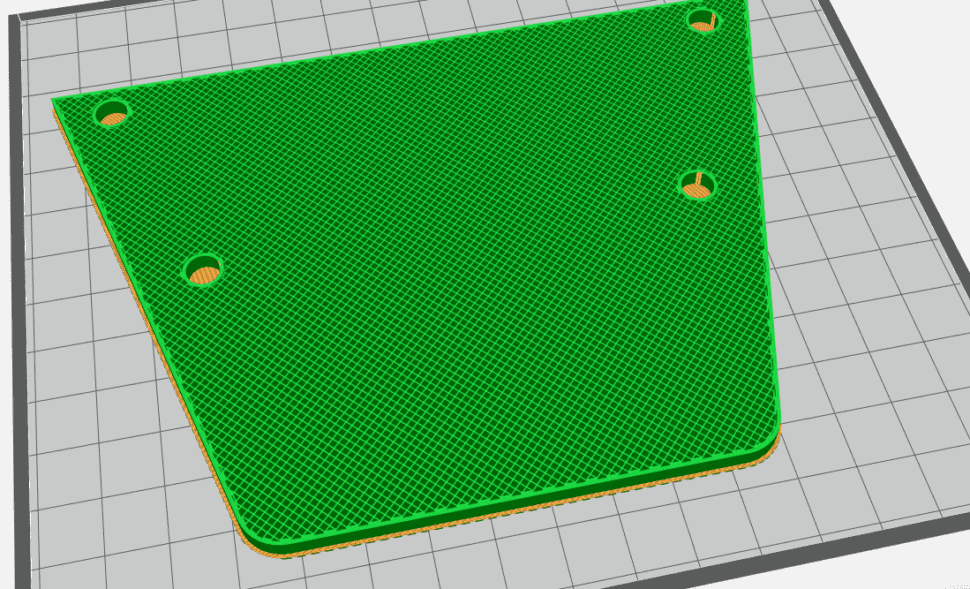
In FDM printing, infill density directly influences a part’s weight, strength, and material cost. Our quoting system offers three preset options:
- Solid – 100% fill for maximum strength, but also the heaviest and most expensive choice.
- Sparse – ~18% lattice fill, ideal for lightweight or budget‑constrained parts.
- Double Dense – ~36% fill, striking a balance between reduced weight and retained structural integrity.
Material Anisotropy in 3D Printed Parts
FDM parts exhibit anisotropic behavior: they are strongest when forces act perpendicular to the layer lines. When load is parallel to the layers, delamination can occur. PolyJet parts are closer to isotropic due to finer layering, yet they still favor perpendicular loading. Design your part orientation accordingly to meet performance requirements.
Tolerance Levels Achievable with FDM and PolyJet
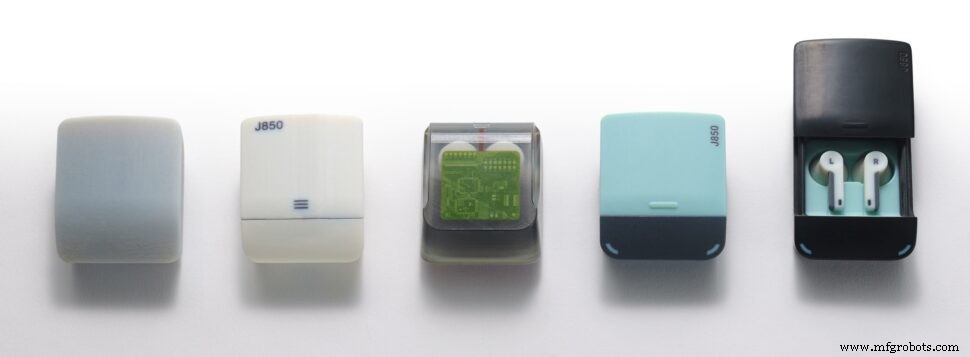
Tolerance depends on geometry and technology. With Stratasys FDM machines, we typically guarantee dimensional accuracy within one layer height. PolyJet offers tighter tolerances: the J850 model achieves ±100 µm for parts ≤100 mm and ±200 µm (or 0.06 % of part length, whichever is greater) for larger pieces. For precision‑critical components, PolyJet is the preferred choice.
Design Tips for Optimized 3D Printing
Successful additive manufacturing begins with thoughtful design. Consider the following guidelines for FDM, the most widely used method:
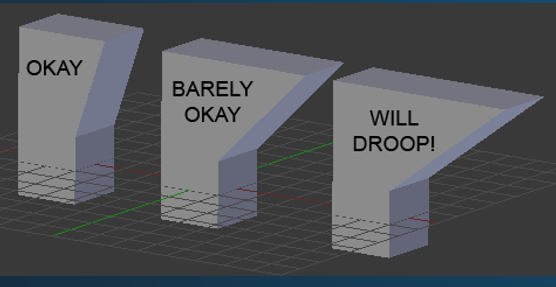
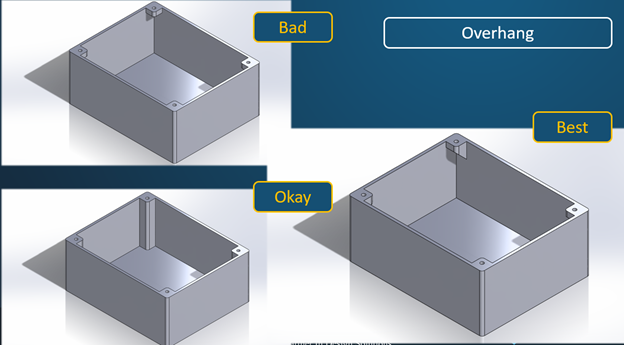
- Overhangs – Since material cannot be deposited into the air, overhangs need support. Stratasys’ soluble support material allows virtually any geometry, but you can reduce cost and post‑processing time by designing self‑supporting features. Overhang angles of 45° or greater typically eliminate the need for additional supports.
For more information or to discuss your specific project, contact us at csb@CADimensions.com. Our team of experienced engineers is ready to help you achieve the best results from your 3D printing projects.
Get Your Parts 3D Printed By CADimensions
Click Here For An Instant Quote
3D printing
- Top 25 3D Printing Startups to Watch in 2019
- 10 Key 3D Printing Trends Driving 2020 Innovation
- How the COVID‑19 Crisis Reveals 4 Key Lessons About 3D Printing
- In‑House Production: The Fuse 1 Builds Its Own Parts
- What 3D Printing Needs to Evolve: Top 3 Industry Demands Revealed at AMUG
- Expert Answers to Your Top 3D Printing Questions
- Top 6 Questions About the CMMC: A Manufacturer's Guide
- Evaluating the Performance of Metal Parts Produced by FDM 3D Printing
- Mastering the Shift: 4 Key Questions on Migrating from MASTERDRIVES to SINAMICS
- Optimal Printing Temperatures & Speeds for PLA & ABS: A Beginner’s Guide