



HT12E Encoder IC Datasheet: Comprehensive Overview & Application Guide
In communication, there is always a sender and a receiver. Similarly, an encoder such as the HT12E IC needs a decoder pair to transmit data. You find the application of these ICs in various home systems. And just like any other manual, the HT12E datasheet contains the essentials of this encoder/decoder pair.
Subsequently, you’ll find everything you need to know concerning the HT12E encoder IC. You also learn to begin building your electronic projects from these decoders and encoders.
1. HT12E Pin Configuration
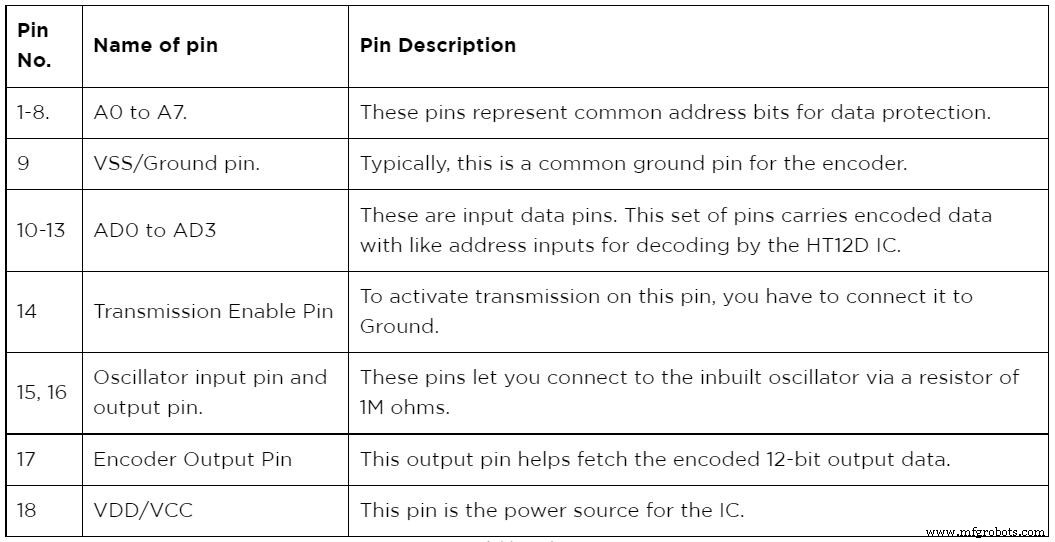
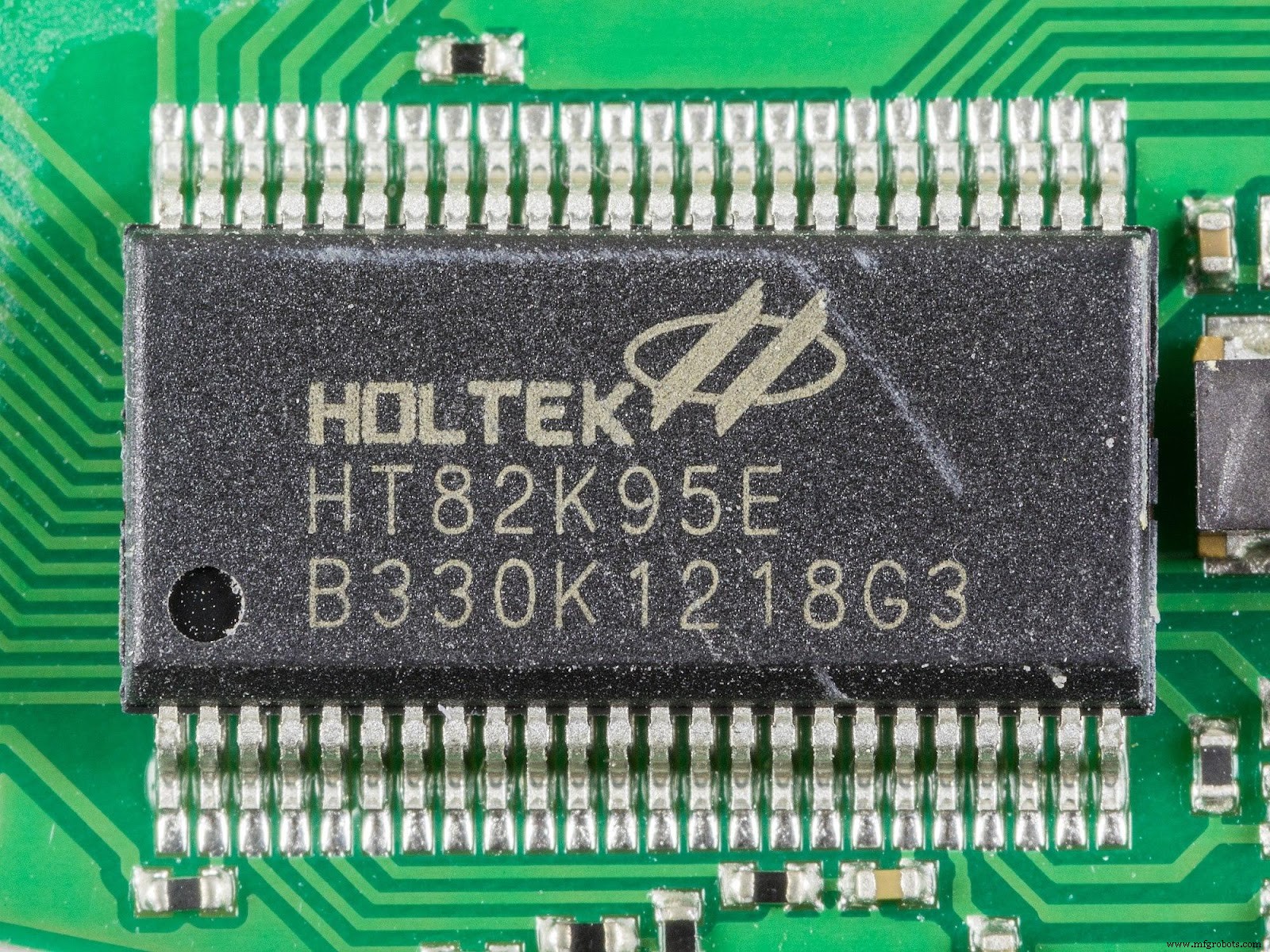
https://commons.wikimedia.org/w/index.php?title=Special:MediaSearch&search=Ht12+encoder&type=image (An 8-bit encoder MCU).
2. Features and Specifications
The HT12D IC is notable for its specifications and features. Below, you will find a list of these features.
- Unlike other ICs, the HT12D IC allows a broader operating voltage range of 2.4V to 12V.
- Furthermore, it supports connection with another 12-N data bits encoder.
- Encoded data is 12 bits in total. That is, there are eight address bits and four data bits.
- More so, it supports both radiofrequency and infrared transmission mediums.
- The microchip standby current is 0.1uA when VCC is 5V.
- Lastly, HT12D IC packages are available in 20-pin SOP and 16-pin DIP-packages.

(A radio frequency transmitter antenna).
3. HT12E Equivalent Encoder
There are various encoders similar to the HT12E IC. However, the only HT12E equivalents are 74C922 and PT2262.
4. Where to use HT12E Encoder IC
HT12E works majorly with the HT12D. Both the encoder and decoder pair must have a common 8-bit data address. Otherwise, your encoder may connect to a decoder outside of yours. So, 8 out of 12 bits are for setting up an address. Meanwhile, the remaining 4 bits go into data transmission. They are majorly used in RF pairs or Infrared pairs.
5. How to use an HT12E Encoder IC
Typically, the HT12E encoder IC is most useful in encoding and sending out 12-bit data using its output pin. Its inbuilt oscillator, RF transmitter, and receiver module improve the efficiency.
The first step to beginning using this IC is to set the operating voltage. Anywhere between 2.4V and 12V is suitable. The VDD/VCC pin usually operates on +5V, while the GND pin connects to the Ground.
Afterward, begin transmission by triggering the TE (Transmission Enable pin). But, to decode the encoded data in the IC, you need an oscillator. Fortunately, the HT12E encoder IC comes with a built-in oscillator.
Next, you have to connect the two oscillator pins (OSC1 and OSC2) to trigger decoding.
At this point, you have to assign the 4-bit data for encoding to pins AD0 and AD1. On the other end, you give the 8-bit address with pins A0 up to A7. Ensure that the decoder has the same address as the encoded data for appropriate communication.
6. Applications
- The HT12E is an essential part of wireless communication using infrared systems and radiofrequency technology.
- Generally, you find the HT12E encoder integrated circuit in remote control system applications.
- Also, it is helpful in electronic systems and smart systems that use remote switching.
- The IC is crucial for safety systems such as burglar and fire alarm systems, smoke alarms, etc.
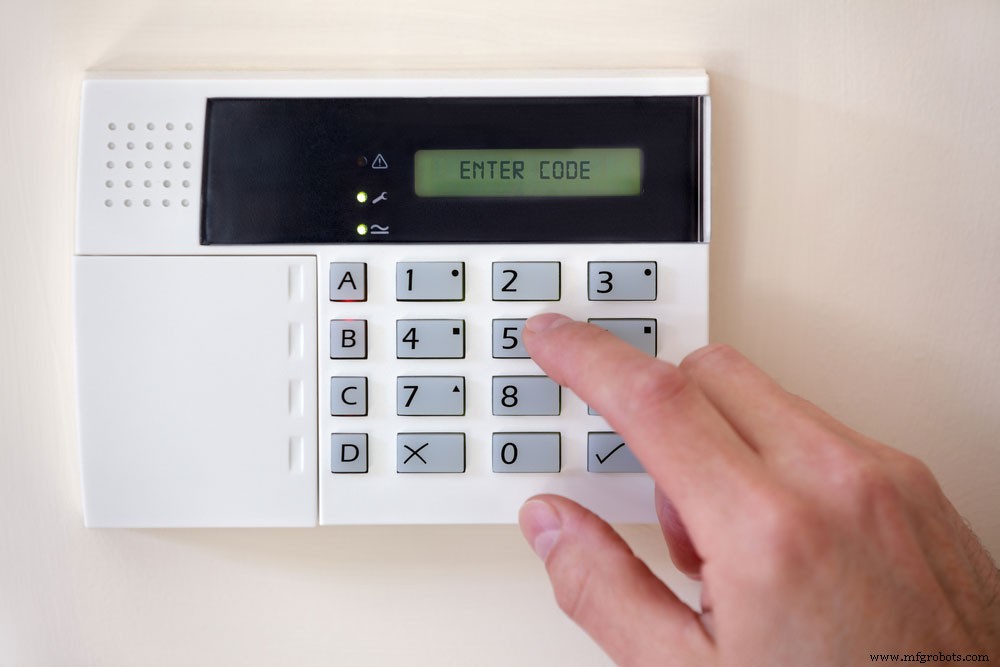
(A home security alarm system).
Conclusion
The HT12E encoder IC is essential for sending out 4 bits of encoded data. Although, it often requires a decoder pair such as the HT12D IC. You need to configure both pairs on the same 8-bit address data to work effectively.
You may want to begin similar electronic projects with the HT12E encoder IC. We suggest some professional assistance from fellow engineers. Contact our experts, who are always happy to help.
Industrial Technology
- Mastering Logistics Management: Your Complete, Proven Blueprint
- Mastering Inventory Management: Proven Strategies for Every Business
- Master Maintenance Management: Boost Efficiency & Cut Costs
- Mastering Preventive Maintenance: A Comprehensive Expert Guide
- Mastering LED Drivers: A Comprehensive Guide to Efficient Lighting
- A Comprehensive Guide to Encoder Types for Precise Motor Control
- IRF3205 N‑Channel MOSFET: Comprehensive Datasheet Review & Application Guide
- DPDT Relays Explained: Complete Wiring & Applications Guide
- LM386 Audio Amplifier IC: In-Depth Guide & Practical Uses
- Understanding the MAX3232: Pinout, Features, and Applications – A Complete Guide