



Getting Started with ioBroker on a PLCnext EPC 1522 Device
Hi PLCnext’s guy
Preamble
Yesterday thank to Jan Christoph Müller I have installed ioBroker on my PLCnext device (EPC 1522). I’m now happy to share it with you.
Problem/target:
I have:
- Pluggit ventilator, which works with Modbus TCP. Last month I have made a small project with Visu+. But I’m not really satisfied with it
- Some Shelly relais, which works with mqtt
- Some Xiaomi “smart home” devices like “Yeelight”, vacuum cleaner…
- I want to have one system for all devices
Why ioBroker?
ioBroker
- is well-known on smart home’s system. It works on many devices (and of course on our plcnext device)
- has many templates/libraries for smart home device
- works with docker
How to?
1. Log on your device with browser (IE; Firefox, Chrome…):
- In my case: https://192.168.0.29/cockpit/
- Factory/default: https://192.168.1.10/cockpit/
2. Go to Docker
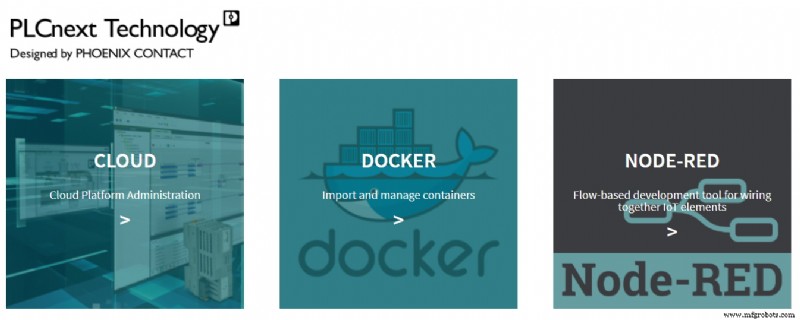
3. Give your log-in information on Docker Portainer
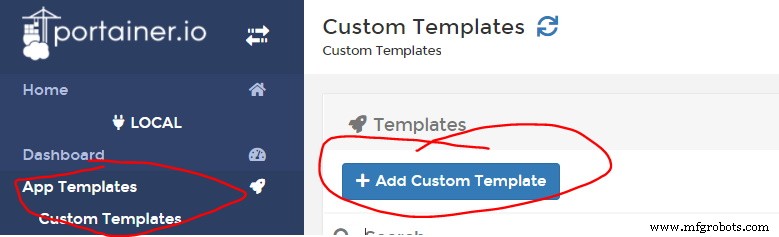
4. Go to “App template” –> “custom template” –> “Add custom template”
5. Fill the information of your template.
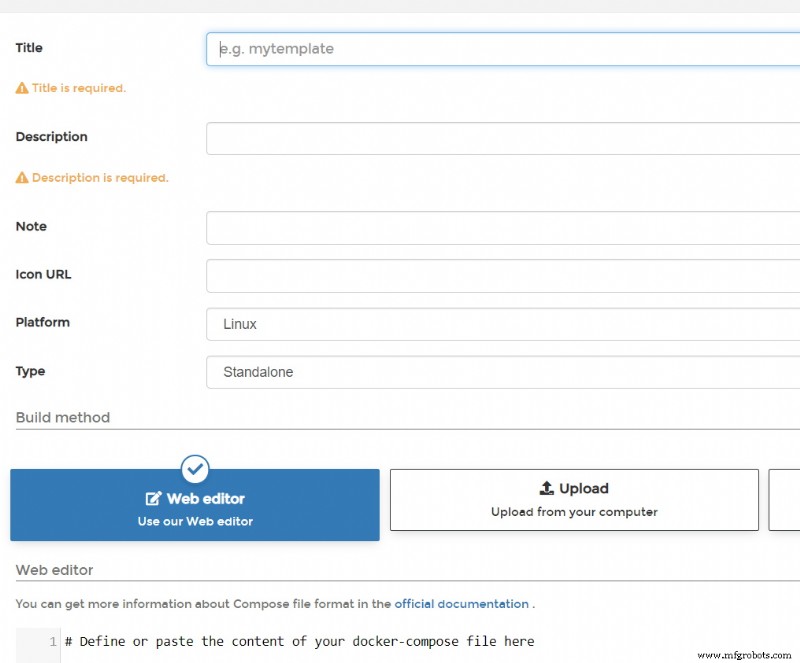
Hint: at “Web editor” you can copy and paste this text
version: ‘2’
services:
iobroker:
restart: always
image: buanet/iobroker:latest
container_name: iobroker
hostname: iobroker
ports:
– “8081:8081”
volumes:
– iobrokerdata:/opt/iobroker
6. now click on “create custom template” at the end of the page
7. go back to “Custom template” on the left side and choose your lately create template
8. click on “deploy the stack” (and wait… time for your coffee :D)
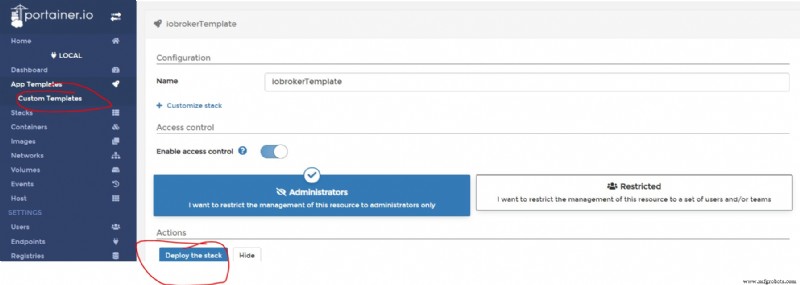
9. After “coffee’s time” check on your left side under “container” whether your “ioBroker” works
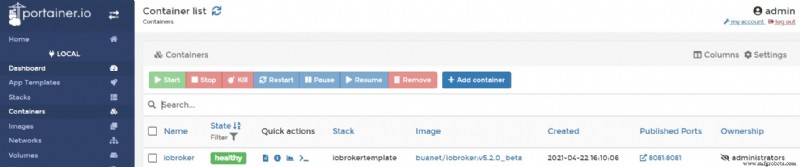
10. Now log on your ioBroker over: http://192.168.0.29:8081/
11. Here we go, you can now make your first configuration with ioBroker
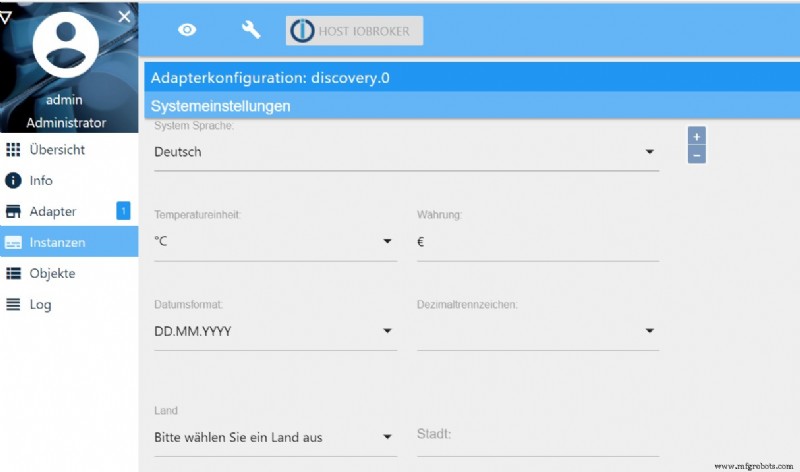
I hope, that you enjoy this blog.
If you have any questions, pls. ask me. Next time will show you my application with my Pluggit’s ventilator (Modbus TCP).
Industrial Technology
- Thyristor Technology: From SCR to TRIAC, GTO, and UJT
- Mastering I2C Communication with Arduino: A Practical Tutorial
- Maximizing PLCnext Engineer Simulation: Connect to Node‑RED via REST
- Installing and Licensing Atvise SCADA on PLCnext Controllers
- Optimizing PLCnext Control Devices with SNMP: A Practical Guide
- Cluster Management on PLCnext: Harnessing Kubernetes for Industrial Automation
- Seamlessly Connect PLCnext Controllers to Home Assistant for Smart Home Control
- Integrating Machine Learning into PLCnext Controllers
- Build Your First Go Application on PLCnext: A Beginner’s Guide
- easymon Finder: Effortless Remote Monitoring for PLCnext Systems