



Arduino & MPU6050: Precise Servo Motor Control with SG90 & MG996R
Components and supplies
 |
| × | 1 | |||
 |
| × | 1 | |||
 |
| × | 1 |
Apps and online services
 |
|
About this project
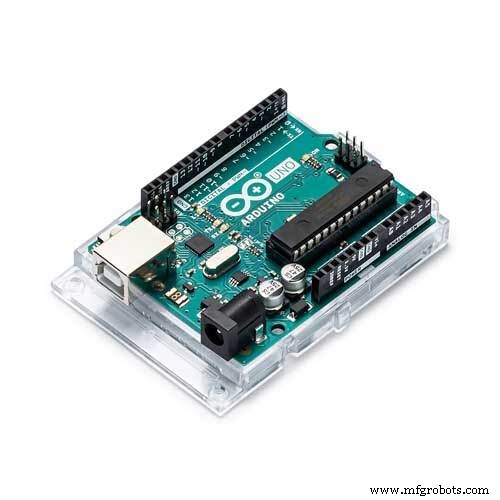
Components- Arduino UNO
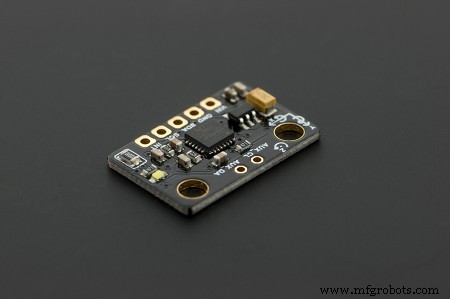
- MPU6050
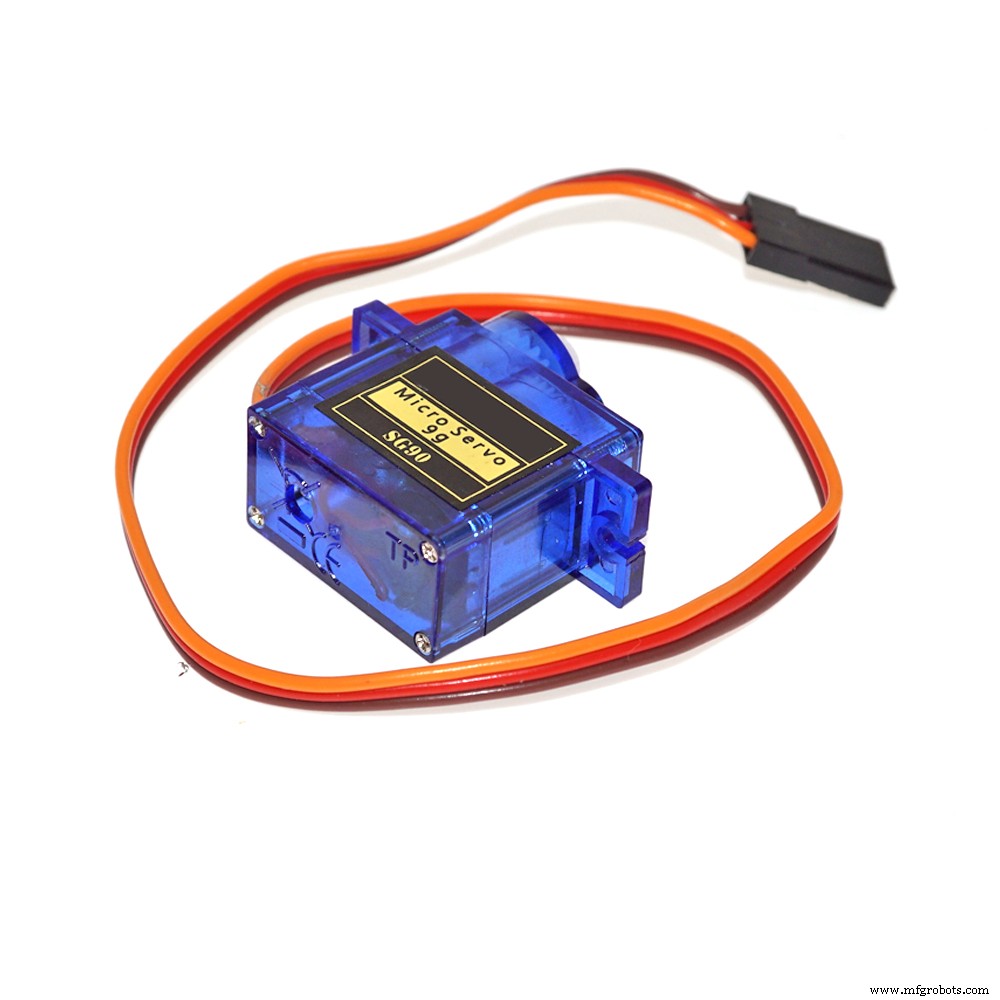
- MG 996R Servo Motor
- Jumper Wires
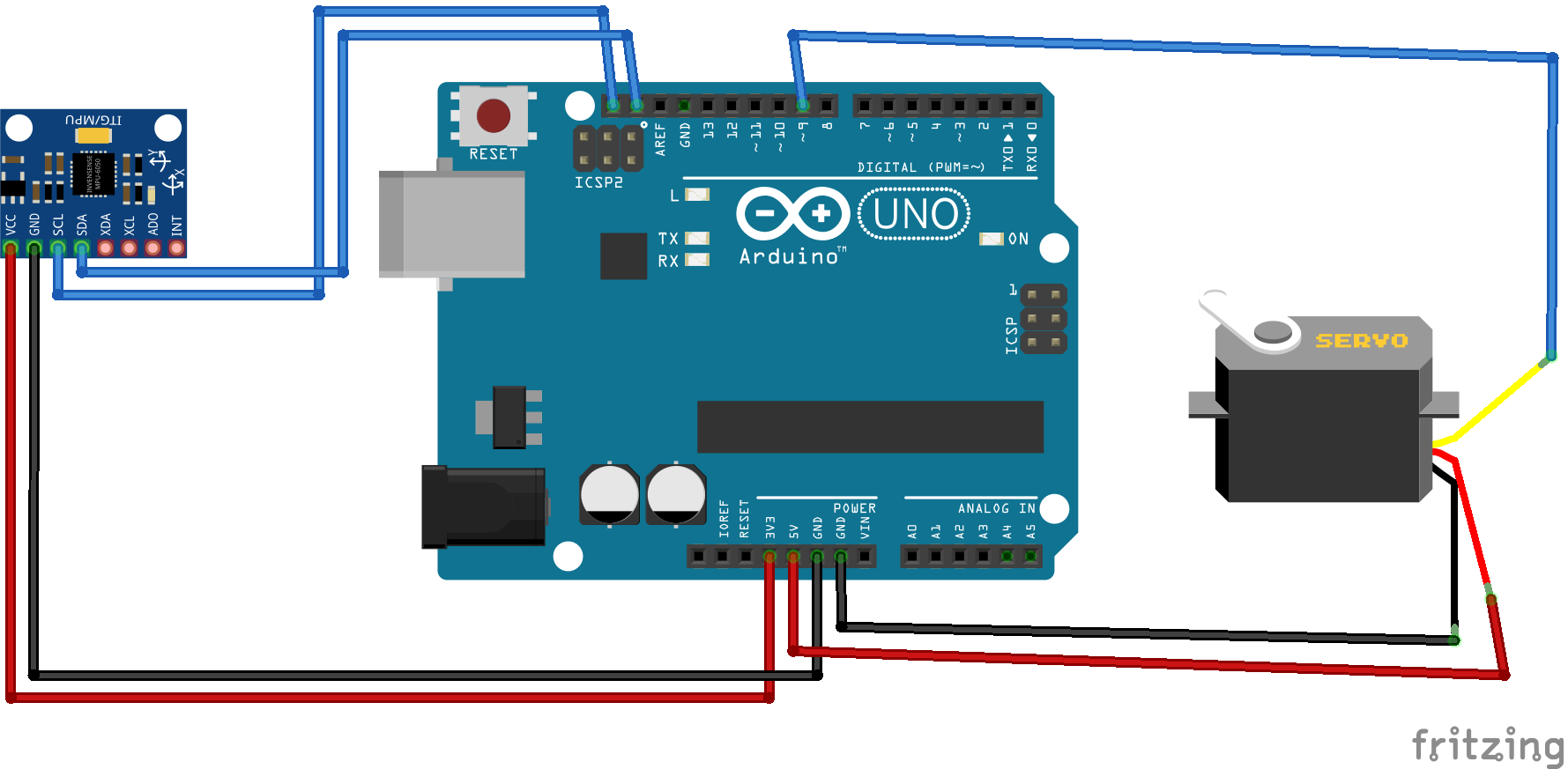
Check the attach diagram for connections
Note: You can also connect SDA and SCL pins of MPU6050 to A4 and A5 pin of Arduino respectively.
ProgrammingInclude the attached library in your arduino IDE, then upload the code in your Arduino board.
NoteCheck the video for complete understanding and subscribe our channel for more.
Thank You.
Code
- MPU6050 Library
- Code for Project
MPU6050 LibraryC/C++
No preview (download only).
Code for ProjectC/C++
//hammadiqbal12@gmail.com
//https://www.youtube.com/watch?v=Cvtr3LKdqvk


#include <GY6050.h>           //library for GYRO
#include <Wire.h>
#include <Servo.h>

Servo myservo;  // create servo object to control a servo


int X = 0;
int Y = 0;
GY6050 gyro(0x68);              //to save GYRO data


void setup() {

  Wire.begin();            //initializing GYRO
  gyro.initialisation();
  delay(100);
  myservo.attach(9);
}

void loop() {
  X = map(gyro.refresh('A', 'X'), -90, 90, 0, 180);                //mapping the gyro data according to angle limitation of servo motor
  Y = map(gyro.refresh('A', 'Y'), -90, 90, 0, 180);
  myservo.write(Y);                                               //movement of Y axis will control servo
 delay(15);

}
Schematics
Arduino‑Based Remote‑Controlled Pet Feeder: DIY Kit & Build Guide
C64 Retro Controller: Arduino Nano Interface
Manufacturing process
- Build Sensor‑Driven Audio Effects with the Satellite CCRMA Kit
- Servo‑Driven Obstacle‑Avoiding Robot: Build with Arduino & HC‑SR04
- Control Your Roomba Create 2 Using Arduino and Android: A Step-by-Step Guide
- Mastering an 8×8 LED Matrix with Arduino Uno: A Step‑by‑Step Guide
- Voice-Controlled LED Project: Arduino Micro + BitVoicer Server for Speech Recognition
- Build Your Own AI Assistant Robot Using Arduino & Python
- High-Performance Arduino Library for DC Motor Control
- Build a LEGO Wall‑E Robot with Arduino Nano: A Step‑by‑Step Guide
- Master the MPU6050: Accelerometer & Gyro Tutorial for Arduino
- Master Stepper Motor Control with Arduino & A4988 Driver – Step-by-Step Guide