



Real-Time COVID-19 Case Tracker with Alert System
Components and supplies
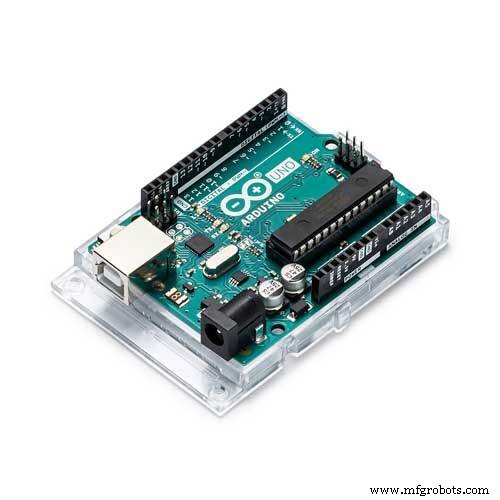 |
| × | 1 | |||
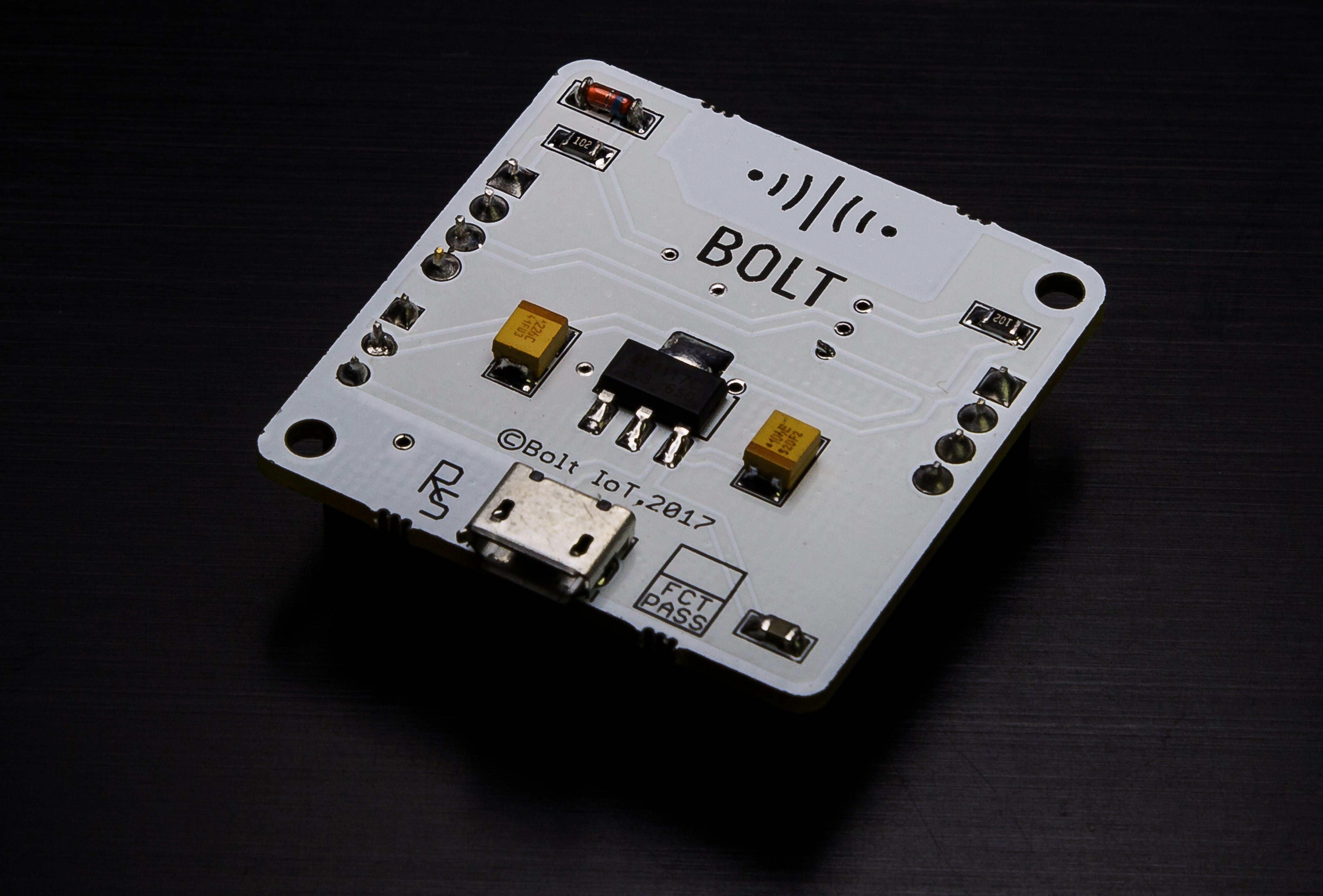 |
| × | 1 | |||
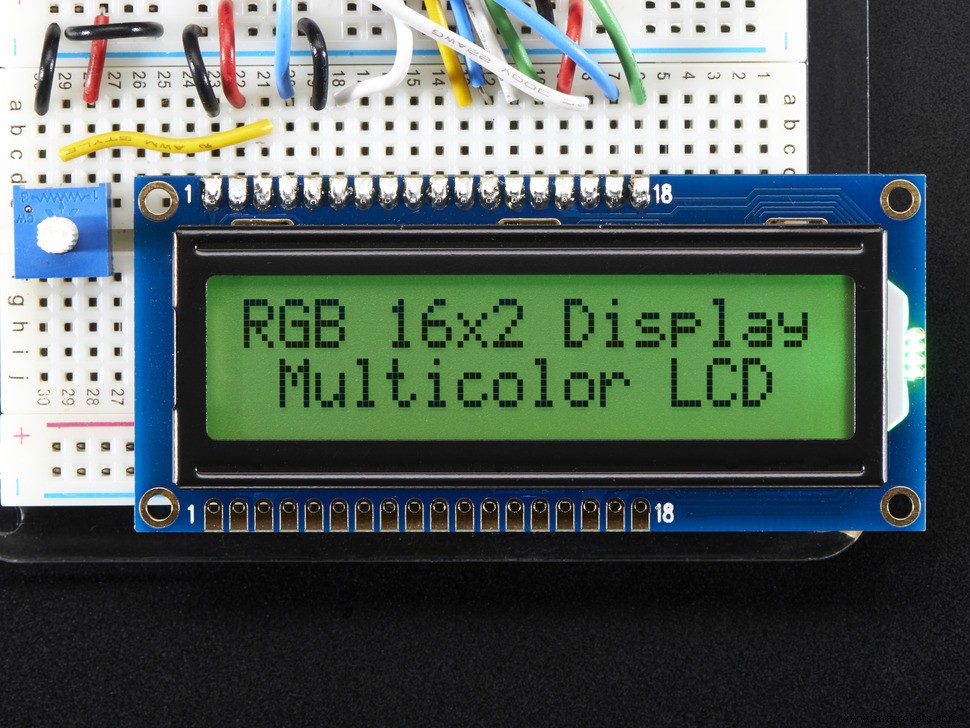 |
| × | 1 |
About this project
This project does two functions. Number one it displays the total number of coronavirus which is as u know its a pandemic.And the second function which its does is to trigger the buzzer when the number off cases around the world have increased by 500 people in the range of 10 minutes to indicate the coronavirus is no joke and to be taken seriously.
The best way to keeping the people alert so that they can be precautions is to constantly reminding them about the no of cases being listed and how dangerous it is.
Setting up BOLT module:
As we know esp8266 is a very famous module to connect to the internet. So what's bolt then it's the next layer of simplification of esp8266. U can think like arduino is the simplification of how we deal with microcontrollers.
So yaa, bolt has nothing like a fixed language though js and hrml are fixed ones used but bolt has API(Application Programming Interface).For those who don't know about API google it. So by using API bolt can be controlled like a official language would do.
At first we need to get the API key and DEVICE ID . With these two parameters and boltiot library in python we can control our bolt device. Why DEVICE ID, as there are n number of bolt devices this ID would differentiate from others .
For Controlling bolt u should have a account in www.boltiot.com. After logging into ur account follow the steps.
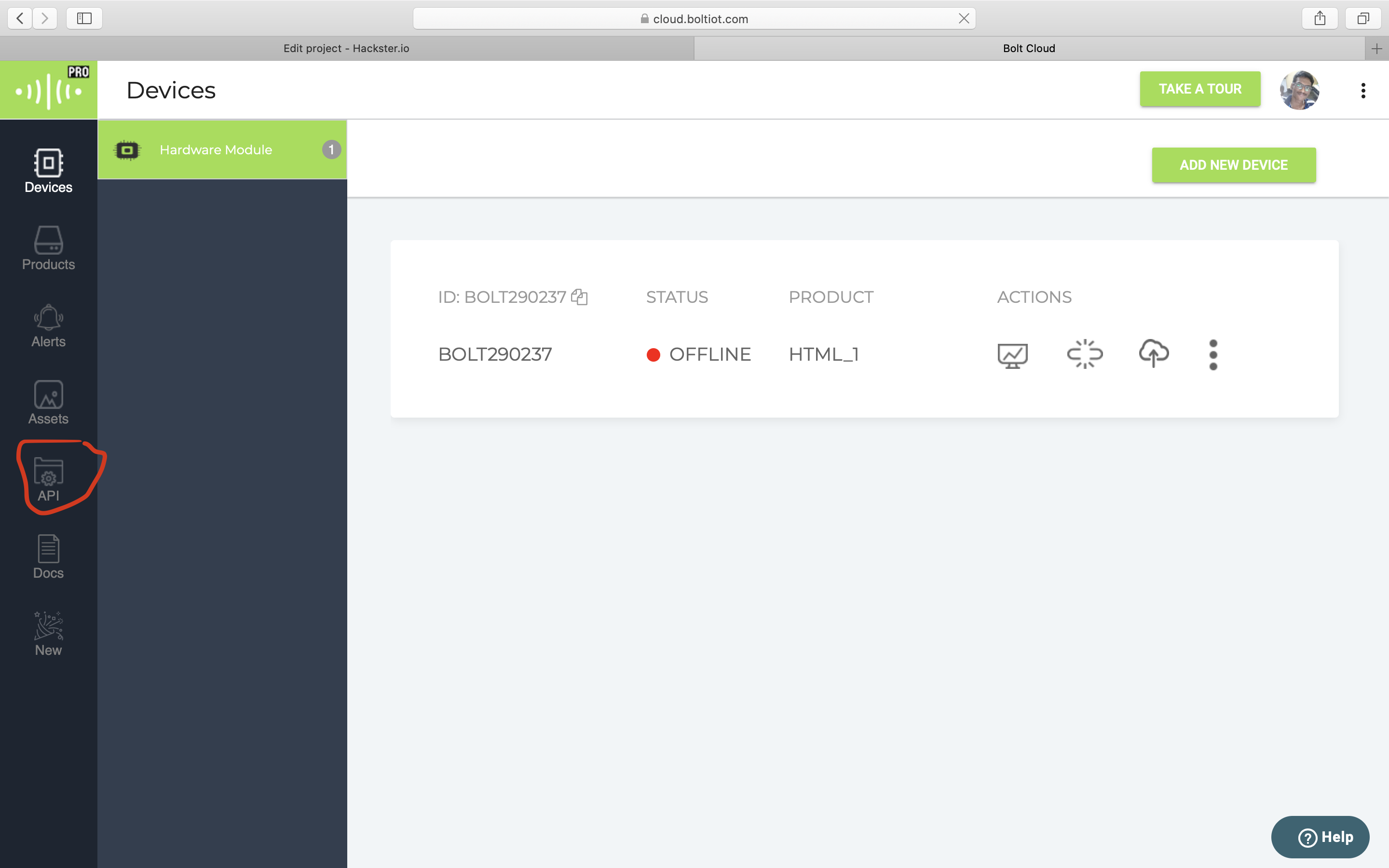
As u see in the picture note down the device ID and click on API.
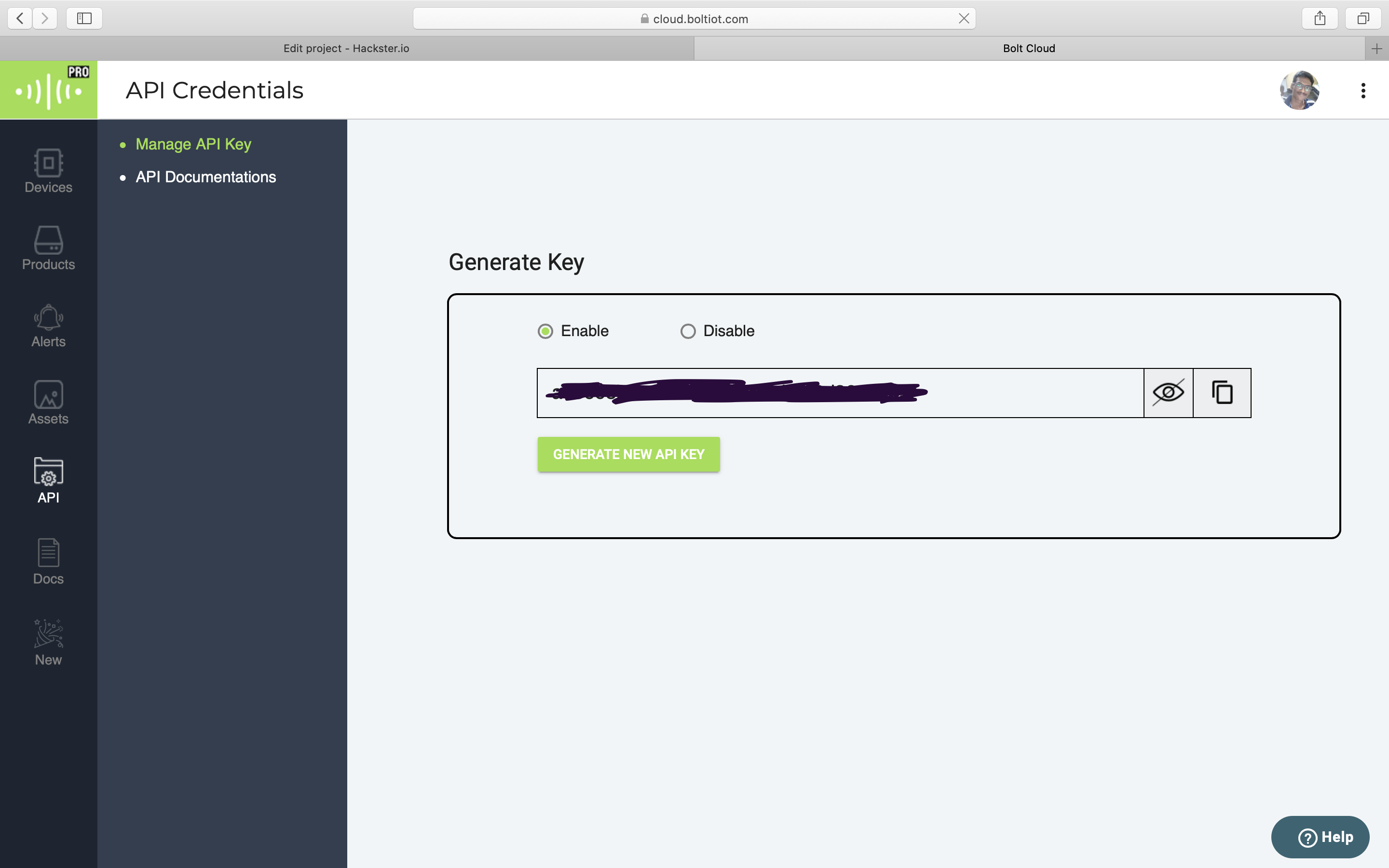
Don't forget to click on Enable and Note done the API key.
Programming in python:
First we get to know about the boltiot library in python u can download it from https://github.com/Inventrom/bolt-api-python and add it to ur libraries in python.
The next thing is to extract data i.e total no of coronavirus Currently registered in the world. The website which I used to extract the data is from https://www.worldometers.info/coronavirus/ I used webscraping in python to extract data. I used urllib library and Beautiful Soup to scarp the website and get the data.
So in python boltiot library we have these functions
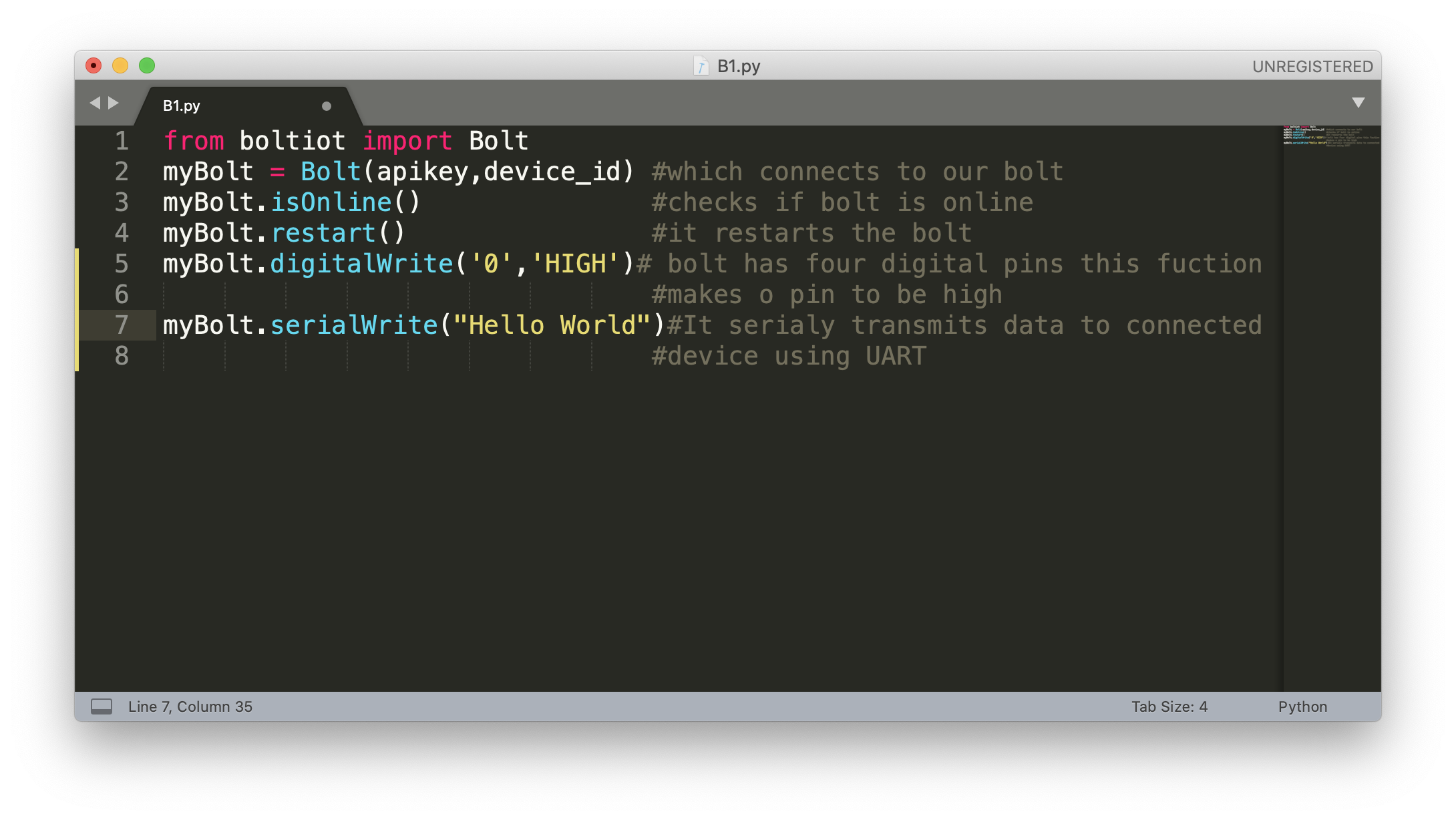
Use google collab which is good for programming in python. Now execute the python code which I provided and enter ur API Key and device ID.
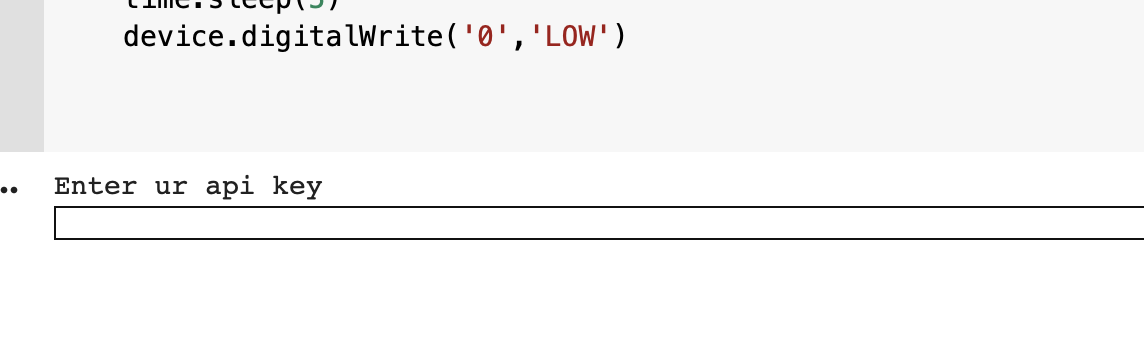
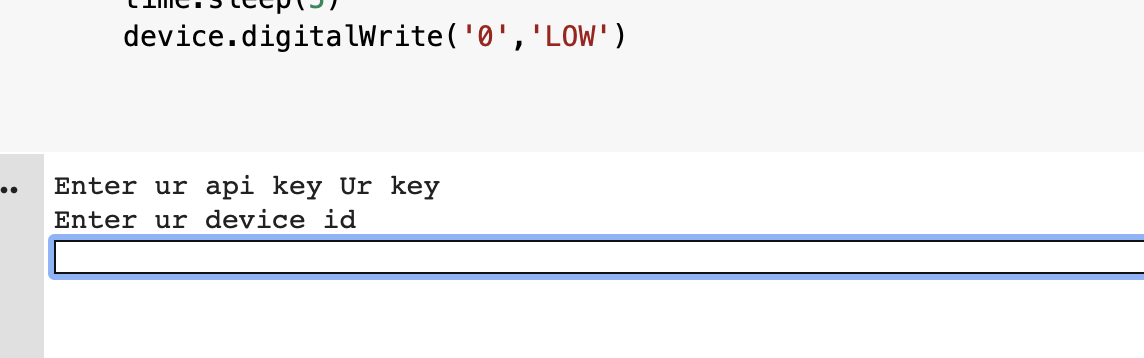
And then ur good to go.
Arduino Side:
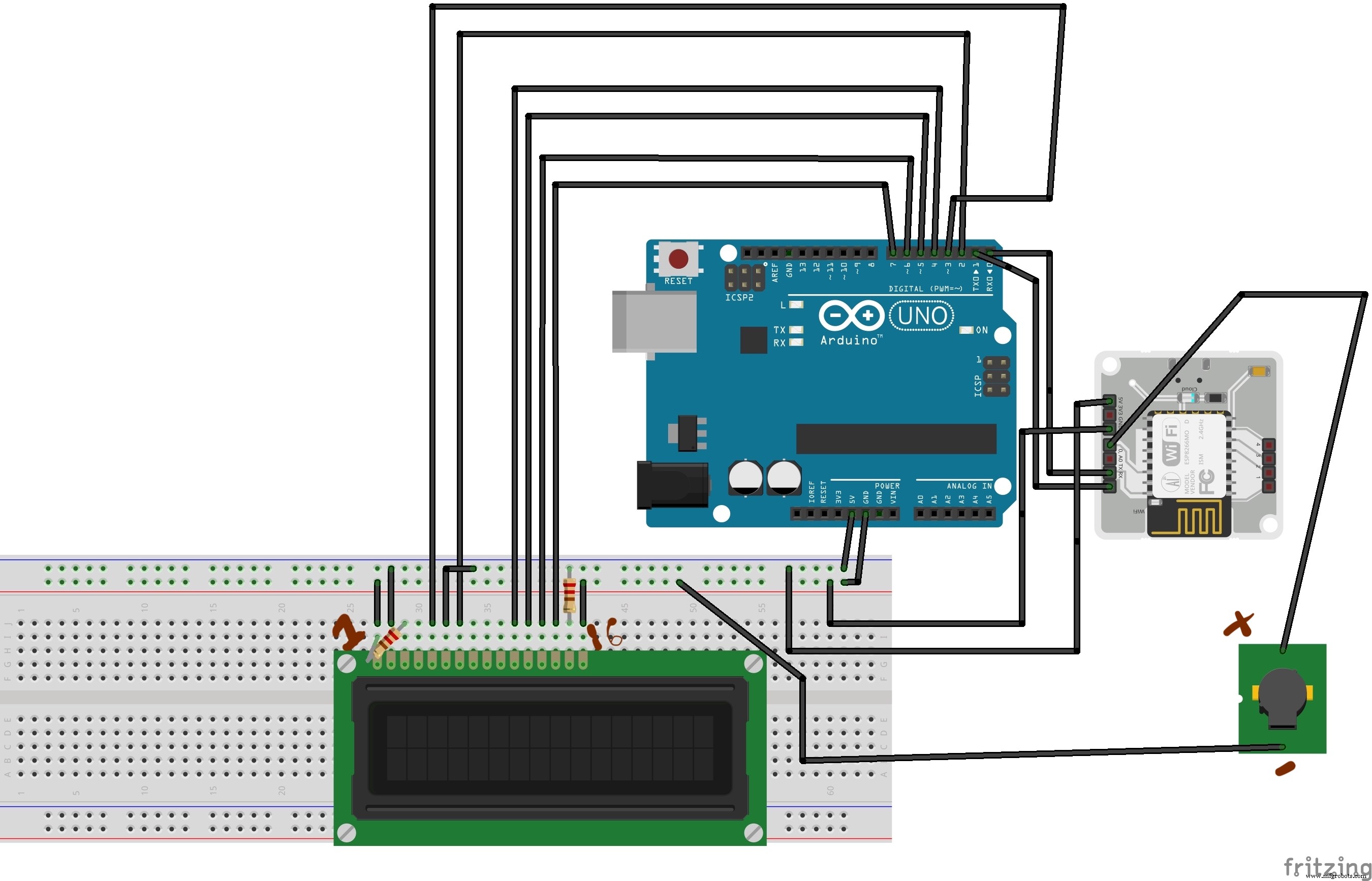
Now we are done with programming thre bolt using apis in python and we are sending data from bolt to arduino through UART like Tx and Rx pins are connected to Rx and Tx pins of arduilno respectively.
Do the connection to the LCD display to Arduino as shown in the circuit diagram .
Arduino receives UART signal using SerialRead command and we can store that value in a variable
We have LiquidCrystal Library in arduino deal with LCD display.
The function lcd.display("Hello") will print hello into the LCD. Don't forget before that we need to configure the LCD and set the cursor. Further reading about lcd visit https://www.arduino.cc/en/Tutorial/LiquidCrystalDisplay .
And we are good to go the Live updater of total coronavirus registered in the world is done.

This project does one more thing it triggers the buzzer for 5 sec if the no of cases increase like 100 in the span of 10 min . Indicating that corona virus is no joke.
The output is shown in the following video.
Thank You.
Code
- Python Code
- Arduino Code
Python CodePython
from bs4 import BeautifulSoup as bf
import requests
import time
from boltiot import Bolt
import ssl
a = list()
#———————-Algorithum  to compare the values every 10 min—————


def checking1(x,count):
  a.insert(count,x)
  if count == 1:
    print(a)
    if(a[1]-a[0] > 10):
      a.clear()
      return(1)
    else:
      a.clear()
      return(0)


  #—————————getting the value from website————————


def getting_value(): #getting the value from website
  y = ''
  html = requests.get("https://www.worldometers.info/coronavirus/")
  soup = bp(html.text,'html.parser')
  tag = soup("span")
  Effected_people = tag[4].contents[0]
  for i in range(9):
    if i==1 or i==5:
      continue
    y = y + Effected_people[i]
  x = int(y)
  return(x)

#———————Execution starts from here————————————
Effected_people = getting_value()
apikey = input("Enter API Key")
Bolt_id = input("Enter the Bolt_ID")
device = Bolt(apikey,Bolt_id)
for i in range(1000):
  print(device.isOnline())
  response = device.serialBegin(9600)
  x = getting_value()
  z = checking1(x,0)
  response2 = device.serialWrite(x)
  print(response2)
  time.sleep(100)    #time.sleep(100) with delay for execution for 100 sec
  y = getting_value()
  z = checking1(y,1)
  response2 = device.serialWrite(y)
  if(z == 1):
    device.digitalWrite('0','HIGH')
    time.sleep(5)
    device.digitalWrite('0','LOW')
Arduino Code Arduino
This code takes input from the boltiot through UART and displays it on LCD Screen#include<LiquidCrystal.h>
LiquidCrystal lcd(2,3,4,5,6,7); //Initialising the LCD
void setup() {
Serial.begin(9600);
lcd.begin(16,2); // 16*2 LCD display
lcd.home();
Serial.setTimeout(50);
lcd.print("Total affected :");
}
void loop() {
String x;
lcd.setCursor(0,2);
if(Serial.available()>0) // Reading the data from UART
{
x = Serial.readString();
}
lcd.print(x); //Printing it to the LCD DISPLAY
}
Schematics
The connection from arduino to lcd display ,from bolt to arduino.
Manufacturing process
- How Live TV Will Transform: The Computing‑Driven Future of Broadcast
- Java 9 (JDK 9) – Key Features & Benefits
- Enhancing Java Concurrency: Key Improvements to the CompletableFuture API
- Earth Analyzer: Advanced IoT Sensor Kit for Environmental Monitoring
- Bolt IoT Smart Robot Car – Arduino UNO & L298 Motor Drivers
- Machine Bolts Explained: Types, Uses, and Installation Guide
- Bolt Sleeves Explained: Protecting Bolts in Hard Surfaces
- Understanding Live (Hot) Wires: Safety, Risks, and Precautions
- Screw vs. Bolt: Key Differences, Types, and Applications
- A Practical Guide to Bolt Head Types for Secure Fastening