



Webinar: Build Stronger 3D Parts with Eiger Software
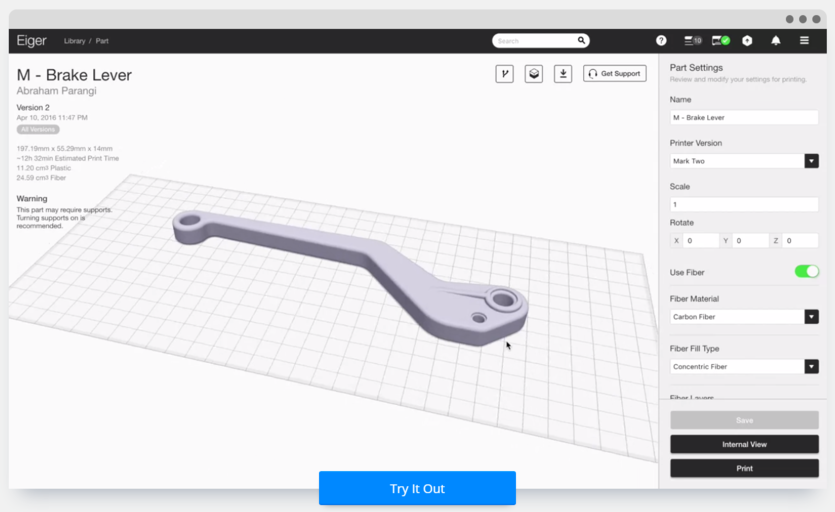
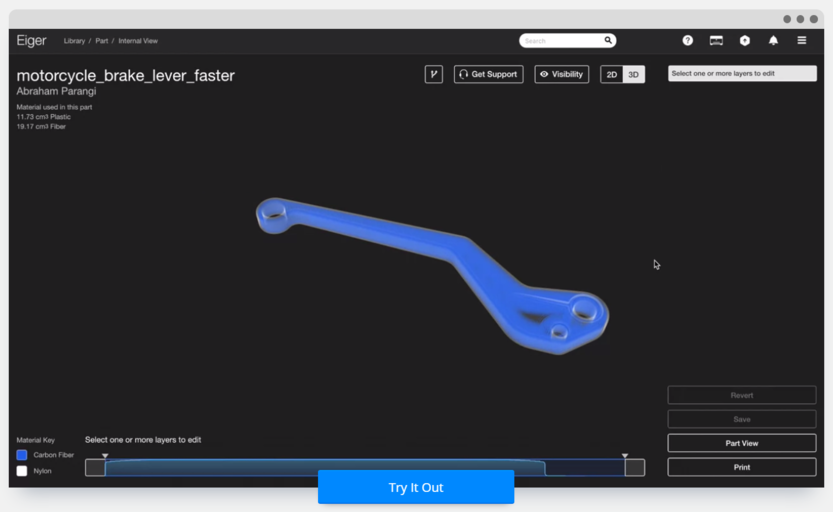
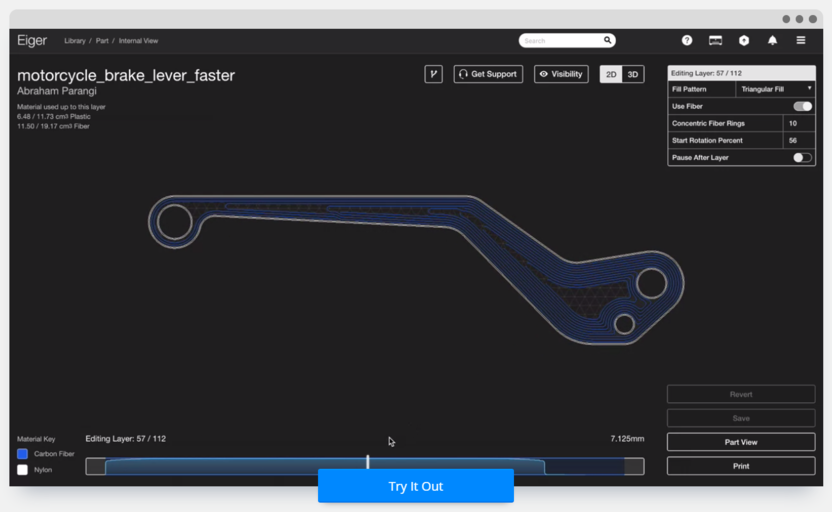
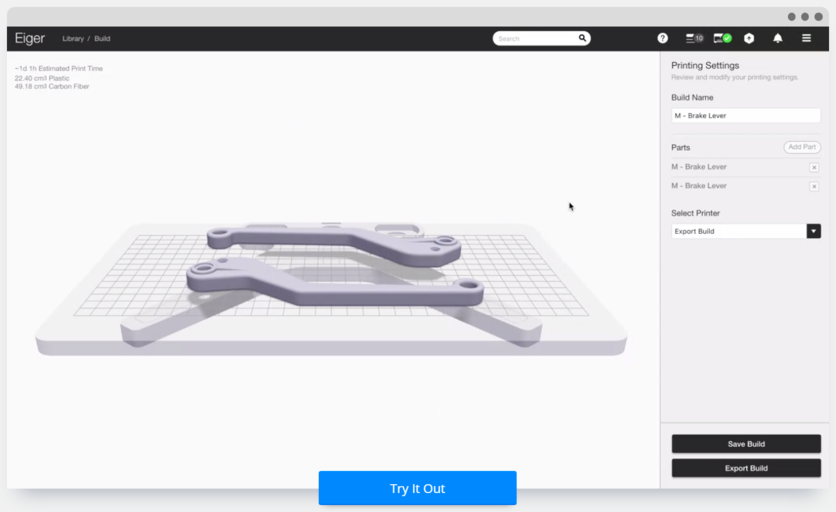
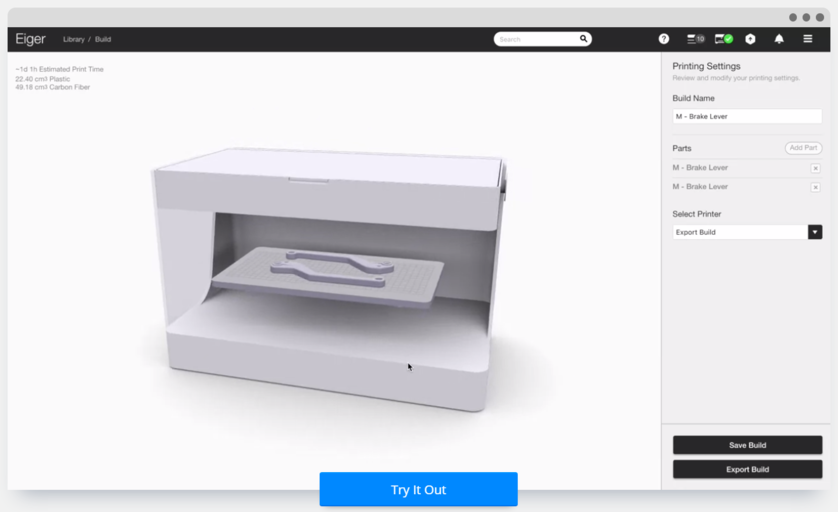
Update: If you missed our live session on May 5, watch the full recording here. Original Post: We’re launching a webinar series next week and invite you to join us for the first session focused on our flagship software, Eiger. Customers repeatedly tell us why they love Eiger. In this webinar, we’ll demonstrate the features that make it indispensable for creating high‑strength, fiber‑reinforced parts with the Mark Two industrial 3D printer. When: Thursday, May 5, 11 a.m. EDT – Sign Up! The Mark Two prints parts that rival the strength of aluminum. It does this by layering continuous composite fiber—Carbon, High‑Strength High‑Temperature Fiberglass, Fiberglass, or Kevlar—within a nylon matrix. The result is unprecedented strength, stiffness, and durability. Eiger is a browser‑based, cross‑platform tool that runs on any computer. It’s the backbone of every Markforged printer, enabling precise fiber reinforcement and intuitive workflow. Whether you’re new to 3D printing or an experienced engineer, Eiger’s user‑friendly interface lets you control every aspect of the build. After configuring your part, simply click Save to slice the model and generate nylon and fiber nozzle paths. Press Print to send the job via Wi‑Fi, Ethernet, or USB to the printer’s internal memory. Below is a 3‑D model of a manual brake lever imported into Eiger. The brake lever, reinforced with carbon fiber (blue), appears in Eiger’s 3‑D internal view mode. Layer 57 of the lever demonstrates the detailed fiber placement in Eiger’s 2‑D internal view mode. With multiple reinforced brake levers on the build plate, you can print them simultaneously. Join us on Thursday, May 5, at 11 a.m. EDT to explore these features and more. —
If you’d like to experiment with Eiger before the webinar, sign up for a free trial today!Why Markforged’s Mark Two is a Game Changer
Eiger: The Software That Powers It All
Key Features at a Glance
Live Demo
3D printing
- Coloring 3D‑Printed Parts with Wax Crayons: A Novel Post‑Processing Technique
- How Metal 3D Printing Is Revolutionizing Lightweight Parts for Aerospace and Automotive
- In‑House Production: The Fuse 1 Builds Its Own Parts
- Elevating Quality Control: 3D‑Printed Tooling Enhances Manufacturing Precision
- Designing Functional 3D‑Printed Bicycle Pannier Adapters with Kevlar CFF
- Reimagining the Go‑Kart: 3D‑Printed Carbon‑Fiber Parts for Unmatched Performance
- Onyx: The Next Leap in Production‑Ready 3D Printing
- Björn Lindwall’s 3D‑Printed Gear Powers His Everest Ascent
- Are 3D Printed Parts Really Strong?
- Professional Guide: Dyeing 3D Printed Polyamide Parts for Vibrant Color and Durability