



E3.series Database Tutorial: Master Attributes, Connections, & More with Downloads & Courses
In this article, you will learn some basic concepts about E3.series database such as: Attributes, Attribute Lists, Text Types, Connection Types, Braided Wire Parameters, among others. Besides, the creation of a component will be exemplified and how you can fully learn all the functionalities of the E3.series Database with DOWNLOAD of the tool and Courses.
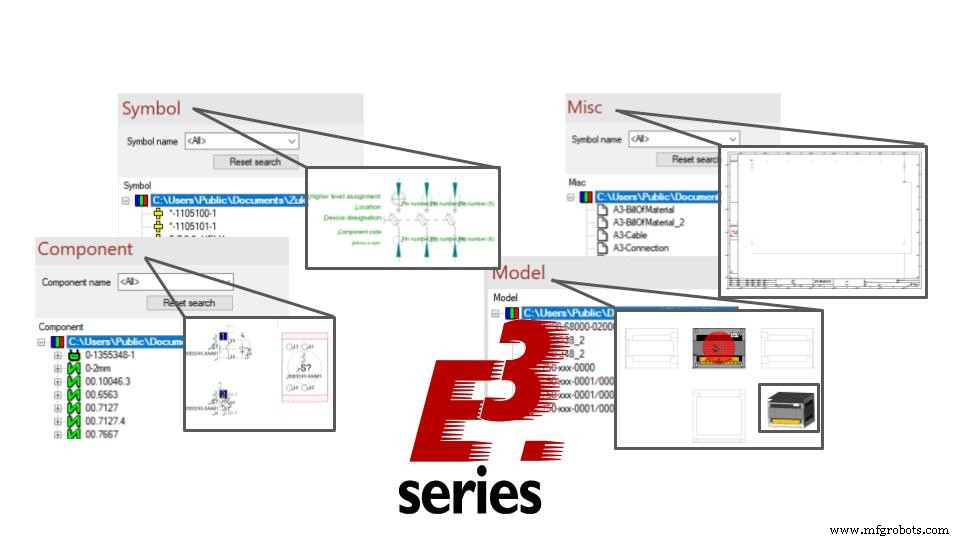
Database Editor Tools
Similar to project settings, you'll want to cycle through the Database Editor settings, reviewing each of the available options. Along with these settings, there are format options for configuring your library. Here are the main areas I suggest reviewing.
-
Attributes
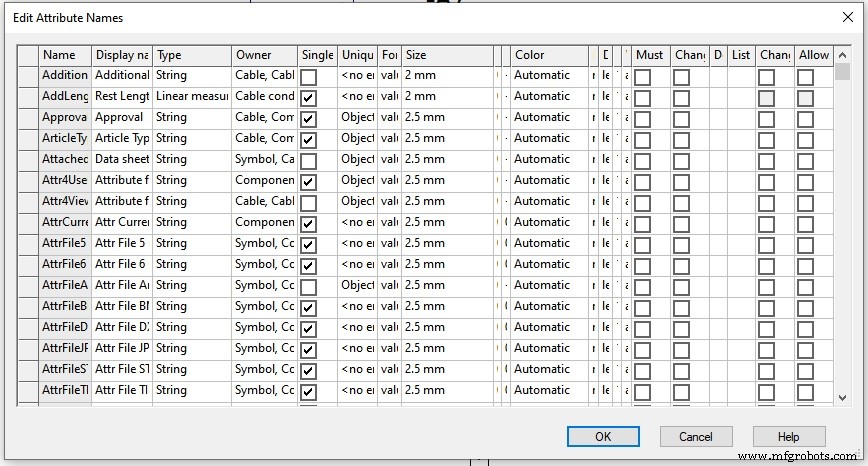
Create custom attributes to define the company-specific data needed in your projects. An example would be defining your company's part number as an attribute to add to components.
Try NOW the industry-leading E-CAE E3.series tool in the world with technical training courses!
Click on the banner below:
-
Attribute Lists
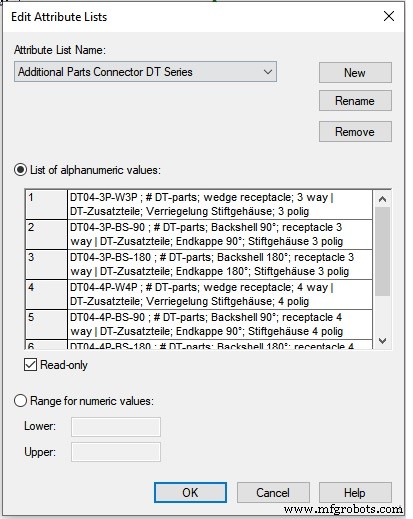
A list of defined attribute values to create similar data formatting. Take, for example, the coating material, some users will spell out the material 'Tin'. Meanwhile, other users will use the ‘Sn’ element symbol. By having a defined value list, all pin terminals will have the same format for the attribute value.
-
Text Types
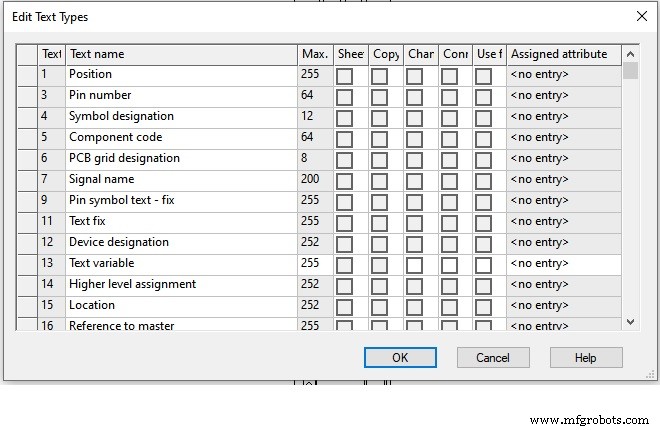
Similar to attributes, you can define custom text types. Symbols use text types to visualize data in the project. Text types can also have an attribute assigned to them. For example, assign the company part number attribute to a text type for display on a component symbol.
-
Wire Cross-Sections, Outer Diameters and Hose/Tube Diameters
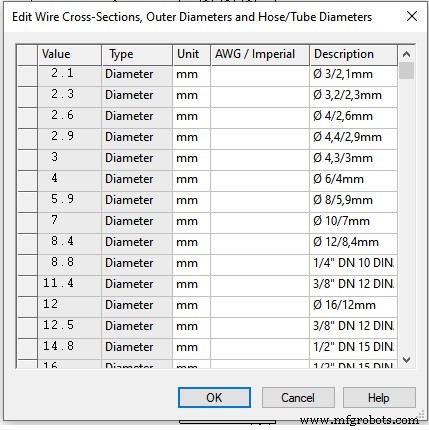
This list contains the available cross-section and diameter options. Provides selection options when creating wires and cables. Also, input options when for the minimum and maximum cross section values of the model nodes.
-
Wire Materials
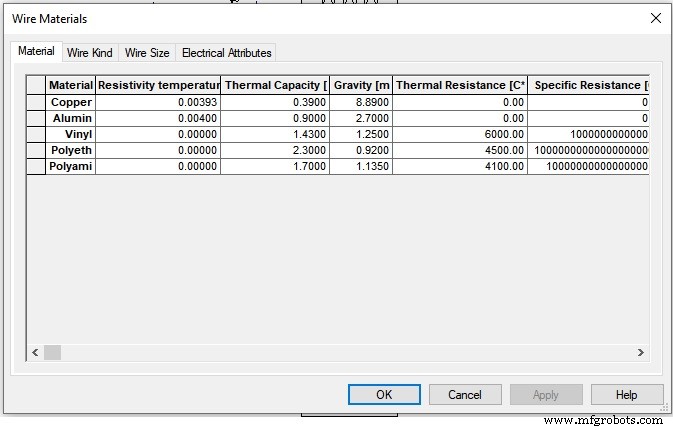
In the Wire Materials menu, you will find the definitions of conductive materials and their properties. Covering areas such as internal and external conductive material, heat capacity, strength, relative permittivity, temperature restrictions and much more. Electrical calculations will use these values later.
-
Parameters for Twisted Wires
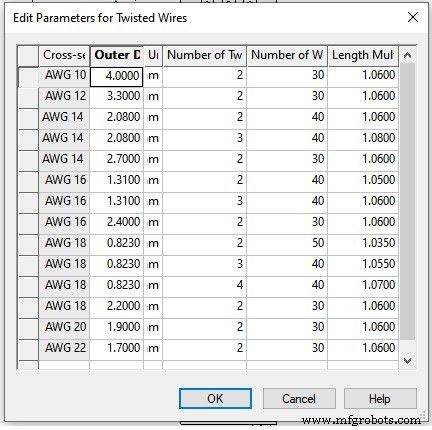
Define parameter details such as number of conductors, windings and length multiplications. Projects and reports will use these parameters for wire length calculations.
See How to Create a Component in E3.series
Learn about E3.series Add-ons
The E3.series software package offers additional tools to assist in the library creation and management process. Helping users save time and automate common processes.
The following is an example of an add-on tool to help with library creation and management.
E3.CopyDatabaseEntries
This tool helps you do exactly what you expect. You can copy components and symbols from one library to export to another. This tool's settings provide a complete step in copying component data, automatically copying associated part symbols, related parts and/or attributes. A common use of E3.CopyDatabaseEntries is to copy parts of the “test” library to the “production” library.
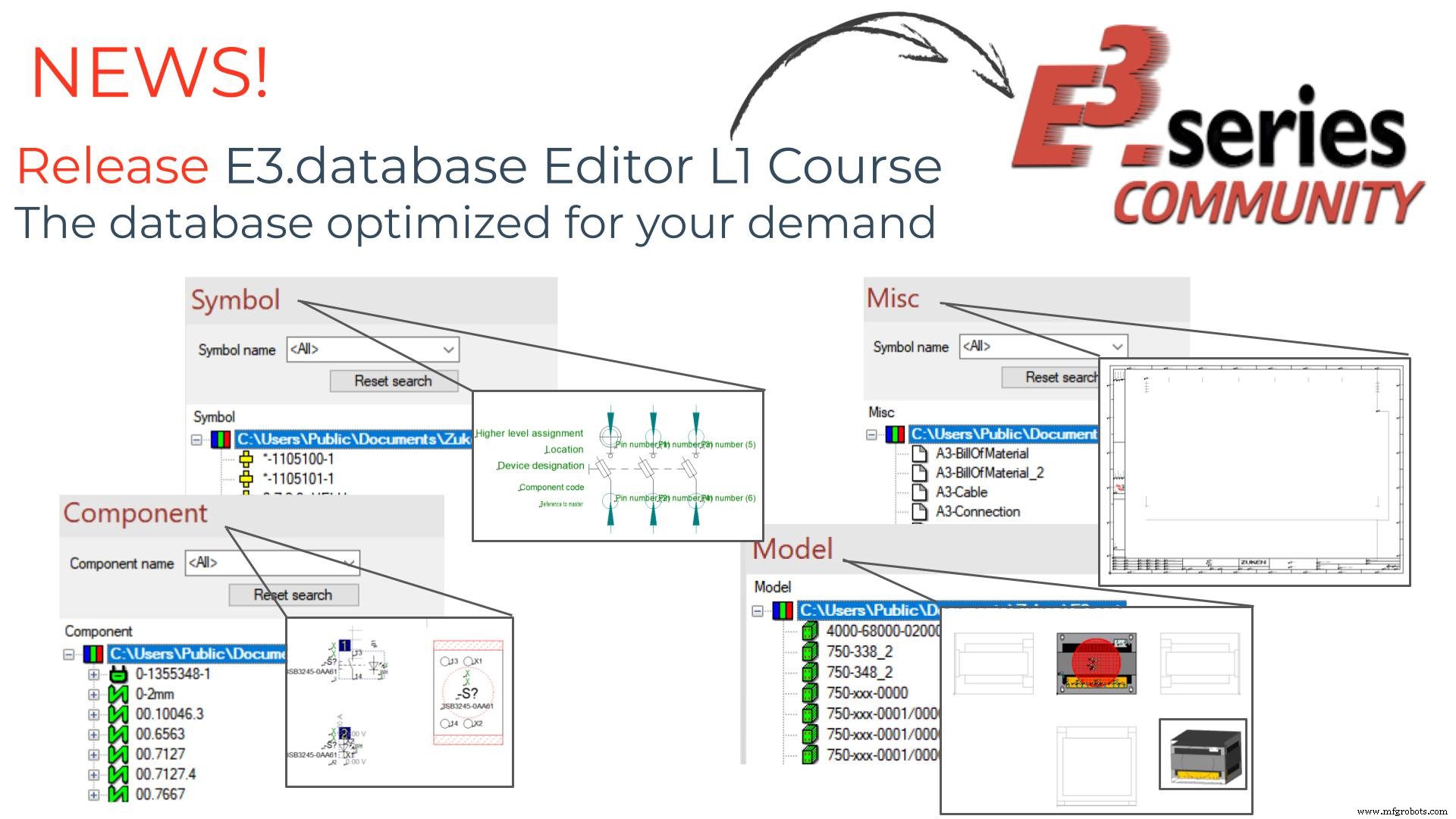
Have a Complete and Optimized Database for your Demand
Get to know the E3.dataBase Editor L1 course and get trained in the industry-leading E-CAE tool in the world.
.jpg)
E3.dataBase Editor L1
Test the E3.series software using the button below:

Industrial Technology
- Series and Parallel Component Calculations – Resistances, Inductances, Capacitances
- Understanding Series and Parallel Capacitors: How Capacitance Adds or Diminishes
- Series vs. Parallel Inductors: How Inductance Adds or Diminishes
- Mastering Series RLC Circuit Analysis: From Impedance to KVL
- Streamline E3.series: Master Database Templates for Efficient Component Searches
- E3.Student – Free Study Edition for Engineering Students
- New E3.series Course Bundles & Download – Affordable Training for Engineers
- E3.series Mastery: Full Training & E3.student Download
- E3.series Software Trials: Commercial & Qualified Testing Guide
- Choosing the Right Battery Connection: Series, Parallel, and Series‑Parallel Configurations