



Master Wire Insertion in E3.series Electrical Projects with E3.cable
In this article we show how the insertion of wires inside E3.series is smart and complete. Thus, your projects are documented in detail so that your process becomes optimized and efficient.
Components are selected from the tree, organized by class and vendor name. Then the rest of the cable is added to the sheet from the device window.
Try NOW the industry-leading E-CAE E3.series tool in the world with technical training courses!
Click on the banner below:
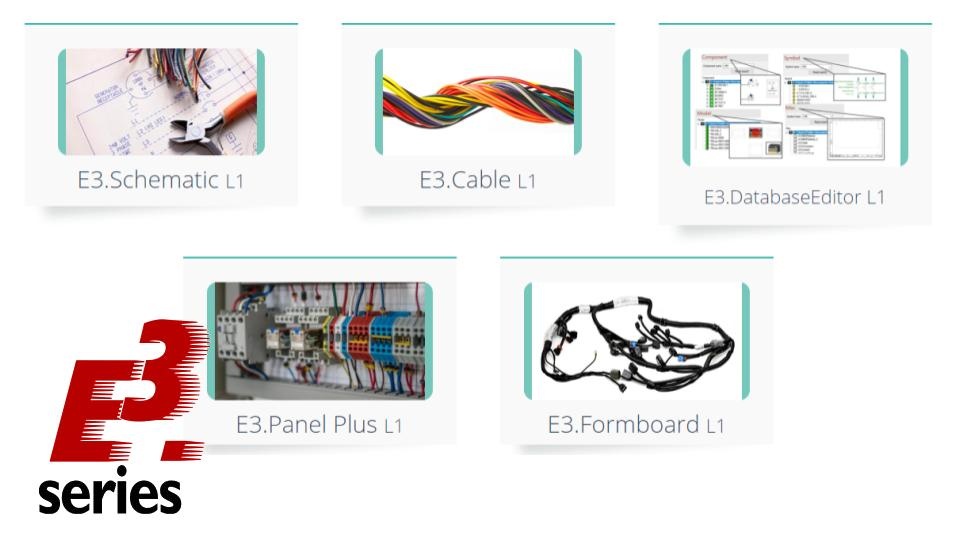
Check out:

Subscribe to our Youtube channel here for more technical videos.

New Free E3 Fundamentals Course – Master Electronics Schematics with Cim‑Team
E3.Student – Free Study Edition for Engineering Students
Industrial Technology
- Create Electrical Schematics Quickly with CAE E3.series: A Step‑by‑Step Guide
- Master Block Diagram Design in E3.series: Boost Electrical Project Efficiency
- Create Electrical Panel Variants Quickly with E3.series – Efficient Design Layouts & Custom Documentation
- E3.series 2021: Highlight Panel Connections for Faster Electrical Design
- Generate Automatic Reports for Electrical Projects in E3.series – Boost Documentation & Efficiency
- E3.series Electrical Projects: Fast & Intuitive Symbol Creation for DXF/DWG Export
- Effortless Panel Design in E3.series: Quick Assembly Guide
- Master Terminal Strip Creation in E3.series for Electrical Projects
- Insert Step Models into E3.series Electrical Projects: A Step-by-Step Guide
- Create Hierarchical Blocks in E3.series Electrical Projects – Easy & Efficient