



Professional Guidelines for Adding Graphics to Custom Enclosures and Parts
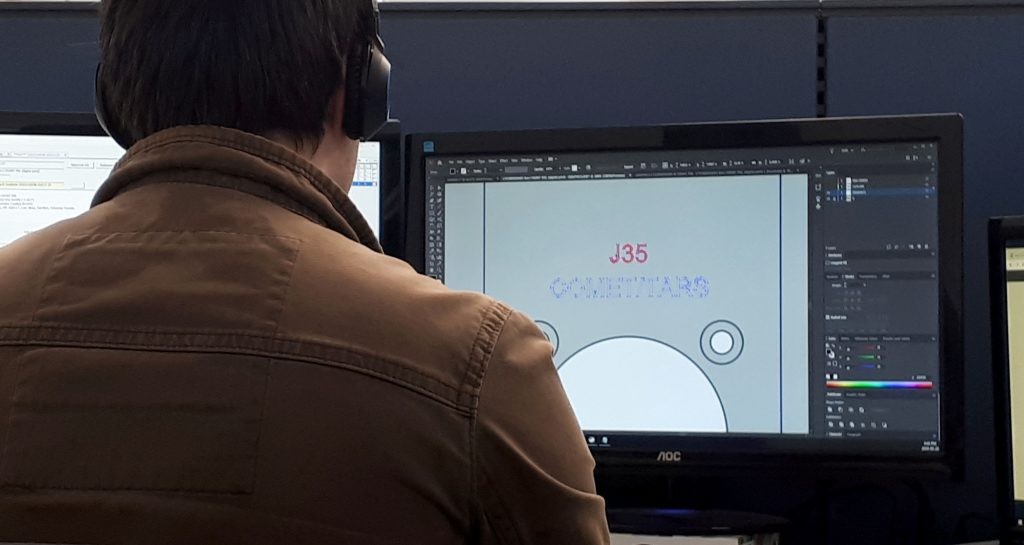
Here at Protocase, we make your design ideas come to life by manufacturing custom, fully finished parts and enclosures. A huge part of that “fully finished” look is having graphics applied to your part or enclosure. These graphics can be for labeling connectors and switches, displaying your logo or other branding, as well as other eye-catching symbols and artwork.
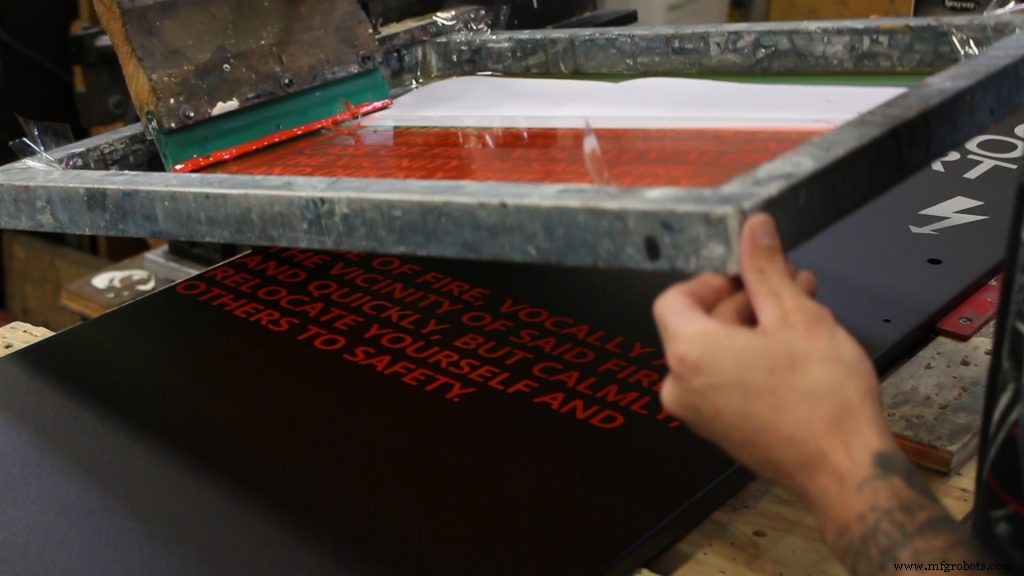
In order to add graphics to your custom enclosure or part, we’ll either use digital printing or silkscreening, depending on your requirements. Both digital printing and silkscreening offer their own unique advantages – here’s a full comparison breakdown if you want to learn more about our graphics capabilities.
Whether you choose digital print or silkscreen, there are several things to keep in mind when sending us your graphics files to minimize delays and avoid unnecessary processing fees. This blog post will outline several things I recommend in order to ensure a smooth application of your graphics.
The Graphics Process
Because graphics is one of the final steps in building your custom enclosure or part, we typically apply graphics (whether by silkscreening or digital printing) to your parts very soon before we ship your order.
So, while production is busy making your parts within our 2-3 day turnaround, myself and other members of our graphics team are busy preparing a mock-up to send to you for approval. Once you have given us the go-ahead to proceed, we’ll do the final prep to get your graphics files ready so that our production team can digitally print or silkscreen the graphics onto your order. If there are questions or changes, this is the time to let us know so we have time to make the required tweaks before your order is ready for printing!
Tips for Submitting Your Graphics Files
To ensure the quickest turnaround, it is best to send all of your information and files to your account manager before the order even enters production.
Here are my key tips on how to make sure the files and info you provide are as thorough as they need to be:
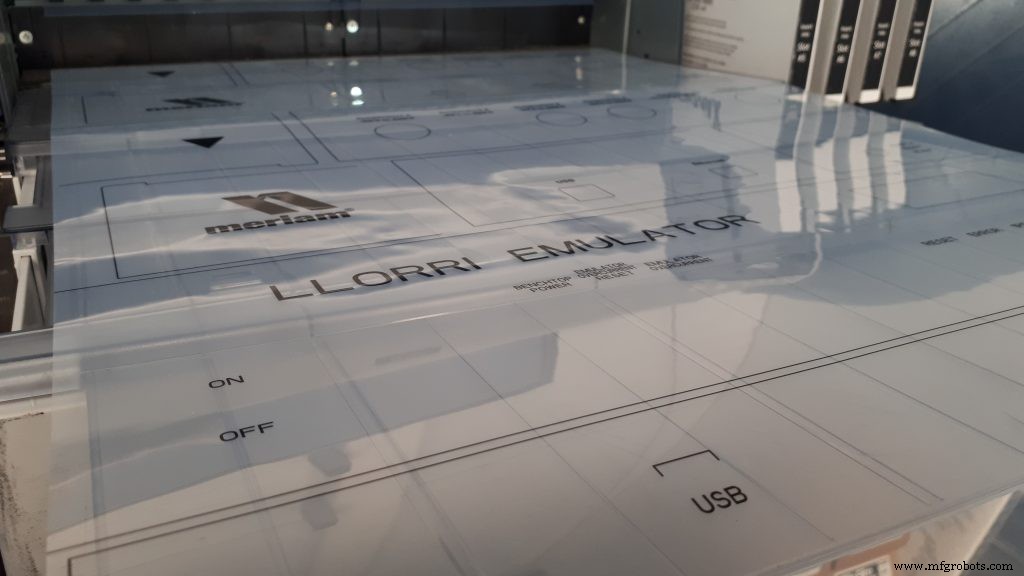
- Provide vector files, not raster: Raster files are many tiny squares (pixels) jammed together closely to give the appearance of a smooth image when zoomed out. Printing raster files will cause issues, because the graphics will be pixelated. Vector files use geometric formulas to present the image, and do not pixelate, even when enlarged. For this reason, vector files are required for both Silkscreen and Digital Print. Providing these files types will ensure the graphics department can process your artwork quickly, so it can move on to our digital print and silkscreen departments. (Tip: There’s a free and open-source graphics program called Inkscape that you can download in order to create vector graphics!).
- Make sure your file type is one we accept: Vector file types include .AI, .EPS, .SVG, and .DXF. PDF files can also include vector graphics. Tip: A quick and easy way to tell if your PDF is a vector file is to zoom into your PDF to 1400%. If the image stays crisp and doesn’t pixelate, it is a vector file. If you are unable to get your raster image turned into a vector, we’d be happy to convert it into a vector file for you, for additional Graphics Design charges.
- Provide your vector artwork in the correct size: Vector files should be 1:1. This will prevent any information being lost or altered when scaling your file.
- Make sure to provide the fonts with your graphics file: If you do not send in the font with your file and we don’t already have it included in our library, when we try to open your files, our design program will substitute in a default font. If you provide the font with the file, we will be able to install it and open the file without any issue. You can also convert the text to outlines, essentially saving the information as a vector shape. One important thing to keep in mind – once the font is converted to outlines, the text can no longer be edited. If you send in a SolidWorks model, Protocase’s engineers have the ability to edit the text until they export the graphics file from it. Once it is exported, the text can no longer be changed.
- Advise us on the placement and orientation of the artwork on your enclosure or part: When providing your graphic file(s), it is always helpful to provide information as to where you would like you graphics placed on your parts. Otherwise, we will have to check back with you for the placement and orientation information, which could cause delays in getting your order processed.
- Provide your artwork for the digital printer in the correct color mode. If you’re choosing digital print for your graphics, your artwork should be provided in CMYK color mode. This will ensure that your colors are more accurate. Keep in mind, the color representations on your screen may deviate from the actual color due to variations in software, video cards, and monitors. Silkscreen is offered only in our stocked colors, so you don’t need to worry about color mode to use and can simply pick which colors you want.
- Make sure your version of Protocase Designer is up to date. Using Protocase Designer for creating your custom designs? Smart! It’s the fastest way to get your design quoted, ordered and processed so that it can enter our manufacturing queue. But if you’re using an older version of Protocase Designer, your graphics may need additional processing by our team before we can build your design. Downloading the latest version is quick and easy, and – of course – always free!
Conclusion
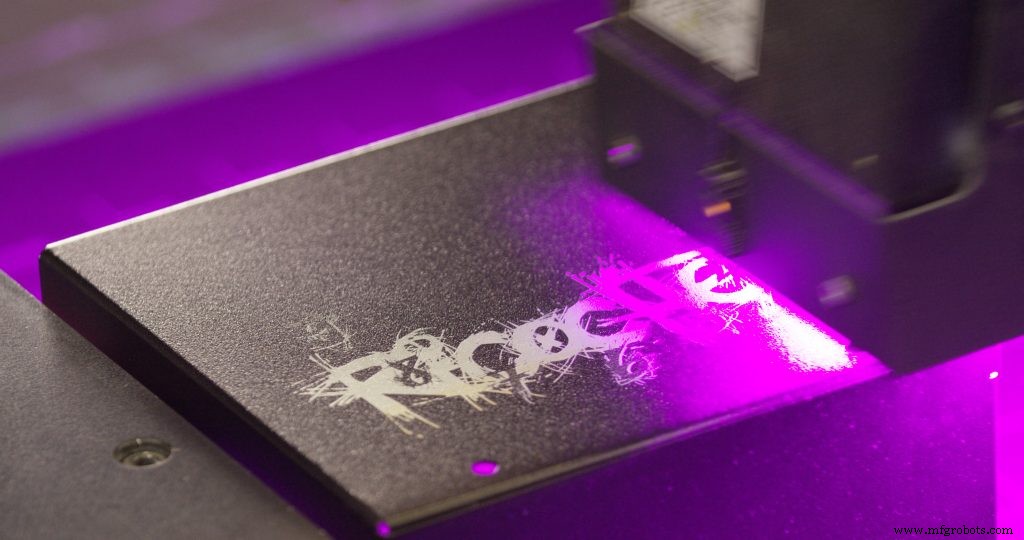
Whether you choose digital print or silkscreen, having your custom enclosure or part finished with custom graphics is an excellent way to make sure your design vision is fully realized, and looks professional and high-quality.
By using the guidelines above, we can minimize the back and forth getting your design prepped to be manufactured and printed, as well as to avoid any unnecessary fees.
If you’re like me, and prefer having a checklist to keep on hand to make sure you’ve covered all of your bases, use our Graphics Checklist PDF for your next order.
As always, our team is here to help you. If you have any questions about putting graphics on your design, reach out to your Protocase account manager!
Industrial Technology
- 10 Expert Tips for Optimizing FDM 3D Printing Designs
- Enhance Your Custom Enclosures: Mastering Type 2 & 3 Anodizing Techniques
- Selecting the Ideal Metal for Your Custom Enclosure or Part: A Practical Guide
- Protocase Expert Tip: Choosing the Right Handles for Your Custom Enclosure
- Choosing the Right Drawer Slides for Custom Rackmount Enclosures
- Understanding Vector vs Raster Graphics: Why Your Sheet Metal Projects Need Vector Files
- Custom Milling & Turning: A Beginner’s Guide to Precision Cutting
- STM32 Nucleo: Features, Connectivity, and PC Integration
- Bead Blasting: The Ideal Surface Finish for CNC Machined Parts?
- Controlling Heat Expansion in Metal Parts for Accurate Summer Measurements