



Annoy-O-Bug: Build a Compact LED Buzzer Toy with ATtiny85
Components and supplies
 |
| × | 1 | |||
 |
| × | 1 | |||
 |
| × | 1 | |||
 |
| × | 1 | |||
 |
| × | 1 | |||
| × | 1 | ||||
 |
| × | 1 | |||
| × | 1 | ||||
 |
| × | 1 | |||
 |
| × | 1 |
Necessary tools and machines
 |
|
Apps and online services
|
About this project
Small enough to slip in a mint tin, yet loud enough to be heard across a house at only a few dollars per unit. A nice combination for a pretty good prank! Let's dive in!
Step One: The Circuit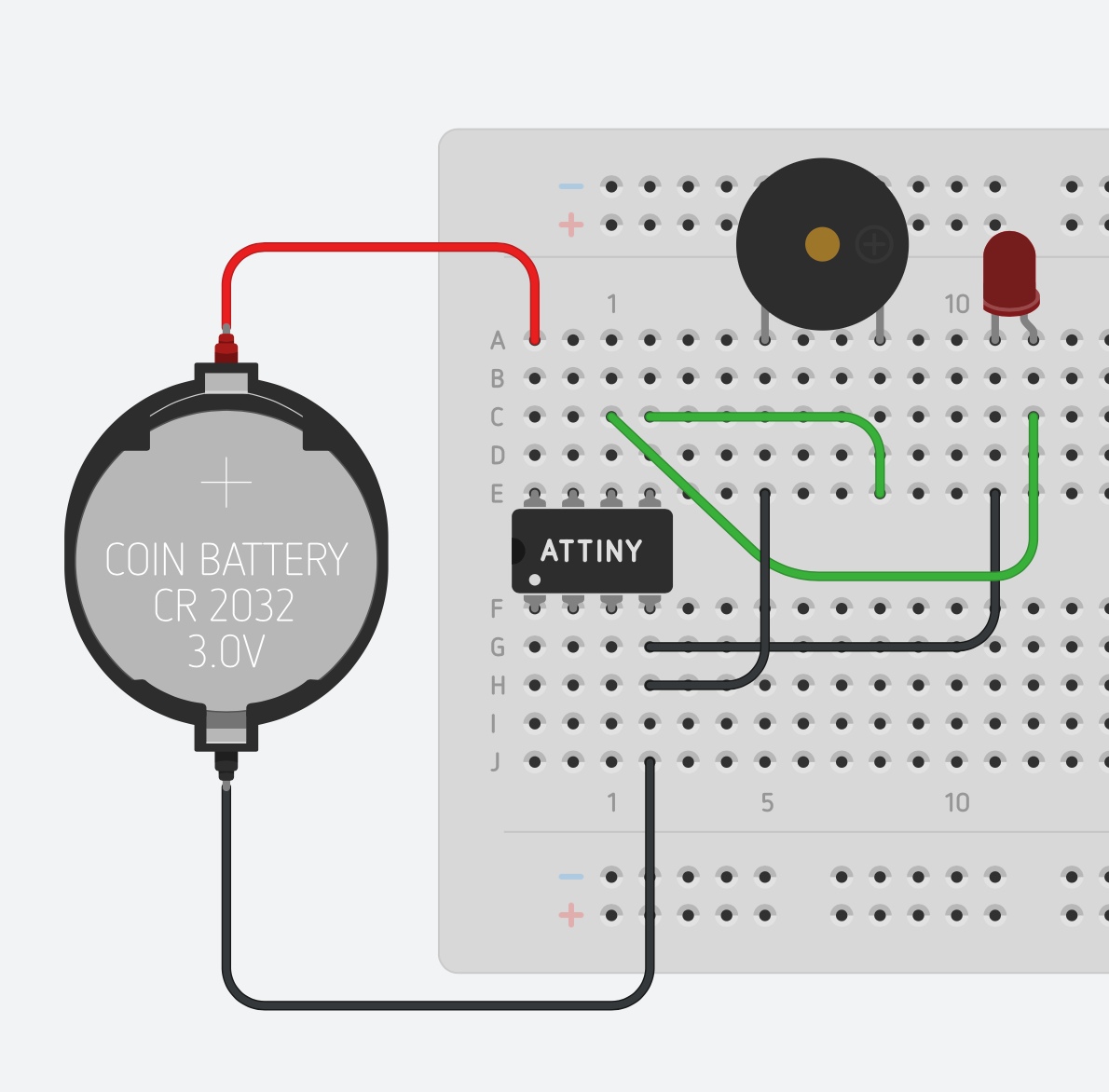
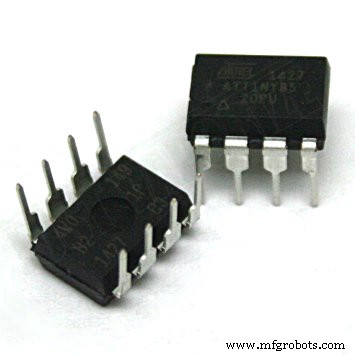
You can purchase the printed circuit board from OSH Park using the link in the parts section of this build. You by no means need to use an ATtiny or my own printed circuit board. This circuit would take a grand total of about 20 minutes to assemble on any breadboard. If you want the circuit to be tiny, however, I would go with the printed circuit board option. If breadboarding it or perfboarding it does interest you, the breadboarded version is shown above. Swap out the ATtiny85 for any microcontroller.
Step Two: Assemble the PCB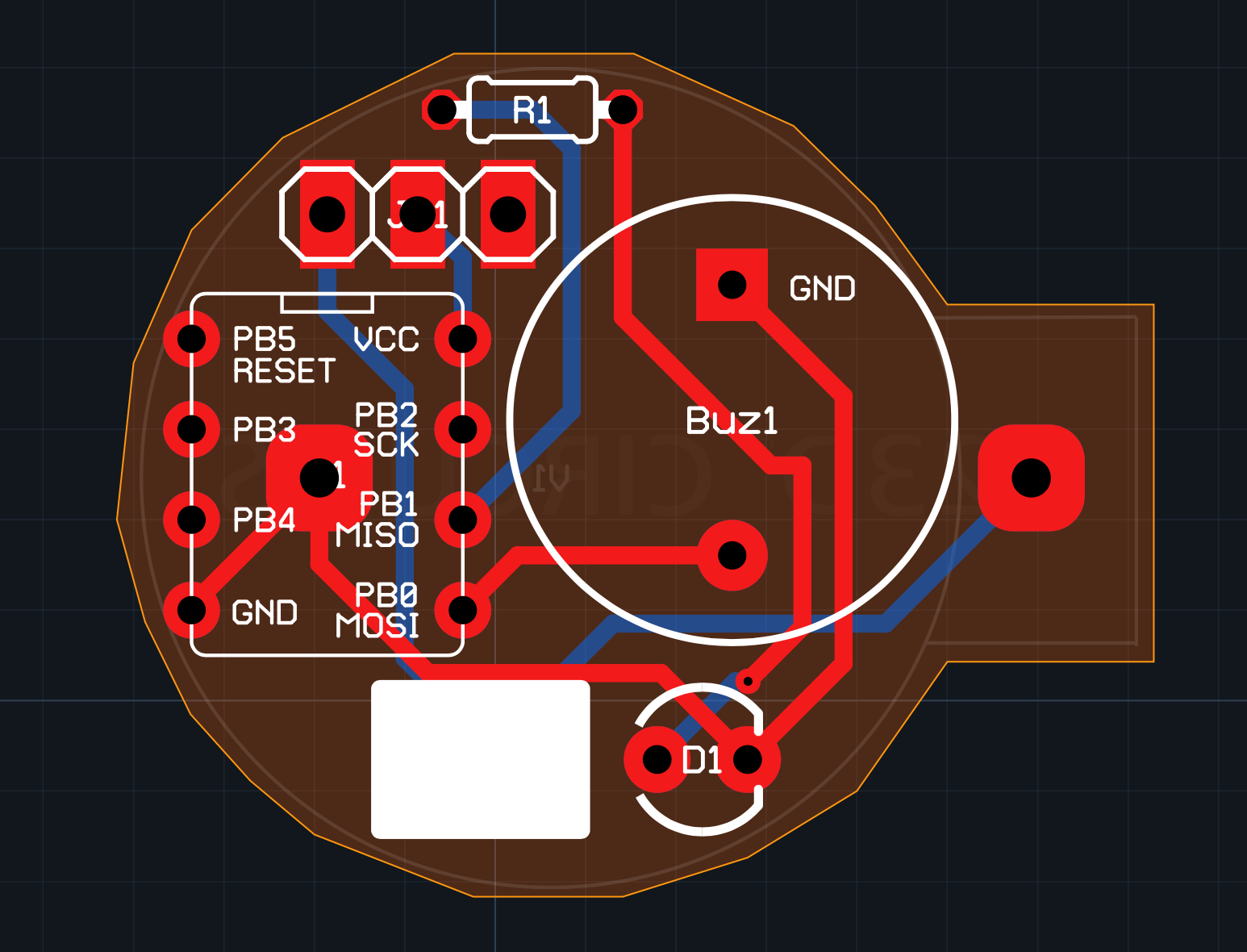
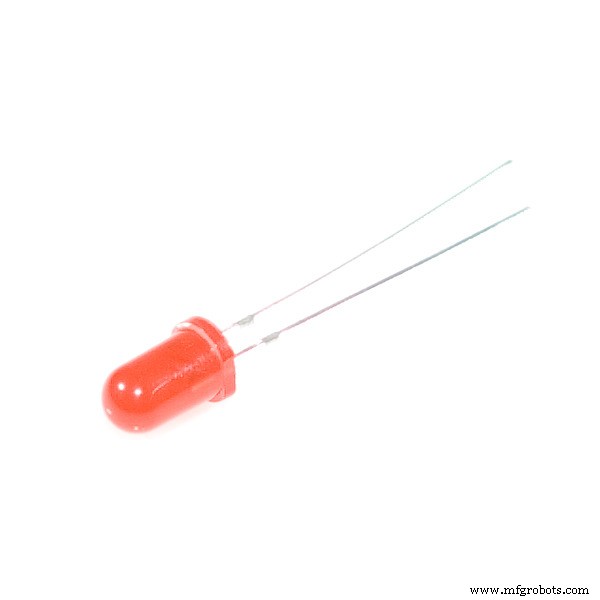
This should be a fairly easy PCB to populate with components. Just keep in mind that the buzzer and LED are polarized components. The buzzer's longer lead should go through the round pad, and the shorter lead should go through the square pad. The LED's longer lead should go through hole opposite the white rectangle. The only tricky part of this is getting the battery connector soldered. Make sure you solder all the components on the front first. You can then solder the ground pin of the battery connector to its pad through the hole in the center of the DIP socket.
I have also included a white silkscreen rectangle on the PCB in case you want to write your prankee a small message :). If you would like to customize the PCB, just duplicate my circuits.io design: https://circuits.io/circuits/2677013-annoying-circuit.
Step Three: The Software//Code produced by Alex Wulff: http://www.AlexWulff.com
#define BUZZ 0
#define LED 1
#define BEEP_DELAY 30
#define LIGHT_DELAY 200
#define INITIAL 5000 //Value is in milliseconds.
//10,000 ms yields a total sequence time of 46.5 Seconds
//20,000 ms yields a total sequence time of 91.5 Seconds
//30,000 ms yields a total sequence time of 136.5 Seconds
//You get the pattern. Each 10 seconds yields another 45
//seconds of total time on the sequence.
void setup() {
//Initialize the output pins
pinMode(BUZZ, OUTPUT);
pinMode(LED, OUTPUT);
//Flash the light to make sure the device is working
for (int i = 0; i < 5; i++) {
digitalWrite(LED, HIGH);
delay(LIGHT_DELAY);
digitalWrite(LED, LOW);
delay(LIGHT_DELAY);
}
}
void loop() {
//Iterate 50 times, decreasing the loop delay by a factor of 1/i each time
for (int i = 1; i < 50; i++) {
digitalWrite(BUZZ, HIGH);
digitalWrite(LED, HIGH);
delay(BEEP_DELAY);
digitalWrite(BUZZ, LOW);
digitalWrite(LED, LOW);
delay(INITIAL/i);
}
}
Above is a short sample program that displays some of the capabilities of this device. It is also the program running in the video shown at the top. The time between each subsequent beep gets progressively smaller, which can get really annoying! You could change the time scale on this sketch by changing INITIAL to something much larger. It's even possible to have this run over the course of a week, getting progressively faster each day!
You could also write a really simple program that just beeps and blinks randomly, or you could have the buzzer play a short tune in time with the LED. The possibilities are endless!
I produced an Autodesk Circuits simulation that allows you to try out your sketch on a virtual circuit without needing to wire a thing. Try it out here: https://circuits.io/circuits/4778452-the-annoy-o-bug-a-chirping-light-up-throwie/.
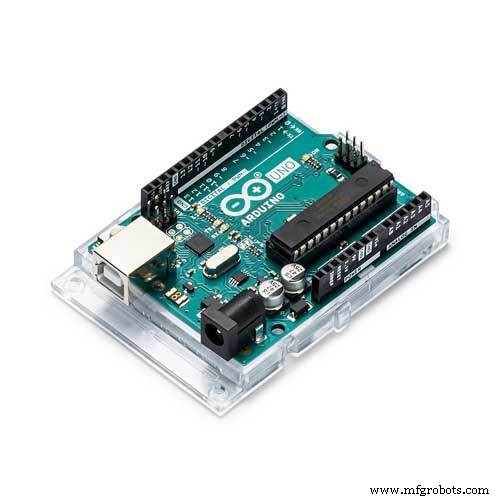
Step Four: Programming the ATtiny85You can program your ATtiny using an Arduino Uno (or practically any ATmega-based device) and a 10uF capacitor. Instructions can be found here: https://www.hackster.io/arjun/programming-attiny85-with-arduino-uno-afb829.
Just be careful when removing your ATtiny from the DIP socket. It's sometimes helpful to use pliers to pull it out rather than trying to extract it with your fingers.
Step Five: PlacementPlacing this device is half the fun. Depending upon where you source your parts these babies can cost you less than $5; it's relatively inexpensive to make many of them. They're small enough to be placed in potted plants, small boxes, pillows, inside lamps, on desks, and anywhere else you can imagine! If you use a watchdog timer to put the ATtiny to sleep this circuit can run for over a year on a coin cell battery.
That's it! If you need any help creating a specific program or assembling the circuit simply comment below. I'll be happy to help.
To see more of my projects check out www.AlexWulff.com and https://www.hackster.io/AlexWulff.
Small Disclaimer: Due to the nature of this project it's possible that some might interpret the sounds it produces as a possible explosive threat. Thus, don't place these in public areas where you might get in trouble!
Code
- Annoying Circuit
Annoying CircuitArduino
//Code produced by Alex Wulff: http://www.AlexWulff.com

#define BUZZ      0
#define LED       1
#define INITIAL   5000
//10,000 ms yields a total sequence time of 46.5 Seconds
//20,000 ms yields a total sequence time of 91.5 Seconds
//30,000 ms yields a total sequence time of 136.5 Seconds
//You get the pattern. Each 10 seconds yields another 45
//seconds of total time on the sequence.

void setup() {
  // put your setup code here, to run once:
  pinMode(BUZZ, OUTPUT);
  pinMode(LED, OUTPUT);

  //Flash the light to make sure the device is working
  for (int i = 0; i < 5; i++) {
    digitalWrite(LED, HIGH);
    delay(200);
    digitalWrite(LED, LOW);
    delay(200);
  }
}

void loop() {
  for (int i = 1; i < 50; i++) {
    digitalWrite(BUZZ, HIGH);
    digitalWrite(LED, HIGH);
    delay(30);
    digitalWrite(0, LOW);
    digitalWrite(LED, LOW);
    delay(INITIAL/i);
  }
}
Schematics
PCB Design
Manufacturing process
- Robust Cloud‑Based Software Updates for IoT Devices
- Key Components of a CNC Machine Explained
- Essential Elements of Effective Crisis Communication
- Build a Sith-Inspired Smart Home Entrance System
- Breadboard to PCB: Build a Simon Says Game – Part 1
- Arduino-Powered Third Eye: An Assistive Vision Device for the Blind
- Mastering Cross-Referencing: A Guide to Precision and Cost Savings
- Essential Parts of Dual-Column Band Saw Machines
- Mastering Machined Part Design: A Comprehensive Guide
- Market Trends in Aerospace and Precision Aircraft Components