



Build a Reliable Weather Station with the MKR Zero Data Logger
Components and supplies
 |
| × | 1 | |||
 |
| × | 3 | |||
 |
| × | 1 | |||
 |
| × | 1 | |||
| × | 1 | ||||
| × | 1 | ||||
| × | 1 |
Apps and online services
 |
| |||
 |
|
About this project
Note: This tutorial could be outdated, please go here for a more current version.
IntroductionWith this project, you will be able to create in a few minutes a temperature and humidity data logger. You can use the built-in SD card reader of the MKR Zero to store the data. Plug a battery, add a protective case and you will have a neat weather data logger that you can use in remote locations where no connection is available. Imagination is the limit!
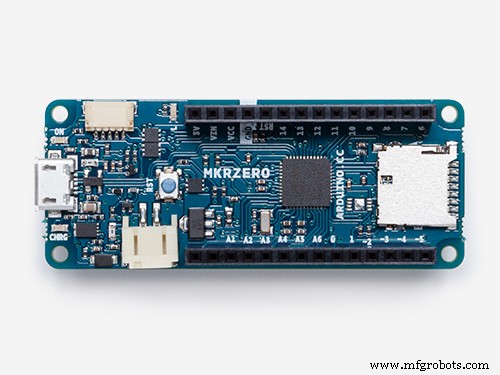
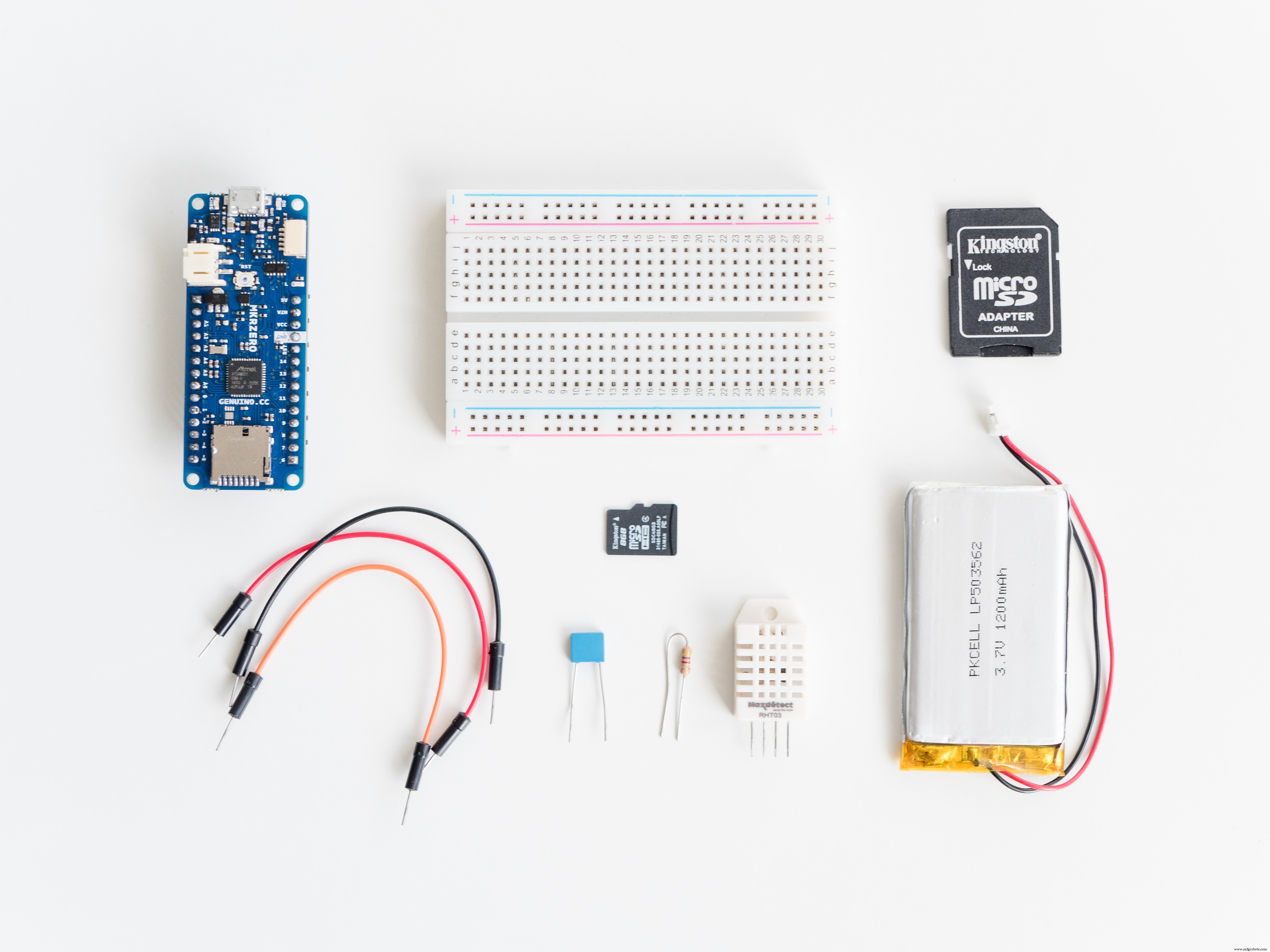
HardwareIn order to build the weather data logger we will use an Arduino MKR Zero board. The small form factor and built-in SD card reader makes it a perfect choice for this project.
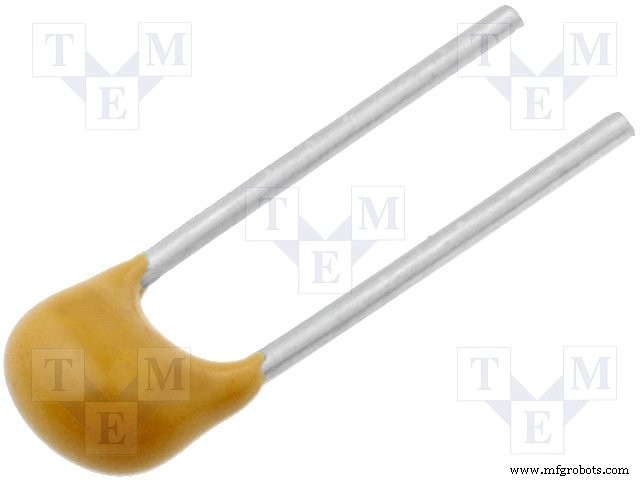
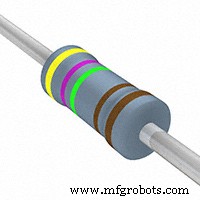
Second we will need a DHT22 temperature and humidity sensor. This sensor is easily available and very versatile. It can be powered from 3.3V to 6V. We will connect the power pin of the DHT22 to the VCC (3.3V) pin in our MKRZero. We will also need a 4k7ohm pull up resistor for the data line and a 100nF capacitor to clean the noise in the power line. For more info on DHT22, see Adafruit's DHT tutorial.
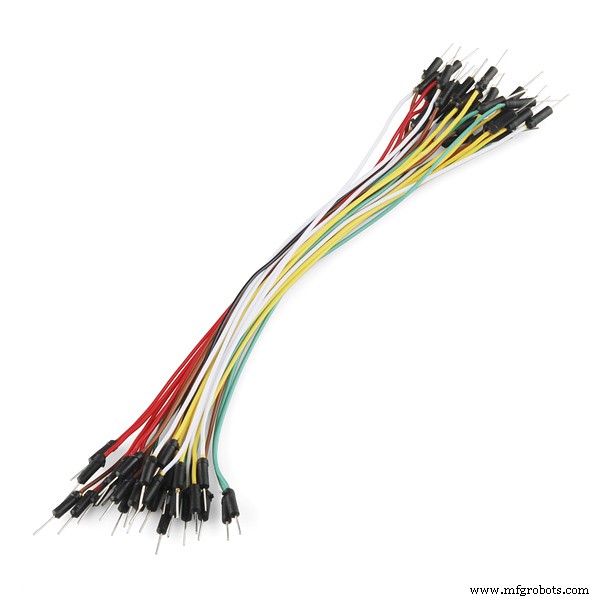
We will use a small breadboard with 3 jumper wires to connect everything together, a SD card to store the information and a 3.7V LiPo battery to make our data logger portable.
Optional
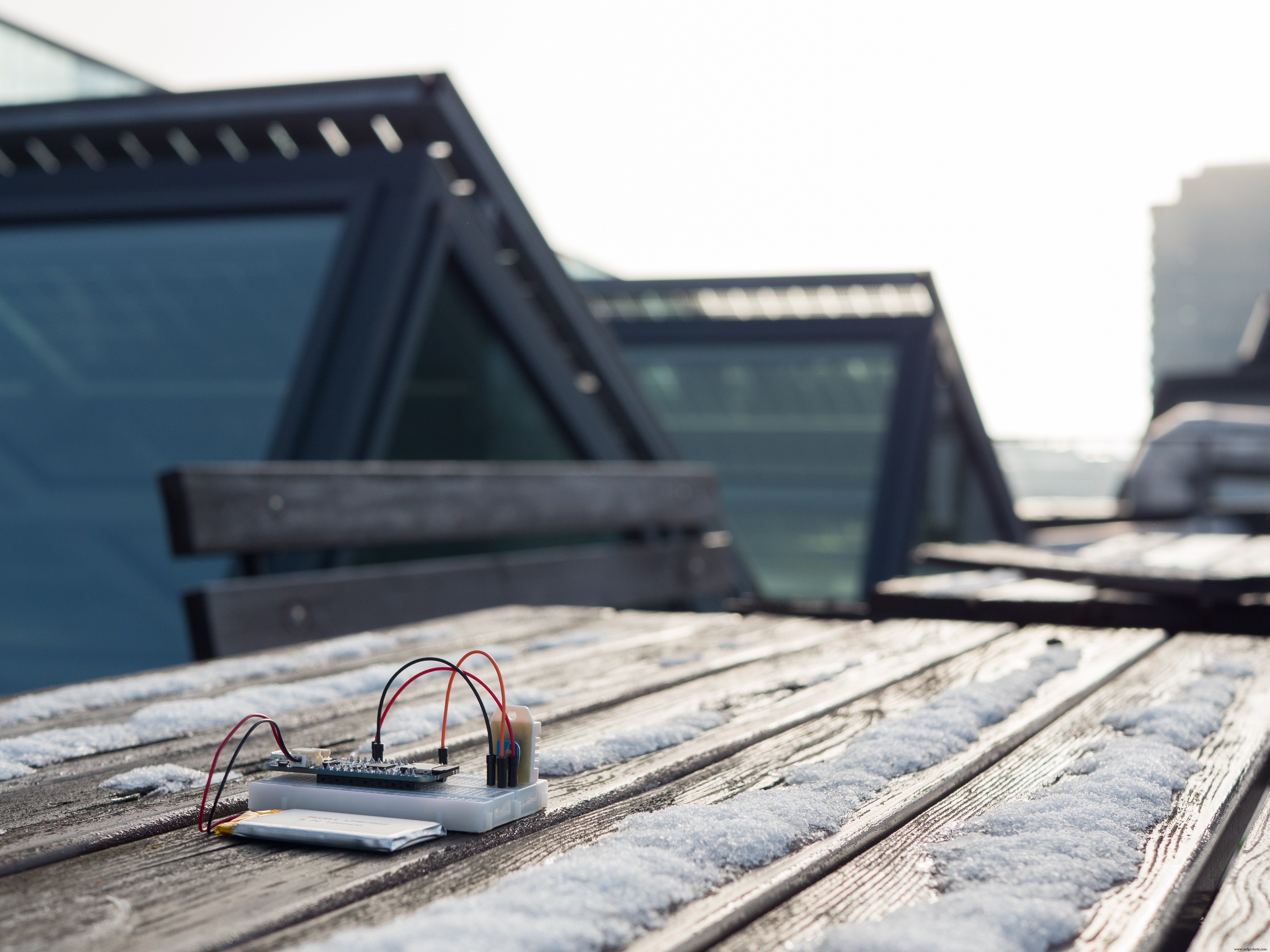
It is important to keep your electronics dry, so if you are planning to put your weather data logger in a harsh environment, don't forget to use a protective case to avoid damaging the electronics!
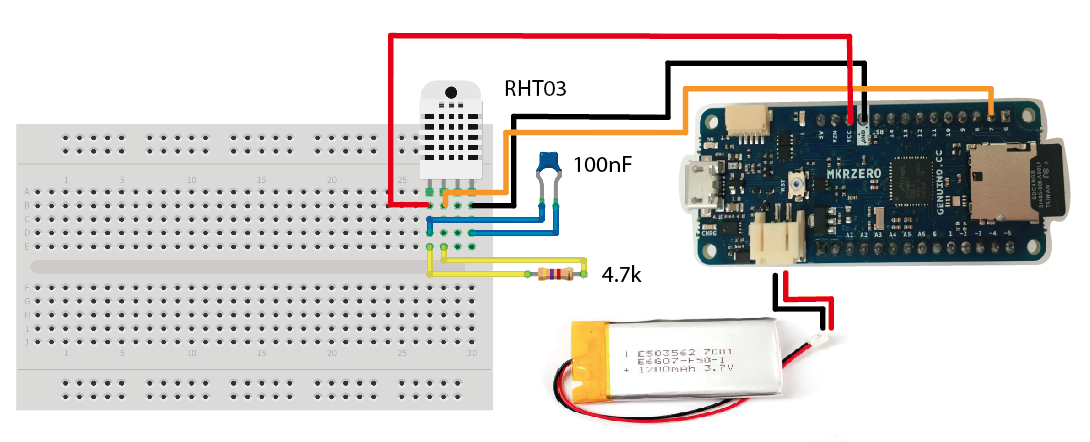
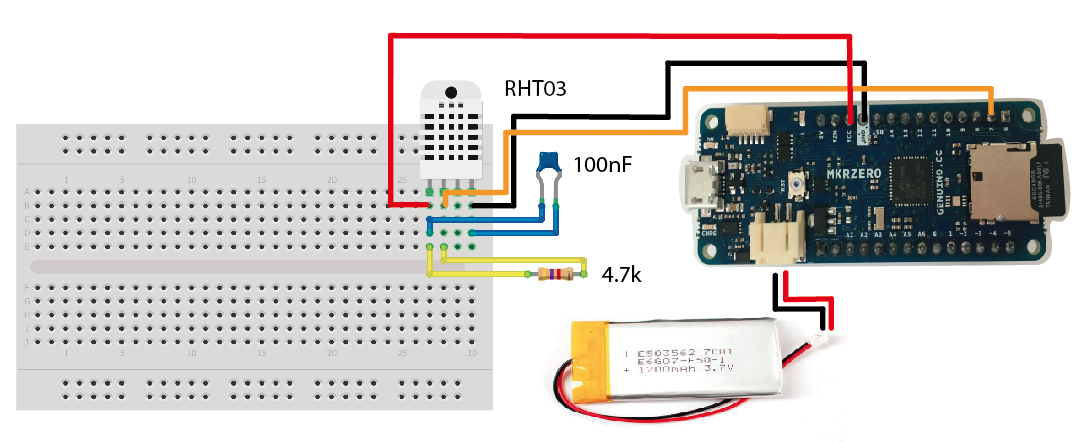
Schematics- Plug the MKRZero to the breadboard.
- Plug the DHT22 to the breadboard.
- Connect the Power pin of the DHT22 to the VCC pin in the MKRZero.
- Connect the Data pin of the DHT22 to digital pin 7 in the MKRZero.
- Connect the ground pin of the DHT22 to GND pin in the MKRZero.
- Connect the 100nF capacitor between the Power and GND pin.
- Connect the 4k7 pull up resistor between the Power and the Data pin.
- Plug in the SD card in the MKR Zero board.
Ok, now you should have all the electronics placed together. It's time to upload the sketch to the MKR Zero board. For this project you will need the libraries for the DHT22 sensor. You can find the libraries in this GitHub repository. Download them and place them in "libraries" within your sketchbook folder.
Now you need to download the sketch for the weather data logger and place it in the sketchbook folder. You can find the sketch down in the tutorial.
Open your Arduino IDE and use the Boards Manager to install the MKR Zero board. Once installation is finished you should be able to select the MKR Zero board from the menu Tools -> Board. Now connect the MKRZero to your computer using the microUSB cable. In the IDE, go to File->Sketchbook->MKRZERO_WeatherDataLogger and open the sketch. Compile and upload to the board.
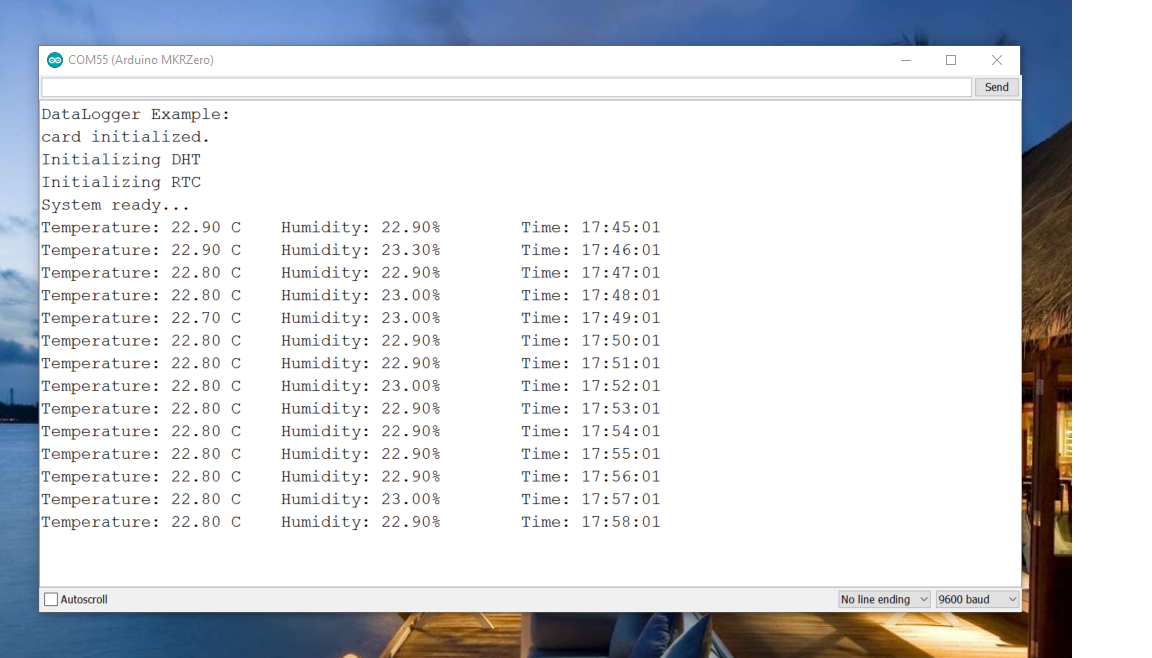
Voila! Your system is ready for battle. You can see the values also from the serial monitor.
Code
MKRZERO_Weather_Data_Logger Code
Schematics
Manufacturing process
- Multi‑Position Temperature Sensor System for Smart Home Integration
- MotionSense: Smart Intrusion Detection with Arduino & ESP8266
- 3D Printer Fire Prevention: Smart Sensor Safety System
- High-Performance Arduino Weather Balloon Data Logger
- Advanced Microcontrollers Lab: ESP32, Arduino, PIC, and Sensor Modules
- Arduino Nano Weather Station: Sensor Kit & OLED Display
- CoroFence Thermal Detector: Advanced PIR Sensor & IoT Integration
- Build a Compact CNC Machine with Arduino UNO
- Build a Simple Weather Station with Arduino UNO, BMP280 Sensor & LCD
- DIY Face-Tracking Camera Powered by Arduino UNO