



Arduino Nano Weather Station: Sensor Kit & OLED Display
Components and supplies
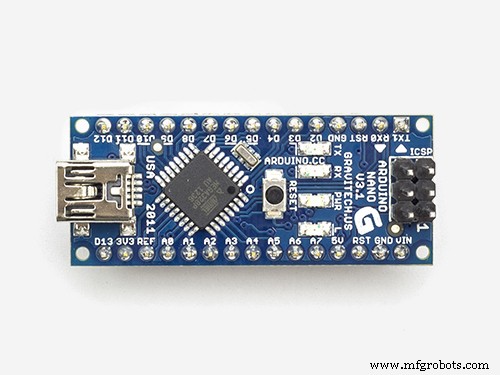 |
| × | 1 | |||
 |
| × | 1 | |||
 |
| × | 1 | |||
 |
| × | 1 | |||
| × | 1 | ||||
| × | 1 |
Necessary tools and machines
 |
| |||
 |
| |||
 |
|
Apps and online services
 |
| |||
 |
|
About this project
For a long time, I wanted to make a weather station without using the internet. It is great to measure the weather data on your surrounding and take a look at the data when wanted. so, I make a cool-looking local weather station that can measure your surrounding air pressure, temperature, humidity, and the UV index of the day (if you place it near the window). Wait it has more! 😉 it also has a Clock screen for showing Time, date, and day of the week.
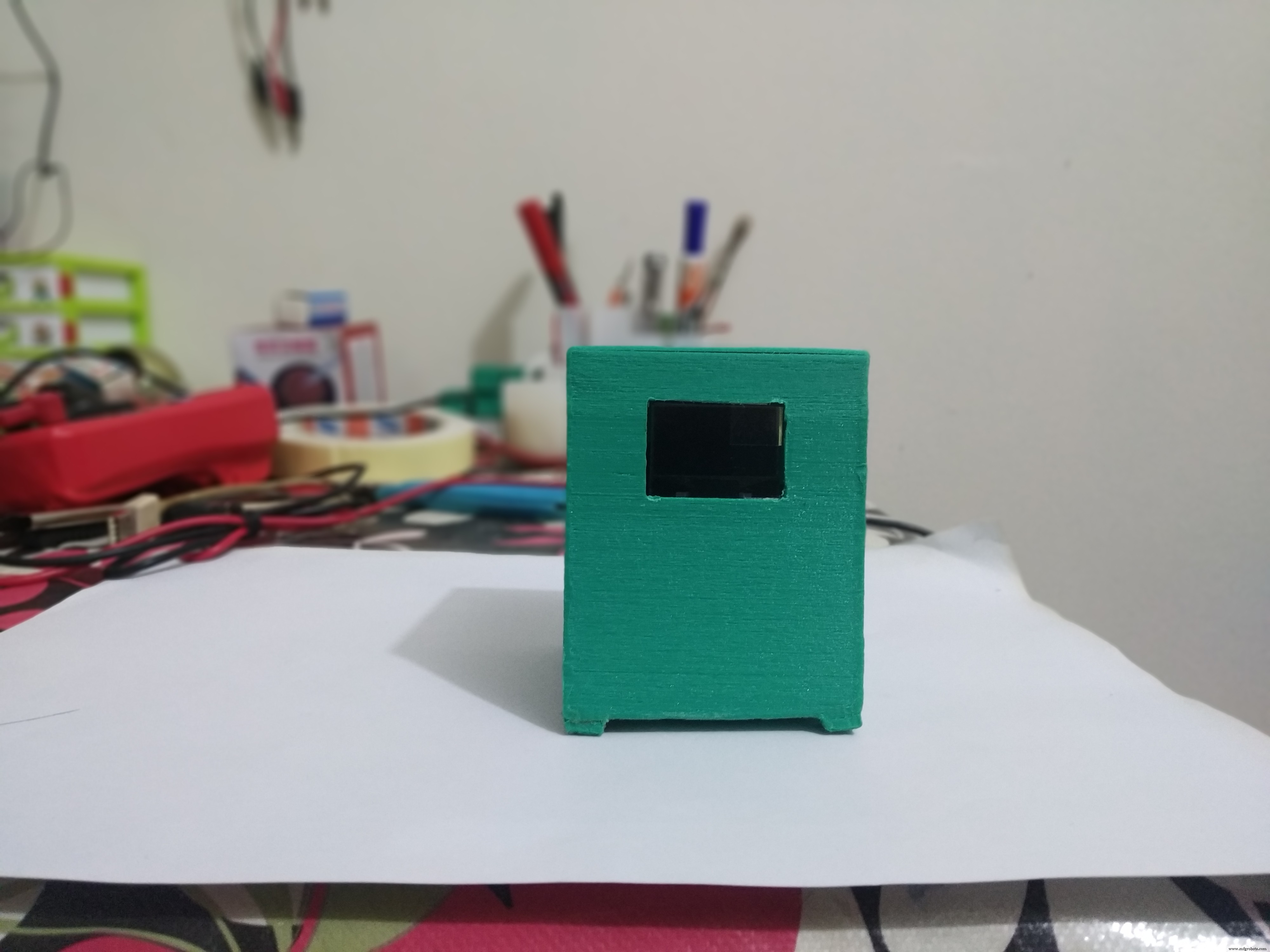
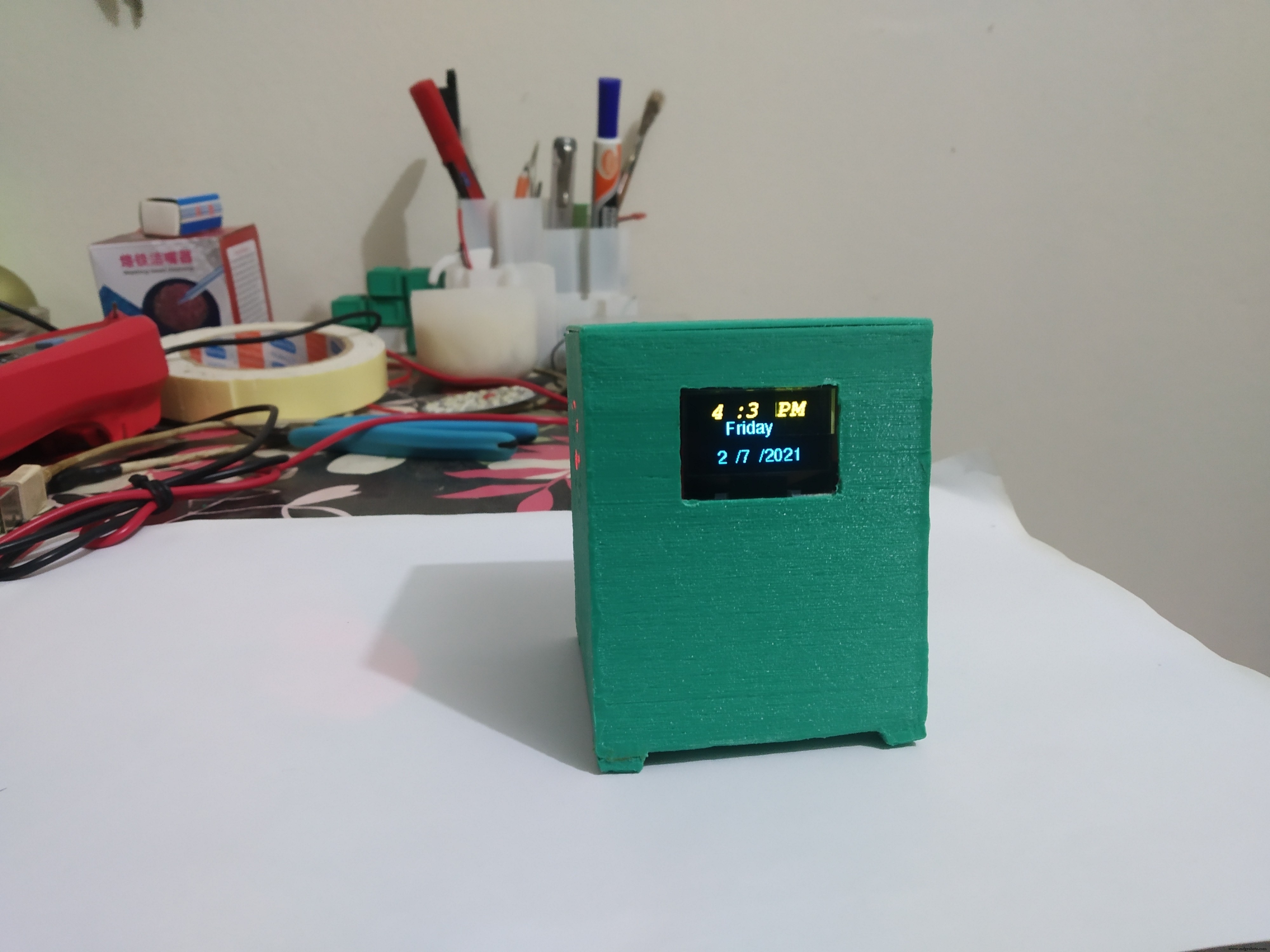
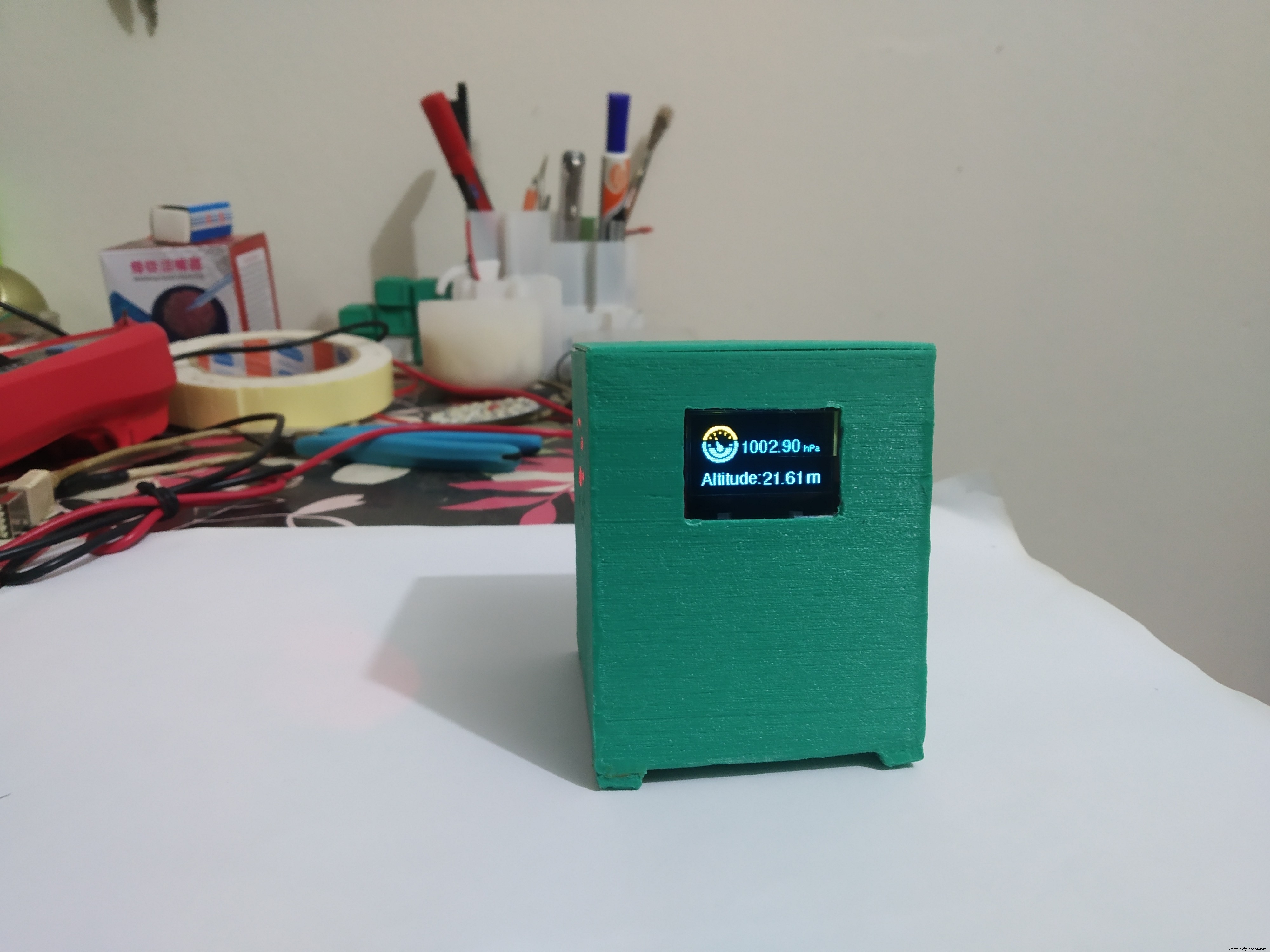
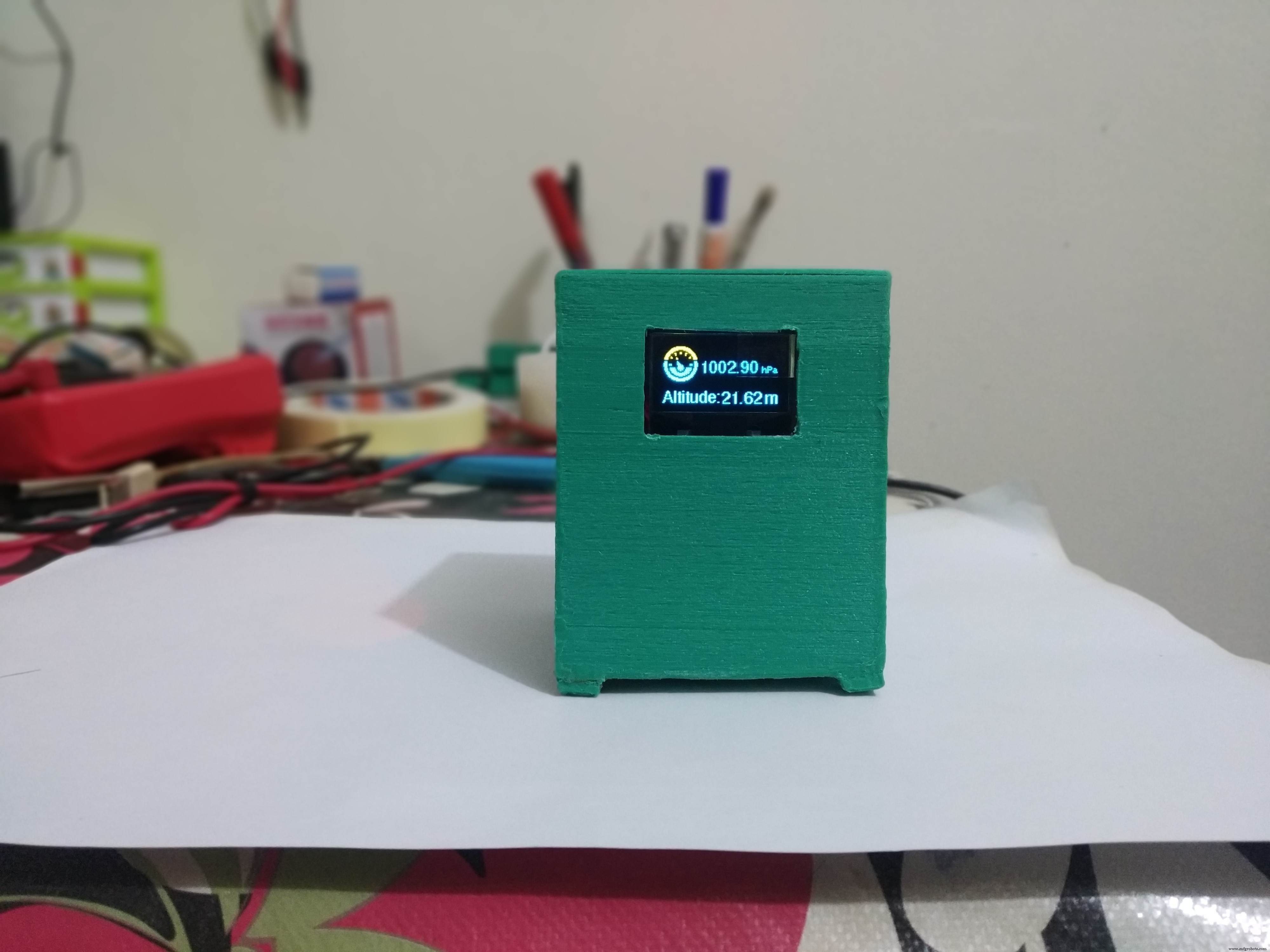
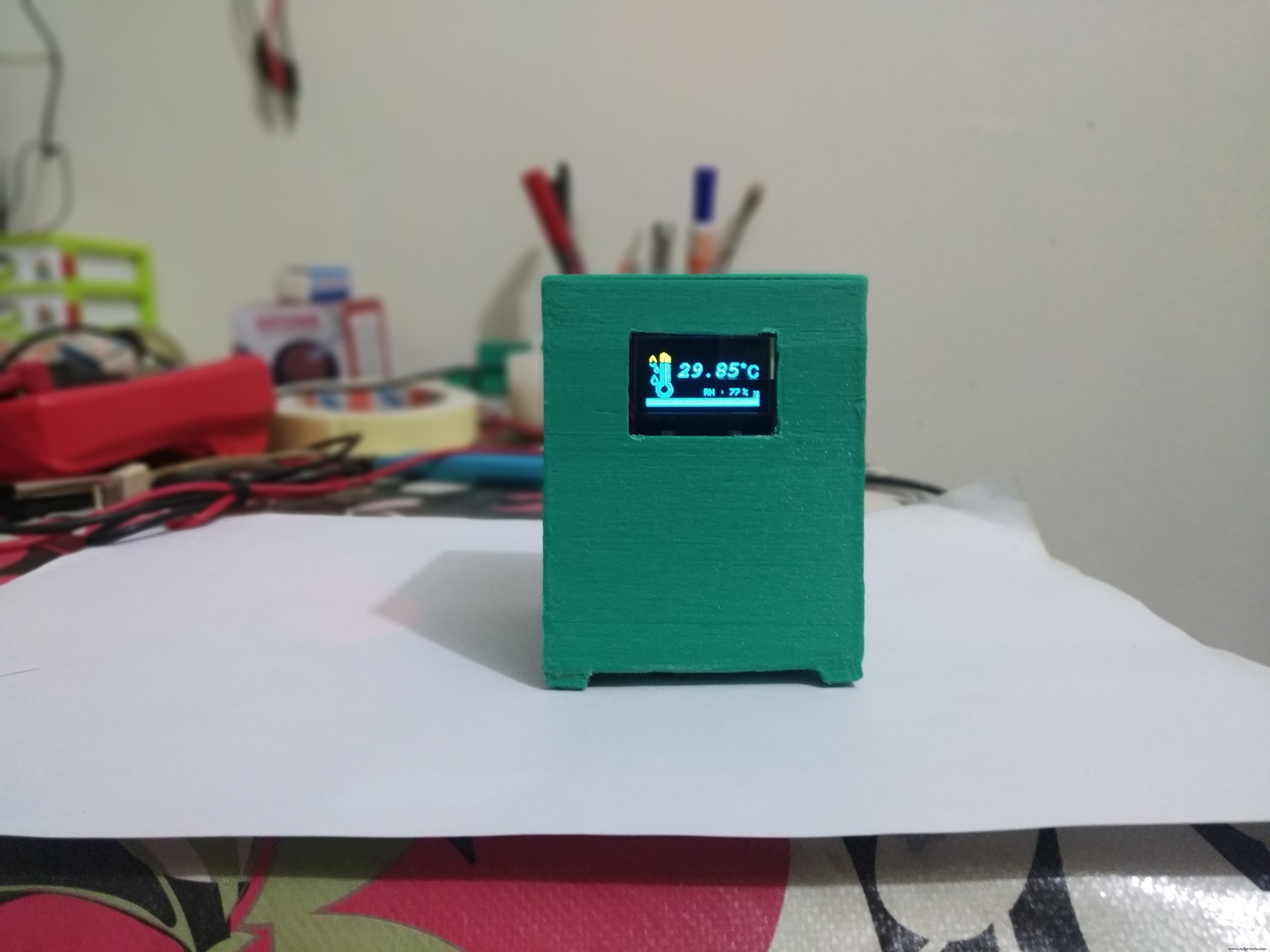
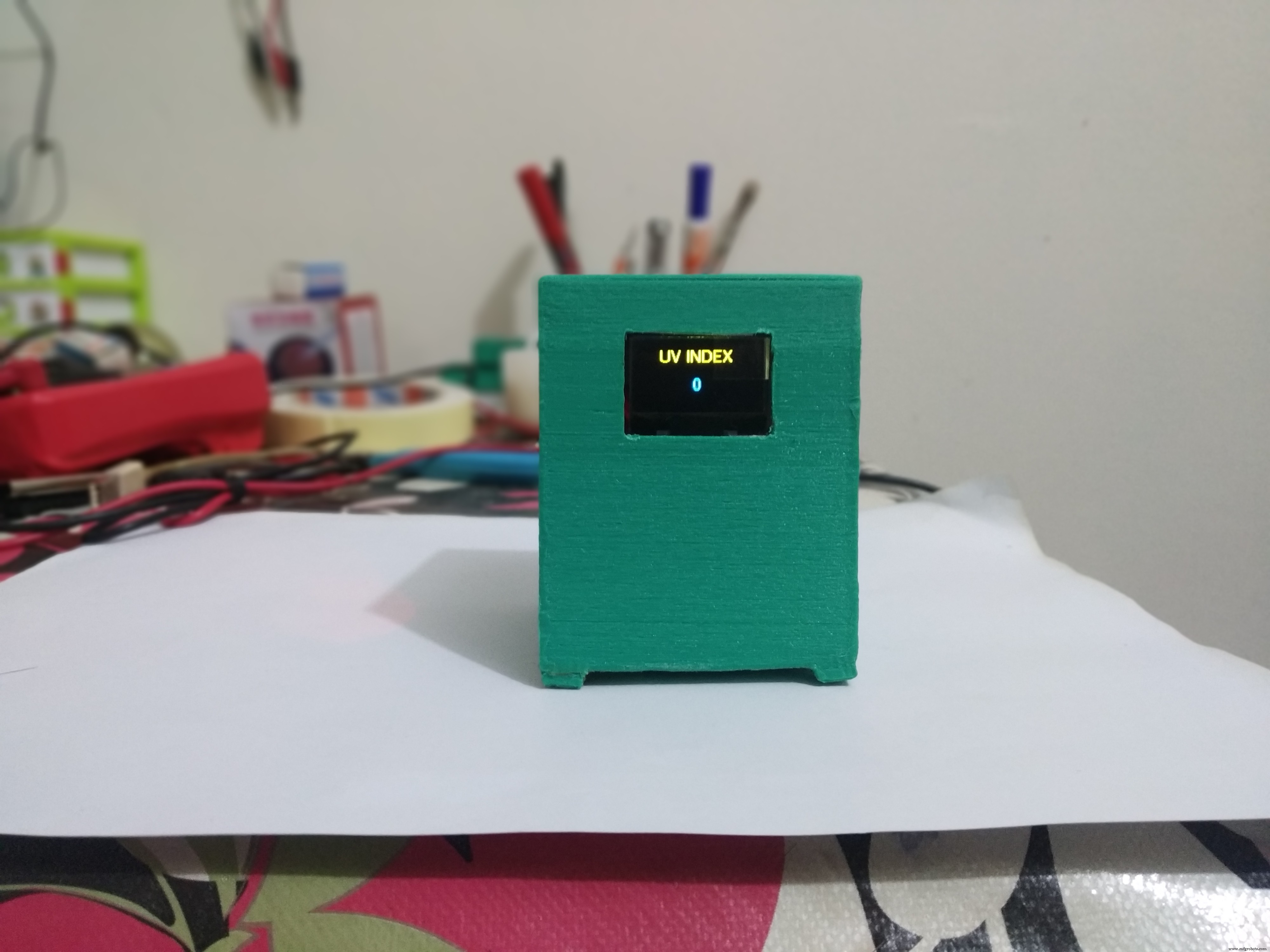
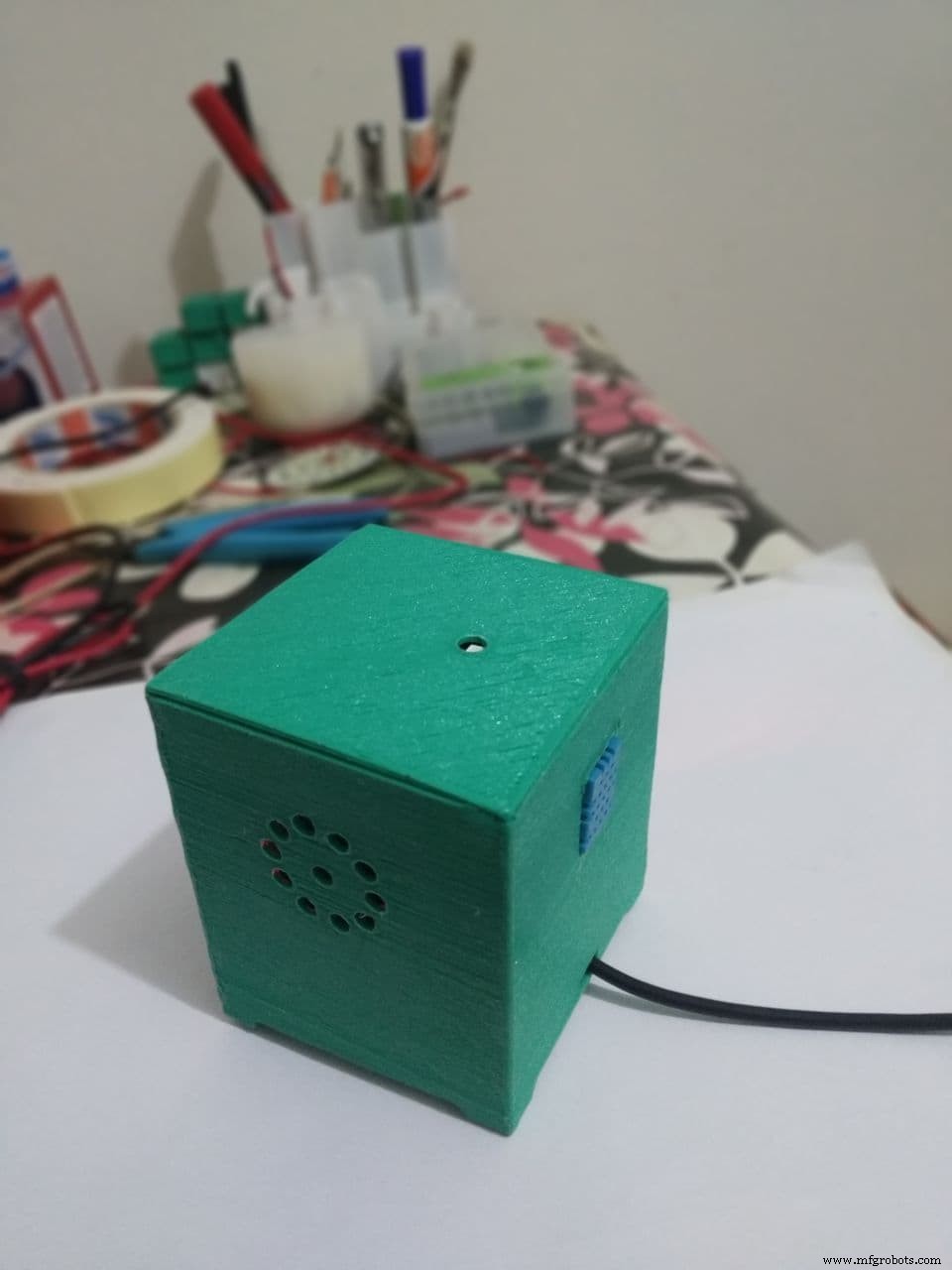
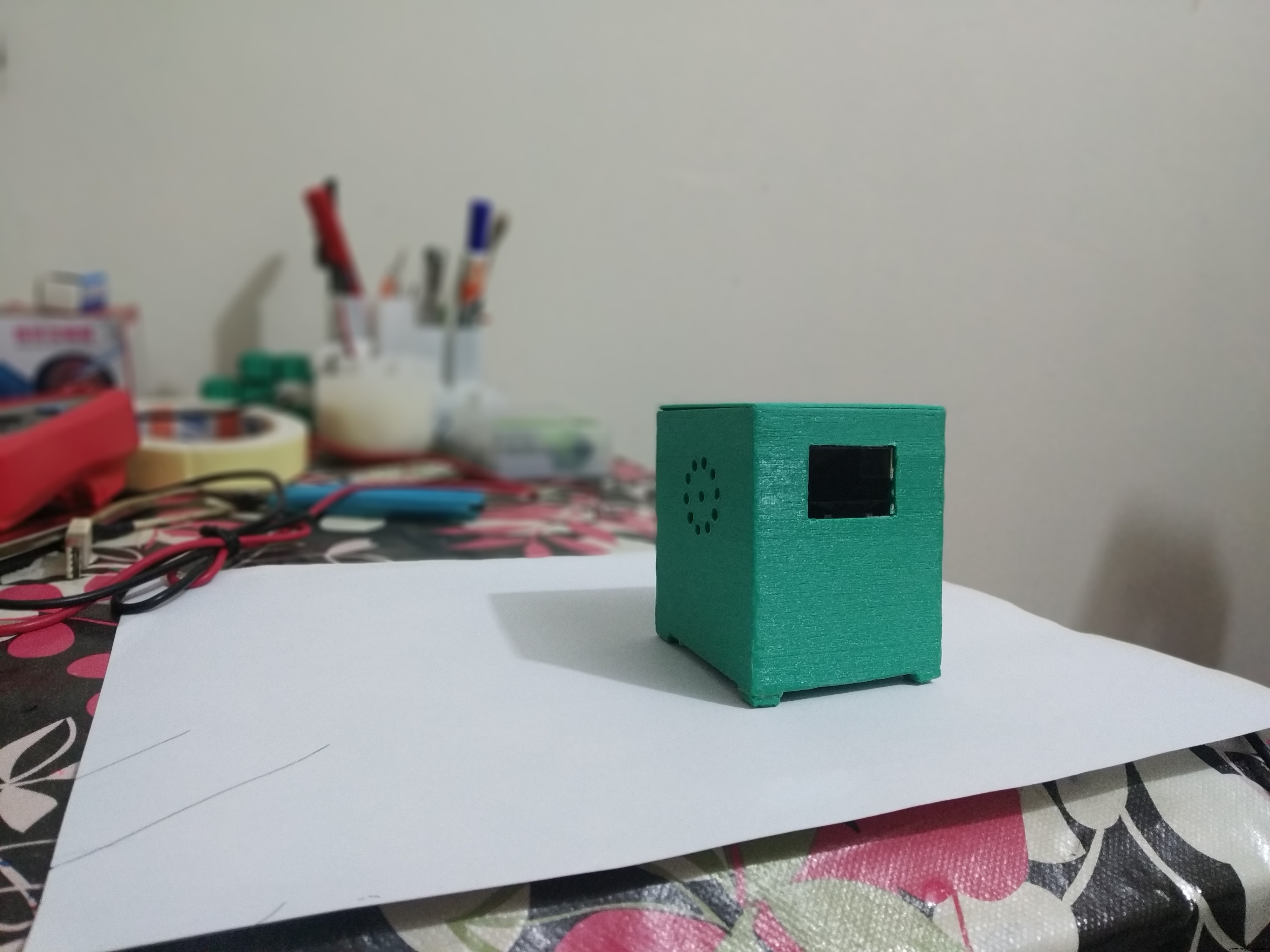
In this tutorial, I'll show you how to make this cool-weather station in those steps.
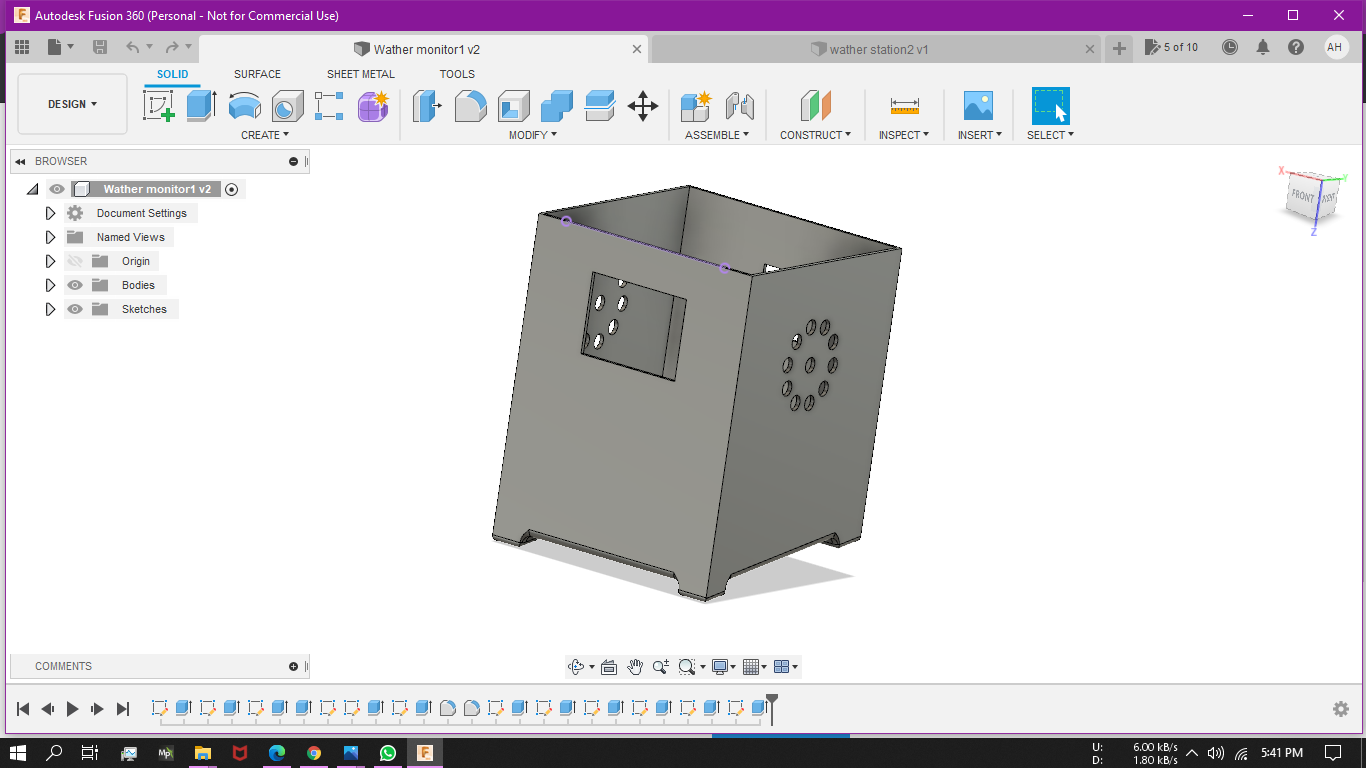
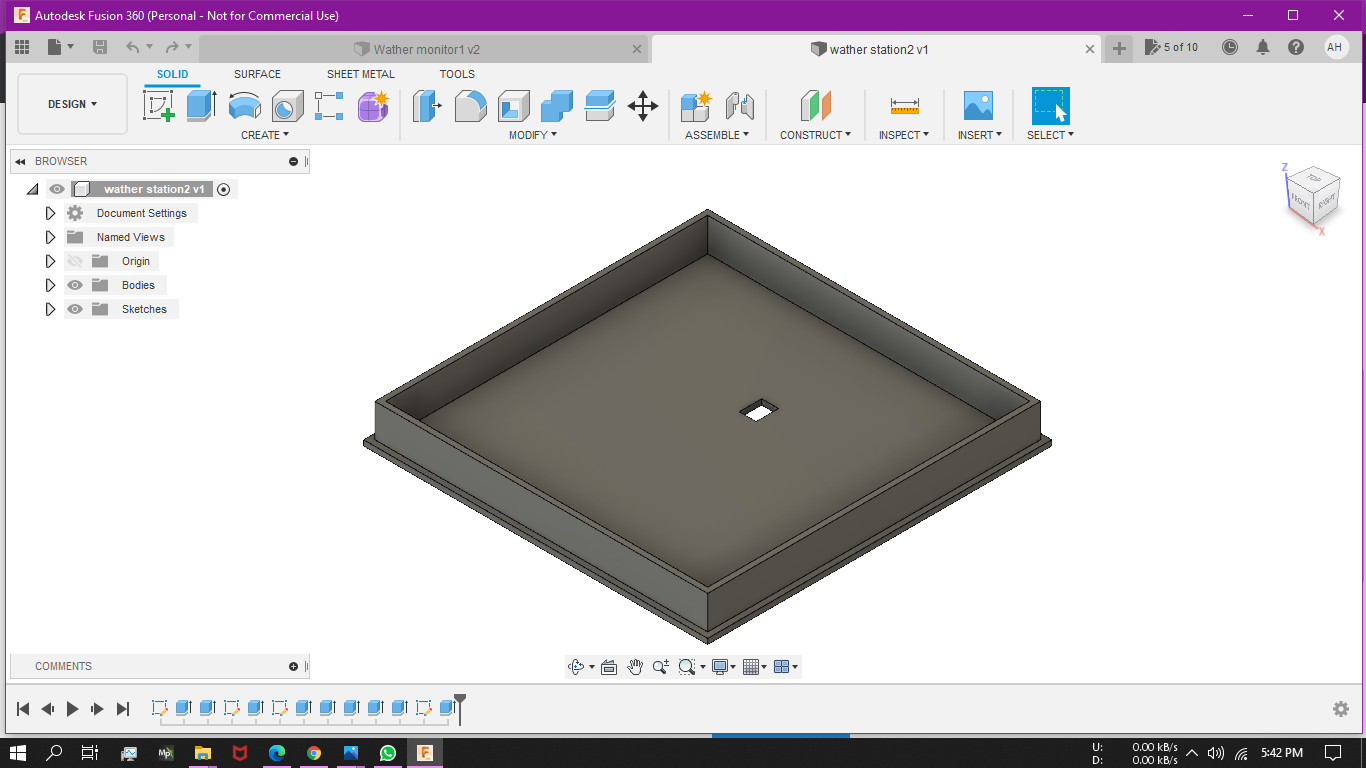
Step 1: Building The EnclosureI use Autodesk fusion 360 to create the enclosure and print it with green PLA. It needs supports and I print it with 20% infill with 70mm/s speed on my Ender 3. You'll find the STL file for the Enclosure with this project.
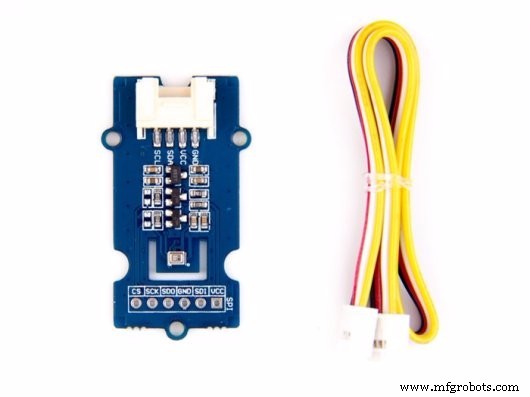
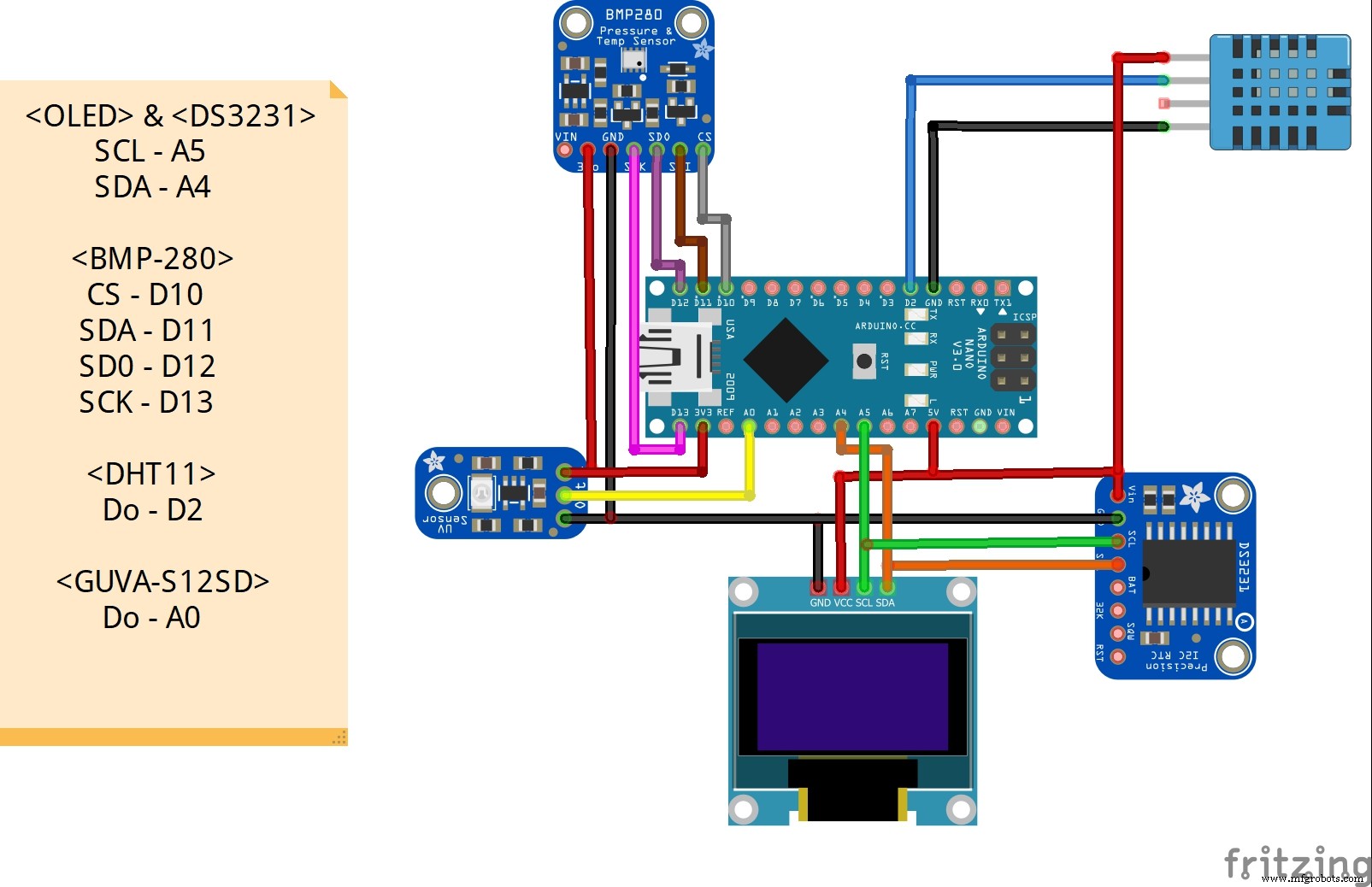
BMP280 is atmospheric pressure and temperature sensor and it uses I2C or SPI protocol to communicate with the Arduino. Here I use SPI. To using SPI, connect-
- CS to D10
- SDA to D11
- SDO to D12
- SCK to D13
In the code part, to use this sensor we need a library. first of all, I include the library in the code #include <Adafruit_BMP280.h>. you can download the library from here.
Then I define the SPI pin for the sensor. In the setup function, I initialize the BMP sensor, and in the loop function, I read the pressure and temperature data using bmp.readPressure() and bmp.readTemperature() command. I divide the pressure value by 100 to measure the pressure in the hPa unit. To measure the altitude I use bmp.readAltitude(1005.47) command. Here you have to change the value (1005.47) according to your area's average pressure.
This weather station also has a time screen that can show the current time, date, and day of the weak. For this purpose, I use the DS231 RTC module, which uses the I2C protocol to communicate. so to use this, connect-
- SCL to A5
- SDA to A4
first of all, you have to set the time and date on the RTC using the DS3231_set.ino program from the library Example.
In the main program, I include the library #include <DS3231.h> and read the time data as per the instruction from the library. here I use the example from the library as a reference for the code. I created a case for every day of a week to find the current day.
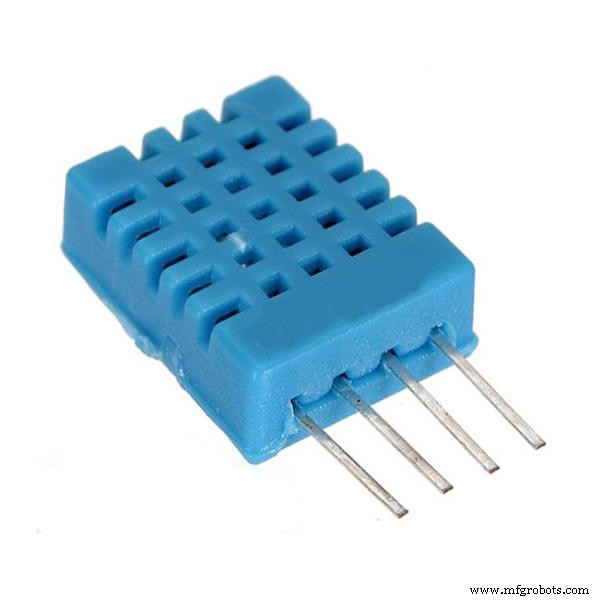
I use this sensor to measure the humidity. For that, I connect its data out to Arduino D2. And in the program, I include the DHT library #include <DHT.h> then in the setup I initialize the sensor and in the loop, I read the humidity value using dht.readHumidity() command.
GUVA-S12SD is a Gallium Nitride Based Schottky-type Photodiode. It has a typical UV detection wavelength of 240-370nm(which covers UVB and most of the UVA spectrum). It outputs a calibrated analog voltage which varies with the UV light intensity. So, we can read the analog value via Arduino ADC.
in the loop function, I analog read the sensor value and calculate the UV index
float sensorValue = analogRead(A0);
float sensorVoltage = sensorValue / 1024 * 5.0;
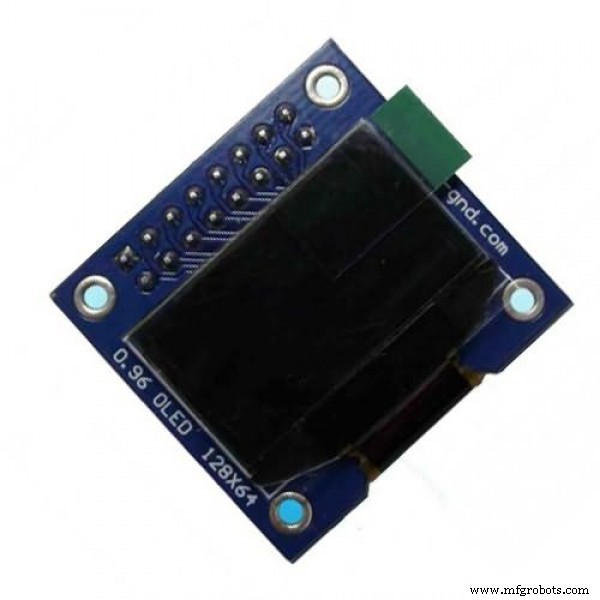
int UV_index = sensorVoltage / 0.1;I use a 0.96" 128*64 OLED display for this project, it uses I2C protocol so I connect it to Arduino as follow-
- SCK to A5
- SDA to A4
In the program, at first, I include the Adafruit_SSD1306 and Adafruit_GFX library
#include <Adafruit_GFX.h>
#include <Adafruit_SSD1306.h>
then I create the display variable and also add some bitmap for displaying some images. In the setup, I initialize the display. then in the loop, I display every data using the display.print() function. I display the data on four pages, Time, Pressure, temperature & humidity, and UV_index. there is a 5-second delay between every page.
Code
- Local weather station code
Local weather station codeArduino
#include <Wire.h>
#include <SPI.h>
#include <Adafruit_BMP280.h>
#include <DS3231.h>
#include <DHT.h>

#include <Adafruit_GFX.h>
#include <Adafruit_SSD1306.h>
#include <Fonts/FreeSans9pt7b.h>
#include <Fonts/FreeMonoBoldOblique12pt7b.h>
//#include <Fonts/FreeMonoBoldOblique9pt7b.h>

#define SCREEN_WIDTH 128
#define SCREEN_HEIGHT 64
#define OLED_RESET     4
Adafruit_SSD1306 display(SCREEN_WIDTH, SCREEN_HEIGHT, &Wire, OLED_RESET);

#define BMP_SCK  (13)
#define BMP_MISO (12)
#define BMP_MOSI (11)
#define BMP_CS   (10)

DS3231 clock;
bool century = false;
bool h12Flag;
bool pmFlag;

Adafruit_BMP280 bmp(BMP_CS, BMP_MOSI, BMP_MISO,  BMP_SCK);

#define DHTPIN  2
#define DHTTYPE DHT11
DHT dht(DHTPIN, DHTTYPE);


const unsigned char PROGMEM frame0 [] = {0x00, 0x00, 0x00, 0x00, 0x00, 0x00, 0x00, 0x00, 0x00, 0x00, 0x00, 0x01, 0xFF, 0x80, 0x00, 0x00, 0x0F, 0xFF, 0xF0, 0x00, 0x00, 0x3F, 0xFF, 0xFC, 0x00, 0x00, 0x7F, 0x81, 0xFE, 0x00, 0x00, 0xFC, 0x00, 0x3F, 0x00, 0x01, 0xF0, 0x00, 0x0F, 0x80, 0x03, 0xE0, 0x18, 0x07, 0xC0, 0x07, 0x86, 0x18, 0x61, 0xE0, 0x0F, 0x02, 0x00, 0x40, 0xF0, 0x0F, 0x02, 0x00, 0x40, 0xF0, 0x1E, 0x00, 0x00, 0x00, 0x78, 0x1C, 0x40, 0x00, 0x02, 0x38, 0x3C, 0x61, 0x00, 0x06, 0x3C, 0x3C, 0x01, 0x80, 0x00, 0x3C, 0x38, 0x00, 0x80, 0x00, 0x1C, 0x38, 0x00, 0xC0, 0x00, 0x1C, 0x78, 0x00, 0xE0, 0x00, 0x1E, 0x79, 0xC0, 0xF0, 0x03, 0x9E, 0x79, 0xC0, 0x7C, 0x03, 0x9E, 0x78, 0x00, 0x7E, 0x00, 0x1E, 0x38, 0x00, 0x7E, 0x00, 0x1C, 0x38, 0xFC, 0xFF, 0x3F, 0x1C, 0x3C, 0xFC, 0x7E, 0x3F, 0x3C, 0x3C, 0xFE, 0x7E, 0x7F, 0x3C, 0x1C, 0x7E, 0x18, 0x7E, 0x38, 0x1E, 0x3F, 0x00, 0xFC, 0x78, 0x0F, 0x3F, 0xC3, 0xFC, 0xF0, 0x0F, 0x0F, 0xFF, 0xF8, 0xF0, 0x07, 0x87, 0xFF, 0xE1, 0xE0, 0x03, 0xC1, 0xFF, 0x83, 0xC0, 0x03, 0xF0, 0x3C, 0x0F, 0xC0, 0x01, 0xFC, 0x00, 0x3F, 0x80, 0x00, 0x7F, 0x81, 0xFE, 0x00, 0x00, 0x3F, 0xFF, 0xFC, 0x00, 0x00, 0x0F, 0xFF, 0xF0, 0x00, 0x00, 0x01, 0xFF, 0x80, 0x00, 0x00, 0x00, 0x00, 0x00, 0x00, 0x00, 0x00, 0x00, 0x00, 0x00, 0x00, 0x00, 0x00, 0x00, 0x00};
const unsigned char PROGMEM frame1 [] = {0x00, 0x00, 0x00, 0x00, 0x00, 0x00, 0x00, 0x18, 0x00, 0x00, 0x00, 0x00, 0x7E, 0x00, 0x00, 0x00, 0x00, 0xC3, 0x00, 0x00, 0x01, 0x00, 0x9D, 0x80, 0x00, 0x03, 0x80, 0xB4, 0xE0, 0x00, 0x06, 0x80, 0xA6, 0x80, 0x00, 0x04, 0xC0, 0xA6, 0xE0, 0x00, 0x0C, 0x40, 0xA6, 0xE0, 0x00, 0x08, 0x60, 0xA6, 0x80, 0x00, 0x08, 0x20, 0xA6, 0xE0, 0x00, 0x08, 0x60, 0xA6, 0x80, 0x00, 0x0E, 0xC0, 0xA6, 0xE0, 0x00, 0x03, 0x80, 0xA6, 0x80, 0x00, 0x00, 0x10, 0xA6, 0xC0, 0x00, 0x00, 0x38, 0xA6, 0xE0, 0x00, 0x00, 0x38, 0xA6, 0x80, 0x00, 0x00, 0x6C, 0xA6, 0xE0, 0x00, 0x00, 0x44, 0xA6, 0x80, 0x00, 0x00, 0x6C, 0xA6, 0xE0, 0x00, 0x00, 0x38, 0xA6, 0x80, 0x00, 0x00, 0x00, 0xA6, 0x80, 0x00, 0x00, 0x00, 0xA4, 0xE0, 0x00, 0x00, 0x00, 0xA6, 0x80, 0x00, 0x00, 0x40, 0xA6, 0xE0, 0x00, 0x00, 0xC0, 0xA6, 0x80, 0x00, 0x01, 0xA0, 0xA6, 0xE0, 0x00, 0x01, 0x30, 0xA6, 0xE0, 0x00, 0x03, 0x10, 0xA6, 0x80, 0x00, 0x02, 0x18, 0xA6, 0xE0, 0x00, 0x06, 0x08, 0xA6, 0x80, 0x00, 0x06, 0x08, 0xA6, 0x80, 0x00, 0x02, 0x19, 0xA6, 0xC0, 0x00, 0x03, 0xF3, 0x26, 0x60, 0x00, 0x00, 0xC6, 0x26, 0x30, 0x00, 0x00, 0x0C, 0xE3, 0x10, 0x00, 0x00, 0x09, 0x80, 0x98, 0x00, 0x00, 0x19, 0x00, 0xC8, 0x00, 0x00, 0x13, 0x00, 0x6C, 0x00, 0x00, 0x12, 0x00, 0x6C, 0x00, 0x00, 0x12, 0x00, 0x6C, 0x00, 0x00, 0x12, 0x00, 0x6C, 0x00, 0x00, 0x1B, 0x00, 0x4C, 0x00, 0x00, 0x09, 0x80, 0xC8, 0x00, 0x00, 0x0C, 0xC1, 0x98, 0x00, 0x00, 0x04, 0x7F, 0x30, 0x00, 0x00, 0x06, 0x1C, 0x60, 0x00, 0x00, 0x03, 0x81, 0xC0, 0x00, 0x00, 0x00, 0xFF, 0x80, 0x00, 0x00, 0x00, 0x00, 0x00, 0x00, 0x00, 0x00, 0x00, 0x00, 0x00};
const unsigned char PROGMEM frame2 [] = {0xFF, 0xFF, 0xFF, 0xFF, 0xFF, 0xFF, 0xFF, 0xFF, 0xFF, 0xFF, 0xFF, 0xFF, 0xFF, 0xFF, 0xFF, 0xFF, 0xFF, 0xFF, 0xFF, 0xFF, 0xFF, 0xFF, 0xFF, 0xFF, 0xFF, 0xFF, 0xFF, 0xFF, 0xFF, 0xFF, 0xFF, 0xFF, 0xFF, 0xFF, 0xFF, 0xFF, 0xFF, 0xFF, 0xFF, 0xFF, 0xFF, 0xFF, 0xFF, 0xFF, 0xFF, 0xFF, 0xFF, 0xFF, 0xFF, 0xFF, 0xFF, 0xFF, 0xFF, 0xFF, 0xFF, 0xFF, 0xFF, 0xFF, 0xFF, 0xFF, 0xFF, 0xFF, 0xFF, 0xFF, 0xFF, 0xFF, 0xFF, 0xFF, 0xFF, 0xFF, 0xFF, 0xFF, 0xFF, 0xFF, 0xFF, 0xFF, 0xFF, 0xFF, 0xFF, 0xFF, 0xFF, 0xFF, 0xFF, 0xFF, 0xFF, 0xFF, 0xFF, 0xFF, 0xFF, 0xFF, 0xFF, 0xFF, 0xFF, 0xFF, 0xFF, 0xFF, 0xFF, 0xFF, 0xFF, 0xFF, 0xFF, 0xFF, 0xFF, 0xFF, 0xFF, 0xFF, 0xFF, 0xFF, 0xFF, 0xFF, 0xFF, 0xFF, 0xFF, 0xFF, 0xFF, 0xFF, 0xFF, 0xFF, 0xFF, 0xFF, 0xFF, 0xFF, 0xFF, 0xFF, 0xFF, 0xFF, 0xFF, 0xFF, 0xFF, 0xFF, 0xFF, 0xFF, 0xFF, 0xFF, 0xFF, 0xFF, 0xFF, 0xFF, 0xFF, 0xFF, 0xFF, 0xFF, 0xFF, 0xFF, 0xFF, 0xFF, 0xFF, 0xFF, 0xFF, 0xFF, 0xFF, 0xFF, 0xFF, 0xFF, 0xFF, 0xFF, 0xFF, 0xFF, 0xFF, 0xFF, 0xFF, 0xFF, 0xFF, 0xFF, 0xFF, 0xFF, 0xFF, 0xFF, 0xFF, 0xFF, 0xFF, 0xFF, 0xFF, 0xFF, 0xFF, 0xFF, 0xFF, 0xFF, 0xFF, 0xFF, 0xFF, 0xFF, 0xFF, 0xFF, 0xFF, 0xFF, 0xFF, 0xFF, 0xFF, 0xFF, 0xFF, 0xFF, 0xFF, 0xFF, 0xFF, 0xFF, 0xFF, 0xFF, 0xFF, 0xFF, 0xFF, 0xFF, 0xFF, 0xFF, 0xFF, 0xFF, 0xFF, 0xFF, 0xFF, 0xFF, 0xFF, 0xFF, 0xFF, 0xFF, 0xFF, 0xFF, 0xFF, 0xFF, 0xFF, 0xFF, 0xFF, 0xFF, 0xFF, 0xFF, 0xFF, 0xFF, 0xFF, 0xFF, 0xFF, 0xFF, 0xFF, 0xFF, 0xFF, 0xFF, 0xFF, 0xFF, 0xFF, 0xFF, 0xFF, 0xFF, 0xFF, 0xFF, 0xFF, 0xFF, 0xFF, 0xFF, 0xFF, 0xFF, 0xFF, 0xFF, 0xFF, 0xFF, 0xFF, 0x80};


void setup() {
  Serial.begin(57600);
  if (!display.begin(SSD1306_SWITCHCAPVCC, 0x3C)) {
    Serial.println(F("SSD1306 failed"));
  }
  Wire.begin();
  dht.begin();
  if (!bmp.begin()) {
    Serial.println(F("Problem.bmp"));
    while (1) delay(10);
  }
  display.clearDisplay();
  display.setTextColor(WHITE);
  display.setTextSize(1);
  display.setCursor(0, 9);
  display.setFont(&FreeSans9pt7b);
  display.println("**** LOCAL ****");
  display.setCursor(0, 38);
  display.setFont(&FreeMonoBoldOblique12pt7b);
  display.println("wather");
  display.setCursor(27, 58);
  display.println("Station");
  display.display();
  delay(2000);


  bmp.setSampling(Adafruit_BMP280::MODE_NORMAL,     /* Operating Mode. */
                  Adafruit_BMP280::SAMPLING_X2,     /* Temp. oversampling */
                  Adafruit_BMP280::SAMPLING_X16,    /* Pressure oversampling */
                  Adafruit_BMP280::FILTER_X16,      /* Filtering. */
                  Adafruit_BMP280::STANDBY_MS_500); /* Standby time. */

}


void loop() {

  //Time
  display.clearDisplay();
  display.setTextColor(WHITE);
  display.setTextSize(1);
  display.setCursor(13, 15);
  display.setFont(&FreeMonoBoldOblique12pt7b);
  display.print(clock.getHour(h12Flag, pmFlag));
  display.setCursor(38, 15);
  display.println(":");
  display.setCursor(50, 15);
  display.println(clock.getMinute());
  display.setCursor(70, 15);
  if (pmFlag) {
    display.println(" PM");
  } else {
    display.println(" AM ");
  }
  display.setFont(&FreeSans9pt7b);

  display.setCursor(20, 60);
  display.println(clock.getDate());
  display.setCursor(40, 60);
  display.println("/");
  display.setCursor(46, 60);
  display.println(clock.getMonth(century));
  display.setCursor(65, 60);
  display.println("/");
  display.setCursor(70, 60);
  display.println("20");
  display.setCursor(90, 60);
  display.println(clock.getYear());
  display.setCursor(30, 30);
  display.setFont(&FreeSans9pt7b);
  switch (clock.getDoW()) {
    case 1:
      display.println("Saturday");
      break;
    case 2:
      display.println("Sunday");
      break;
    case 3:
      display.println("Monday");
      break;
    case 4:
      display.println("Tuesday");
      break;
    case 5:
      display.println("Wednesday");
      break;
    case 6:
      display.println("Thursday");
      break;
    case 7:
      display.println("Friday");
      break;
  }


  display.display();
  delay(5000);
  //P
  display.clearDisplay();
  display.drawBitmap(0, 0, frame0, 40, 40, 1);
  display.setFont(&FreeSans9pt7b);
  display.setCursor(41, 28);
  display.println(bmp.readPressure() / 100);
  display.setCursor(110, 28);
  display.setFont();
  display.println("hPa");
  display.setCursor(0, 55);
  display.setFont(&FreeSans9pt7b);
  display.println("Altitude:");
  display.setCursor(65, 62);
  display.println(bmp.readAltitude(1005.47));
  display.setCursor(113, 62);
  display.println("m");
  display.display();
  delay(5000);
  //T&RH
  display.clearDisplay();
  display.setFont(&FreeMonoBoldOblique12pt7b);
  display.drawBitmap(0, 5, frame1, 40, 51, 1);
  display.setCursor(35, 30);
  display.print(bmp.readTemperature());
  display.setFont(&FreeSans9pt7b);
  display.setCursor(102, 28);
  display.println(" *");
  display.setCursor(110, 31);
  display.println(" C");
  display.setFont();
  display.setCursor(66, 45);
  display.println("RH :");
  byte RH = dht.readHumidity();
  display.setCursor(95, 45);
  display.println(RH);
  display.setCursor(110, 45);
  display.println("%");
  display.drawBitmap(0, 56, frame2, 135, 15, 1);
  display.display();
  delay(5000);
  //UV
  display.clearDisplay();
  float sensorValue = analogRead(A0);
  float sensorVoltage = sensorValue / 1024 * 5.0;
  int UV_index = sensorVoltage / 0.1;
  display.setFont(&FreeSans9pt7b);
  display.setCursor(0, 15);
  display.print("    UV INDEX  ");
  display.setCursor(58, 45);
  display.println(UV_index);
  display.display();
  delay(5000);
}
Custom parts and enclosures
Schematics
Manufacturing process
- Building an Outdoor Weather Station with Raspberry Pi 2 and ADS‑WS1
- Build a Raspberry Pi Weather Station that Emails Daily Weather Data
- Advanced Weather Station v2.0: Real‑Time Temperature, Pressure, Humidity & Altitude Monitoring
- Multi‑Position Temperature Sensor System for Smart Home Integration
- Build a $10 Portable Arduino Weather Station (AWS) – Easy DIY with Nano, DHT22, BMP180 & LCD
- Build a Smart Wristband with Arduino MKR GSM 1400 & Hologram IoT
- Build a Reliable Arduino Weather Station with DHT Sensors
- Portable IoT Weather Station with Arduino Nano 33 IoT
- Build a Smart Weather Station with Arduino UNO and AWS Integration
- Build a Simple Weather Station with Arduino UNO, BMP280 Sensor & LCD