



Quick Guide to Setting Up Your MATLAB Environment
Local Environment Setup
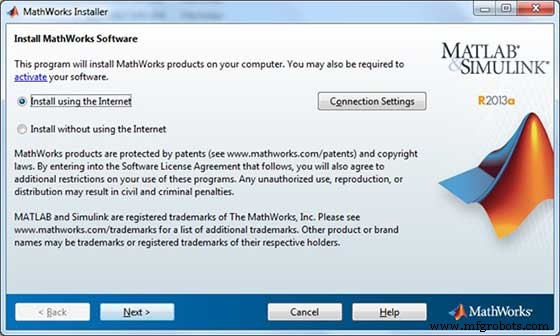
Setting up MATLAB environment is a matter of few clicks. The installer can be downloaded from here.
MathWorks provides the licensed product, a trial version and a student version as well. You need to log into the site and wait a little for their approval.
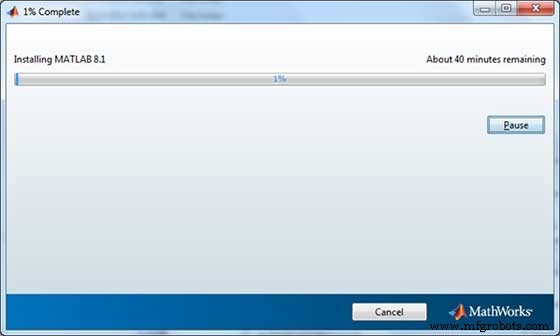
After downloading the installer the software can be installed through few clicks.
Understanding the MATLAB Environment
MATLAB development IDE can be launched from the icon created on the desktop. The main working window in MATLAB is called the desktop. When MATLAB is started, the desktop appears in its default layout −
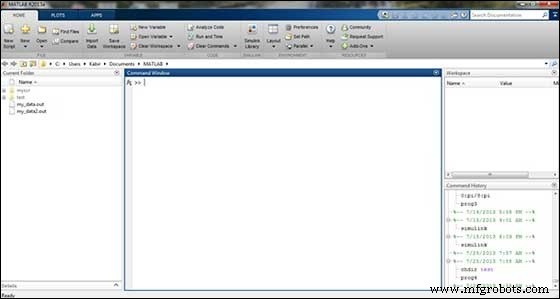
The desktop has the following panels −
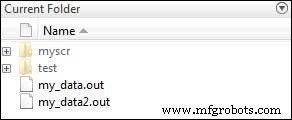
Current Folder − This panel allows you to access the project folders and files.
Command Window − This is the main area where commands can be entered at the command line. It is indicated by the command prompt (>>).
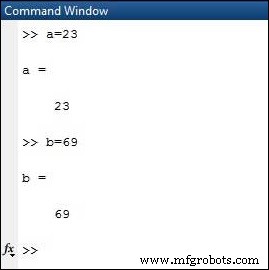
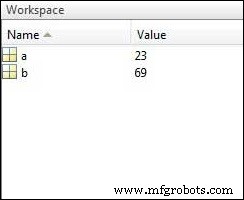
Workspace − The workspace shows all the variables created and/or imported from files.
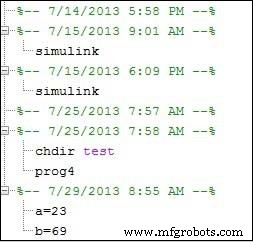
Command History − This panel shows or return commands that are entered at the command line.
Set up GNU Octave
If you are willing to use Octave on your machine ( Linux, BSD, OS X or Windows ), then kindly download latest version from Download GNU Octave. You can check the given installation instructions for your machine.
MATLAB
- Java Development Environment Setup Guide
- Setting Up Your C Programming Environment: Essential Tools & Tips
- Comprehensive Guide to Setting Up Your C++ Development Environment
- Java 10 Development Environment Setup: Build, Compile, and Run
- Java 9 Development Environment Setup Guide
- Java 8 Setup: Easy Environment Configuration Guide
- Understanding Variables in MATLAB: Basics and Examples
- Master MATLAB Matrix Basics: Create, Reference, and Manipulate Data
- MATLAB – Numbers: Types, Storage, and Conversion
- Comprehensive Guide to Setting Up Your Python Development Environment