



SUNLU Filament Connector Review: Does It Truly Save Filament and Reduce Print Waste?
Introduction
As a seasoned 3D printing enthusiast with over 20 printers and 900 published articles, I’ve seen my share of filament waste. The SUNLU Filament Connector promises to stitch leftover spools into a single, longer filament, potentially saving both money and material. In this review, I’ll dissect its features, performance, and real‑world usability to help you decide if it’s worth adding to your toolkit.
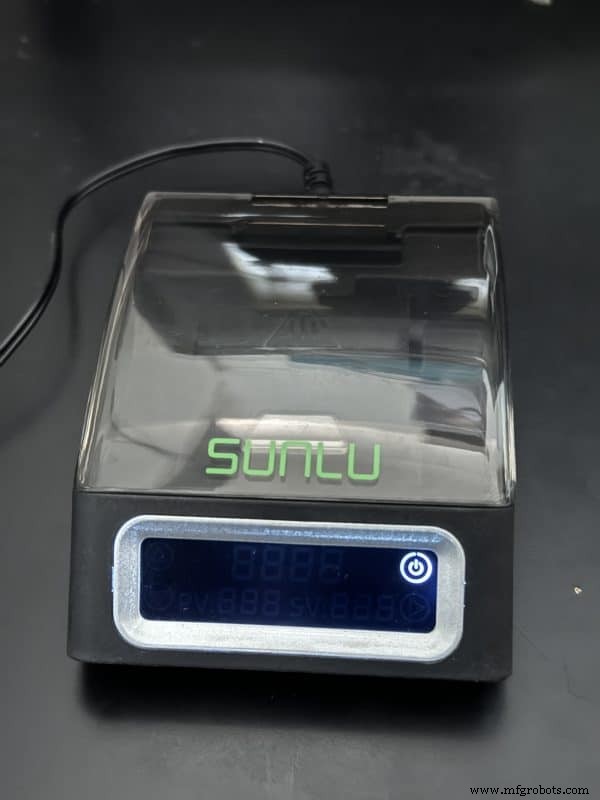
Key Features
- Seamless filament fusion – combine multiple spools in seconds
- Multi‑color and gradient printing without manual filament swaps
- Rapid, precise heating up to 185 °C in 3 minutes (±3 °C tolerance)
- Intuitive LCD touchscreen for real‑time monitoring and temperature control
Seamless Filament Fusion
The connector’s core advantage is its ability to merge leftover filament into one continuous strand. Instead of juggling dozens of short spools that rarely finish a print, you can fuse them into a longer filament, dramatically reducing waste. The fusion process takes just 10–15 seconds once the device is heated.
For optimal bonding, cut the filament ends at a slight angle and dry them thoroughly before inserting into the connector. This maximizes the contact surface area, ensuring a robust weld.
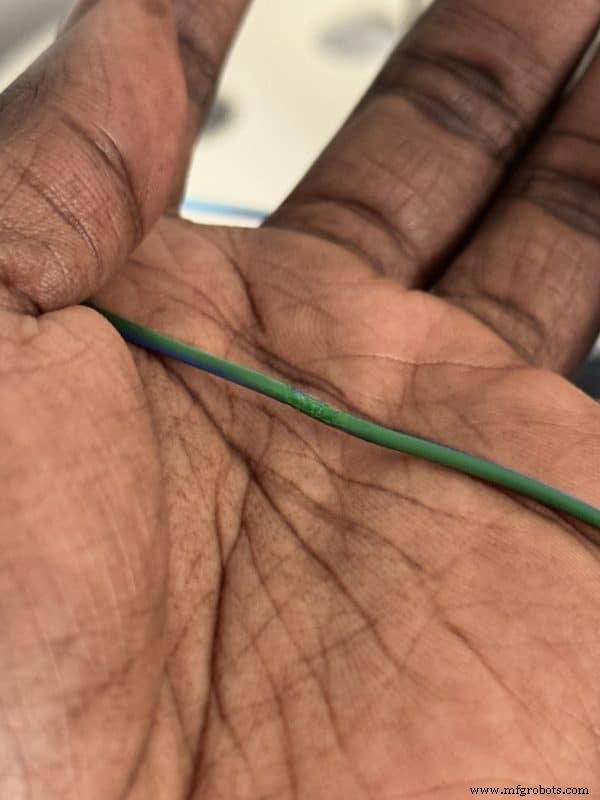
Multi‑Color & Gradient Printing
With the connector, you can print multi‑color objects without pausing the print or manually swapping spools. Simply fuse the filaments and let your printer run. The result is vibrant, personalized prints featuring smooth color transitions.
Rapid & Precise Heating
The unit reaches 185 °C in roughly three minutes, which is ideal for common filaments like PLA, PETG, and ABS. Temperature readings are accurate to ±3 °C, ensuring consistent welding quality.
Maximum operating temperature is 240 °C, comfortably covering the recommended ranges for the following filaments:
| Filament Type | Heating Time (min) | Recommended Melting Temp | Melting Time (s) |
|---|---|---|---|
| PCL | 5–6 | 185 °C | — |
| PLA | 3–5 | 185 °C | 7–8 |
| PETG | 3–4 | 210 °C | 7–8 |
| ABS | 3–4 | 220 °C | 7–8 |
| PA/PC | 5–3 | 230 °C | 9–10 |
LCD Touch Controls
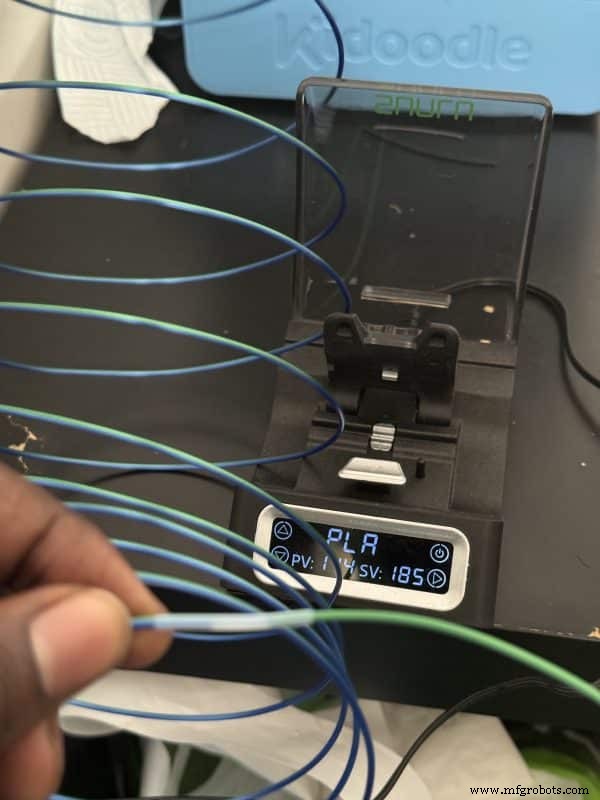
The integrated 3.5‑inch touchscreen offers real‑time temperature readouts and quick access to preset temperature profiles. Adjustments are made with a single tap, making the device user‑friendly for both novices and seasoned operators.
Specifications
- Dimensions: 111 × 79.4 × 38 mm
- Filament Diameter: 1.75 mm
- Operating Environment: 10–25 °C, ≤ 90 % humidity
- Maximum Temperature: ≤ 250 °C
- Net Weight: 143 g
- Compatible Filaments: PLA, ABS, PETG, PC, PCL
- Power: 5 V × 2 A
- Standby Current: 15 mA
- Maximum Working Current: 2 A
Benefits
- Broad filament compatibility (1.75 mm)
- Safe, plug‑and‑play setup
- Intuitive temperature control via touchscreen
- Reduces filament waste and cost
- Enables unique, gradient, multi‑color prints
- Fast heating and efficient operation
- Compact, lightweight design ideal for any workspace
- Consistent, high‑quality welds
Limitations
- Limited to 1.75 mm filament only
- Requires periodic purchase of PTFE tubes
- Each PTFE tube is single‑use, adding ongoing cost
Unboxing & Assembly
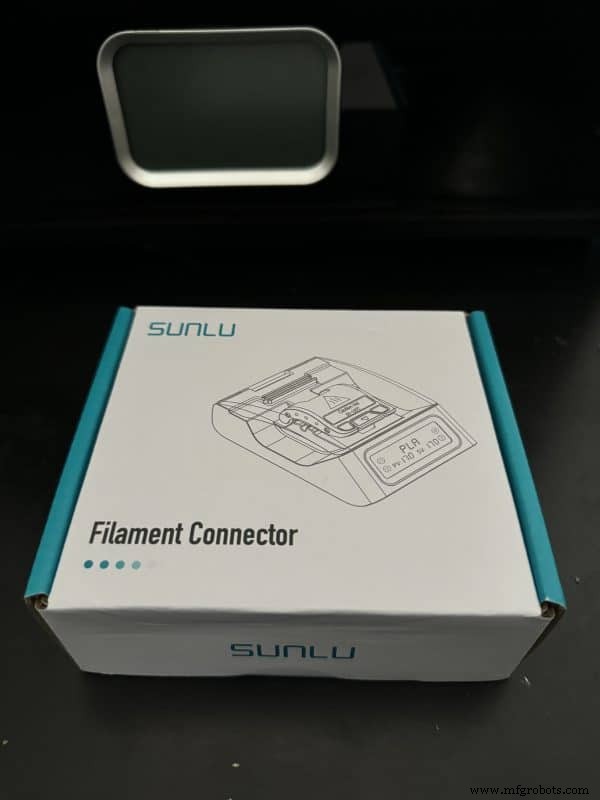
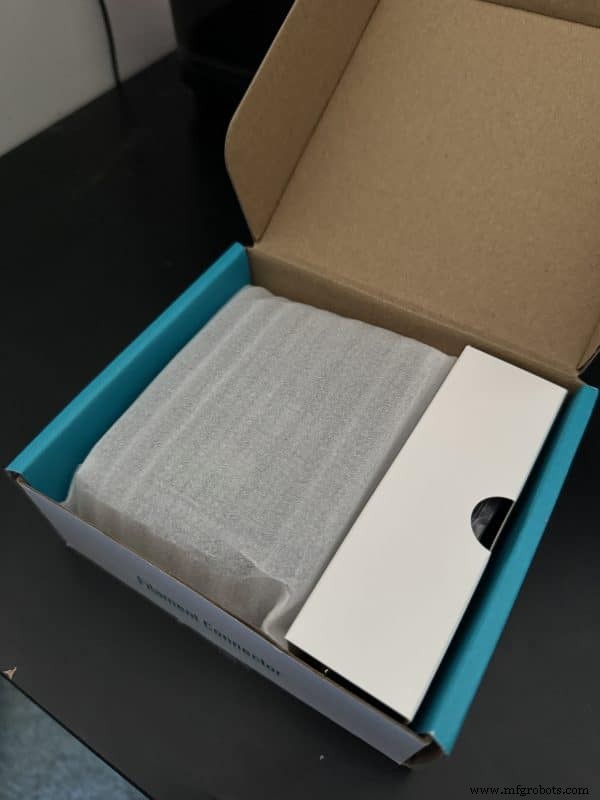
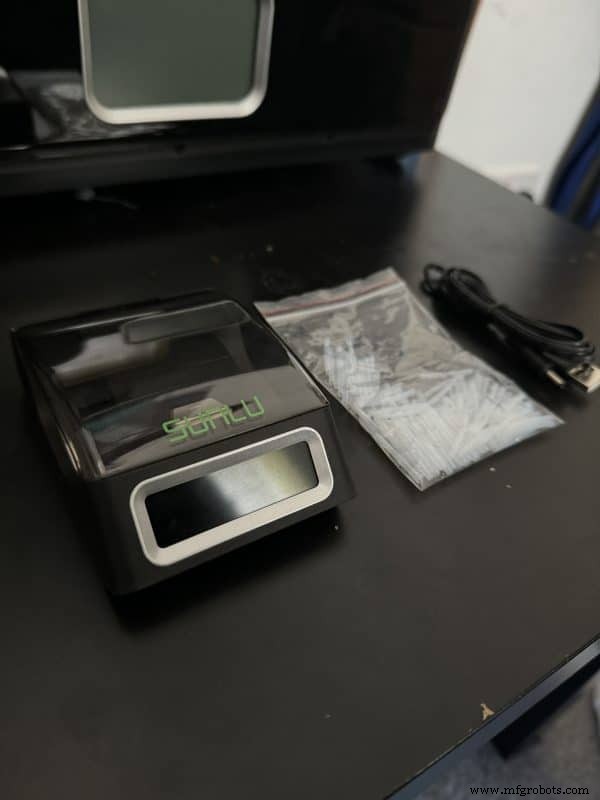
The connector arrives in a compact box containing the unit, a USB cable, 200 PTFE tubes, and an instruction manual. No power plug is included, so you’ll need a 5 V 2 A supply (a standard phone charger works). After plugging in, the screen guides you through selecting or customizing a temperature profile.
Customer Experiences
One frequent printer shared that the connector saves him hours of idle time when a spool runs out mid‑print. Another praised the device’s precision but noted the need for careful filament alignment.
For a detailed walkthrough, watch the 3D Print Stuff review or Uncle Jessy’s tutorial on re‑spooling and printing a Benchy.
Where to Buy
Purchase the SUNLU Filament Connector directly from SUNLU’s official website. If your workflow involves high filament consumption, this tool can be a valuable addition.

Michael Dwamena
Founder, 3D Printerly – 20+ printers, 900+ articles, and a lifelong passion for 3D printing.
3D printing
- How 3D Printing Is Transforming Manufacturing, Healthcare, Aerospace, and Education
- 3D‑Printed Heat‑Resistant Intake Manifolds Give Motorsport Bikes a Competitive Edge
- Additive Manufacturing: Redefining Scale Economics and Driving Integrated Production
- How MES Software Can Revolutionize Production Planning for Your 3D Printing Service
- Mastering 3D Printing Speeds: Achieve Precision and Speed
- Inside 3D Printing: Professor Neil Hopkinson on Innovation, Scale, and the Future
- Elegoo Centauri Carbon Review – A Competitive CoreXY FDM Printer at $299
- How to Recalibrate the Home Position on a 3D Printer – A Detailed Guide
- Interview: HP’s Global Head of Metals Discusses the Game-Changing HP Metal Jet Technology
- Award‑Winning 3D‑Printed Miniature Satellite Triumphs at India’s First CanSat Challenge