



How Autodesk Fusion 360 Enables Efficient Concurrent Engineering
Learn about how Autodesk Fusion 360 provides concurrent engineering solutions for design teams worldwide.
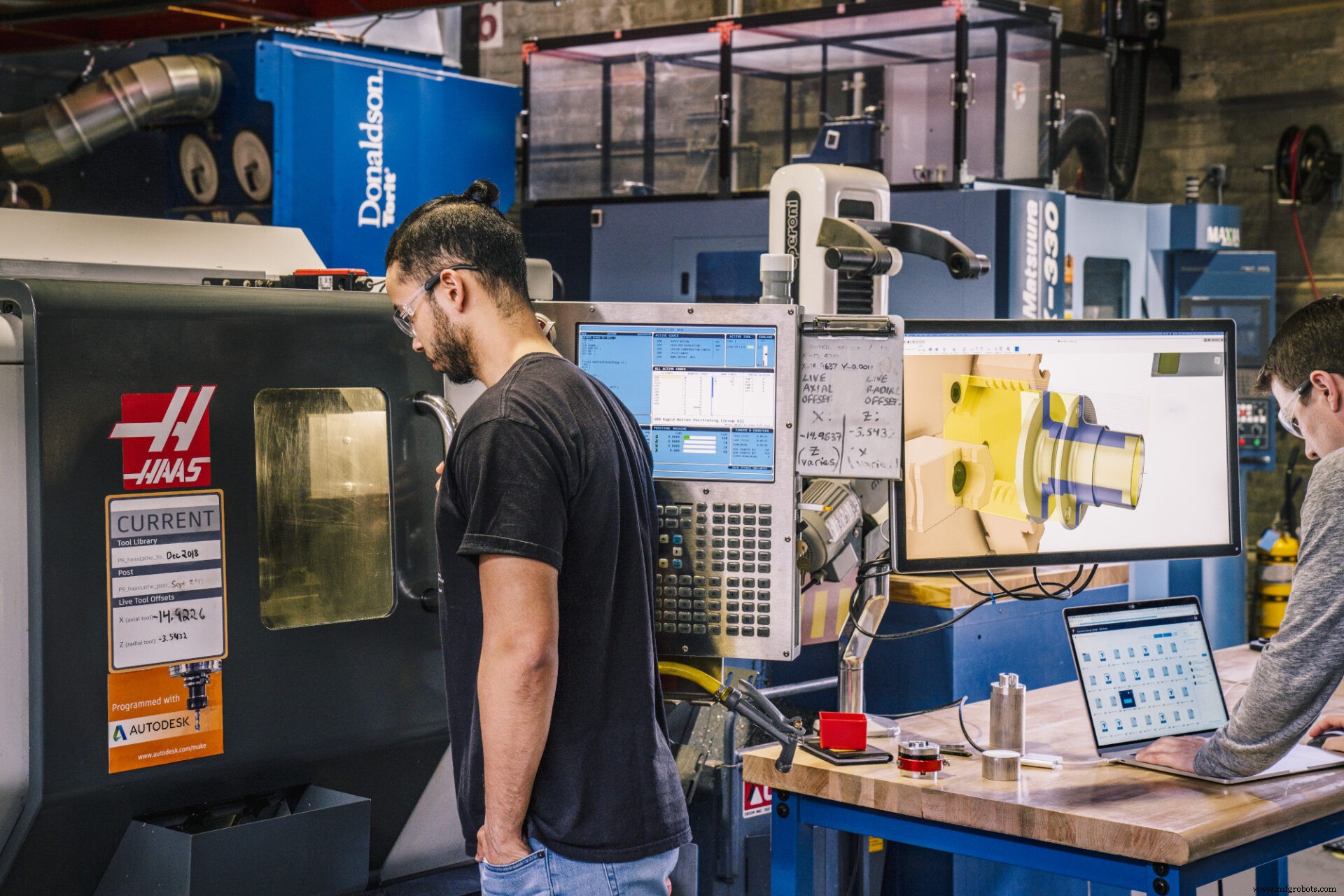
The effects of the COVID-19 pandemic are still rippling across the world. As a result, collaborative design efforts continue to evolve and change around global constraints. Many manufacturers have shifted to remote or geographically distant teams because of the pandemic. On top of unavoidable and unintentional outside forces, manufacturers have also seen a rise in complex designs and iterations as new technologies become more intricate.
Companies and manufacturing teams must find ways to develop a product without sacrificing quality or usability. It can be difficult (or nearly impossible) to ensure an unadulterated flow of information between the design team and the engineering team without the right tools and managerial mindset. Collaboration on the same project must occur without overwriting new design changes or configurations.
So we know the problem. The solution? Concurrent engineering.
What is concurrent engineering? Why is it important?
Concurrent engineering, also known as simultaneous engineering, uses technology — like cloud CAD software — to automate the connection between globally scattered engineering teams. It can also refer to running different stages of the product design process simultaneously, rather than waiting for one engineer to finish and hand it off to the next.
Concurrent engineering provides increased efficiencies for organizing and tracking multiple stages of the design process from a central authoritative repository. Data is easier to access because it lives in one universally accessible location – the cloud. With concurrent engineering, time otherwise wasted trying to find and transfer CAD files across different software environments is regained.
Another benefit to implementing concurrent engineering is universal system updates across all devices. It reduces development costs, decreases time-to-market, and increases market share and new market penetration while simultaneously promoting an internal continuous improvement model for the organization.
How Autodesk Fusion 360 can help
Previously, now outdated CAD software had to be loaded from a local disk or online software package to a dedicated computer. Only one person could run the software at any given moment. Therefore, engineers would need to have multiple computers running the same software, but downloaded on each device.
Autodesk Fusion 360 is a cloud CAD software, which means that engineers can work on everything designed in Fusion 360 from multiple locations simultaneously. It is the best choice for a cloud CAD concurrent engineering solution because it enables real-time collaboration and communication. Cloud CAD offers extended storage and unlimited access from multiple devices simultaneously. Design teams can work in tandem to revise projects based on last-minute changes, if necessary.
Discover the potential of Autodesk Fusion 360 and how it can support your process. Download Fusion 360 today:

Industrial Technology
- Machine Parts with Fusion 360 Using a Generatively Designed 3D-Printed Fixture
- Step‑by‑Step Guide to Machining a Steering Wheel with Fusion 360
- Mastering Spider Plate Machining with Fusion 360: A Detailed Tutorial
- Mastering Wheel Hub Machining in Fusion 360: A Practical Guide
- Mill a Hemisphere in Fusion 360: A Complete, Professional Guide
- Fusion 360 CNC Guide: How to Machine a Chess Piece
- Mastering DXF Import in Fusion 360: Step‑by‑Step Guide
- Master Fusion 360’s Machine Builder: Build Custom Machines for Simulation
- Effortlessly Integrate Haas Tooling into Fusion 360: A Step‑by‑Step Guide
- Master Toolpath Entry Control in Fusion 360 for Precision & Efficiency