Industrial manufacturing
Industrial Technology

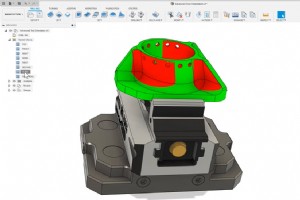
Let’s take a look at the different ways of defining tool orientation in the Fusion 360 manufacturing workspace and what tool is best for each situation. You may encounter geometry on components that isn’t accessible in a 3-axis orientation. To see what’s accessible from a selected o

See how Autodesk Fusion 360 helps Next Intent up-level employees and gain confidence when manufacturing high-risk parts for the aerospace industry. A machinist isn’t just a machinist anymore. That’s the view Rodney Babcock, CEO and founder of Next Intent, has after more than 25 years running
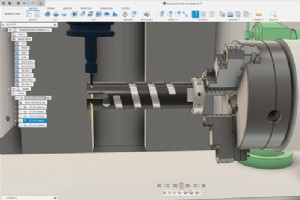
Learn how to get more out of your 4th axis by wrapping 2D toolpaths in the Fusion 360 Manufacture workspace. Toolpath wrapping overview The wrap option in Fusion 360 leverages the 4th axis on your machine and can be used with 2D Adaptive, 2D Pocket, and 2D Contour. It allows these toolpaths t
The Fusion 360 Machining Extension offers toolpath modifications to help you avoid hairy situations when machining complex parts. Very few objects are as easy to machine as a square block. Today’s complex products require a far greater array of shapes. Shapes can be curvy, doubly curvy, an

Learn about what manufacturing execution systems (MES) are, what problems they solve, and the benefits of implementation. What is Manufacturing Execution System (MES)? A Manufacturing Execution System (MES) is a software solution to automate and digitize manufacturing processes. Manage, monit
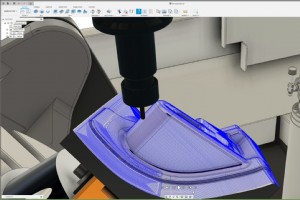
Unlock the power of simultaneous multi-axis machining, including automatic collision avoidance, with the Fusion 360 Machining Extension to minimize your programming time and create reliable, repeatable toolpaths for your complex parts. This article will show you how to use the multi-axis fun
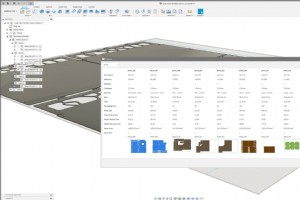
Read this article in: Français (French) Italiano (Italian) Deutsch (German) 日本語 (Japanese) Learn how automating the nesting process with the Fusion 360 Nesting & Fabrication Extension saves you valuable resources. Manually nesting your parts for manufacturing is a timely, non-va

Air National Guard member Jon Boggs designs and makes tweezers using leftover titanium, Fusion 360, and a Haas VF-2 machine. Read his full story here. While stationed in Alaska with the Air Force, Jon Boggs worked as a mechanic on-ground equipment for planes. But, during his time off, he als
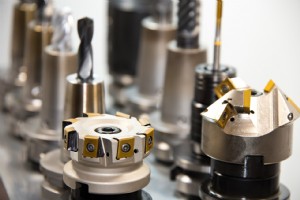
Autodesk Fusion 360 allows high-efficiency toolpaths within the 3+2 milling (5-axis positional) environment thanks to features like its Machining Extension. A knowledgeable engineer using a computer numerical control (CNC) machine paired with computer-aided manufacturing (CAM) and computer-a
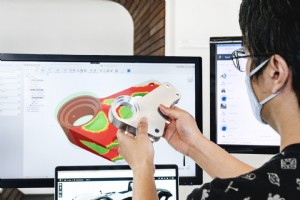
Learn what 3D modeling software is and why Autodesk Fusion 360 is an ideal 3D modeling software for beginners and experts alike. As with building any new skill, there’s typically a learning curve. This is especially true when it comes to 3D modeling. Engineering students, industrial design
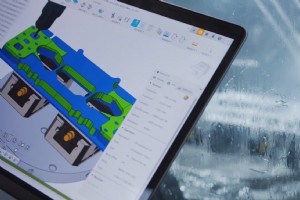
Evolve’s latest hypercar component dispels common myths about generative design in Fusion 360, including expense, difficulty, and fabrication methods. Since 2016, UK-based Evolve has used Fusion 360 to grow its business for the engineering of high-quality bespoke systems and products—f
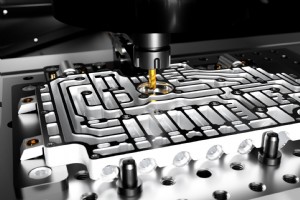
Within the machining industry, there can sometimes be confusion between the terms high feed rate and rapid feed rate. This article discusses the difference between the two and the advantages and disadvantages of each. What is rapid feed rate? Rapid feed rate typically refers to the
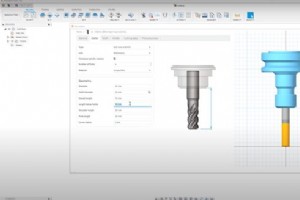
We created the Machining Fundamentals series to help you brush up on your CAM knowledge, whether you work in a machine shop or are just getting started. In-house machinists at our Birmingham Technology Center host each episode and provide a detailed overview of a tool/process. I
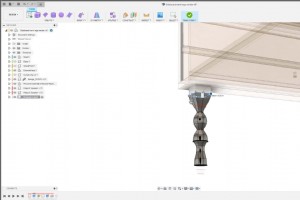
Associative Match in Autodesk Fusion 360 allows you to associatively control a T-spline body or surface with the simple check of a box, enabling better 3D modeling workflows. What if we told you that associatively controlling a T-spline body or surface in Fusion 360 is now as simple as check
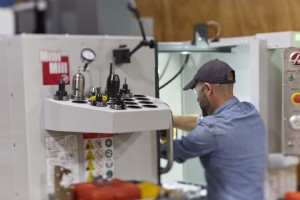
We closely partner with Haas Automation to seamlessly integrate Haas CNC machines and Fusion 360. Let’s look at the Haas tooling available for the Fusion 360 tool library. Haas tooling supplies a product line of tools and holders that you can purchase directly from Haas Automation. We’ve wor
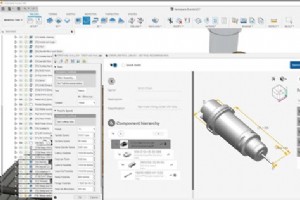
Seamlessly access the Sandvik Coromant online tool library from within Fusion 360 with the Sandvik Coromant CoroPlus Tool Library Add-in for Fusion 360. The most successful machine shops and manufacturing departments remove manual tasks that waste time and money or cause errors. One common chal
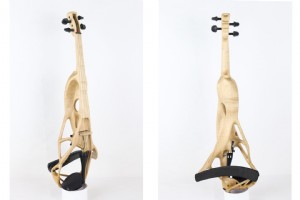
Generative design in Autodesk Fusion 360 helped a luthier develop a new method for designing and manufacturing electric violins. Violins played by professional musicians are hand-built masterpieces, requiring weeks or months of work by a highly skilled luthier (violin maker). Electric violins ca
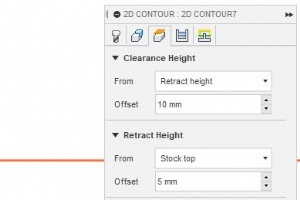
Fusion 360 closely partners with Haas Automation to reduce the pain of getting set up with your Haas machine and Fusion 360. Take a look at the following tips to work smarter, not harder, and stay tuned for Pt. 2, where we’ll share some more tips! As a machinist, there’s nothing more
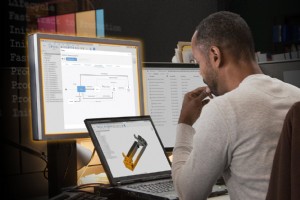
Unlock additional data management functionality and manage design changes at any production stage using pre-built workflows in the Fusion 360 Manage Extension. Data is your most valuable asset, and data management is the foundation of a successful product development process. With access to
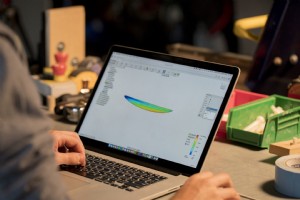
Autodesk Fusion 360 supports a wide variety of CAD file formats. Take a look at the five most popular supported ones in this brief overview. Computer-aided design (CAD) is a method of digitally creating 2D drawings and 3D models of real-world products. CAD, in recent decades, has replaced ma
Industrial Technology