Build Your Own FM Radio with RDA5807 & Arduino Pro Mini
Components and supplies
| | × | 1 | |
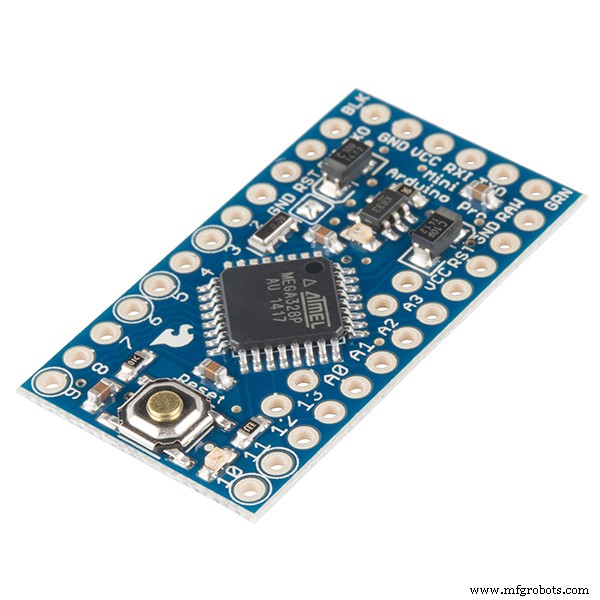 | | SparkFun Arduino Pro Mini 328 - 3.3V/8MHz |
| × | 1 | |
| | × | 1 | |
| | × | 1 | |
| | × | 1 | |
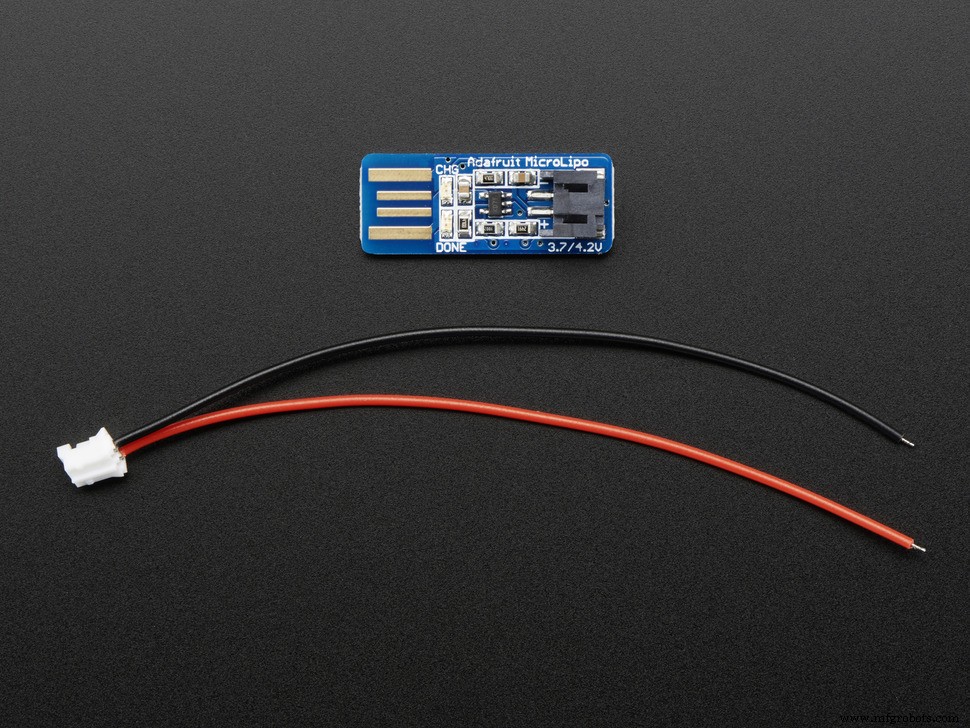 | | Adafruit USB Li Ion Battery Charger |
| × | 1 | |
| | × | 1 | |
 | | × | 1 | |
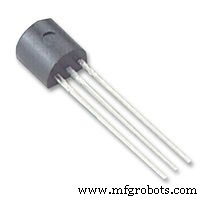 | | General Purpose Transistor NPN |
| × | 1 | |
 | | × | 1 | |
 | | × | 2 | |
| | × | 1 | |
 | | × | 1 | |
 | | Rotary Encoder with Push-Button |
| × | 1 | |
| | × | 1 | |
About this project
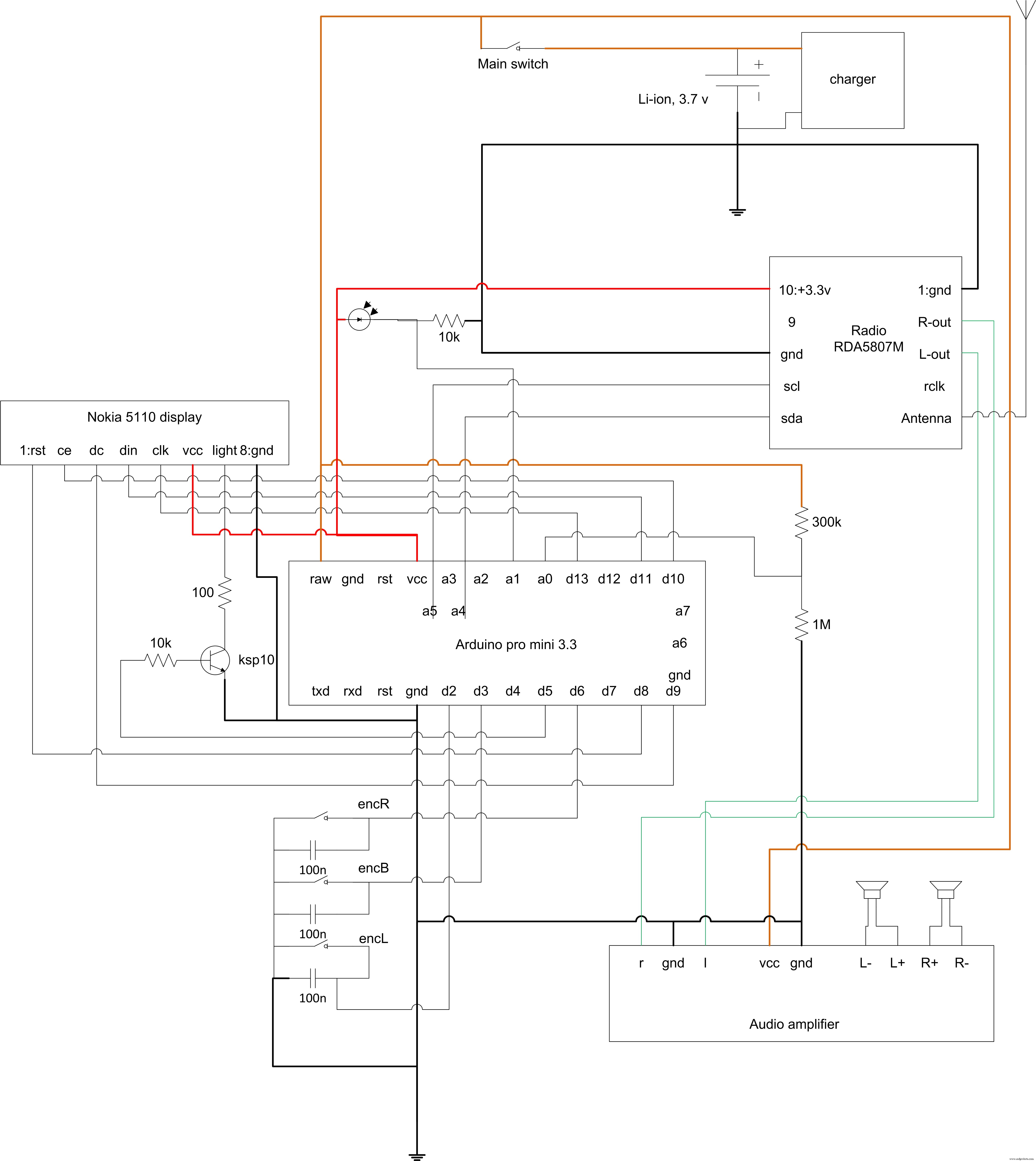
Brief descriptionThis project is about building a simple FM radio controlled by Arduino. Surfing the Internet, I have faced a great FM radio module, RDA5807 that supports RDS signal receiving. I have thought it is very god idea to play with this module and build my own FM radio that can have custom features. Furthermore, the radio can be powered by Li-ion rechargeable battery and equipped with a interesting USB charger.
The Nokia 5110 display, I believe, is a good choice for the radio because it is well-readable, easy to use, customizable and has low-power requirements that help increase the battery life.
The key features of this project are:- The Li-ion battery 18650 with USB charger is used to power the radio.
- Graphical Nokia 5110 display is used that allow to create friendly user interface (not in the case).
- The list of 4 previous stations is implemented to simplify navigation between the stations.
- RDS information (station name) is displayed in the bottom of the screen.
- The screen backlight is automatically adjusted.
The RDA5807 is a self-sufficient radio module. It implements 3.3V power source. To make the project simpler, the Arduino pro mini 3.3V controller is used to control the radio module. Internal voltage regulator guarantees the correct voltage on the radio module and the screen. To make the volume acceptable, the simple audio amplifier is implemented. The Li-ion battery powers the amplifier directly, without any regulator.
The U8GLIB graphic library is used to display the information on the Nokia screen. This library is fast, reliable, expandable and very convenient for many black and white displays. I have added some new Cyrillic font to the library, so please select the font you have in the sketch.
How to control the radioRadio is controlled by rotary encoder. There are two modes the tuner can run: automatic mode and manual mode. By default, automatic mode is used. In this mode the radio module seeks the stations up or down when you rotate the encoder forward or backward. The station changes to the next one with the good signal level. You can set frequency by switching to the manual mode. Just press the encoder once to switch between the modes.
The last 4 stations list is saved in the EEPROM of Arduino each time you change the station. To save the life of the EEPROM, save procedure invokes in a minute after the station have been changed. So you can freely search the favorite station without saving anything in the EEPROM.
To list the last 4 stations, press the encoder for long time (about 2 seconds). Then you can rotate the encoder to select the station from the list. To switch to the station, press the encoder.
ConclusionThe RDA5807 radio module is the great FM radio receiver that has very convenient libraries and implements interesting features. You need a long enough antenna in the case of long distance from the radio station. The sound quality is acceptable. You can use better audio amplifier, but the more powerful amplifier can short the battery life.
Code
The fm radio source code
There are two versions in the repository: full and lite (without backlight control and the station history). The full version have been tested on hardware, the lite version have been built from the source code, no testing performed.https://github.com/sfrwmaker/fm_radio_rda5807Schematics