



Arduino-Based Indoor Air Quality & Comfort Sensor Kit
Components and supplies
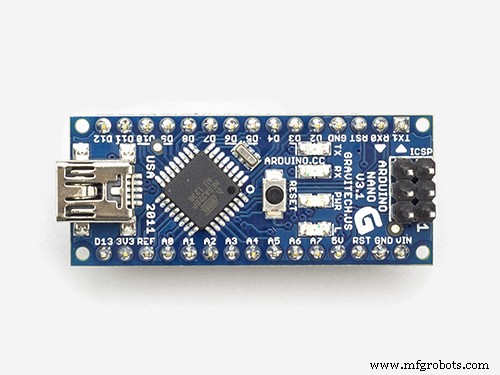 |
| × | 1 | |||
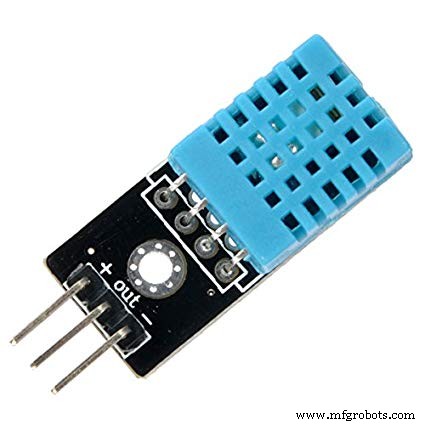 |
| × | 1 | |||
| × | 1 | ||||
| × | 1 |
Necessary tools and machines
 |
| |||
 |
|
Apps and online services
 |
|
About this project
Many times we feel very weak while waking up from the bed even after getting a good sleep at night. This sometimes happens because of the poor air quality in the closed room at night.
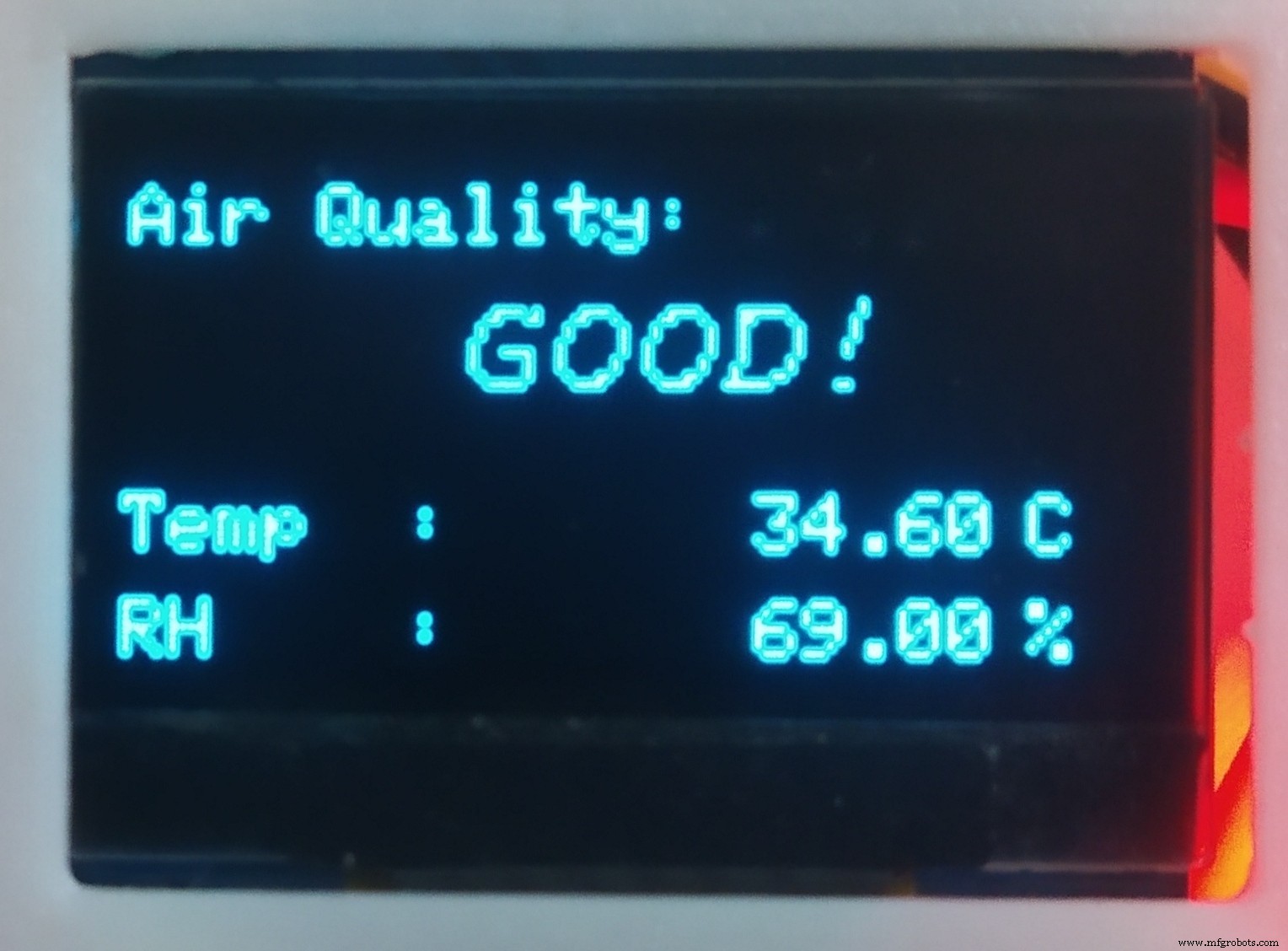
This is a low cost Air Quality Monitor which can monitor the air quality of a room using MQ135 air quality sensor. It also measure the room temperature and humidity using DHT11 and shows the data on a OLED display. It is a fun little project and very helpful too.
Wiring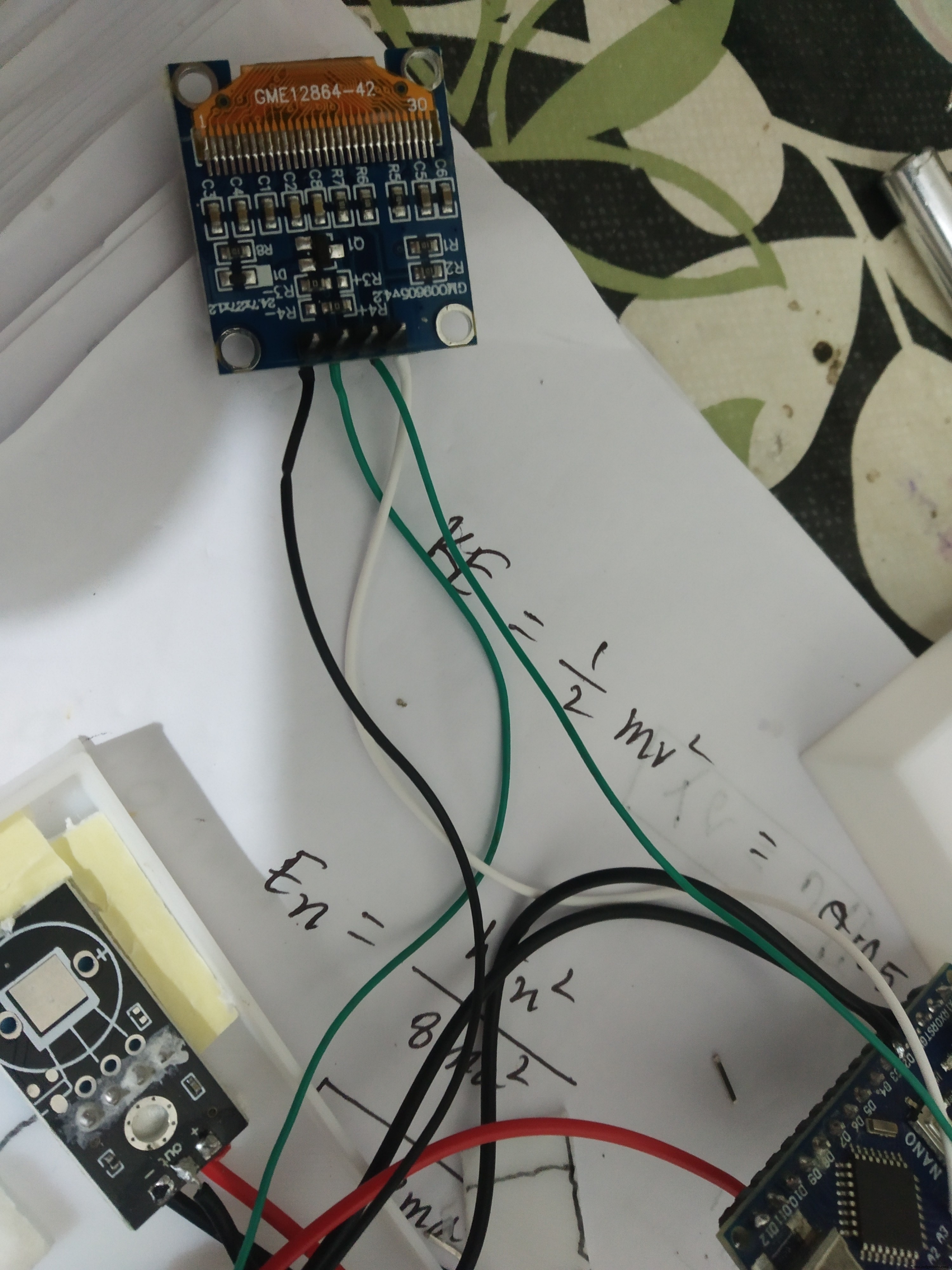
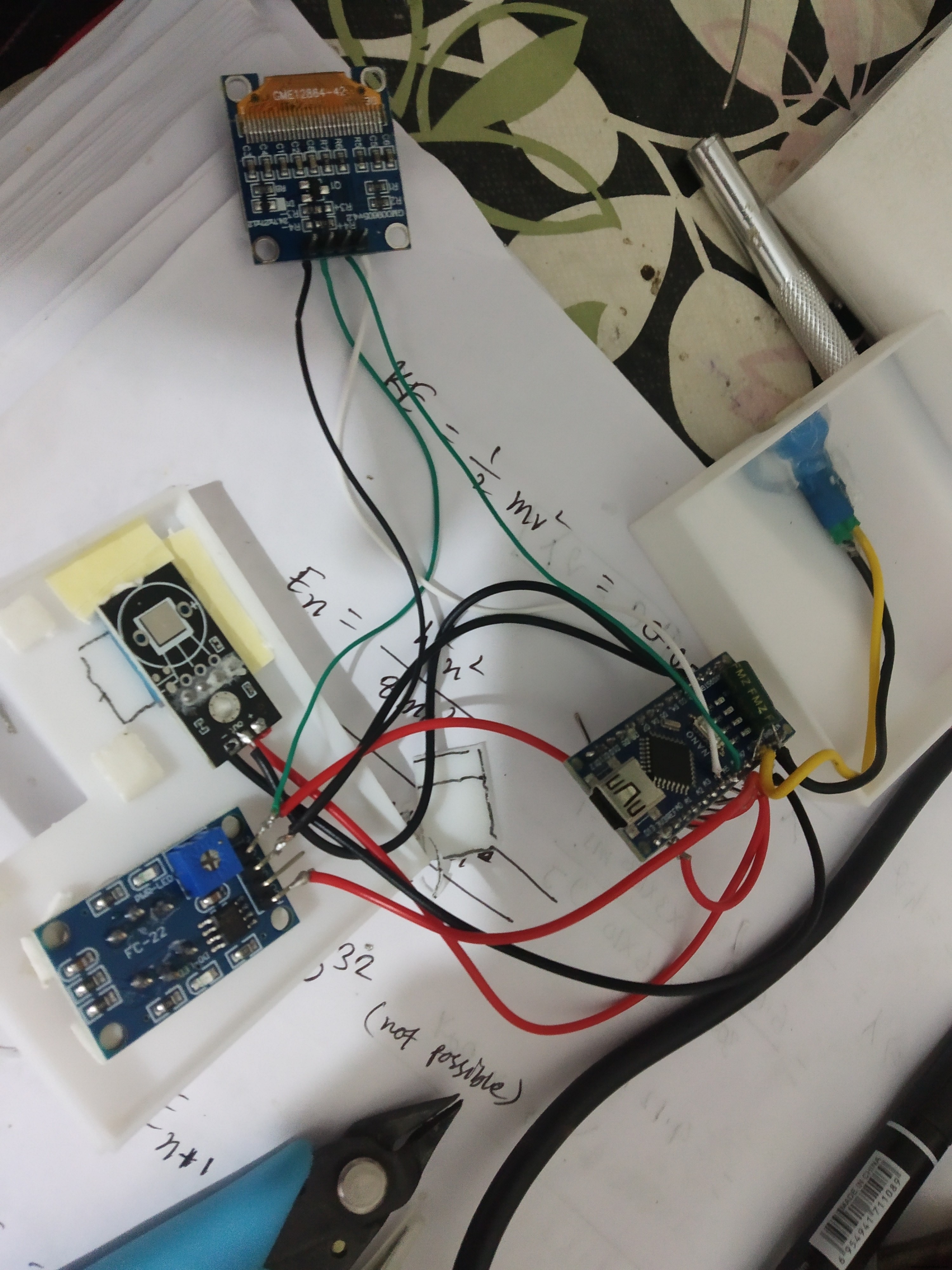
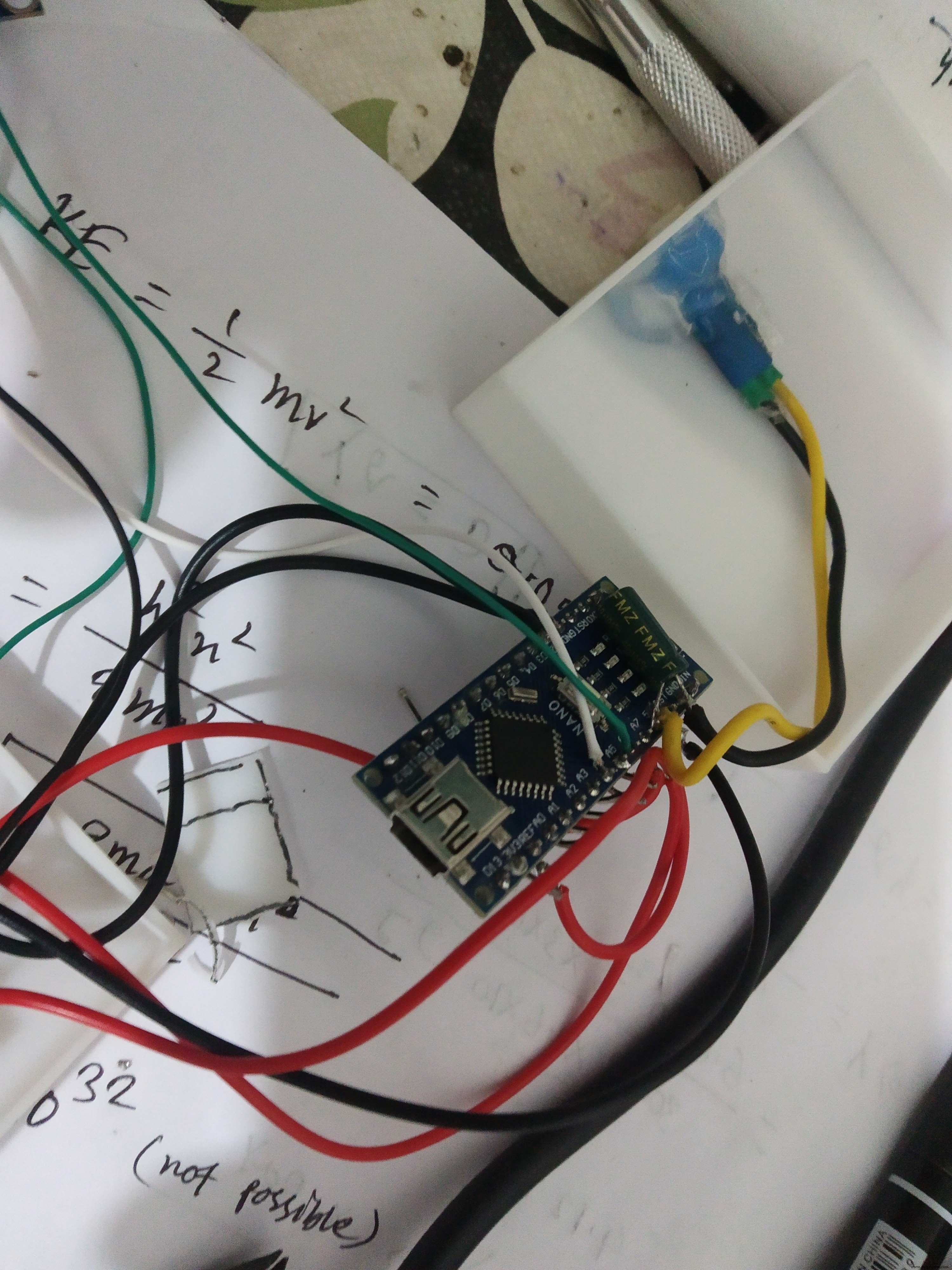
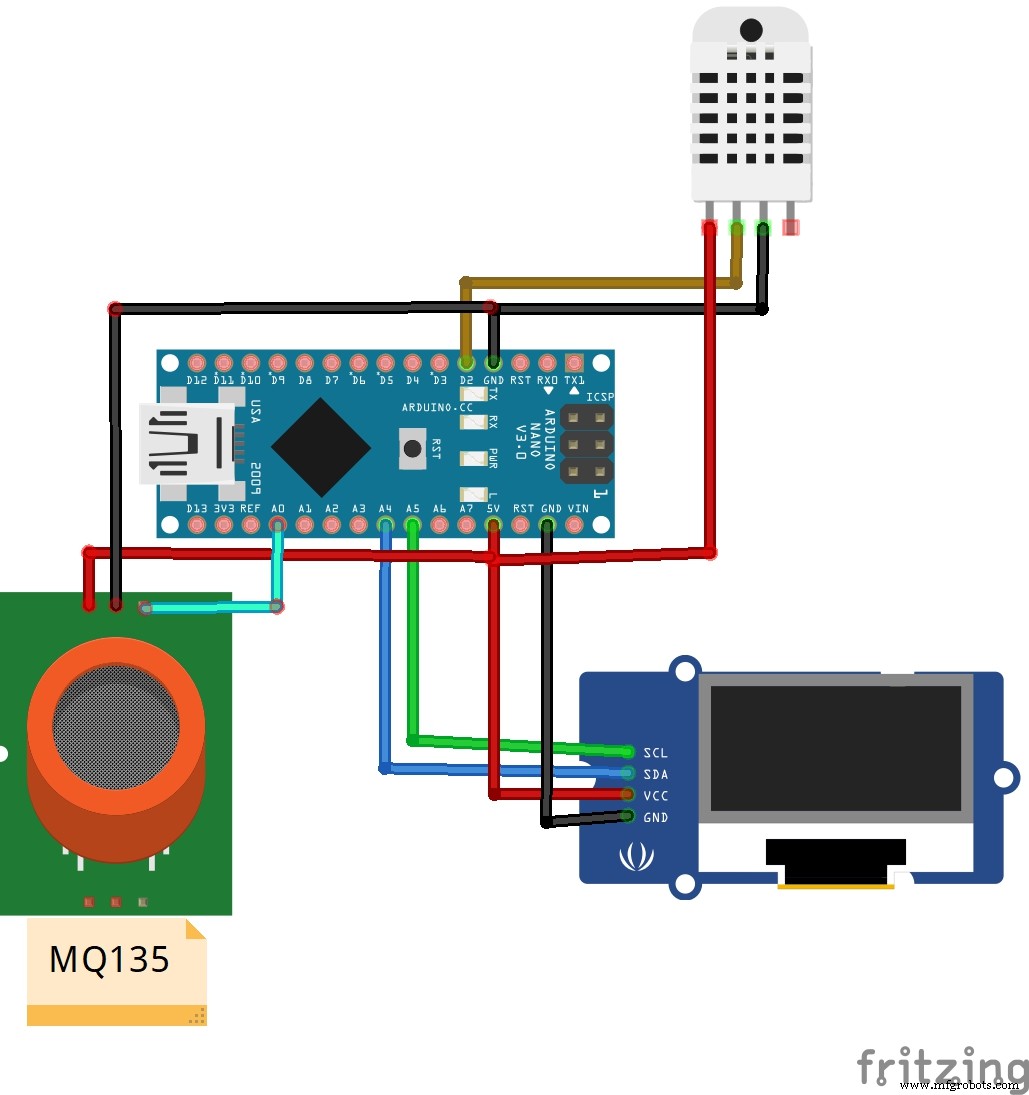
Connect:
- Arduino D2 to DHT11 out
- Arduino A0 to MQ135 Ao
- Arduino A5 to Oled SCL
- Arduino A4 to Oled SDA
In the coding part you will need to install some library to run the code
- Adafruit_SSD1306.h
- Adafruit_GFX.h
- DHT.h
there is two main function in the code sendSensor() and air_sensor().
In air_sensor() function it read the analog value from the Air quality sensor gasLevel = analogRead(sensor); and define the quality for that corresponding gasLevel. And the sendSensor() function measure the temperature and humidity data with dht library and display it on the oled.
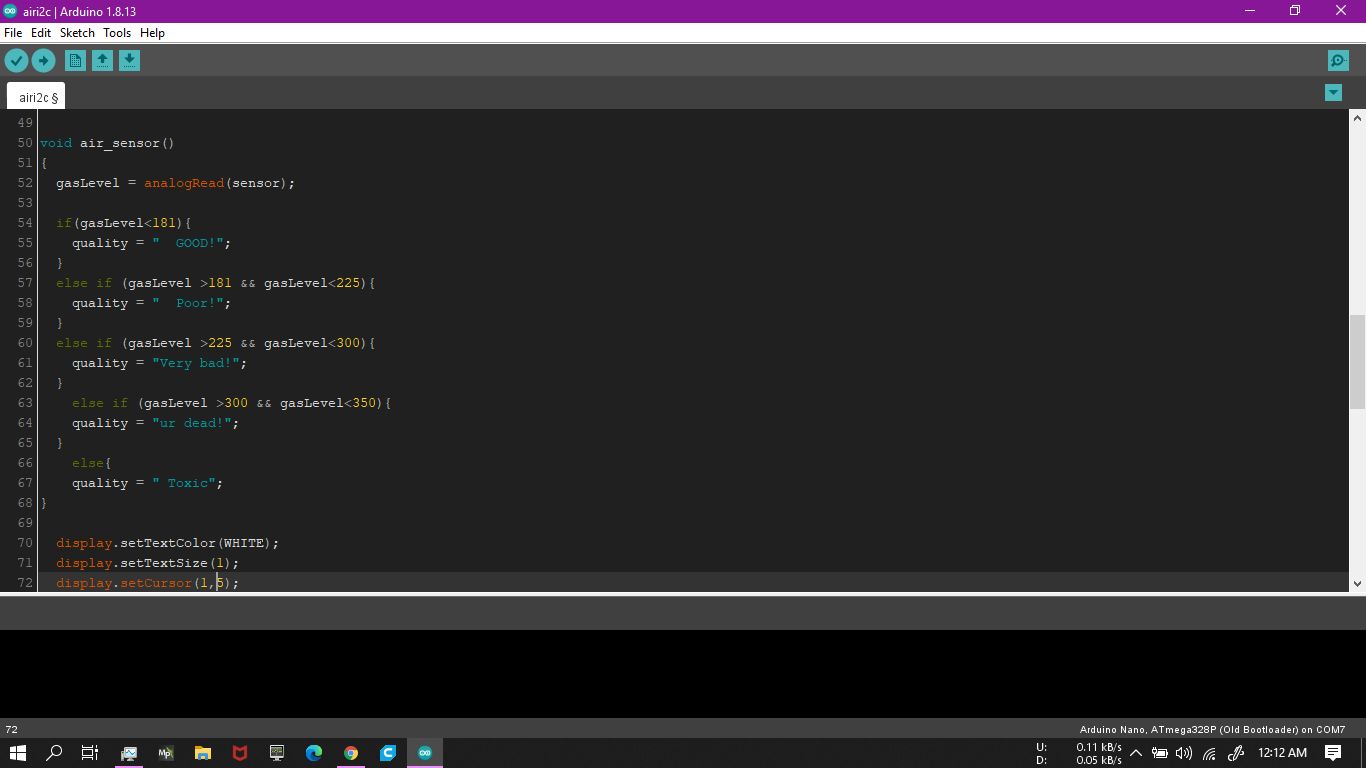
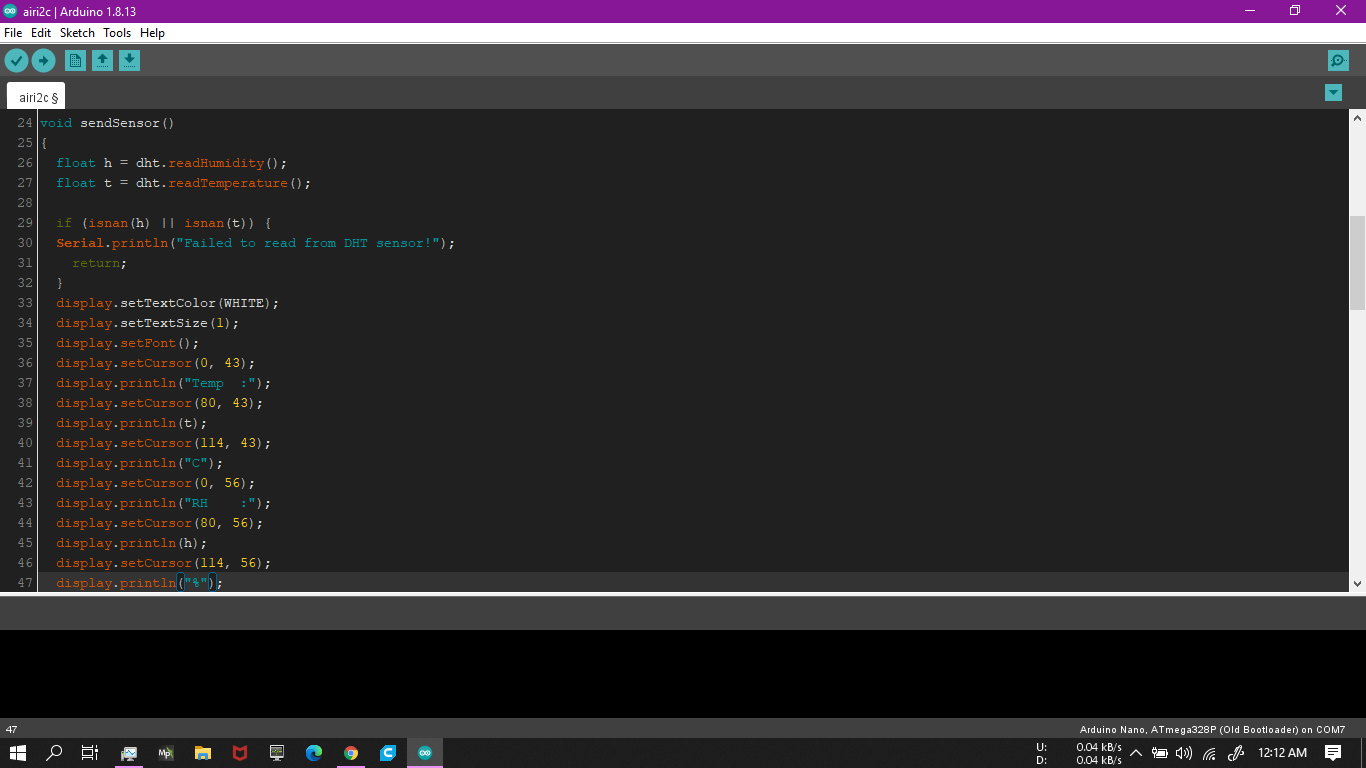
In the air_sensor() function you might need to celebrate your gasLevel value for your sensor. For that power 5V to the mq135 sensor and put it on a clean environment for at least 24 hour before using it. it is (burning) necessary for this kind of sensor because the sensor comes polluted. so burning helps it to clean itself and gives more accurate result.
then connect the sensor to your circuit and go outside with it and tune the right value for your place.
Code
- Arduino Air Quality Monitor
Arduino Air Quality MonitorArduino
#include <SPI.h>
#include <Wire.h>
#include <Adafruit_GFX.h>
#include <Adafruit_SSD1306.h>
#include <Fonts/FreeSans9pt7b.h>
#include <Fonts/FreeMonoOblique9pt7b.h>
#include <DHT.h>
#define SCREEN_WIDTH 128 // OLED display width, in pixels
#define SCREEN_HEIGHT 64 // OLED display height, in pixels

#define OLED_RESET     4 // Reset pin # (or -1 if sharing Arduino reset pin)
Adafruit_SSD1306 display(SCREEN_WIDTH, SCREEN_HEIGHT, &Wire, OLED_RESET);

#define sensor    A0
#define DHTPIN 2          // Digital pin 2
#define DHTTYPE DHT11     // DHT 11

int gasLevel = 0;         //int variable for gas level
String quality ="";
DHT dht(DHTPIN, DHTTYPE);


void sendSensor()
{
  float h = dht.readHumidity();
  float t = dht.readTemperature();

  if (isnan(h) || isnan(t)) {
  Serial.println("Failed to read from DHT sensor!");
    return;
  }
  display.setTextColor(WHITE);
  display.setTextSize(1);
  display.setFont();
  display.setCursor(0, 43);
  display.println("Temp  :");
  display.setCursor(80, 43);
  display.println(t);
  display.setCursor(114, 43);
  display.println("C");
  display.setCursor(0, 56);
  display.println("RH    :");
  display.setCursor(80, 56);
  display.println(h);
  display.setCursor(114, 56);
  display.println("%");
}

void air_sensor()
{
  gasLevel = analogRead(sensor);

  if(gasLevel<181){
    quality = "  GOOD!";
  }
  else if (gasLevel >181 && gasLevel<225){
    quality = "  Poor!";
  }
  else if (gasLevel >225 && gasLevel<300){
    quality = "Very bad!";
  }
    else if (gasLevel >300 && gasLevel<350){
    quality = "ur dead!";
  }
    else{
    quality = " Toxic";
}

  display.setTextColor(WHITE);
  display.setTextSize(1);
  display.setCursor(1,5);
  display.setFont();
  display.println("Air Quality:");
  display.setTextSize(1);
  display.setCursor(20,23);
  display.setFont(&FreeMonoOblique9pt7b);
  display.println(quality);
}

void setup() {
  Serial.begin(9600);
  pinMode(sensor,INPUT);
  dht.begin();
  if(!display.begin(SSD1306_SWITCHCAPVCC, 0x3c)) { // Address 0x3D for 128x64
    Serial.println(F("SSD1306 allocation failed"));
}
  display.clearDisplay();
  display.setTextColor(WHITE);

  display.setTextSize(2);
  display.setCursor(50, 0);
  display.println("Air");
  display.setTextSize(1);
  display.setCursor(23, 20);
  display.println("Qulaity monitor");
  display.display();
  delay(1200);
  display.clearDisplay();

  display.setTextSize(2);
  display.setCursor(20, 20);
  display.println("BY Abid");
  display.display();
  delay(1000);
  display.clearDisplay();
}

void loop() {
display.clearDisplay();
air_sensor();
sendSensor();
display.display();
}
Custom parts and enclosures
This is a 3D enclosure I design for the project. But you don't need a 3d printer for build one, you can make your own enclosure with many thing like cardboard.Schematics
Manufacturing process
- Measuring Air Quality with OpenSensors: An Arduino & Python Guide
- Helium-Based Solar‑Powered Air Quality Sensor: Design & Deployment Guide
- Build a Precise Air Quality Monitor with the Sharp GP2Y1010AU0F Sensor
- Build an Arduino‑Based Air Quality Monitor Using the DSM501A Dust Sensor
- Advanced Home Monitoring System with Arduino Mega and IoT Sensors
- Build a Battery-Powered MKR FOX 1200 Weather Station
- Build an IR Sensor Project with Arduino UNO – Simple Guide
- SmartAgro: Advanced IoT Solutions for Precision Farming
- Advanced Indoor Air Quality Monitoring System with Arduino & IoT
- Advanced Carbon‑Based NO₂ Sensor Enhances Indoor Air Quality Monitoring