



DIY Arduino CoreXY Drawbot: Build Your Own CNC Drawing Robot
Components and supplies
 |
| × | 1 |
Apps and online services
 |
| |||
|
About this project
IntroductionHi. Thank you for showing Interest in this project. This Project was my engineering’s final year capstone project. It took me a month to make this Project and I had fun building it. Below I am writing a step by step DIY guide to help you build your own CNC Drawing Robot. The guide is quite long with both text and video. I have given most details so that you will not feel any problem if you are new to making projects of this kind.
FULL STEP BY STEP TUTORIAL : https://www.arnabkumardas.com/category/topics/cnc/
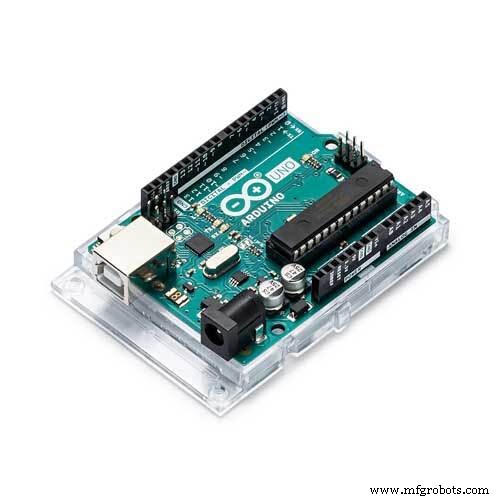
The Crazy Engineer’s Drawing Robot or Arduino GRBL CoreXY Servo Drawbot is a CNC based drawing robot. It is open source and open hardware based project. It uses Arduino UNO (Atmega328p) as the brain of the robot and a special GRBL firmware for G-Code Interpretation and motion control. It also uses a core [X, Y] Cartesian movement to control both X and Y axis. The Z axis is controlled by a servo motor to lift pen up and down.
Crazy Engineer’s Drawing Robot is a simple CNC Drawing Robot, capable of writing or drawing on almost any flat surface. It can write with gel pens, permanent markers, and a variety of other writing implements to handle an endless number of applications. Its writing head extends beyond the machine, making it possible to draw on objects bigger than the machine itself.
Suggested applications include: • Decoration Drawing • Computer artwork • Technical drawing • Notes and cards • Writing signatures • Signing diplomas and other certificates • "Hand-written" lists
Vector Text
Raster Drawing

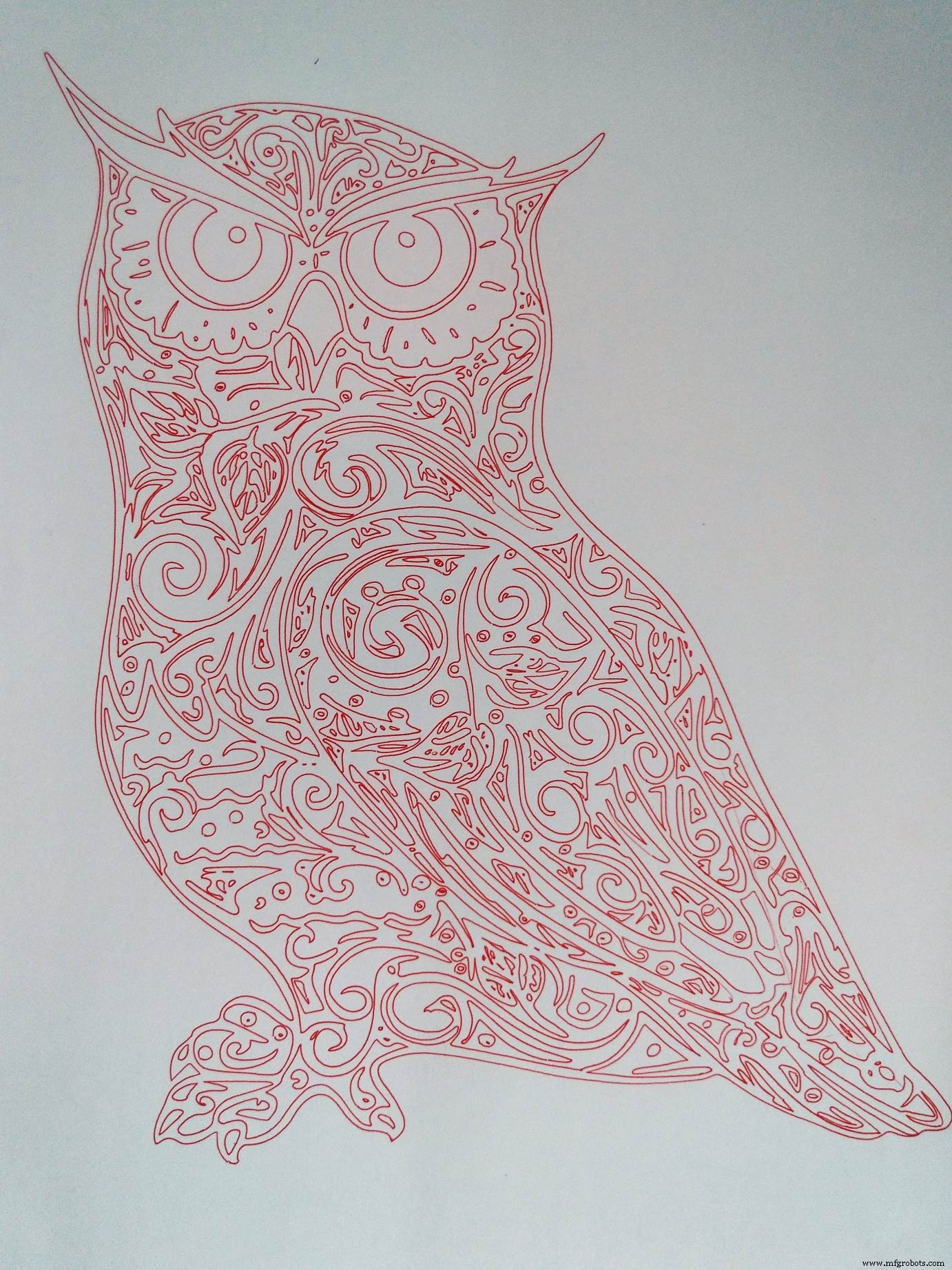
Vector Drawing
Vector Drawing
Code
Github
https://github.com/arnabdasbwn/grbl-coreXY-servohttps://github.com/arnabdasbwn/grbl-coreXY-servoGithub
https://github.com/arnabdasbwn/Inkscapehttps://github.com/arnabdasbwn/InkscapeGithub
https://github.com/arnabdasbwn/Makelangelo-Softwarehttps://github.com/arnabdasbwn/Makelangelo-SoftwareGithub
https://github.com/arnabdasbwn/Inkscape-Templatehttps://github.com/arnabdasbwn/Inkscape-TemplateSchematics
Only 2 axis of CNC shield is used and Servo Connected Accordingly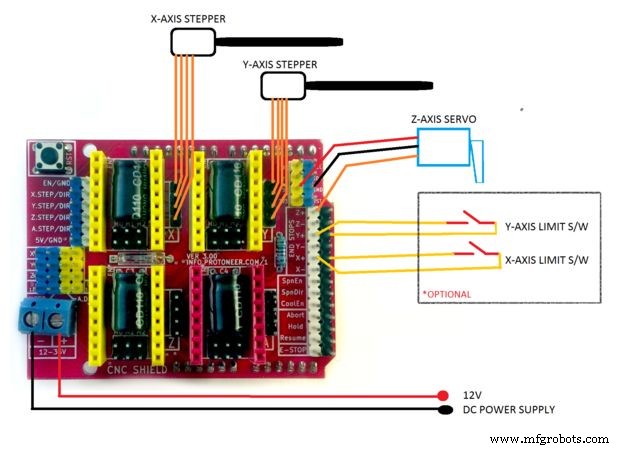
Manufacturing process
- Enable Phone Calls on Arduino UNO Using Twilio & Yaler – Call My Arduino Project
- Create an Autonomous Line-Following Robot with Arduino UNO
- Build a Sleek Nixie Tube Clock in a Custom MDF Wood Enclosure Using Arduino
- Build a Voice‑Controlled Robot with Arduino Nano
- C64 Retro Controller: Arduino Nano Interface
- Mini Acoustic Levitation Demo with Arduino UNO & HC-SR04 Ultrasonic Sensor
- Gesture‑Controlled Robot Project: Build Your Own Motion‑Sensing Bot
- Build an Arduino Quadruped Spider Robot – Step‑by‑Step Tutorial
- Build an Arduino Mecanum Wheels Robot: 360° Mobility DIY Guide
- Build an Arduino Ant Hexapod Robot – Step-by-Step Guide