



Advanced Satellite Tracker: 3D-Printed Dish Powered by Arduino MKR1000
Components and supplies
 |
| × | 1 | |||
| × | 2 | ||||
| × | 1 |
Necessary tools and machines
 |
|
About this project
This is a satellite tracker with a 3D-printed dish based off of a real satellite dish. Here it is in action:
This dish will track any number of satellites in real-time as they fly overhead.
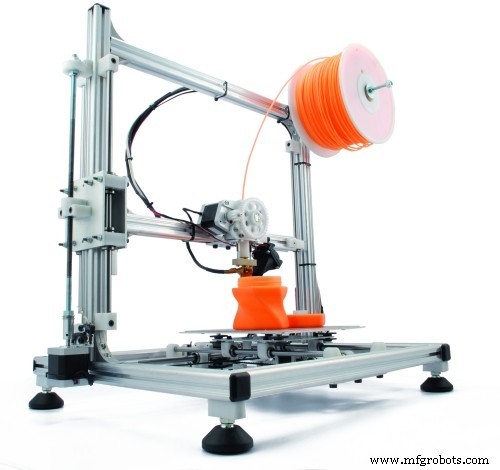
HardwareThe satellite dish and support structure was 3D-printed; the STL files can be found on Thingiverse: https://www.thingiverse.com/thing:4541354
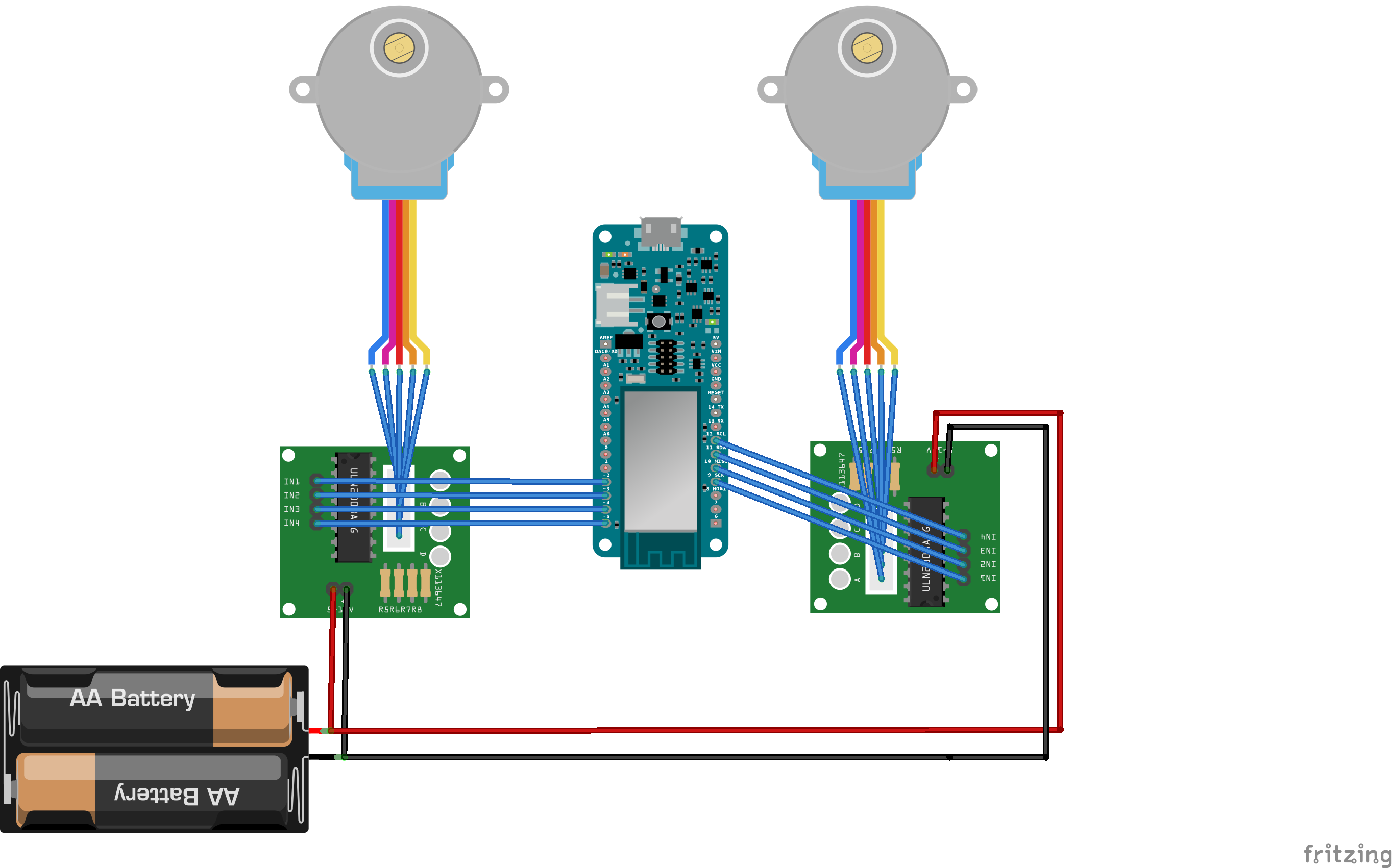
The stepper motors are hookup to the Arduino as follows:
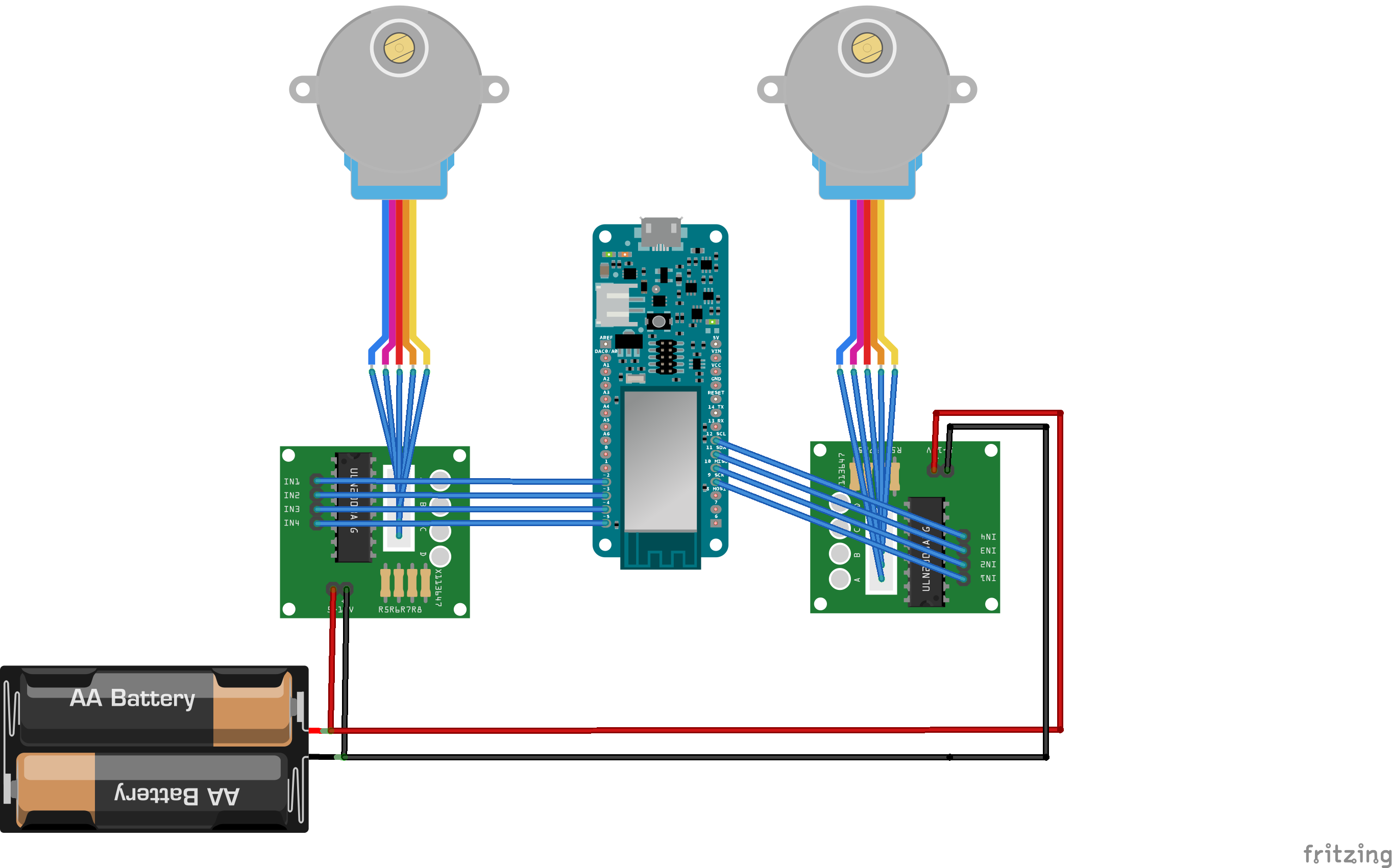
I stripped a USB cable and used the +5 V and GND lines to power the steppers from a mobile battery pack.
SoftwareThe code for the project is on Github: https://github.com/alexchang0229/SatelliteTracker
The orbits of satellites are generally given in two line element (TLE) sets, most satellites are tracked by NORAD and their TLEs can be found on: http://www.celestrak.com.
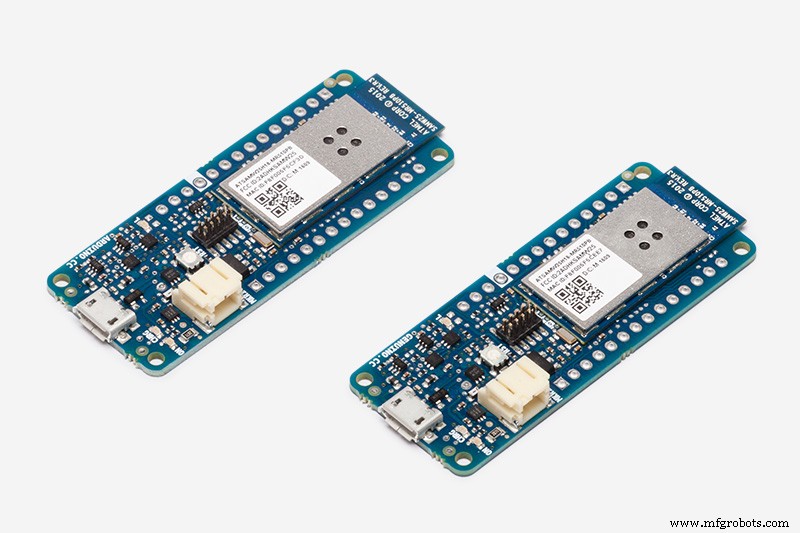
Using a MKR 1000 WiFi board, I grab the latest TLE for the satellites of interest from celestrak; luckily the complicated part of translating from TLE to actual azimuth and elevation is already done in this library: https://github.com/Hopperpop/Sgp4-Library
I also used the RTC zero library to obtain the current time: https://github.com/arduino-libraries/RTCZero
The accelstepper library to control the two stepper motors:
https://www.airspayce.com/mikem/arduino/AccelStepper/
Here's how the code works:
- Connect to internet and get the current epoch time.
- Get satellite TLEs from Celestrak, save it and predict the upcoming passes.
- Put the dish in standby Az = 0 (North), EL = 25
- At 5 mins before pass, move dish to start of pass and wait.
- Track satellite during pass
- Wait at end of pass for 2 mins, predict next pass.
- Go back to standby until next pass
You can use a free version of STK to verify the predictions: https://www.agi.com/products/stk
That's it! Let me know if you tried it and if there's anything that needs clarifying.
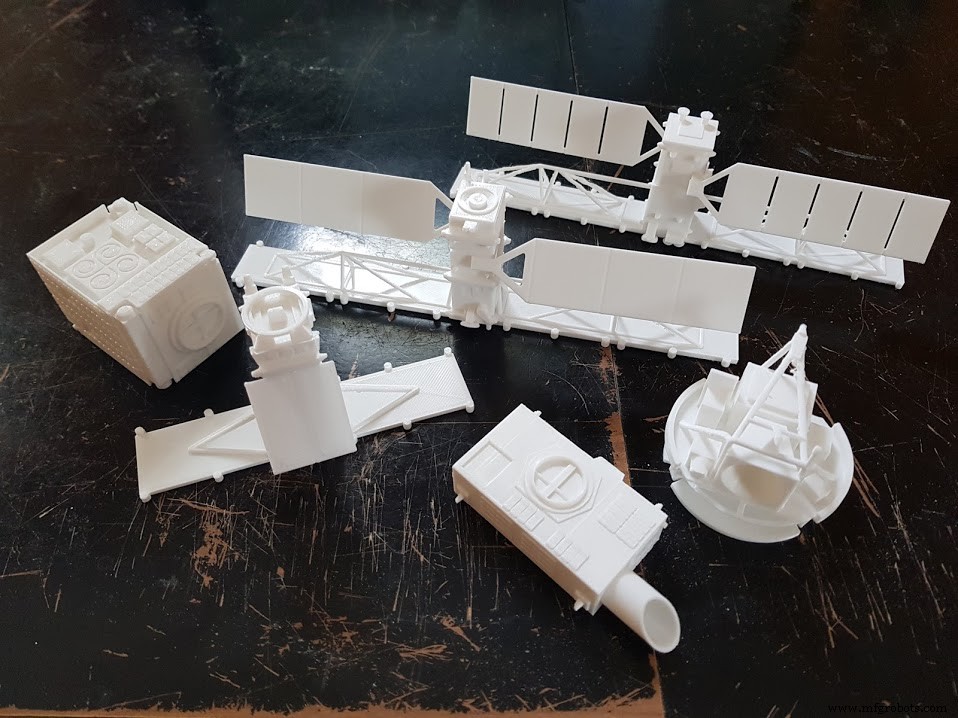
If you'd like to 3D print some satellites to go with the satellite tracker check out my designs on thingiverse: https://www.thingiverse.com/yychang/designs
Code
Code for satellite tracker
Configure tracker_main to your situation and upload to Arduino MKR 1000 WiFihttps://github.com/alexchang0229/SatelliteTrackerCustom parts and enclosures
Satellite tracking antenna model
Print the satellite dish and stand using PLA. CAD file on thingiverse.comSchematics
Arduino | Stepper controllerAzimuth:
2 -> 1
3 -> 2
4 -> 3
5 -> 4
Elevation:
9 -> 1
10 -> 2
11 -> 3
12 -> 4
Manufacturing process
- The Evolution and Future of Satellite Dish Technology
- Track Your Hamster’s Daily Exercise with a Raspberry Pi Fitness Tracker
- Walabot‑Powered Toilet Hygiene Monitor
- Solar Tracker V2.0 – Advanced DIY Solar Panel Tracking System
- IoT-Enabled Solar Tracker: Smart Energy Management with Arduino
- Automatic Temperature Measurement with Voice Alerts
- Advanced Hiking Tracker with Arduino: GPS, Sensors & Battery Pack
- Dual‑Axis Solar Tracker with Arduino UNO – DIY Solar Panel Alignment
- Portable Solar Tracker Phone Charger with Arduino and Servo Control
- Understanding Parabolic Dishes: Design, Function, and Applications