



Install a Dark Theme in Arduino IDE: Reduce Eye Strain and Enhance Focus
Components and supplies
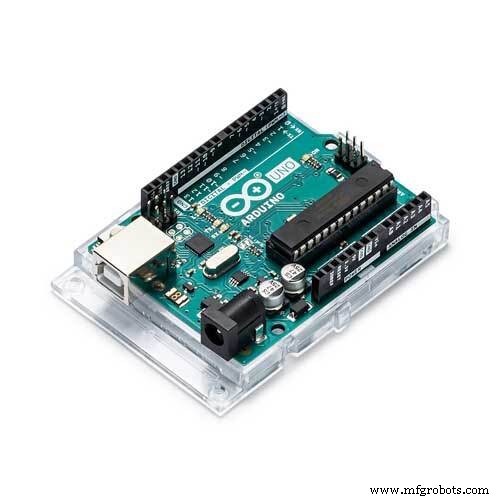 |
| × | 1 |
Apps and online services
 |
|
About this project
In this tutorial, I will show you how to install the dark theme for your Arduino IDE
for the reason of overexposure to the screen light of your computer dark themes decreases the danger of eye damage.
Why should the background be dark?
Looking at the white screen for a long time is not good for our eyes. Our eyes become tired, and this causes the distraction.
With this change, you will have more efficient code visualization and you will be able to write long time code without tiring your eyes.
Note: If you are comfortable with the visual instruction you can view the video tutorial here.
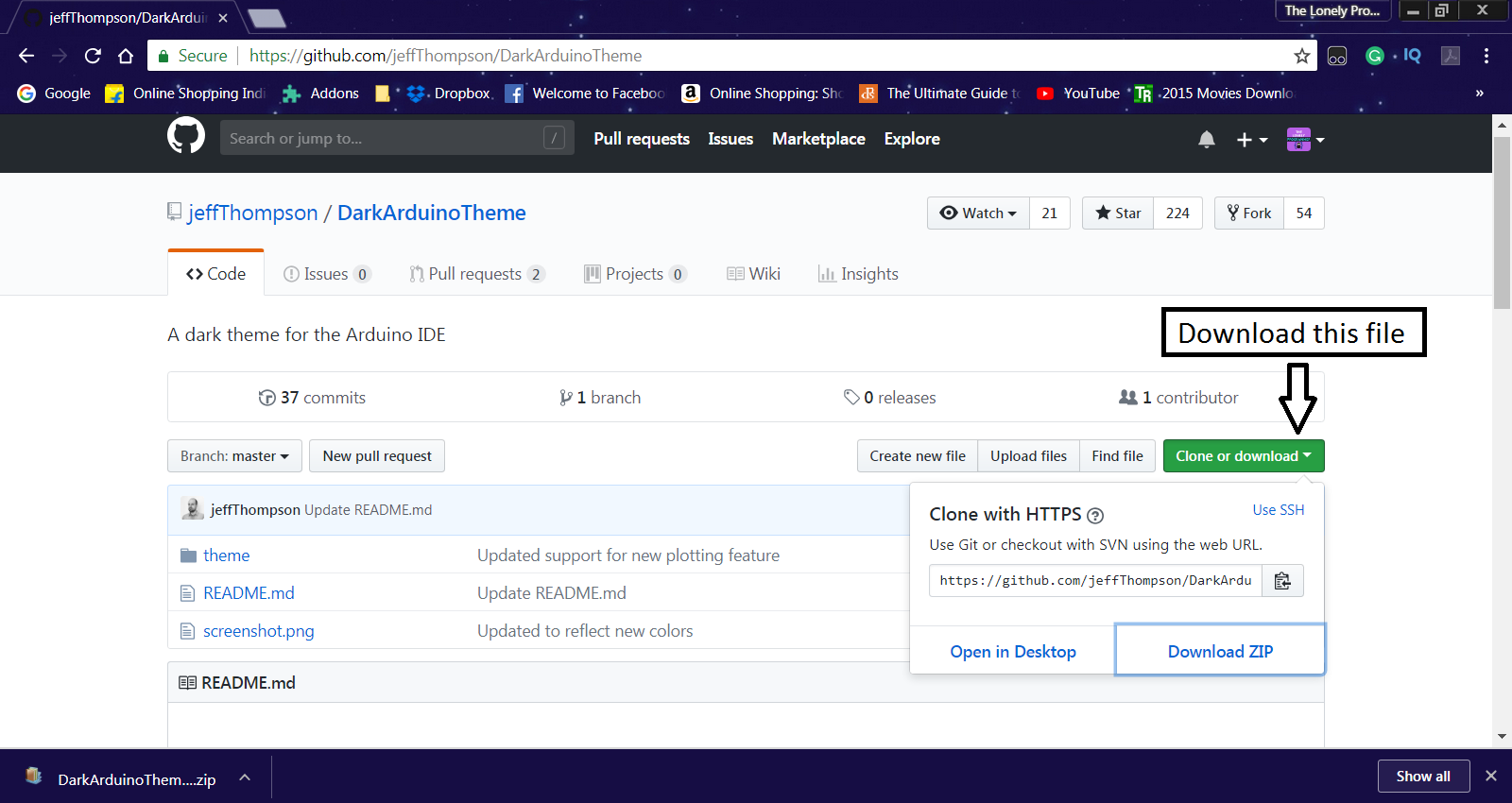
Step 1: Downloading the Dark ThemeFirst, we need to download the dark theme in the link below.
https://github.com/jeffThompson/DarkArduinoTheme
Extract and open the zip file to your computer.
Go the directory where you installed or save the Arduino IDE.
In my case I installed it to the drive C of my computer.
The Default directory "C:\Program Files (x86)\Arduino\lib"
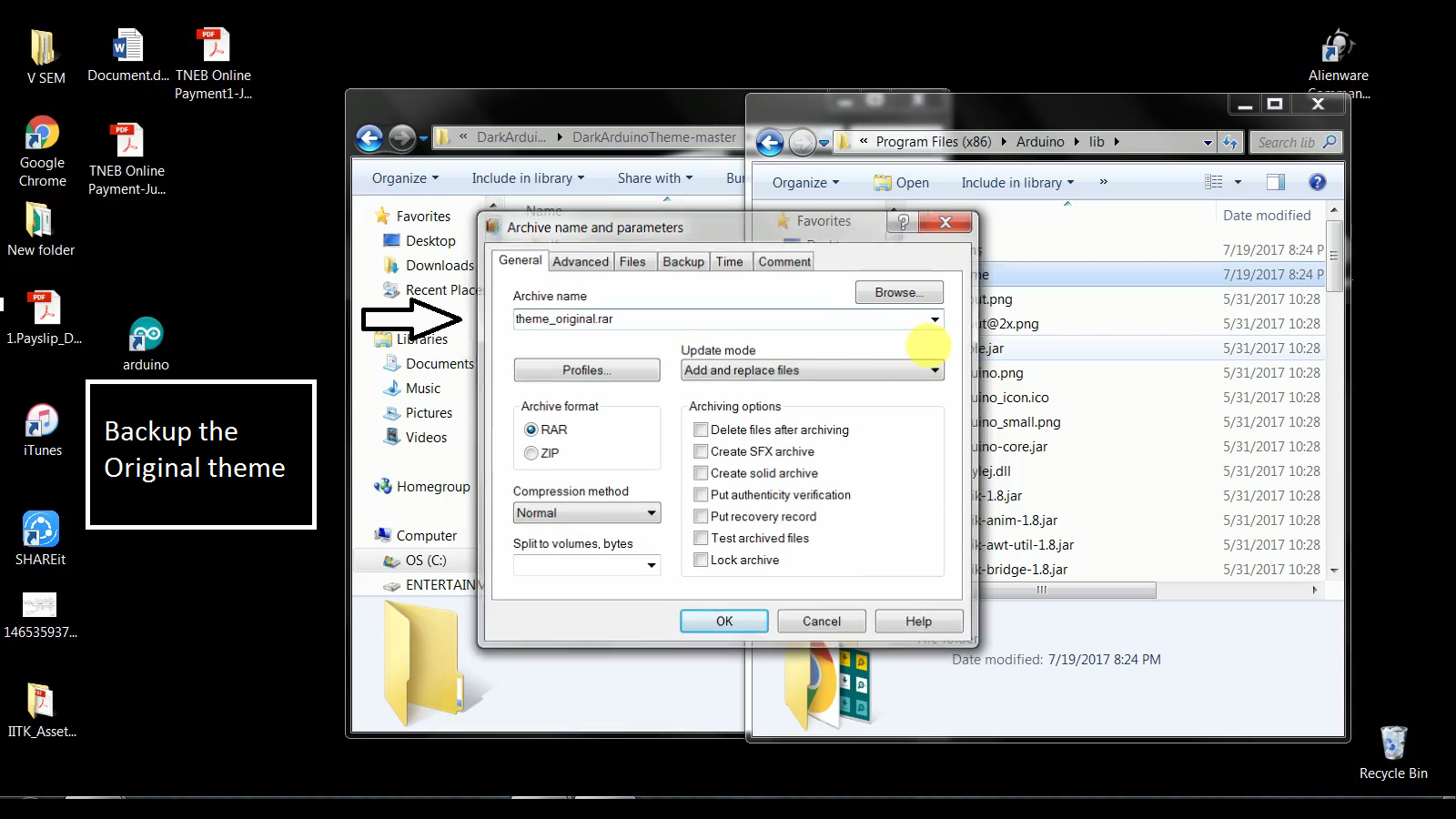
Back up your old theme folder inorder to restore the original theme.
Replace the downloaded theme on the directory.
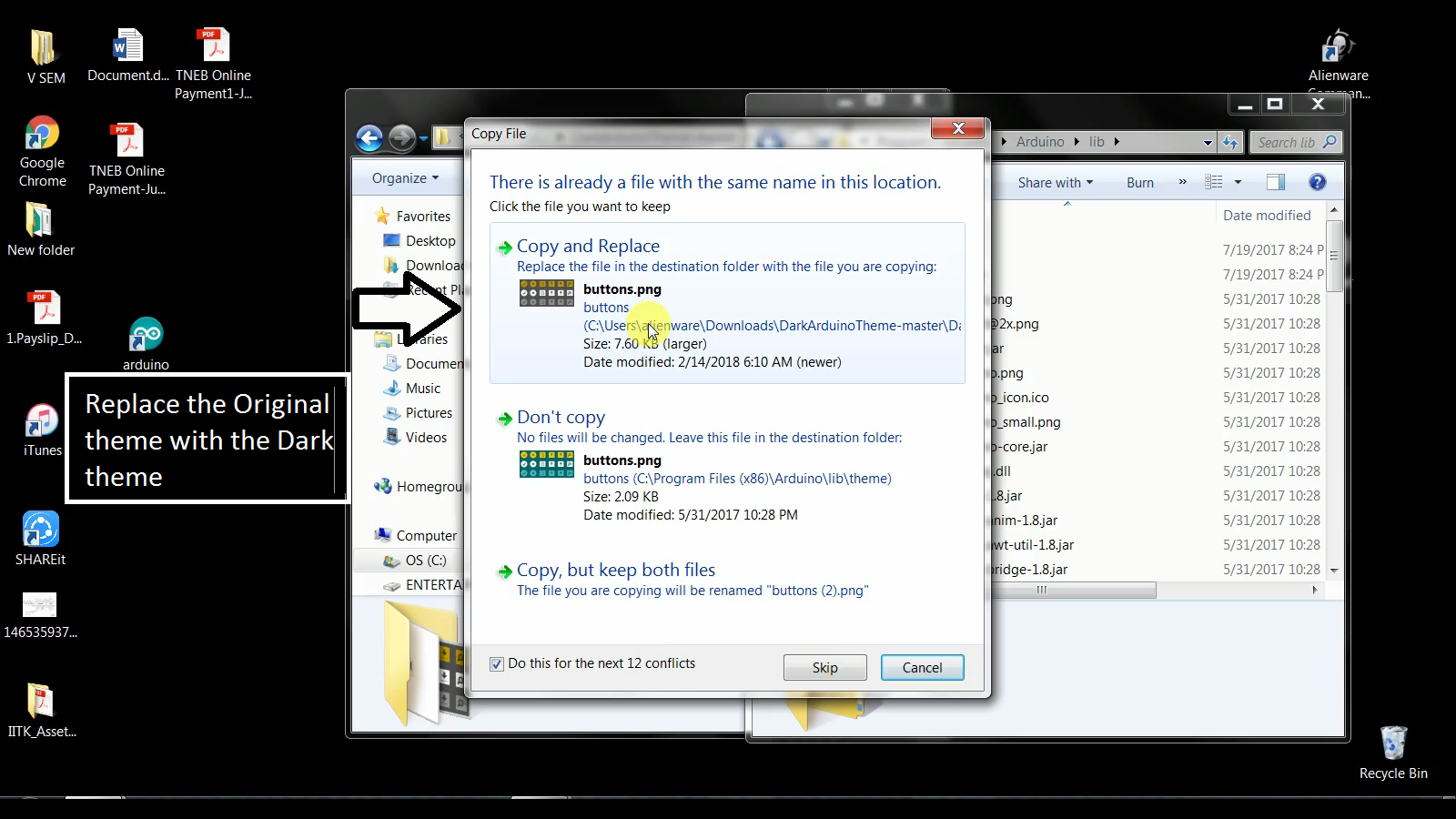
Restart the Arduino IDE and it will run dark theme.
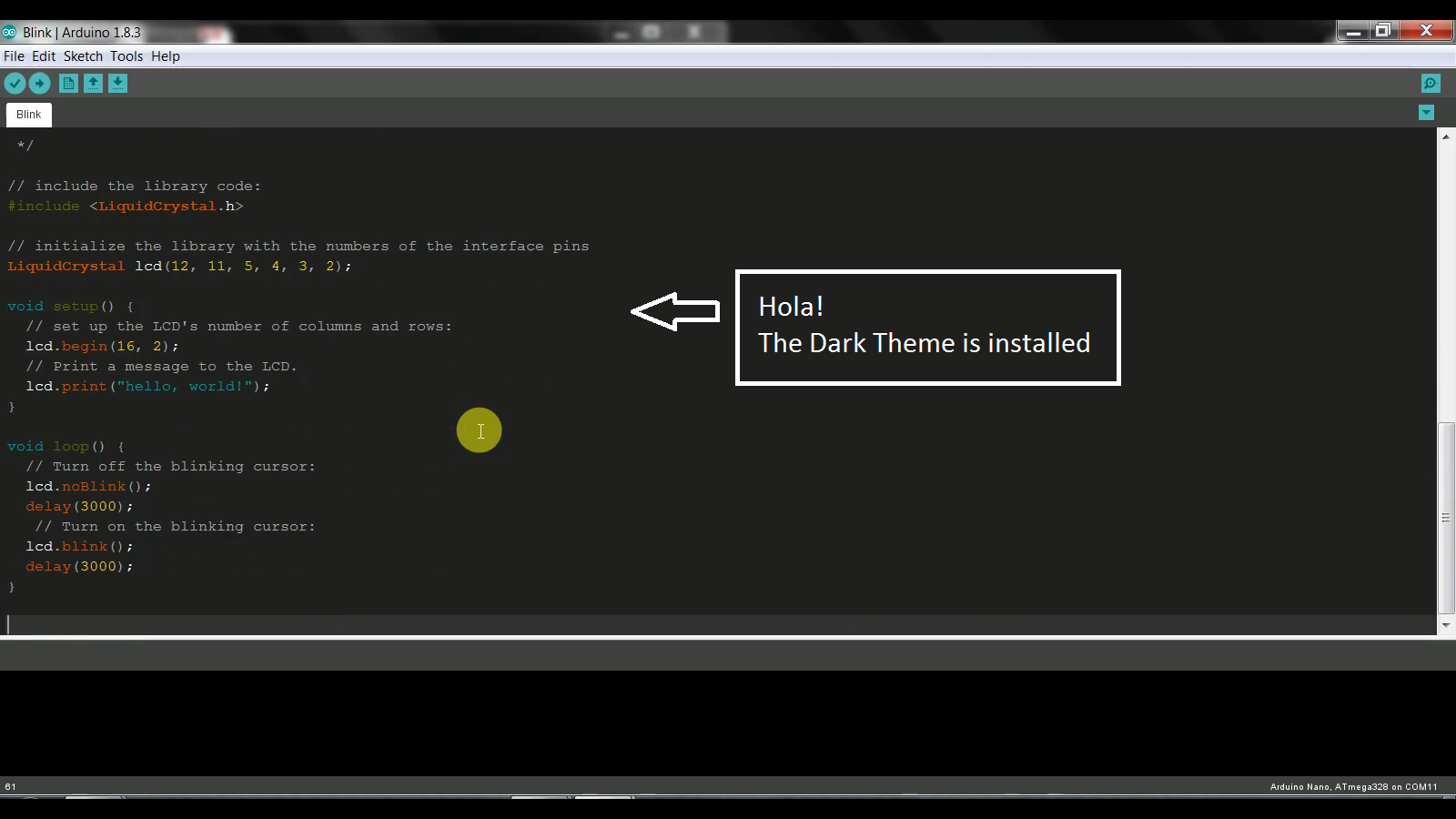
Code
Github
https://github.com/Rahul24-06/DarkArduinoThemeManufacturing process
- Smart Temperature Monitoring System for Schools: Accurate, Real‑Time, and Secure
- Efficient 8‑bit IO Port Library for Arduino – Expand Digital Control
- Arduino 64-Key Prototype Keyboard Matrix – Build a Custom Keyboard with Shift Registers
- High-Performance 2.8” TFT Shield for Arduino Nano – 320×240 SPI Display
- Build an Isolated Analog Input Circuit for Arduino
- Mastering DC Motor Control: Expert Tips & Tricks
- Build a Cost-Effective Lightning Detector with Arduino Uno
- Smart Indoor Navigation Robot Kit for Arduino Projects
- Arduino-Powered Garage Parking Rangefinder – Accurate Distance Alerts
- Affordable Arduino Data Glasses for Multimeter Readings