Build a Reliable Arduino Clock with Date, Time, and LCD Display
Components and supplies
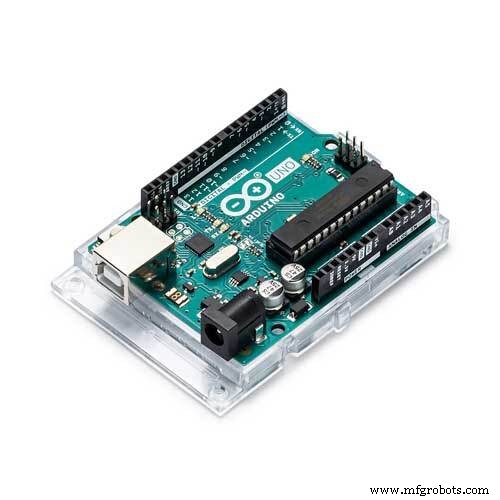 | | × | 1 | |
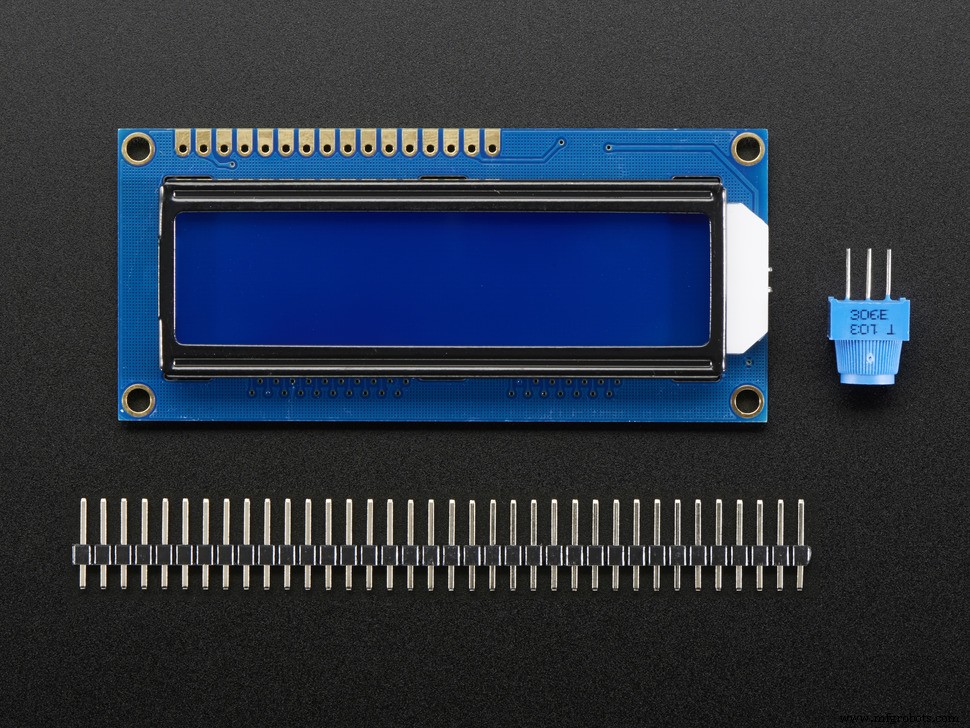 | | Adafruit Standard LCD - 16x2 White on Blue |
| × | 1 | |
| | × | 1 | |
 | | × | 1 | |
 | | SparkFun Pushbutton switch 12mm |
| × | 3 | |
 | | × | 3 | |
 | | × | 1 | |
About this project
IntroductionThis clock is the basis of many of my projects. I was inspired by a friend who has published a tutorial in 2012 (link). It is a simple clock with LCD display, an RTC (real time clock) and 3 buttons. For convenience and to save Arduino pins, I used a display with I2C module. The RTC also uses the I2C protocol.
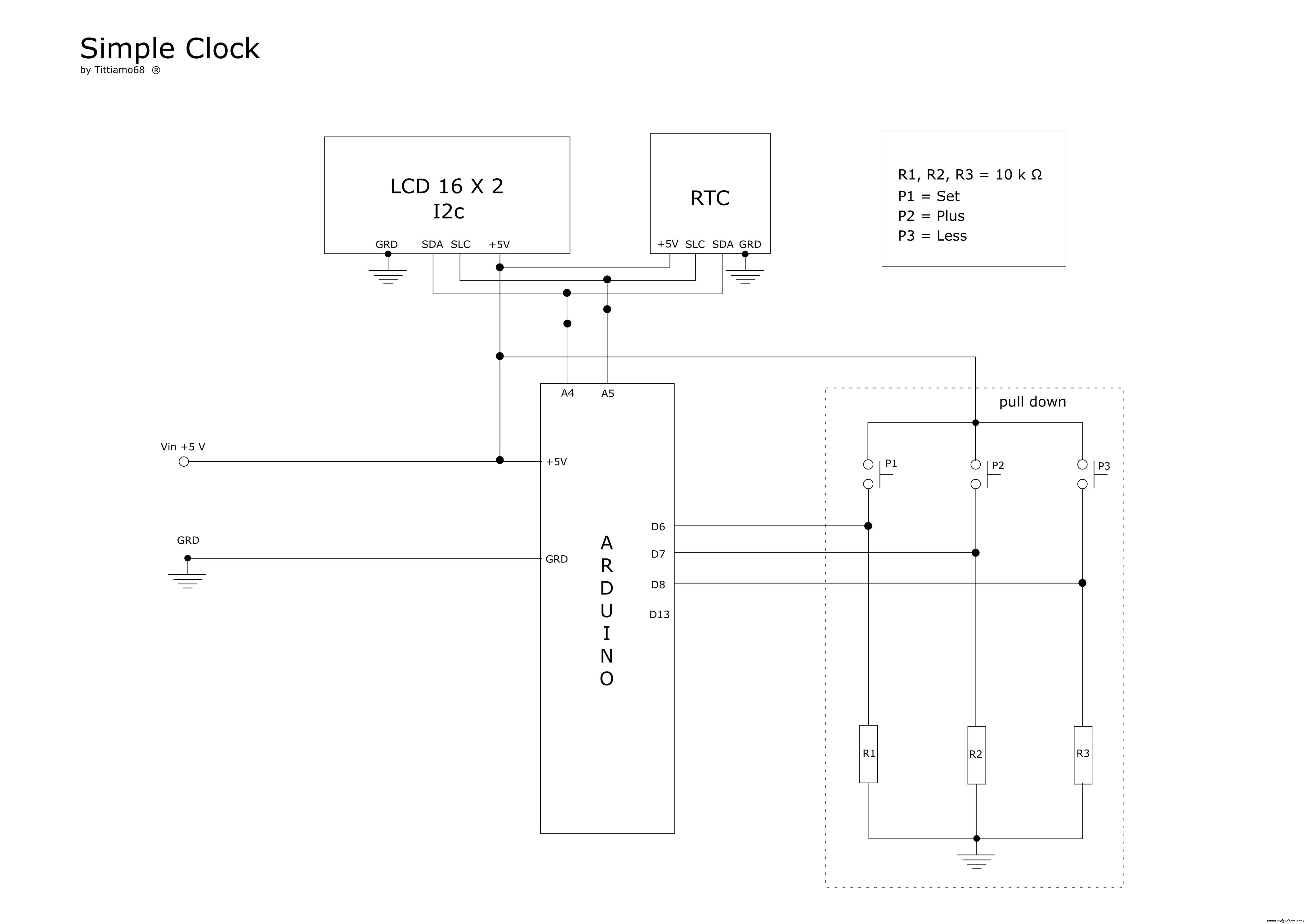
The 3 buttons, connected to a "pull down" circuit, are used to adjust or change the time and date of the watch, without having to reload the Arduino code.
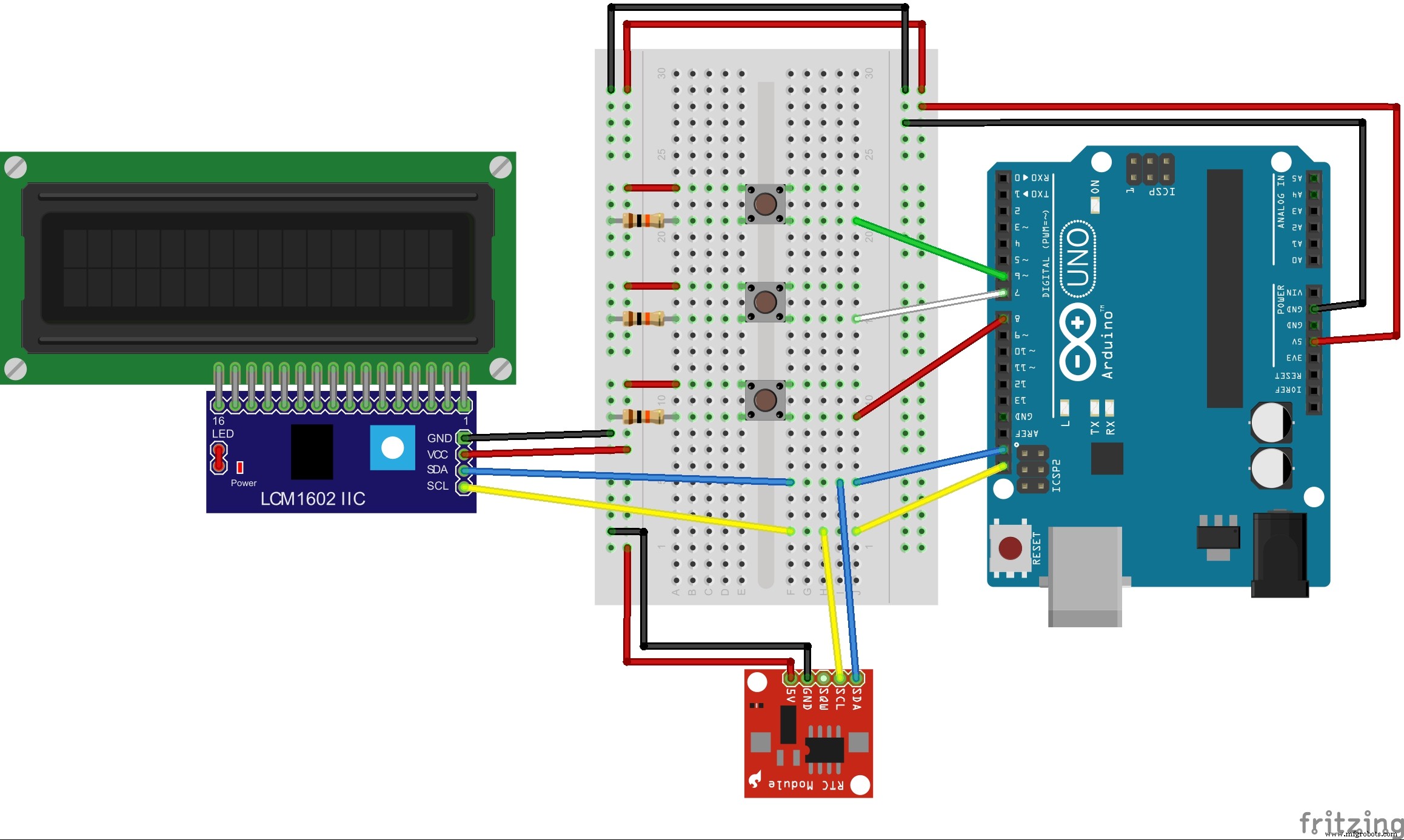
The scheme is very simple:The LCD and RTC communicate with Arduino through the I2C protocol and the library "Wire" and are connected to ARDUINO to Pin A4 and A5.
- LCD & RTC---------------------- ARDUINO PIN
- SDA ---------------------------------------A4
- SLC----------------------------------------A5
Libraries:Code:The code is very simple; in the loop, check if the "menu" button is pressed. If it is not pressed, it displays the date and time, otherwise it counts how many times you pressed the button and, through the various sets, adjusts the time. In the end, it updates the RTC with the new data entered and displays the date and time.
The project has also been published on Instructables.
Schematics
 simple_clock_uOb2RxCa71.fzz



