



BrewBench: Arduino & ESP32 Temperature Monitoring Kit
Components and supplies
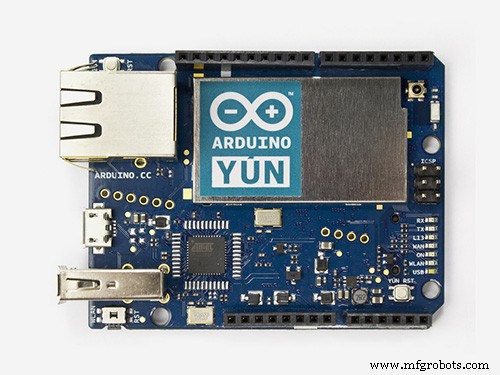 |
| × | 1 | |||
 |
| × | 1 | |||
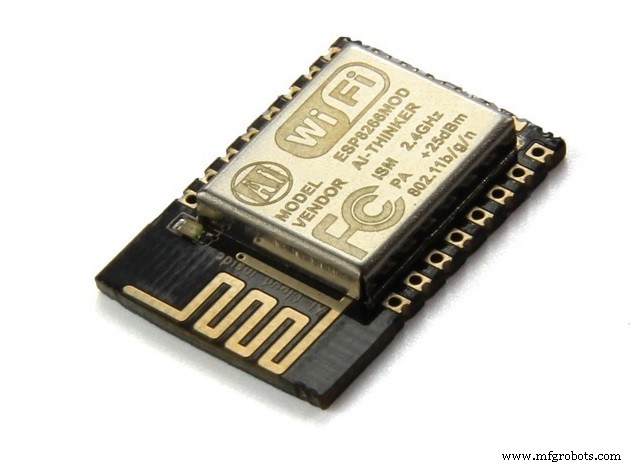 |
| × | 1 | |||
| × | 1 | ||||
| × | 1 | ||||
| × | 1 | ||||
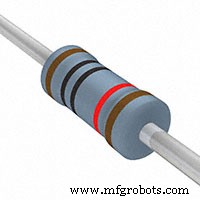 |
| × | 1 | |||
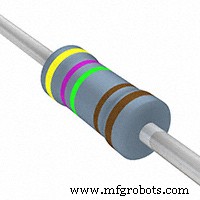 |
| × | 1 | |||
| × | 1 | ||||
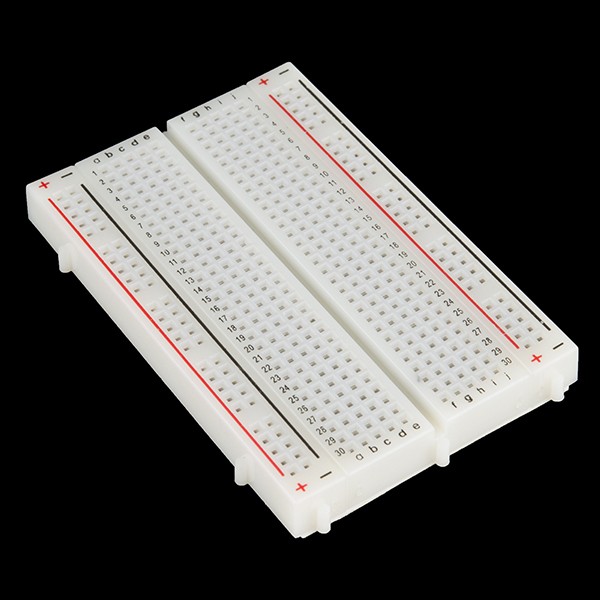 |
| × | 1 | |||
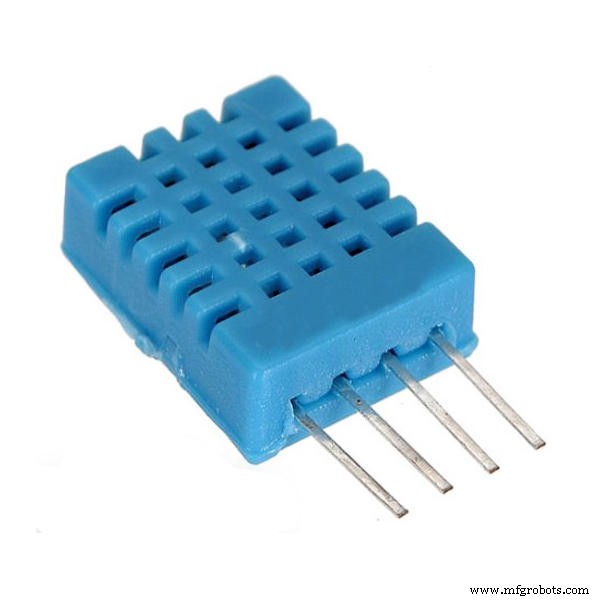 |
| × | 1 | |||
|
| × | 1 | |||
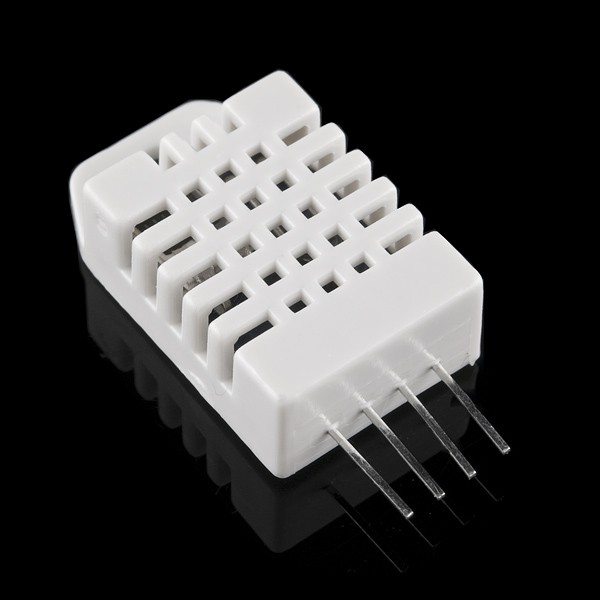 |
| × | 1 |
Apps and online services
| ||||
|
About this project

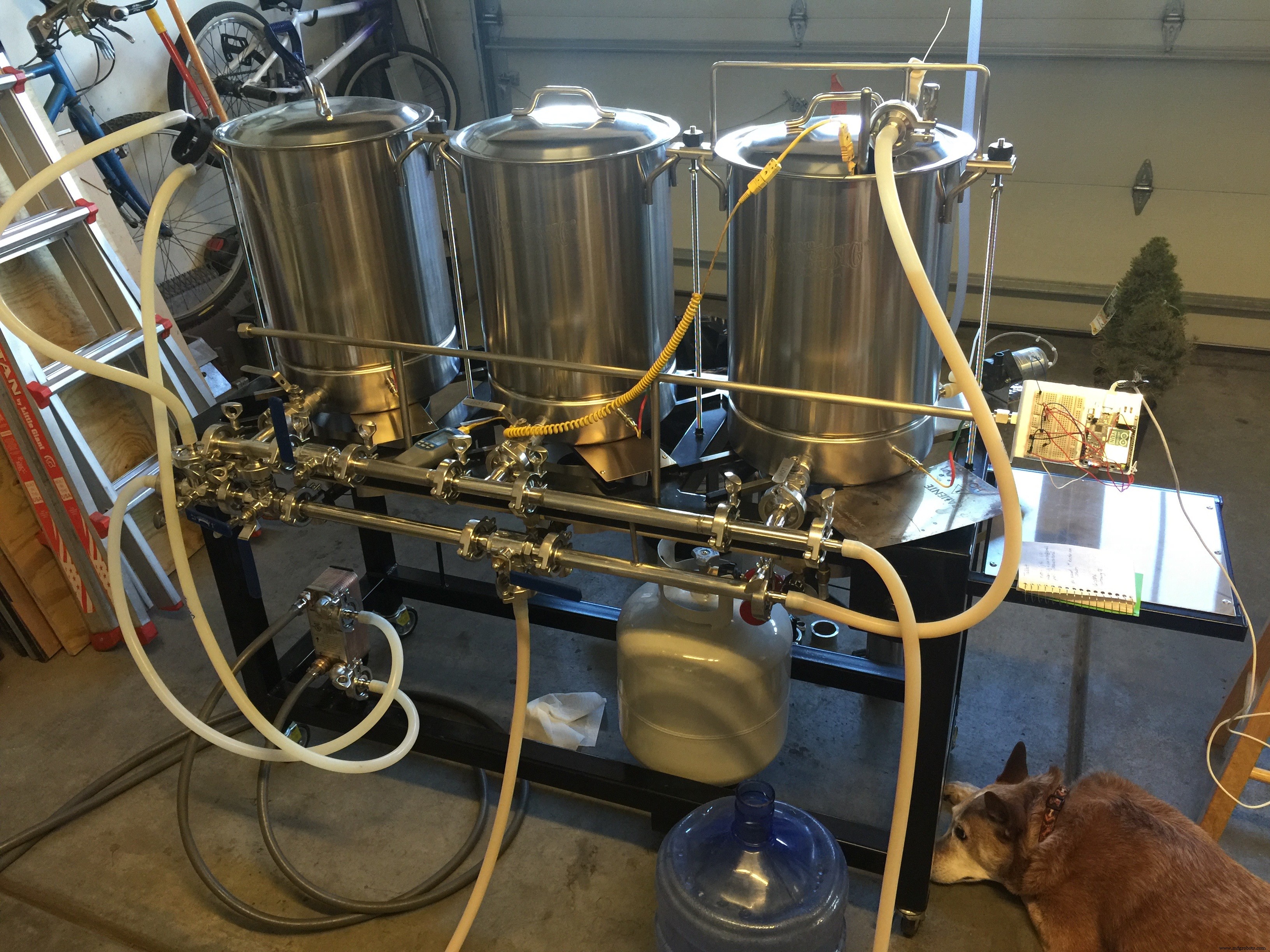
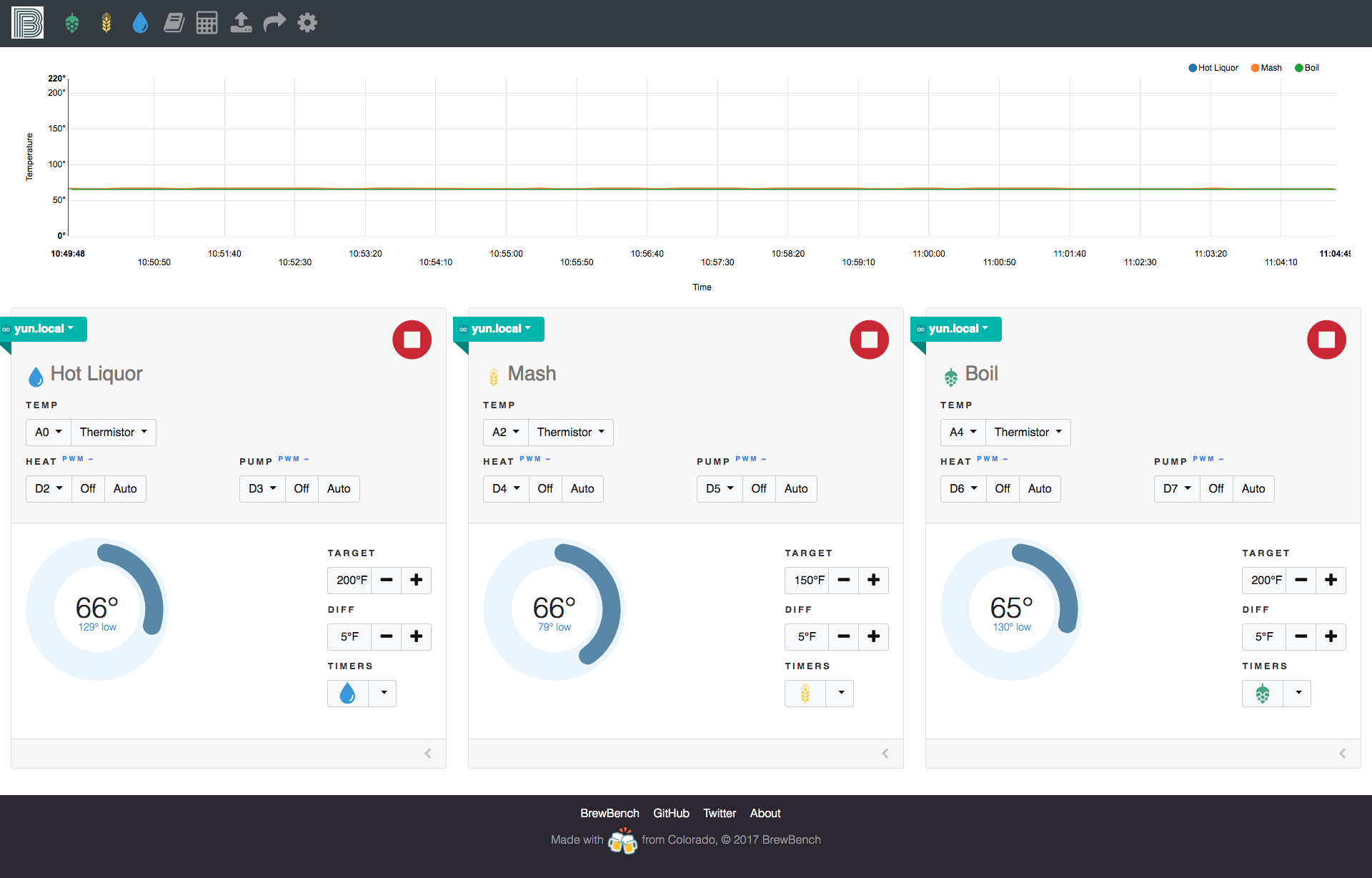
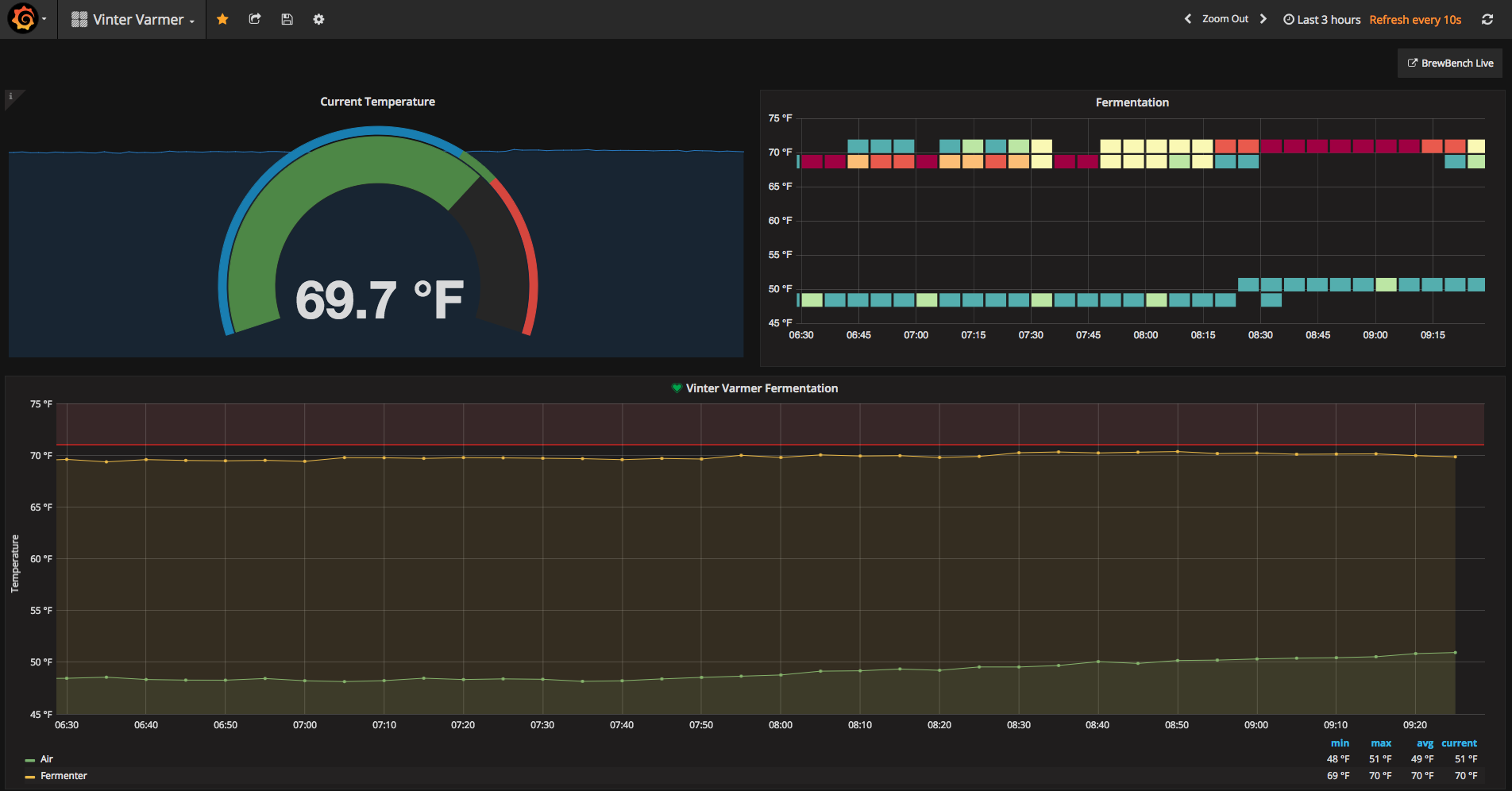
BrewBench is an Arduino brew monitor, controller and alert system for the home brewer enthusiast. It uses the Arduino REST API to interface with thermistors connected to the analog ports. You can also connect a relay to the digital ports and add a heater / pump to create a RIMS system. The software will start/stop the heater/pump based on the target temperature you set.
Setup the Arduino- Connect it to your WiFi (see ArduinoYun)
- Enable the REST API (see ArduinoYun)
- Download a sketch from http://monitor.brewbench.co
Once you have connected the temp sensors to the analog or digital ports, open the web app and enter the Arduino IP address or hostname in settings. Add a sensor and start brewing.
http://monitor.brewbench.co
Code
Github
https://github.com/brewbenchhttps://github.com/brewbench/monitorSchematics
Temperature sensor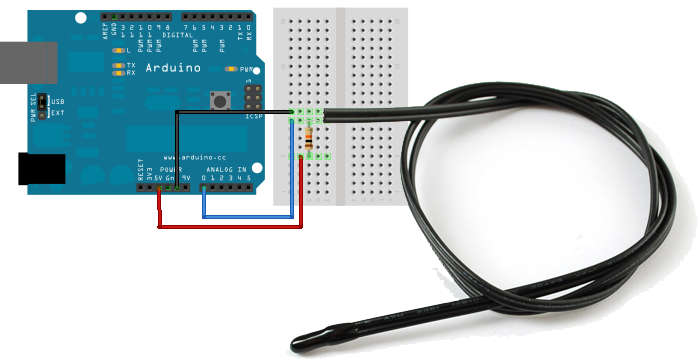
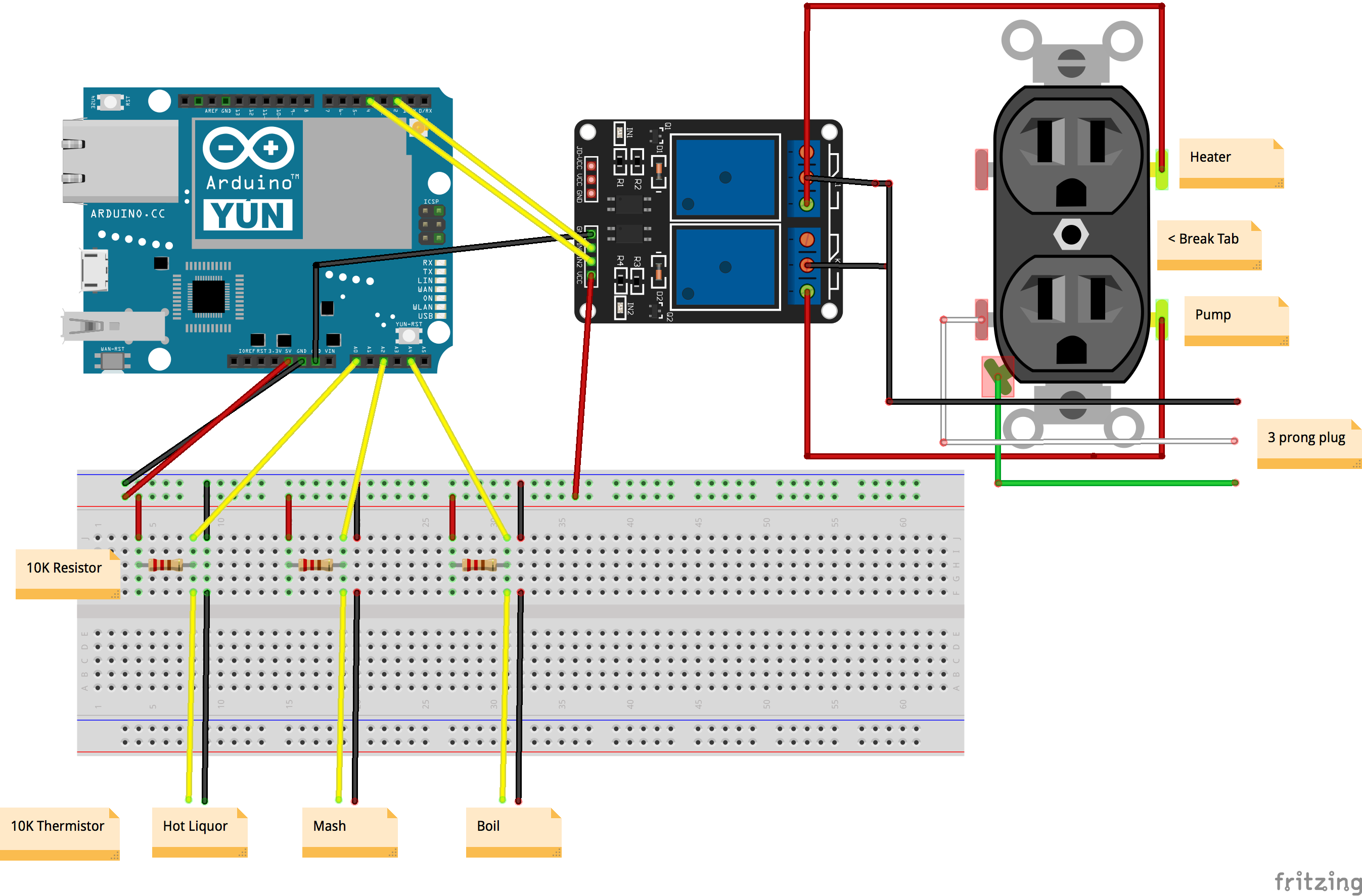 brewbench-wiring-diagram_LLQb2ug236.fzz
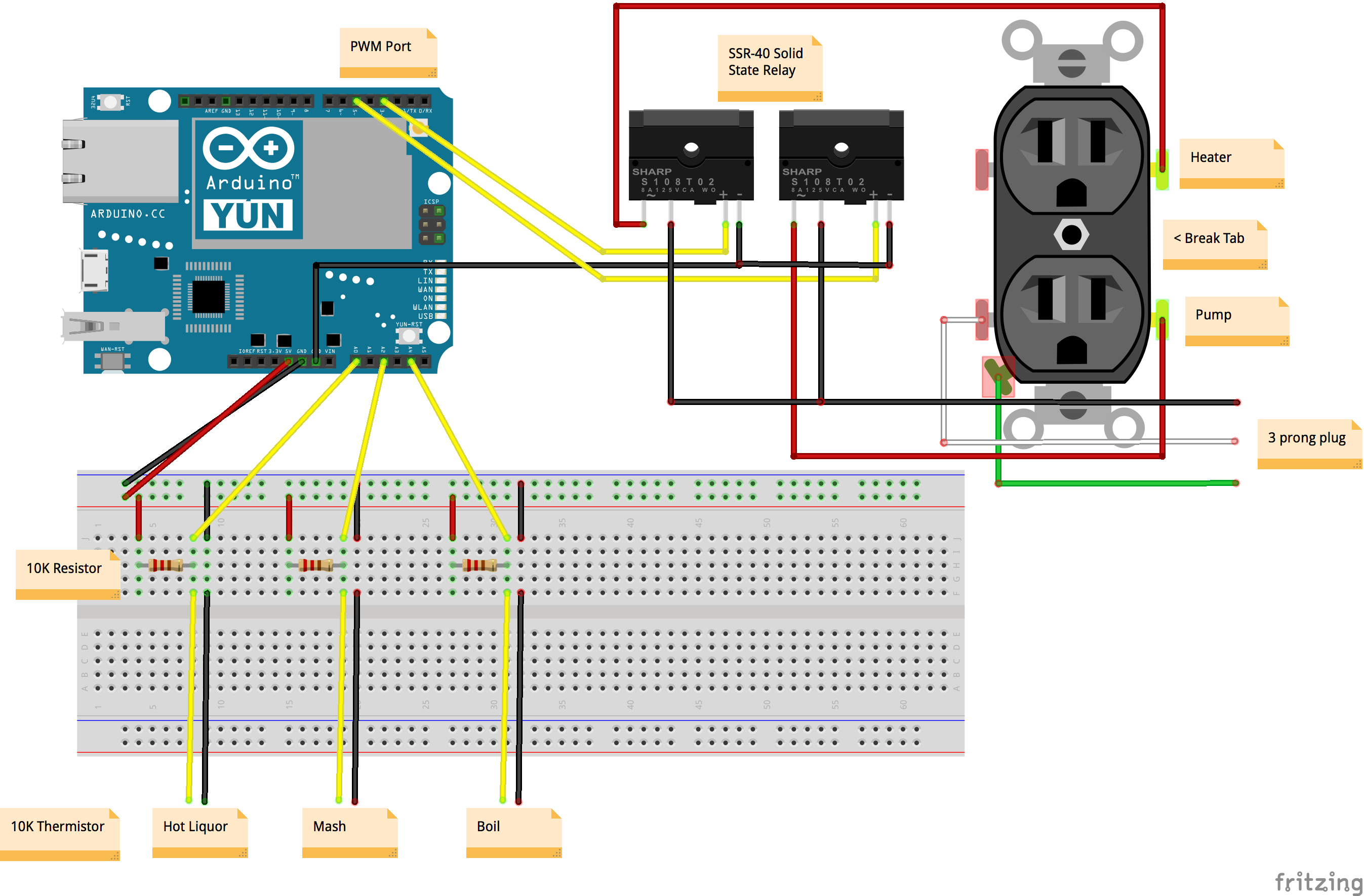 brewbench-wiring-diagram-ssr_n5M5jhndSB.fzz
Custom Arduino MIDI Arpeggiator – Modular Firmware & Euclidean Rhythms
Advanced 9V NiMH Battery Charger – Smart, Precise, and Reliable – Version 1
Manufacturing process
- Understanding the Oxygen (O2) Sensor: Role, Placement, and Failure Signs
- Build a Raspberry Pi Home Temperature Monitor with MCP9808, InfluxDB & Grafana
- Emotion Sensor & EEG: Low-Cost Hardware for Real-Time Emotion Detection
- UnifiedWater v1 – Complete Arduino Water Quality Sensor Kit
- River Health Monitor: Arduino-Based Water Quality System
- Build a Smart Wristband with Arduino MKR GSM 1400 & Hologram IoT
- Smart Hydroponic System Using Arduino Mega 2560 & Sensors
- Master Vibration Detection with Arduino: A Simple Sensor & LED Setup
- Arduino Temperature Sensor Project: Read, Convert, and Display Fahrenheit
- Build an IR Sensor Project with Arduino UNO – Simple Guide