



Python Image Processing with Pillow: Comprehensive Guide

The Pillow Python Imaging Library is ideal for image processing. Typically, it’s used for archival and batch processing applications. Of course, you’re free to use it for anything else you can think of. You can use the library to:
- Create thumbnails
- Convert between file formats,
- Print images
- Fet a histogram (ideal for automatic contrast enhancement)
- Rotate images
- Apply filters like blur
Table of contents
Installing the image processing package
To install Pillow, which is a fork and continuation of the original Python Imaging Library, use the pip install command:
pip3 install Pillow
Processing images
Pillow offers several filters which become available after importing ImageFilter. For example, to blur an image, use:
from PIL import Image, ImageFilter

im = Image.open("kittens.jpg")
blurred = im.filter(ImageFilter.BLUR)
Other filters include SHARPEN, SMOOTH, and EDGE_ENHANCE. For a complete list of filters, check the reference docs on ImageFilter.
To rotate an image by 180 degrees:
rotated_image = im.rotate(180)
And finally, to save the results of your hard work:
rotated_image.save("rotated.jpg")
Displaying images
Besides image processing, this library can also be used to display images on screen. Here’s some example code to display a file called kittens.jpg:
from PIL import Image

im = Image.open("kittens.jpg")
im.show()
print(im.format, im.size, im.mode)
# JPEG (1920, 1357) RGB
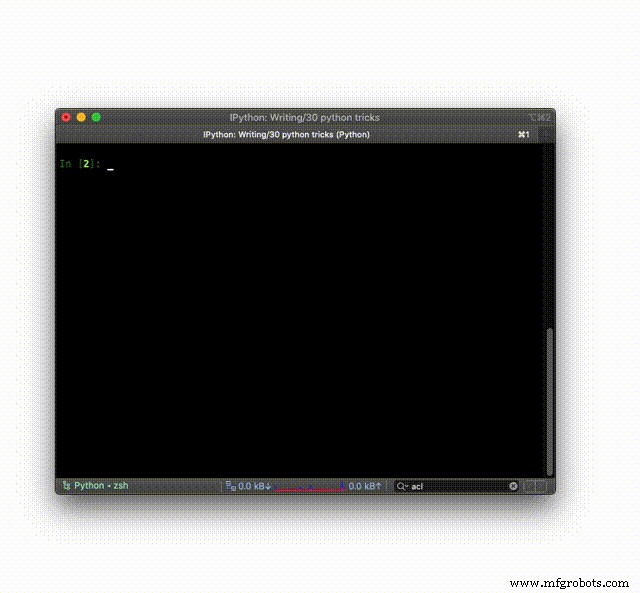
In the following animated gif, I demonstrate how to use Pillow right from IPython:
Further reading
The library has much more to offer. To learn everything about Python image processing using Pillow, it’s best to head over to the official tutorial!
Python
- Master Python’s str.count(): How to Count Characters & Substrings with Examples
- Python round() Function Explained with Practical Examples
- Mastering Python's map() Function: Syntax, Examples, and Best Practices
- Python timeit() – Measuring Execution Time with Practical Examples
- Python Counter in collections – Efficient Counting, Updating, and Arithmetic Operations
- Python list.count(): Expert Guide with Practical Examples
- Python Module Importing – A Practical Guide with Examples
- Master Emoji Handling in Python: Convert, Display, and Use Unicode Emoticons
- Python XML Processing: A Guide to Interoperable Data Management
- Master Python Extension Programming with C: Build Fast, Native Modules