



Automating Twisted Pair and Shield Cable Configuration in E3.series
This article shows how to create and define the automatic adjustment of twisted pairs and shields for cabling in E3.series. The process is simple and fast. See the full video article and optimize your processes!
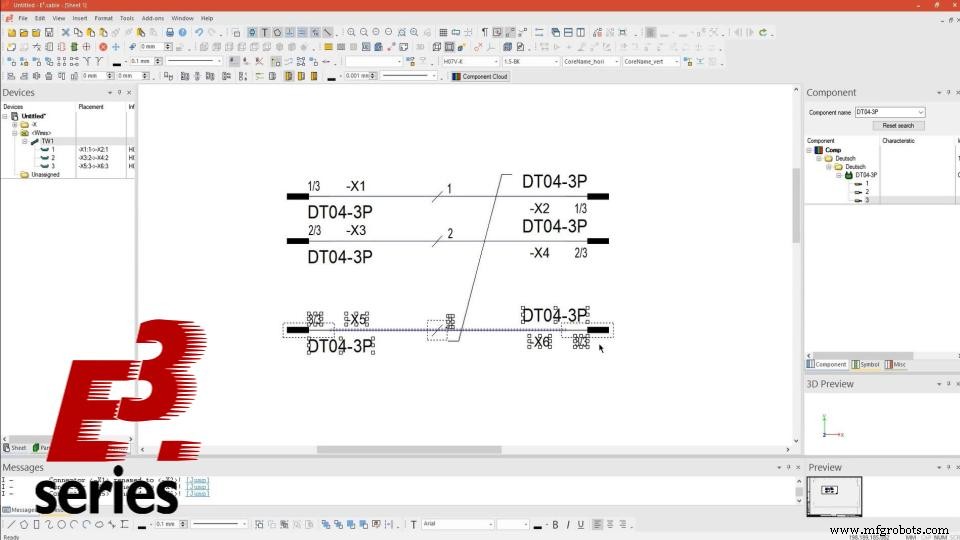
Definition of Connections and Wires
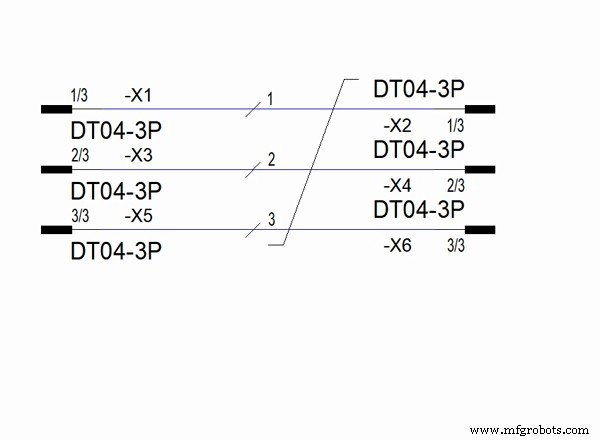
Initially, connectors are added to the project sheet, along with connections and wires.
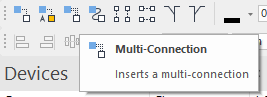
Components are easily dragged from the library into the project and connections are made simultaneously with the intelligent "Multi-Connection" command.
- H07V-K
- 1.5-BK.
With the option "Insert Default Wire" it is possible to quickly add wires in all connections, simultaneously, just by dragging the mouse.
Try NOW the industry-leading E-CAE E3.series tool in the world with technical training courses!
Click on the banner below
Creation of Shields and Twisted Pairs
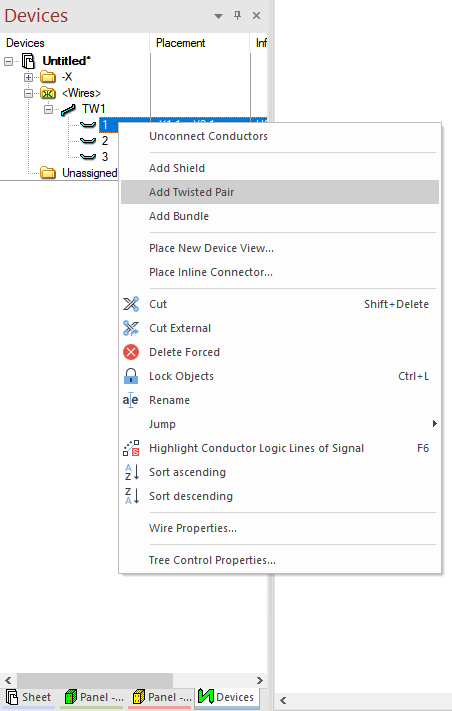
For the addition of twisted pair and shields, the "Devices" window is accessed and, with the right mouse button on the desired wire, it is possible to select the desired option (Twisted Pair or Shield).
Watch the Full Video
Subscribe to our Youtube channel here for more technical videos.
Automatic Adjustment of Shields and Twisted Pairs
For the configuration of automatic adjustment of shields and twisted pairs, the electrical properties of the project are accessed with the "S" key. At this moment, the way to enable the functionality is: "Placement" -> "Bundle Symbols" and select the option of "Adjust bundle symbol's size after modifying connection line's position".
Okay, now the symbol follows the movement of devices in the project.
Make the E3.series Trial according to your demand using the button below!

Are you a Student?
Download E3.series here for free!
Industrial Technology
- Using Sensitivity Lists in VHDL Processes for Reliable RTL Design
- Mastering Cable and Harness Manufacturing: Setting Accurate Lengths in E3.series
- Build a Full Connection Table in E3.series 2021 – A Complete Guide
- E3.cable Shielding: Easy Addition & Adjustment in 2021 Series
- Build Electrical Panels Quickly with CAE E3.series: A Step‑by‑Step Guide
- Create Electrical Schematics Quickly with CAE E3.series: A Step‑by‑Step Guide
- How to Test Electrical Component Continuity with a Multimeter
- Step-by-Step Guide to Creating STL Files for 3D Printing
- Step‑by‑Step Guide to Building a Prototype with Expert Tips
- Create a C# Client for PLCnext Control gRPC Server: Step-by-Step Guide