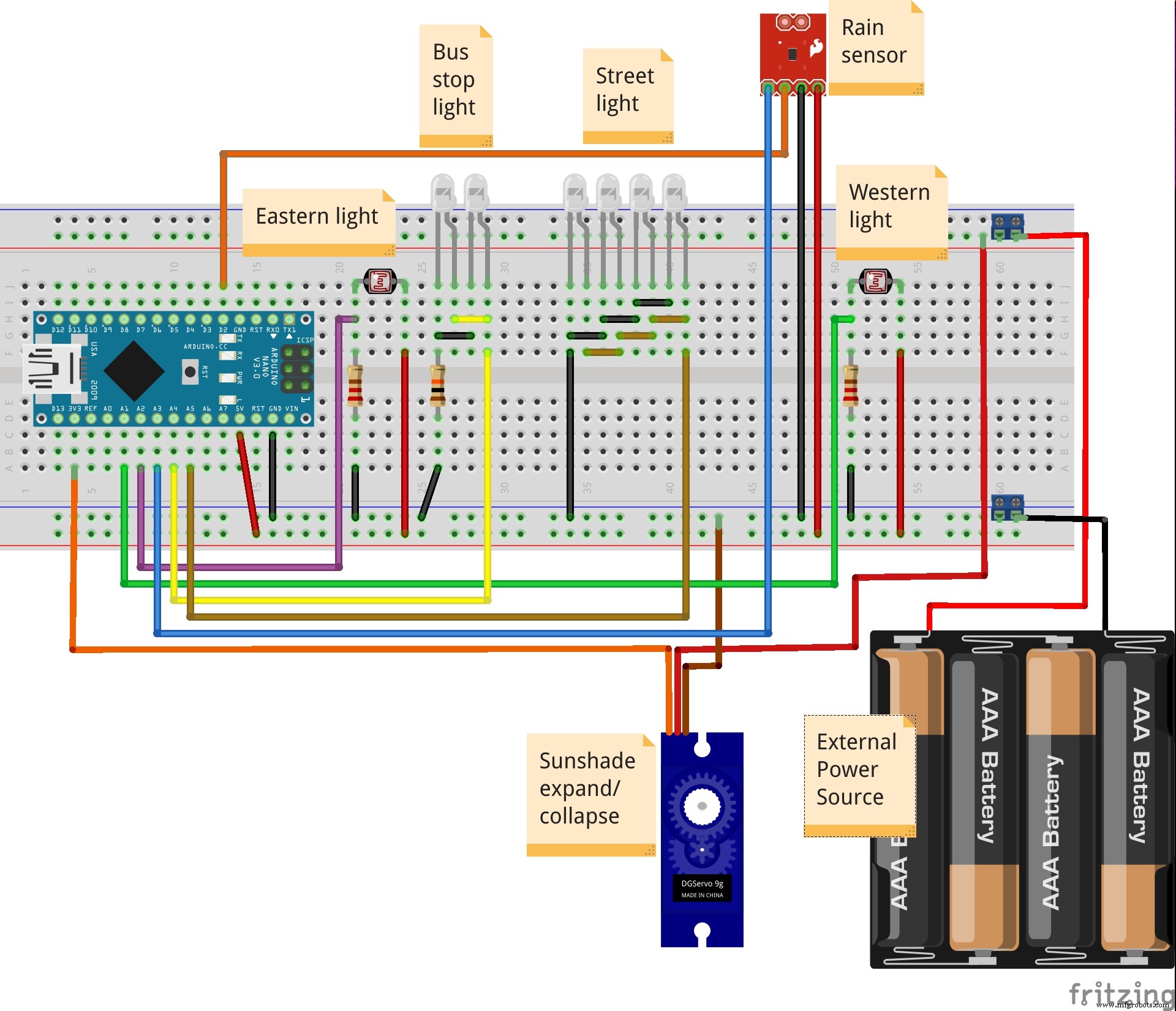
Smart Bus Stop Architectural Model Featuring Automatic Sunshade
Components and supplies
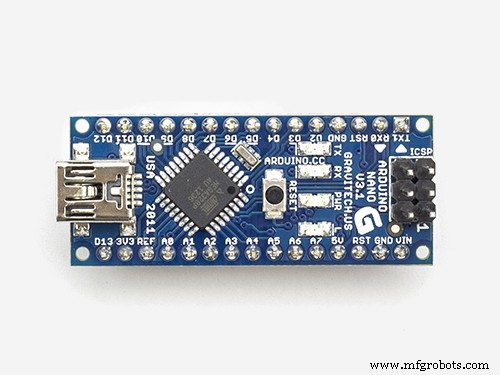 | | × | 1 | |
 | | × | 2 | |
| | × | 1 | |
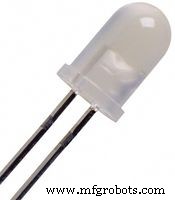 | | High Brightness LED, White |
| × | 6 | |
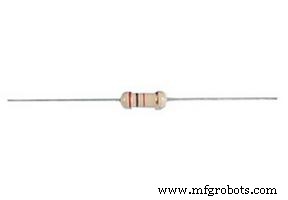 | | × | 3 | |
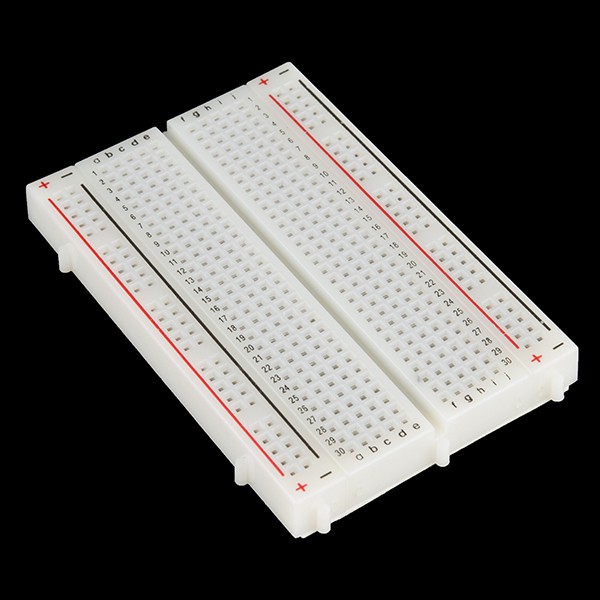 | | × | 1 | |
| | × | 27 | |
| | × | 2 | |
 | | × | 2 | |
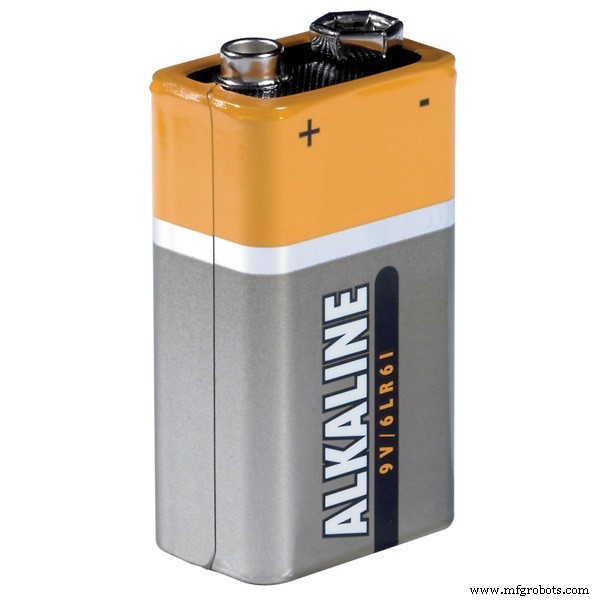 | | × | 1 | |
 | | × | 1 | |
About this project
This is an upgrade of the previous project (V 1.0)
The main changes from V1.0 are:
- The size of the architectural model. It has a size of 1.5m x 1m
- The weight of the sunshade, thats why we change the SG99 micro servo into the MG995
- We added an external source of power so the MG995 could work
- We tried two different mechanisms for expanding/contracting the sunshade. The one that got discarded, is shown in the second video. The one that we used at the end is shown in the 3rd. video.
- Modify the sketch to use the VarSpeedServo library
- Fixed a small logic error in one of the sunshade states (thanks to Gurneet1928)
You can find the V1.0 at the following link: Model Version 1.0
THE VIDEOS:
Making of the circuit
Making of the Architectural Model
Code
The CodeC/C++
#include <VarSpeedServo.h>
VarSpeedServo servo;

int easternLight = 0;
int westernLight = 0;
int rainSensed = 0;
int sunshadePosition = 0;
int rainThreshold = 512;
int sunshadeExpanded = 120;
int sunshadeContracted = 60;
int ambientLighting = 0;
int turnOnLightsOn = 150;
int ledIntensity = 0;
int ledPower = 0;
int servoSpeed = 20;
bool debugging = false; // Set to TRUE to enable debugging to Serial Console

void setup()
{
  pinMode(A4, OUTPUT); // Interior lighting of the bus stop
  pinMode(A5, OUTPUT); // Street light
  pinMode(A1, INPUT); // Western light
  pinMode(A2, INPUT); // Eastern light
  pinMode(A3, INPUT); // Rain sensor analog
  pinMode(2, INPUT); // Rain sensor digital
  servo.attach(A0); // Servo
  servo.write(sunshadeContracted, servoSpeed, true);
  if (debugging){
    Serial.begin(9600);
    Serial.println("*** DEBUGGING STARTED ***");
    Serial.println("-------------------------");
  }
}

void oya_mydebug(String text, int value = NULL)
{
  // I added 'oya_' as a way to aovid a crash with any possible debugging
  // function an external library might have. Oya is an abreviation of the name
  // of my company OfficeYA
  if (debugging){
    Serial.print(text);
    if (value){
      Serial.print(" = ");
      Serial.println(value);
    } else {
      Serial.println(" ");
    }
  }
}

void expand_collapse(int easternLight, int westernLight)
{
  if (easternLight <= westernLight) {
    // It's sunrise
    oya_mydebug("It's sunrise");
    if (sunshadePosition != sunshadeExpanded) {
      servo.write(sunshadeExpanded, servoSpeed, true);
      oya_mydebug("Sunshade expanded");
    }
  }
  if (easternLight > westernLight) {
    // It's down
    oya_mydebug("Sun is goind down");
    if (sunshadePosition != sunshadeContracted) {
      servo.write(sunshadeContracted, servoSpeed, true);
      oya_mydebug("Sunshade contracted");
     }
  }
}

void loop()
{
  // Get sensor values
  easternLight = analogRead(A2);
  westernLight = analogRead(A1);
  rainSensed = analogRead(A3);
  sunshadePosition = servo.read();
  ambientLighting = ((easternLight + westernLight) / 2); // Average the brightness of the east and west

  oya_mydebug("easternLight", easternLight);
  oya_mydebug("westernLight", westernLight);
  oya_mydebug("rainSensed", rainSensed);
  oya_mydebug("sunshadePosition", sunshadePosition);
  oya_mydebug("ambientLighting", ambientLighting);

  // Find out if it is raining?
  if (rainSensed < rainThreshold) {
    // It is raining
    oya_mydebug("It's raining...");
    if (sunshadePosition != sunshadeExpanded) {
      servo.write(sunshadeExpanded, servoSpeed, true);
      oya_mydebug("Sunshade expanded");
    }
  } else {
    // It is not raining
    oya_mydebug("It is not raining...");
    if (ambientLighting <= turnOnLightsOn) {
      // It's getting dark, turn on the lights
      oya_mydebug("It's getting dark, turning on the lights");
      ledPower = ((turnOnLightsOn - ambientLighting) * 4);
      oya_mydebug("ledPower", ledPower);
      analogWrite(A5, ledPower);
      analogWrite(A4, ledPower);
      expand_collapse(easternLight, westernLight);
    } else {
      // There is a lot of sun light
      oya_mydebug("A lot of sunshine, turn off lights");
      analogWrite(A5, 0);
      analogWrite(A4, 0);
      expand_collapse(easternLight, westernLight);
    }
  }
  if (debugging){
    Serial.println("********************");
    Serial.println(" ");
    delay(5000);
  } else {
    delay(100);
  }
}
Schematics