



Smart Health Monitoring Station: Arduino, Bluetooth, and Sensors
Components and supplies
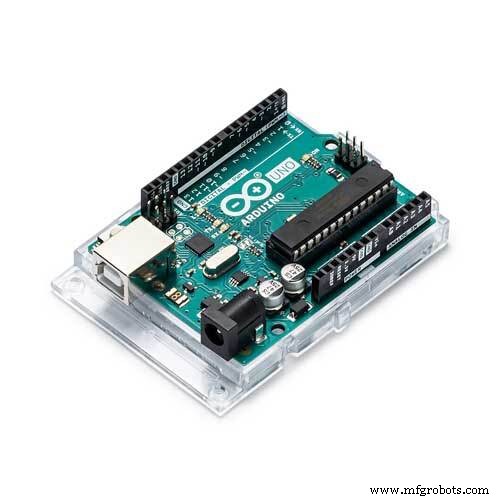 |
| × | 1 | |||
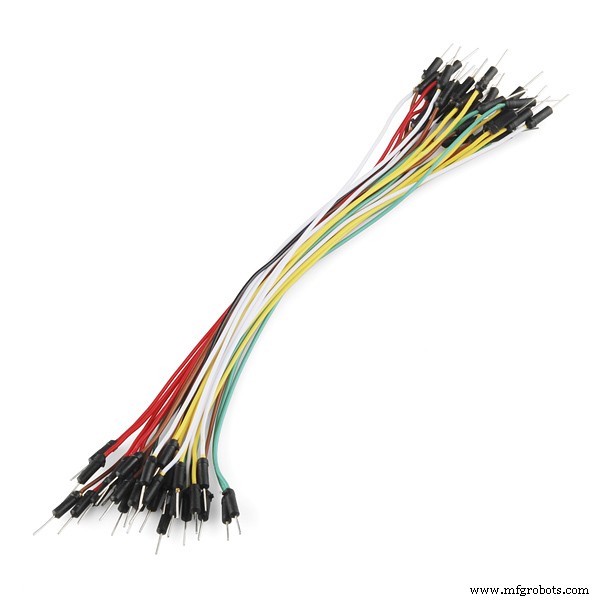 |
| × | 1 | |||
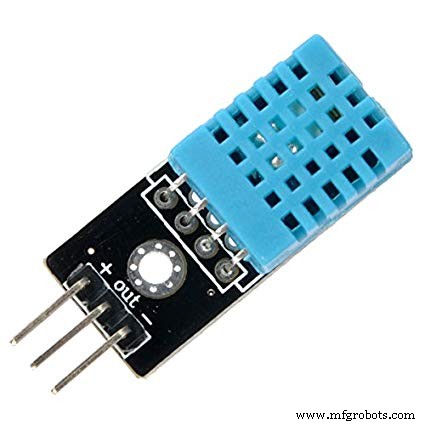 |
| × | 1 | |||
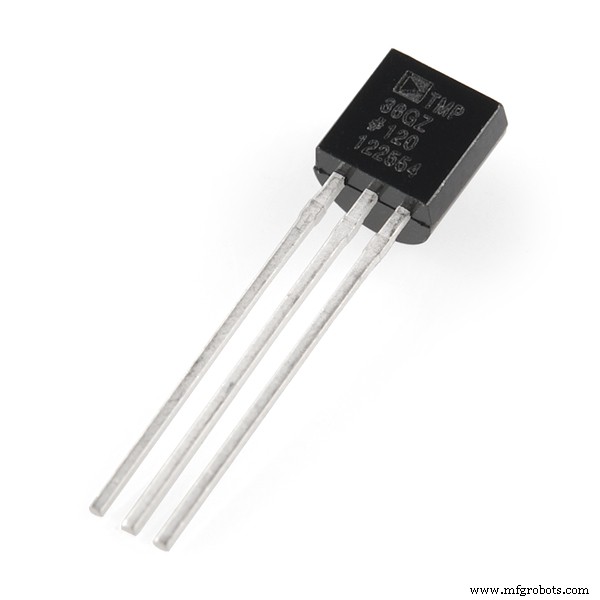 |
| × | 1 | |||
 |
| × | 2 | |||
 |
| × | 1 | |||
| × | 1 |
Apps and online services
 |
| |||
 |
|
About this project
Wired electronics with sensors and an app will provide an easy way of controlling the state of health and surrounding parameters
Code
- Code
CodeC/C++
#include <SoftwareSerial.h>
#include <cactus_io_AM2302.h>

#define AM2302_PIN 7

#include <OneWire.h>
#include <DallasTemperature.h>
#define ONE_WIRE_BUS 2


OneWire oneWire(ONE_WIRE_BUS);
DallasTemperature sensors(&oneWire);
AM2302 dht(AM2302_PIN);


SoftwareSerial Bluetooth(10, 9);
String Data;
int pulsePin = 0;
int blinkPin = 13;
volatile int BPM;

volatile int Signal;

volatile int IBI = 600;

volatile boolean Pulse = false;

volatile boolean QS = false;

volatile int rate[10];
volatile unsigned long sampleCounter = 0;
volatile unsigned long lastBeatTime = 0;
volatile int P = 512;
volatile int T = 512;
volatile int thresh = 512;
volatile int amp = 100;
volatile boolean firstBeat = true;
volatile boolean secondBeat = false;

void interruptSetup() {

  TCCR2A = 0x02;
  TCCR2B = 0x06;
  OCR2A = 0X7C;
  TIMSK2 = 0x02;
  sei();
}


ISR(TIMER2_COMPA_vect) {
  cli();
  Signal = analogRead(pulsePin);
  sampleCounter += 2;
  int N = sampleCounter - lastBeatTime;

  if (Signal < thresh && N > (IBI / 5) * 3) {
    if (Signal < T) {
      T = Signal;
    }
  }

  if (Signal > thresh && Signal > P) {
    P = Signal;
  }


  if (N > 250) {
    if ( (Signal > thresh) && (Pulse == false) && (N > (IBI / 5) * 3) ) {
      Pulse = true;
      digitalWrite(blinkPin, HIGH);
      IBI = sampleCounter - lastBeatTime;
      lastBeatTime = sampleCounter;

      if (secondBeat) {
        secondBeat = false;
        for (int i = 0; i <= 9; i++) {
          rate[i] = IBI;
        }
      }

      if (firstBeat) {
        firstBeat = false;
        secondBeat = true;
        sei();
        return;
      }


      word runningTotal = 0;

      for (int i = 0; i <= 8; i++) {
        rate[i] = rate[i + 1];
        runningTotal += rate[i];
      }

      rate[9] = IBI;
      runningTotal += rate[9];
      runningTotal /= 10;
      BPM = 60000 / runningTotal;
      QS = true;
    }
  }

  if (Signal < thresh && Pulse == true) {
    digitalWrite(blinkPin, LOW);
    Pulse = false;
    amp = P - T;
    thresh = amp / 2 + T;
    P = thresh;
    T = thresh;
  }

  if (N > 2500) {
    thresh = 512;
    P = 512;
    T = 512;
    lastBeatTime = sampleCounter;
    firstBeat = true;
    secondBeat = false;
  }

  sei();
}

void setup() {
  Bluetooth.begin(9600);
  Serial.begin(9600);
  dht.begin();
  sensors.begin();
  interruptSetup();
}

void loop() {
  sensors.requestTemperatures();
  dht.readHumidity();
  dht.readTemperature();
  if (isnan(dht.humidity) || isnan(dht.temperature_C)) {
    return;
  }
  if (QS == true) {

    Serial.print(sensors.getTempCByIndex(0)); Serial.print(" "); Serial.print(dht.temperature_C); Serial.print(" "); Serial.print(dht.humidity); Serial.print(" "); Serial.println(BPM);

    Bluetooth.print(sensors.getTempCByIndex(0)); Bluetooth.print(" "); Bluetooth.print(dht.temperature_C); Bluetooth.print(" "); Bluetooth.print(dht.humidity); Bluetooth.print(" "); Bluetooth.println(BPM);

    QS = false;

  }


  delay(1500);
}
Code
Code for IDE arduinohttps://github.com/dikhalipina/Tutorials-for-arduinoCustom parts and enclosures
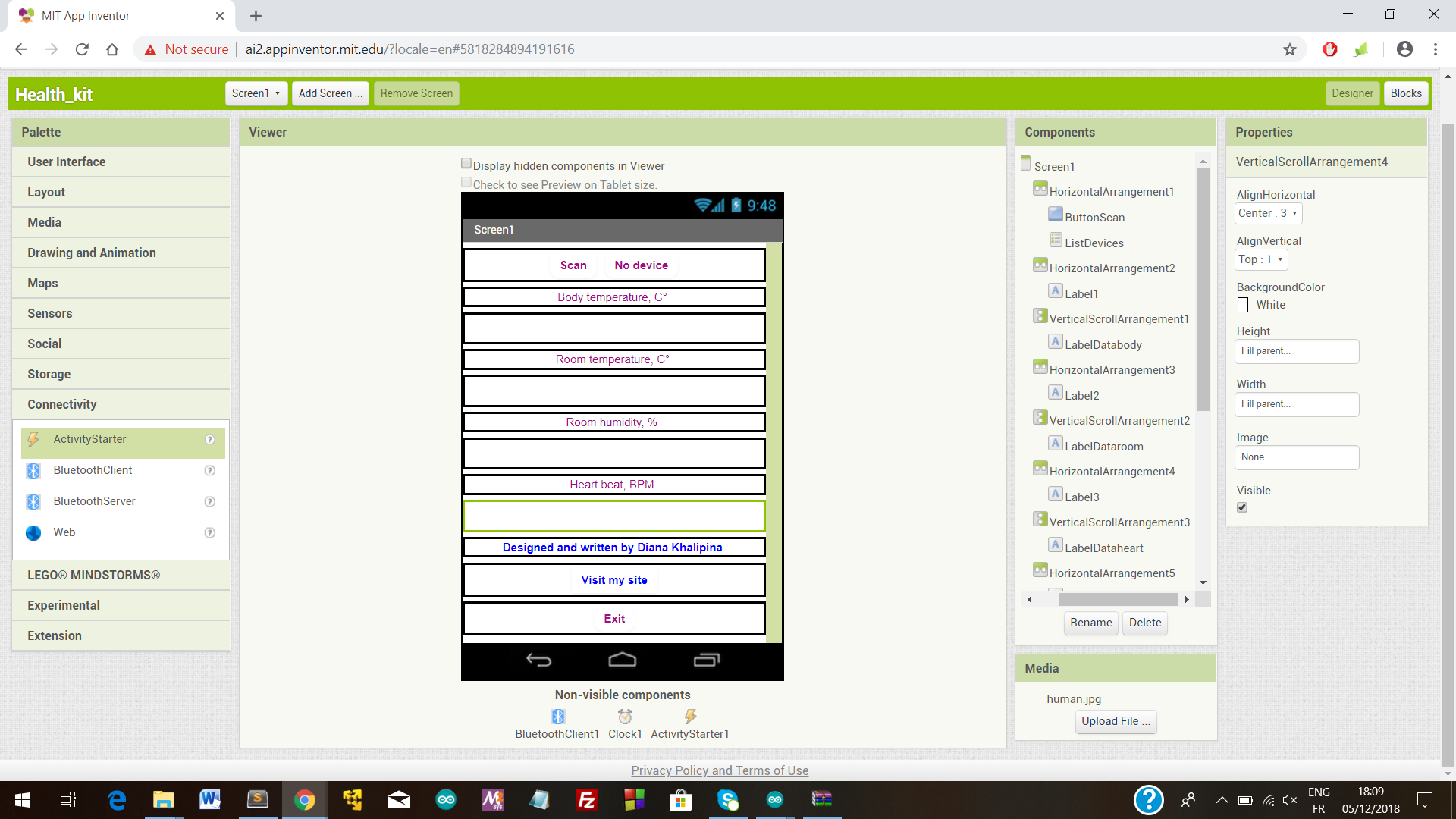
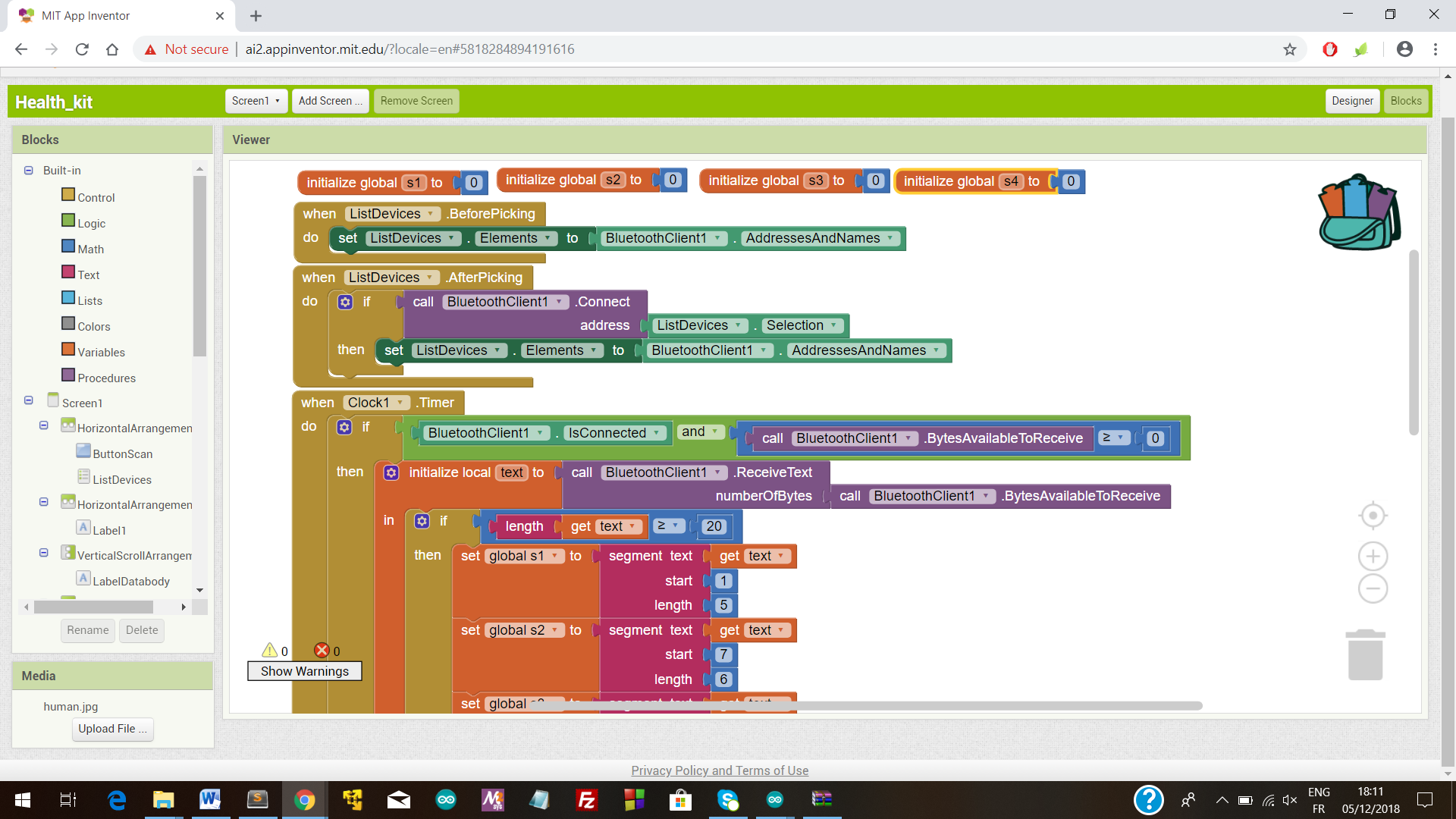
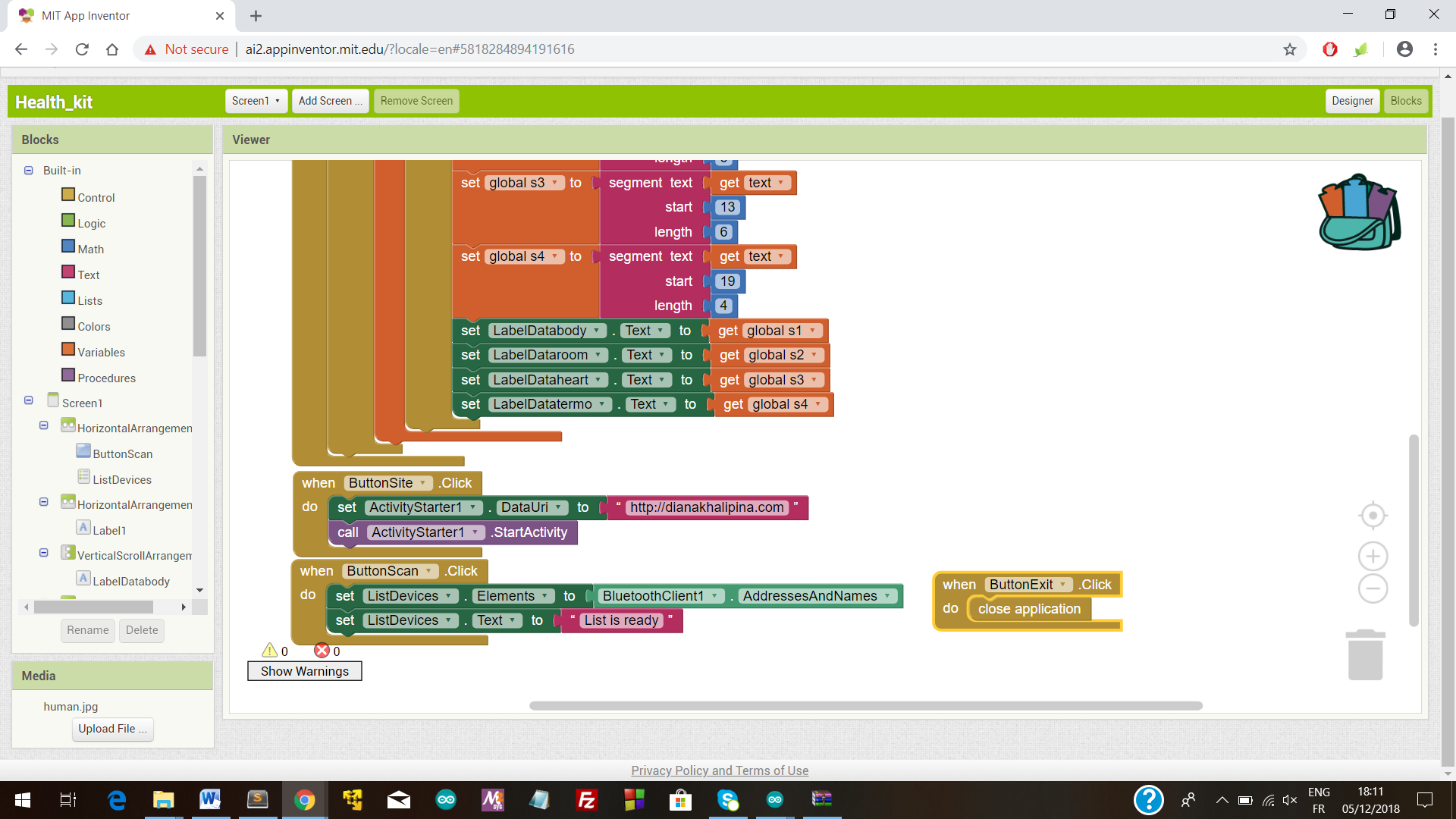
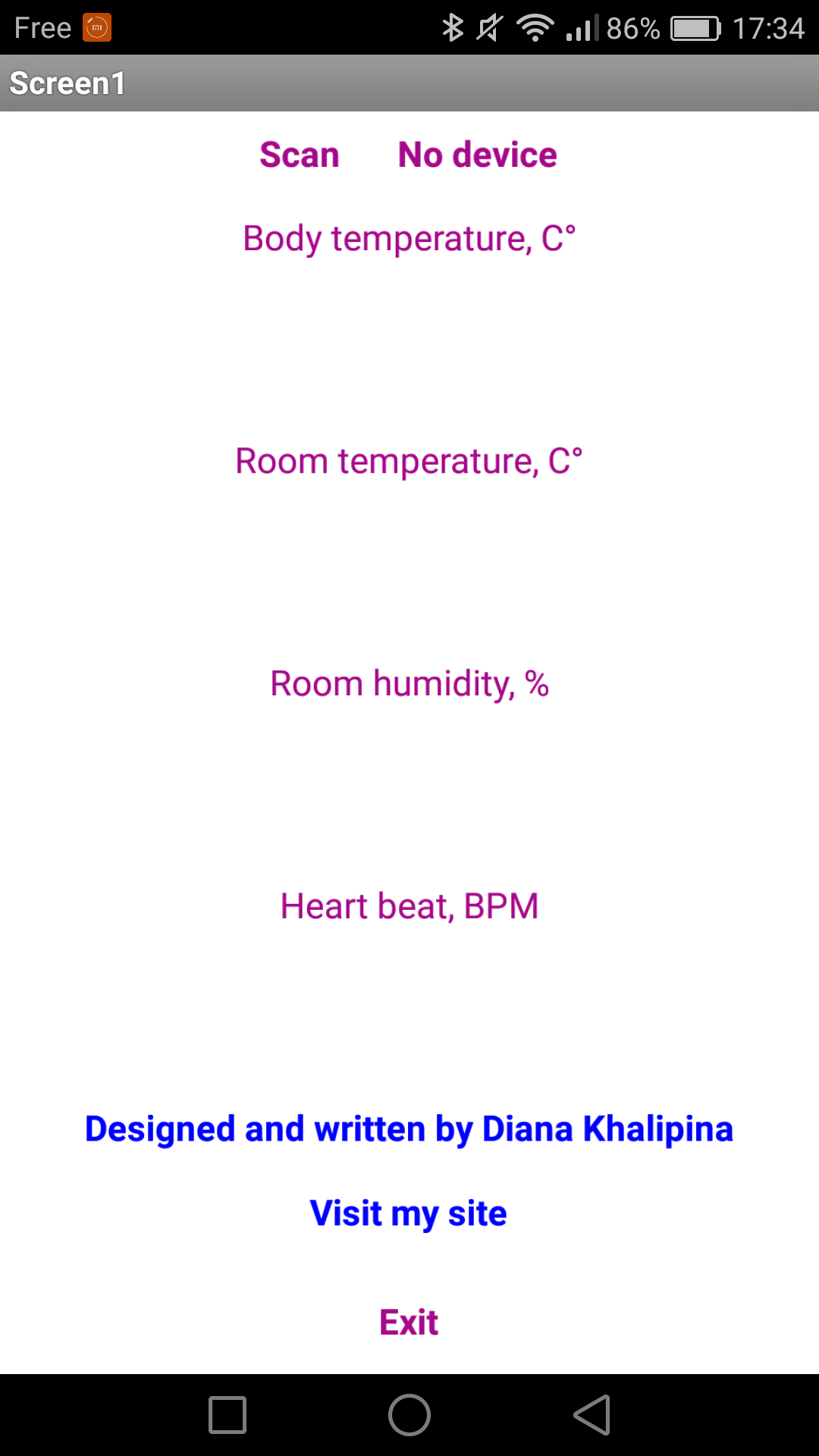
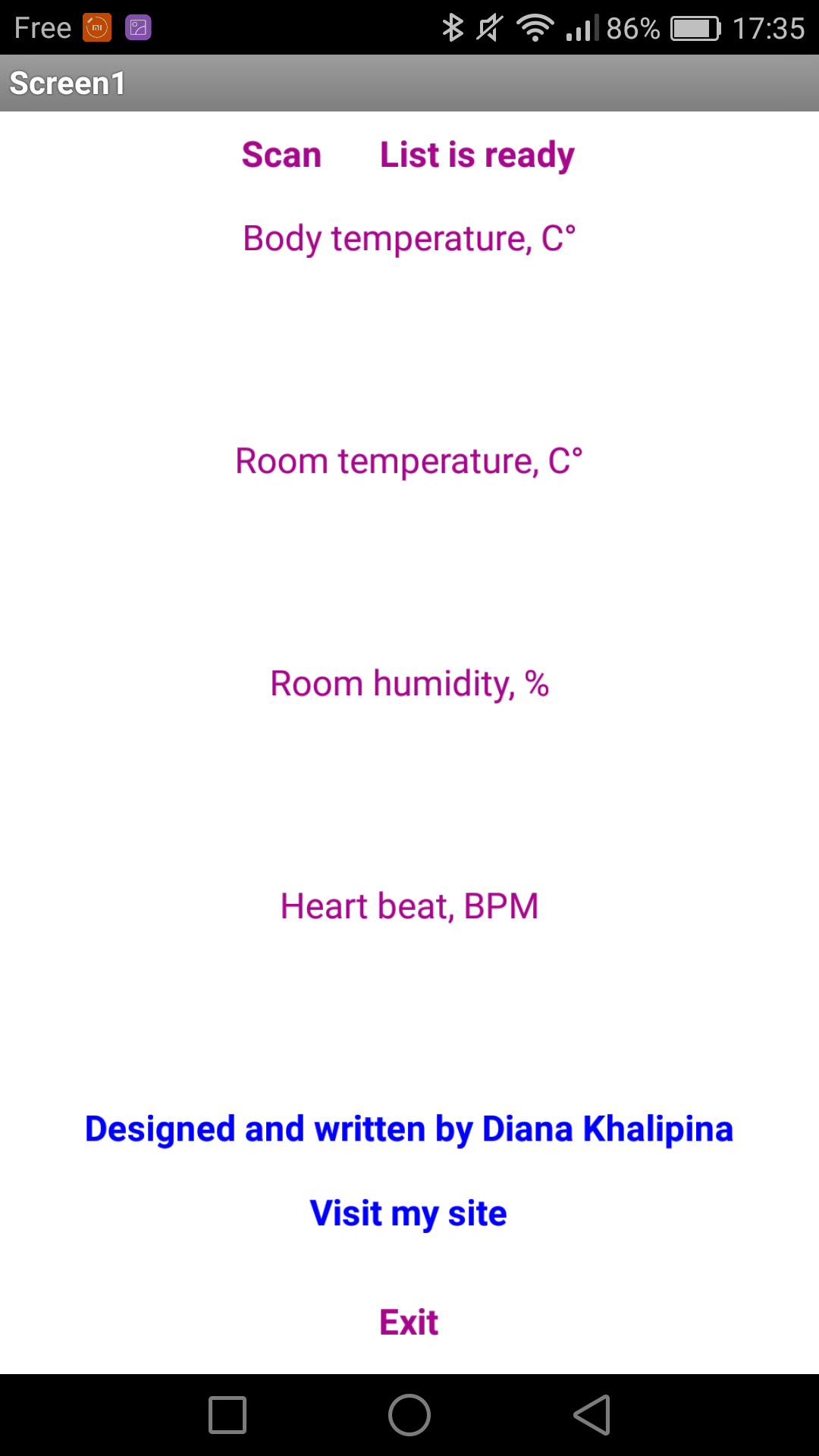
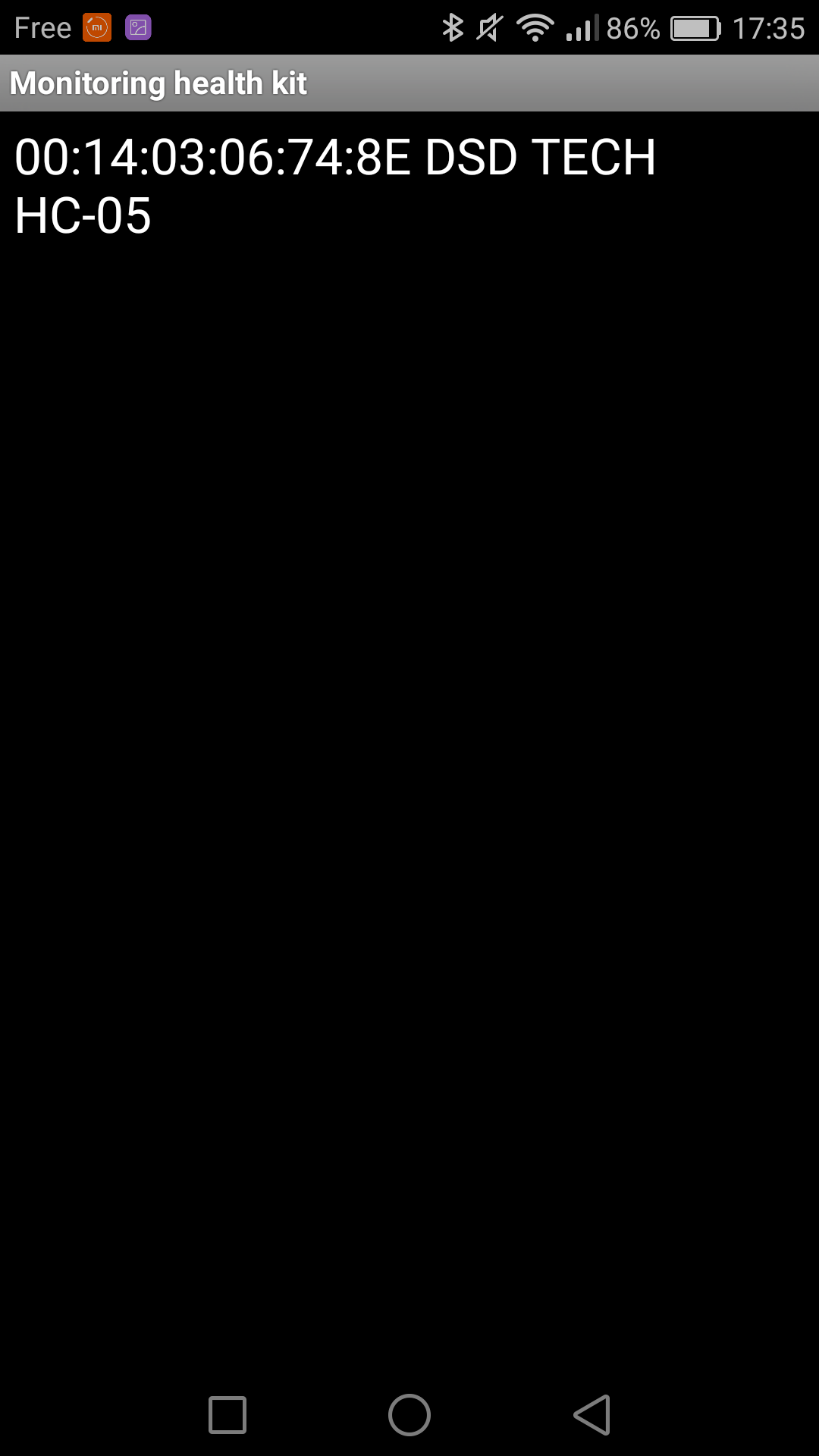
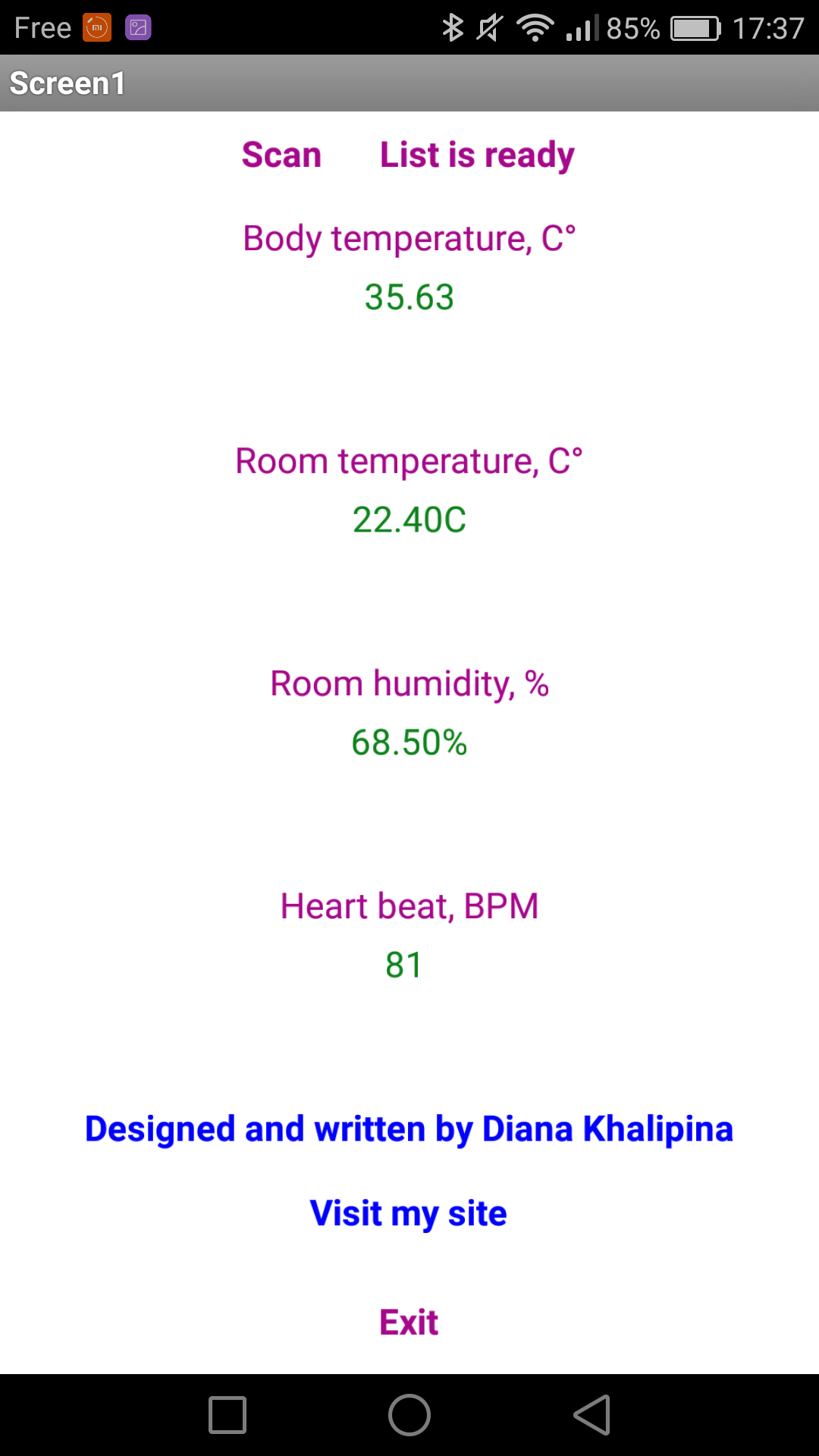
Android app for monitoring health station
https://github.com/dikhalipina/Tutorials-for-arduinoSchematics
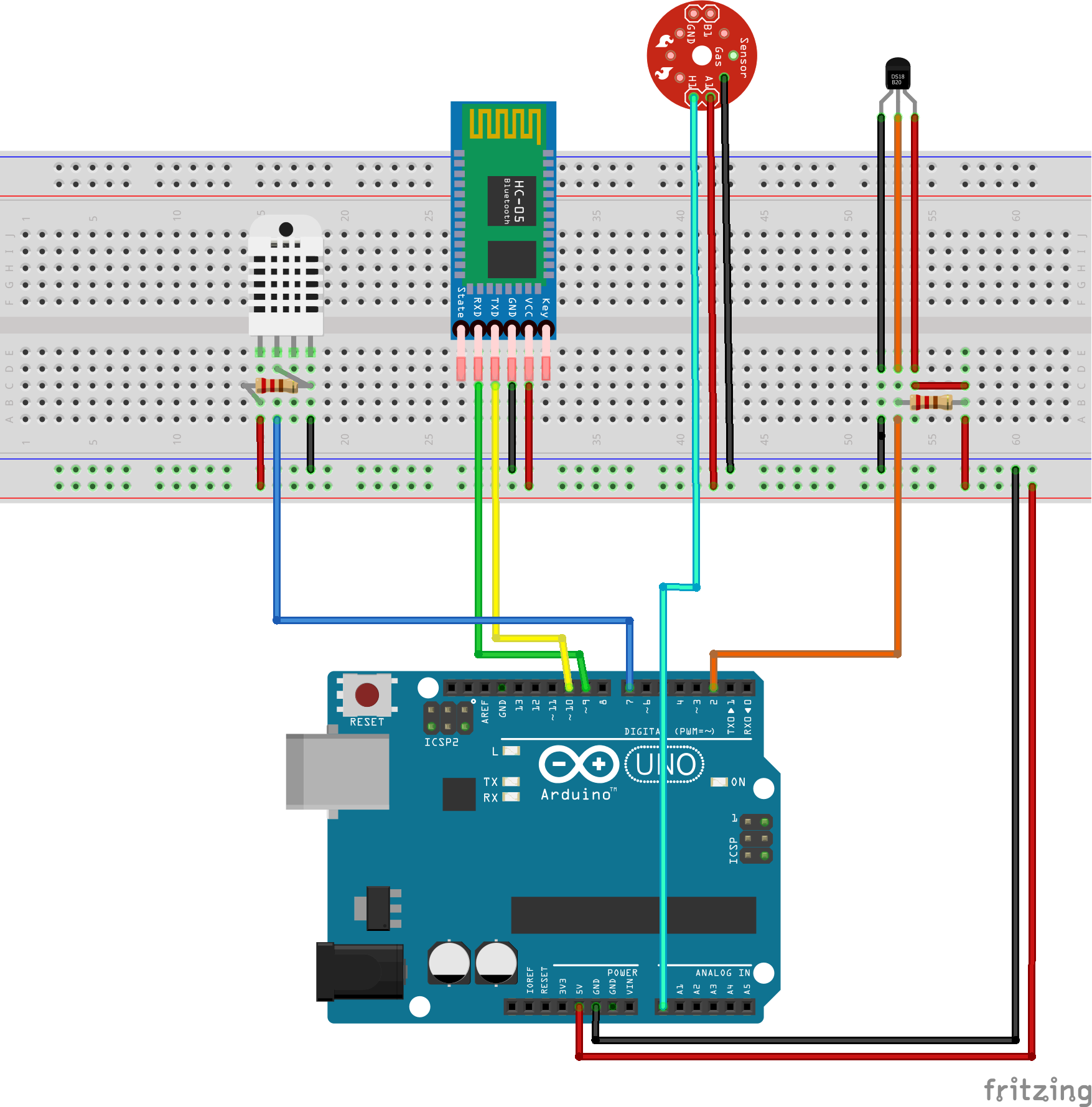
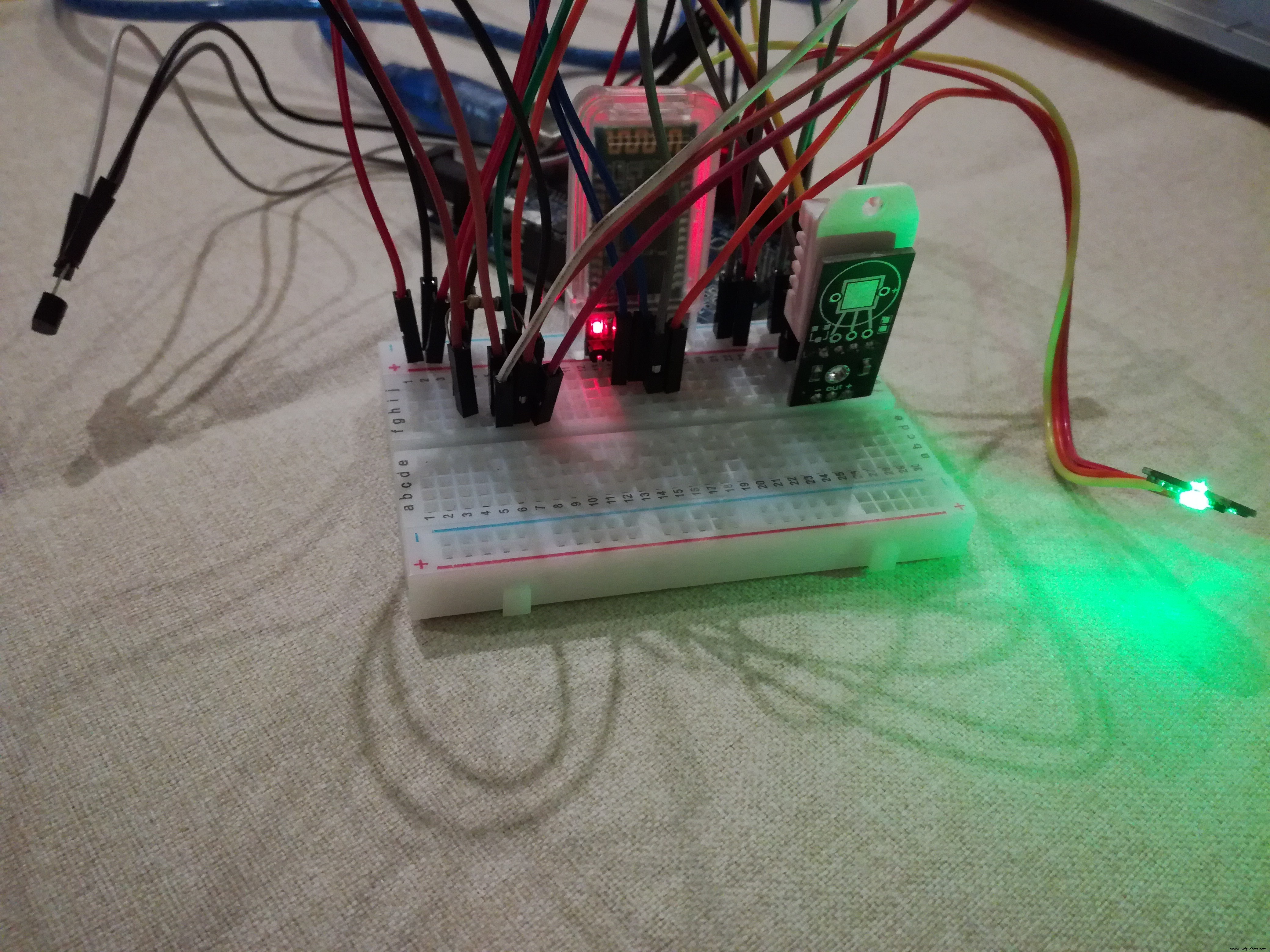
Build an Arduino Nano-Based Eating Robot – Step-by-Step Guide
Smart Hydroponic System Using Arduino Mega 2560 & Sensors
Manufacturing process
- DS18B20 Temperature Sensor – Precise 1‑Wire Digital Thermometer for Industrial & Consumer Use
- Build a Raspberry Pi Temperature Logger with a $5 I2C Sensor
- Professional Raspberry Pi Temperature Monitoring with DS18B20
- Build a Raspberry Pi Weather Station that Emails Daily Weather Data
- Accurate Temperature Monitoring in a Server Closet with Raspberry Pi
- Build a Multi‑Sensor Temperature & Light Monitoring System with Raspberry Pi & DS18B20
- Build a Raspberry Pi Home Temperature Monitor with MCP9808, InfluxDB & Grafana
- New A6630 Temperature Module Enhances CSI 6500 Machinery Health Monitor with Vibration & Temperature Insights
- Portable Temperature Monitoring Station – Accurate TMP36 & LCD Display
- Arduino Temperature Sensor Project: Read, Convert, and Display Fahrenheit