Ultrasonic Smart Glasses: Enhancing Mobility for the Visually Impaired
Components and supplies
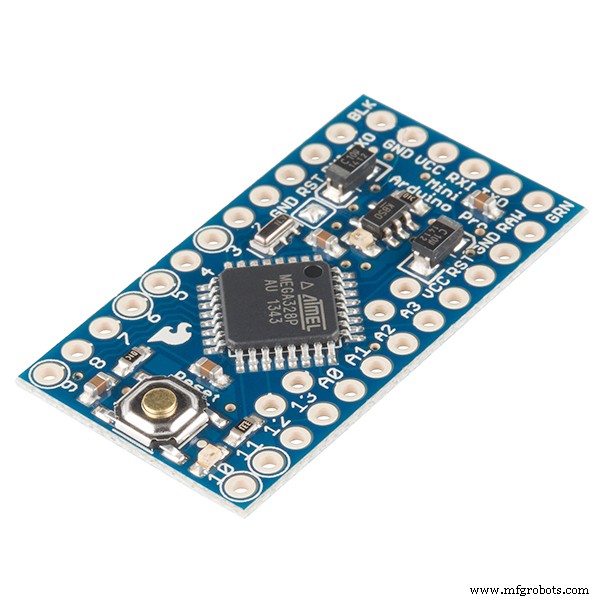 | | SparkFun Arduino Pro Mini 328 - 5V/16MHz |
| × | 1 | |
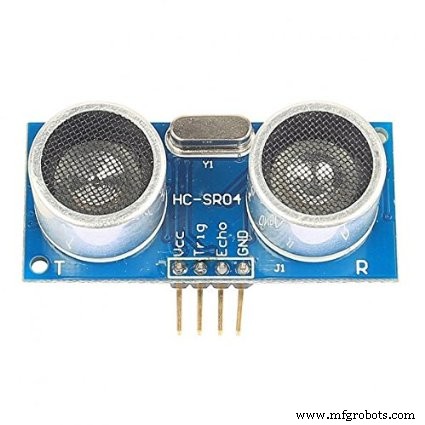 | | Ultrasonic Sensor - HC-SR04 (Generic) |
| × | 1 | |
 | | × | 1 | |
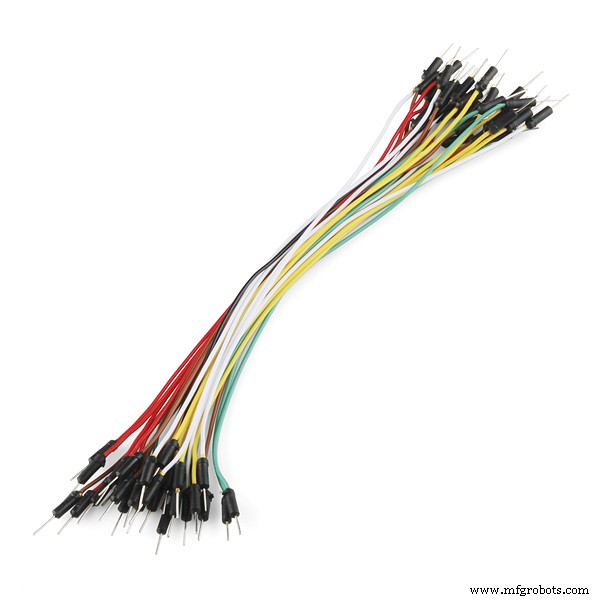 | | × | 1 | |
About this project
This is my son, Jacob's STEM fair project this year in the 5th grade. He decided to do an engineering project instead of an experimental project. He wanted to invent something that would benefit handicapped people in some way. He came up with this idea for glasses that could help blind people sense if there was an object in front of them that they might hit their head on. The white cane that they use when walking is used for helping them navigate the ground but does not do much for up above. Using an Arduino Pro Mini MCU, Ultrasonic Sensor, and a buzzer, he created these glasses that will sense the distance of an object in front and beep to alert the person that something is in front of them. Simple and inexpensive to make. Credit to http://hackerboxes.com for some of the parts.
Code
- Ultrasonic Glasses for the Blind
Ultrasonic Glasses for the BlindArduino
This Arduino code uses the HC-SR04 ultrasonic sensor and an Arduino Pro Mini micro-controller. You can use any Arduino micro-controller with this code. The code detects the distance by converting the time in milliseconds that it takes for the sound waves to bounce back in distance in centimeters. It beeps intermittently if an object is within 62cm (about 2 feet). At 31cm (or about 1 foot away) its just one solid non-stop beep tone. The code is very simple in that it does not require additional hardware libraries outside of what is built in to the Arduino IDE./*
Arduino code used for the Ultrasonic Sensor Sunglasses
Jacob Gardner - 5th Grade STEM Engineering Project
*/
#define trigPin 8 // These lines assign names to values
#define echoPin 7 // so they can be easily identified.
#define buzzer 12 // These are set before the code
/* This section of code below runs only one time.
* It enables the serial monitor to see output and
* sets the pins to input or output.
*/
void setup() {
Serial.begin (9600);
pinMode(trigPin, OUTPUT);
pinMode(echoPin, INPUT);
pinMode(buzzer, OUTPUT);
}
/* The remaining part of the code runs in a constant loop.
* It triggers the ultrasonic sensor and calculates the
* time it took for the sound waves to return. It converts
* the time in milliseconds into distance in centimeters.
*/
void loop() {
long duration, distance;
digitalWrite(trigPin, LOW);
delayMicroseconds(2);
digitalWrite(trigPin, HIGH);
delayMicroseconds(10);
digitalWrite(trigPin, LOW);
duration = pulseIn(echoPin, HIGH);
distance = (duration/2) / 29.1;
Serial.print(distance);
Serial.println(" cm");
// This part of the code below determines whether to
// beep depending on the distance detected. If the object
// is within 62 start the beeps.
if (distance > 30 and distance < 62) {
tone(buzzer,100,50); // Intermitten beeps
}
if (distance > 0 and distance < 31) {
tone(buzzer,100); // Long solid beep
}
else {
}
delay (500);
}
Schematics
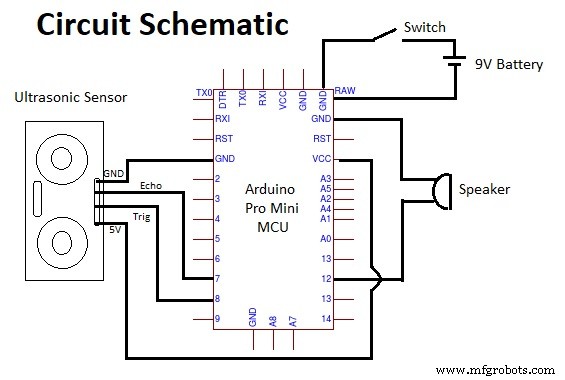
This is the schematic for the ultrasonic glasses. It uses an Arduino Pro Mini and the HC-SR04 ultrasonic sensor. It is powered by a 9V battery.