Arduino Digital Dice Project: Build Your Own LCD-based Random Number Generator
Components and supplies
 | | × | 1 | |
 | | × | 1 | |
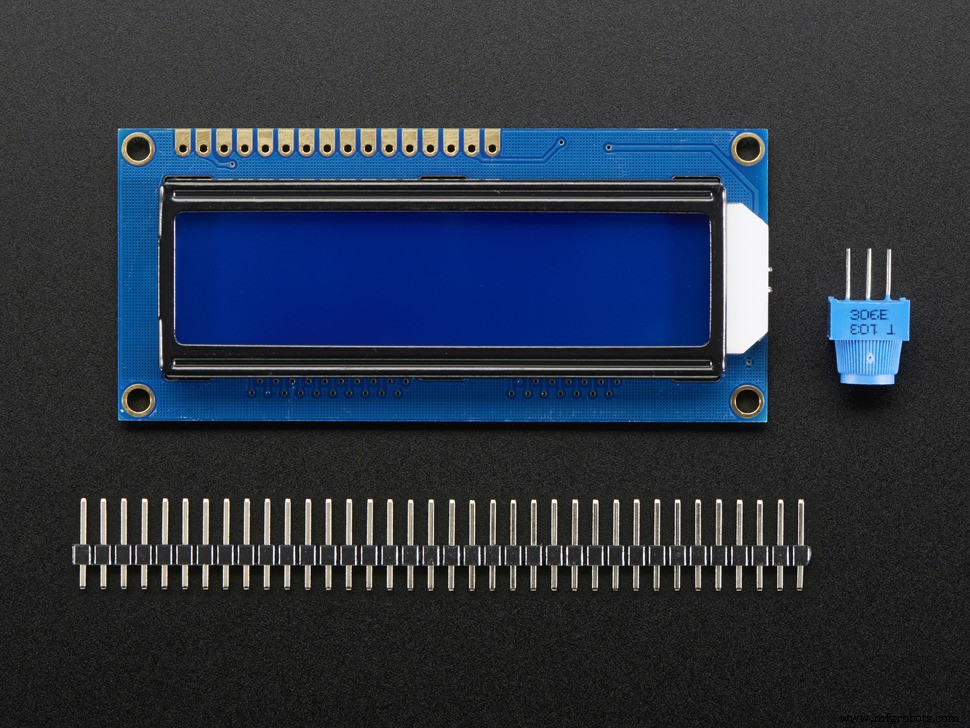 | | Adafruit Standard LCD - 16x2 White on Blue |
| × | 1 | |
 | | × | 1 | |
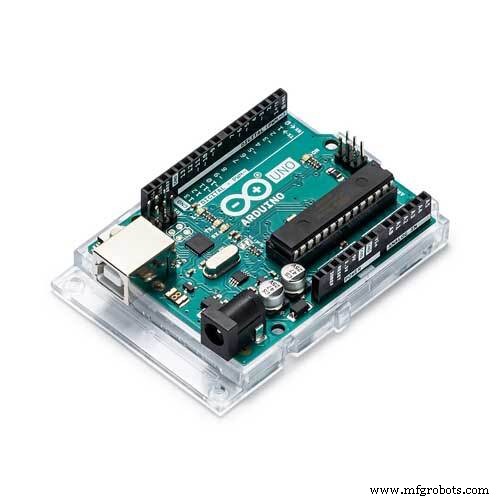 | | × | 1 | |
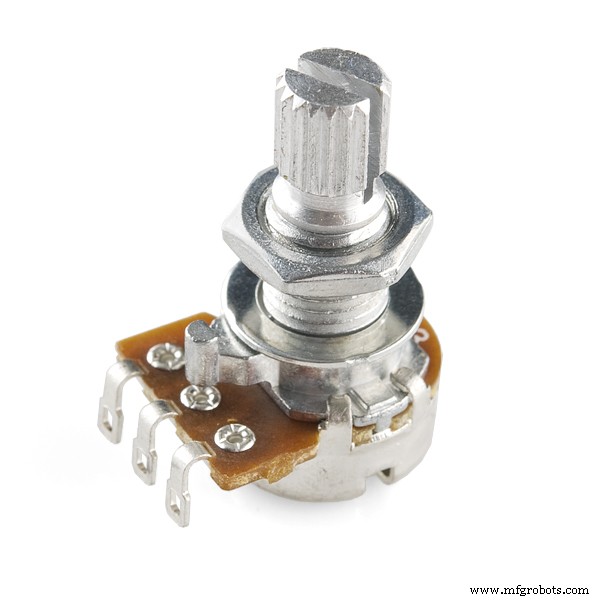 | | Rotary potentiometer (generic) |
| × | 1 | |
 | | SparkFun Pushbutton switch 12mm |
| × | 1 | |
About this project
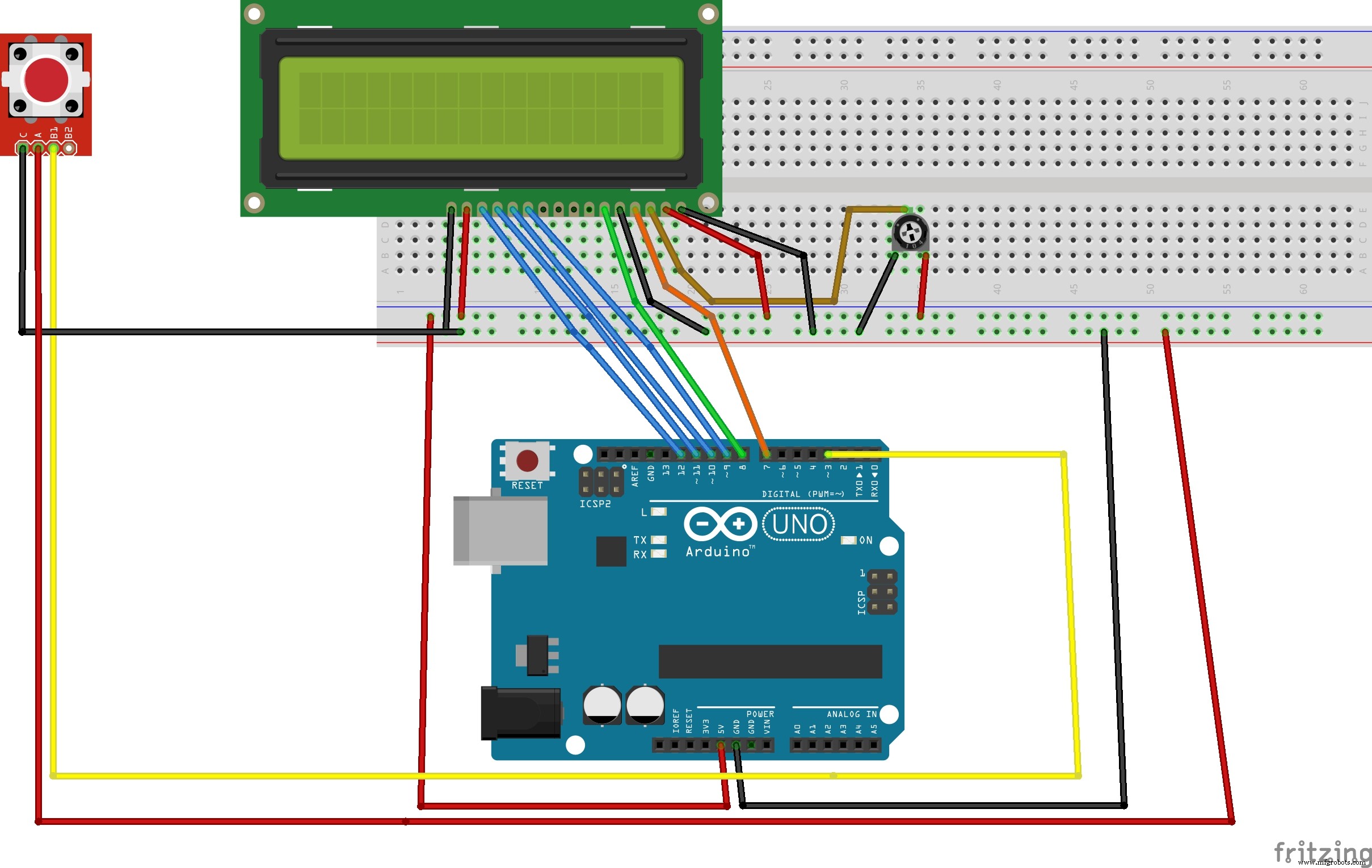
IdeationThis project was based on the idea that I had become bored of my normal standard game dice. So, to fix my boredom, I decided to use my Arduino LCD and standard push button (with a breakout board) and I had the Arduino read the state of the signal pin on the button board to high or low (high if button not depressed) (low if not). Depending on the state it would either stay on the main screen or show that the dice are rolling and then print out two random numbers from 1-6 (like a dice).
Code
The codeArduino
#include <LiquidCrystal.h>
long randNumber;
int Led = 13; //define LED port
int Shock = 2; //define shock port
int val;//define digital variable val
// initialize the library with the numbers of the interface pins
LiquidCrystal lcd(7, 8, 9, 10, 11, 12 );
byte customChar[] = {
  B00000,
  B00000,
  B11111,
  B11001,
  B10101,
  B10011,
  B11111,
  B00000
};
void  setup()
{

  lcd.begin(16, 2);
  lcd.createChar(0, customChar);
  lcd.home();
  pinMode(Led, OUTPUT); //define LED as a output port
  randomSeed(analogRead(0));
  pinMode(Shock, INPUT); //define shock sensor as a output port
  lcd.write(byte( 0));
  lcd.print("Digital dice");
  lcd.write(byte( 0));
  delay(1000);
}

void  loop()
{

  val = digitalRead(Shock); //read the value of the digital interface 3 assigned to val
  if (val == LOW) //when the shock sensor have signal do the following
  {
     lcd.clear();
     lcd.print("Rolling dice...");
     delay(4000);
     lcd.clear();
     lcd.setCursor(0, 0);
     randNumber = random(1,7);
     lcd.print("Dice 1 = ");
     lcd.print(randNumber);

     lcd.setCursor(0, 1);
     randNumber = random(1,7);
     lcd.print("Dice 2 = ");
     lcd.print(randNumber);

  }

 delay(150);
}
Schematics