Industrial manufacturing
Industrial Internet of Things | Industrial materials | Equipment Maintenance and Repair | Industrial programming |
home  MfgRobots >> Industrial manufacturing >  >> Manufacturing Technology >> Manufacturing process

Build a Real-Time Gyroscope Game with Arduino Nano & MPU-6050 Sensor

Components and supplies
Build a Real-Time Gyroscope Game with Arduino Nano & MPU-6050 Sensor
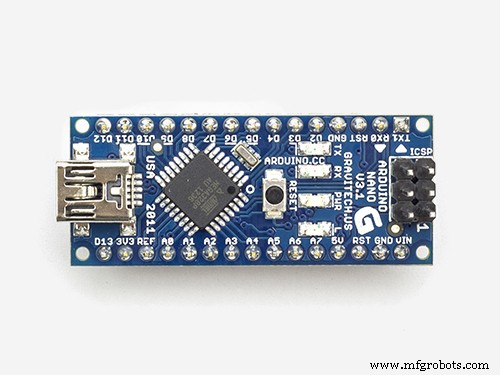
Arduino Nano R3
×1
Build a Real-Time Gyroscope Game with Arduino Nano & MPU-6050 Sensor
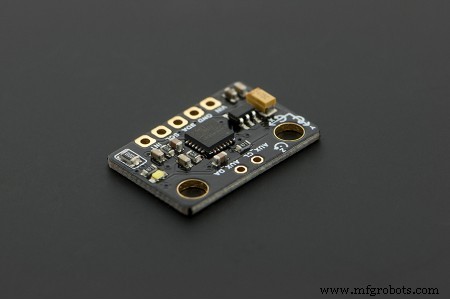
DFRobot 6 DOF Sensor - MPU6050
×1
Build a Real-Time Gyroscope Game with Arduino Nano & MPU-6050 Sensor
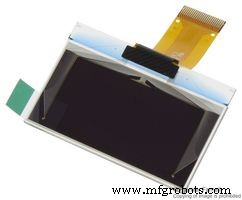
Graphic OLED, 128 x 64
×1
Build a Real-Time Gyroscope Game with Arduino Nano & MPU-6050 Sensor
LED (generic)
×1
Build a Real-Time Gyroscope Game with Arduino Nano & MPU-6050 Sensor
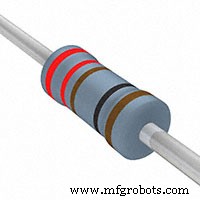
Resistor 221 ohm
×1
Build a Real-Time Gyroscope Game with Arduino Nano & MPU-6050 Sensor
Slide Switch
×2

Necessary tools and machines

Build a Real-Time Gyroscope Game with Arduino Nano & MPU-6050 Sensor
Soldering iron (generic)

Apps and online services

Build a Real-Time Gyroscope Game with Arduino Nano & MPU-6050 Sensor
Arduino IDE

About this project

The following elements are needed to make this project:

  • Arduino Nano
  • GY-521 module with the MPU-6050 sensor
  • 0.96" OLED SPI display module 128x64 with SSD1306 chip
  • Buzzer
  • 3mm LED diode
  • 220 Ohm resistor

The rules of the game are simple: Tilt the sensor to move the ball around and try to catch as many squares as possible within 1 minute, without touch the borders.

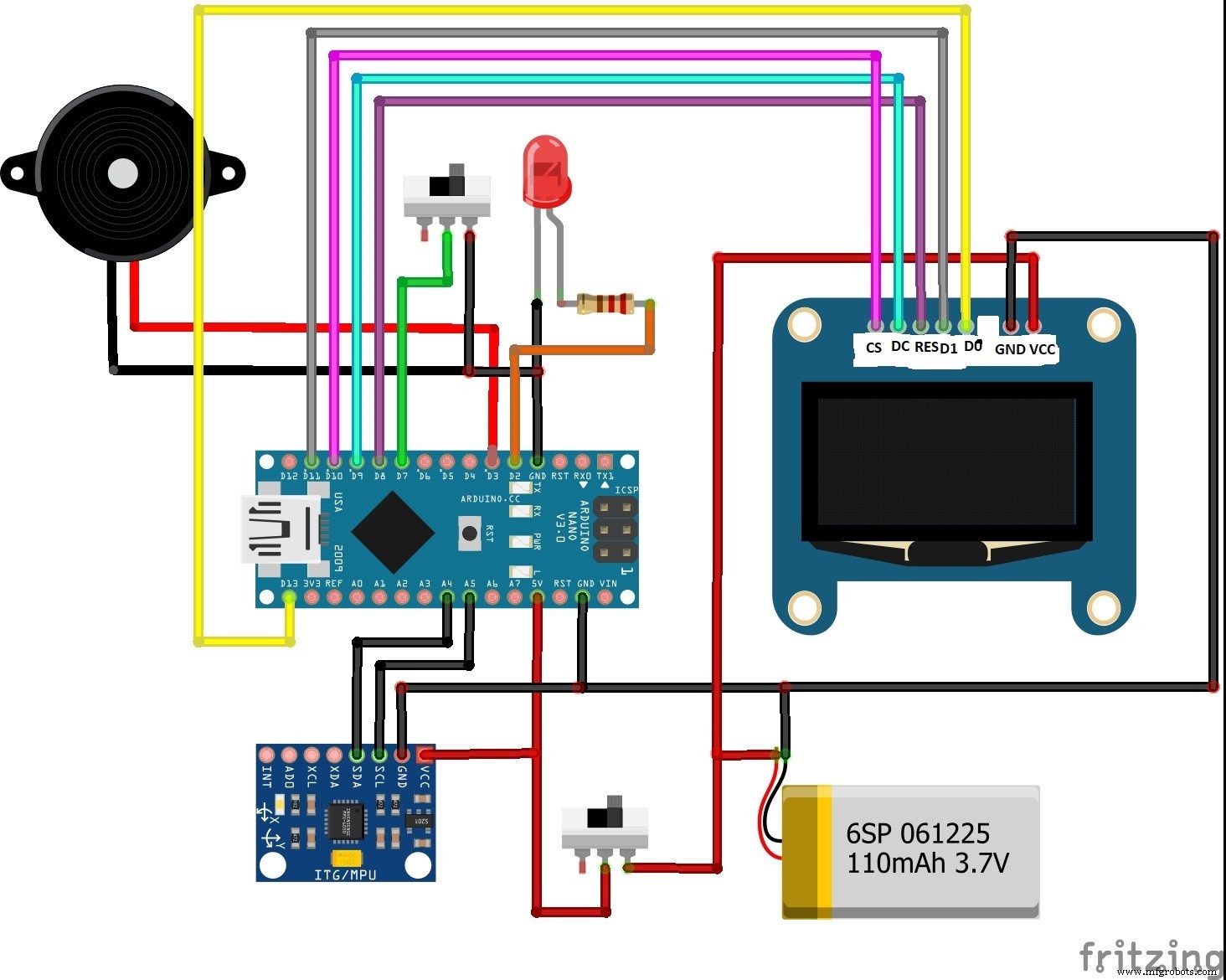
Sketch below includes 2 functions: the game, if D7 is connected to GND; and a basic gyro test program that shows the pitch and roll values, shows them in an XY grid, and changes the buzzer pitch according to distance from origin.

For the OLED is used the excellent U8G library which allows many fonts and fast graphics. You will need to include 2 files in your sketch folder I2C and Kalman.h, they come with the MPU-6050 example.

The scheme is presented in the picture below. Detailed instructions can be found on the author's website cassiopeia.hk.

Finally, the whole assembly is placed in a box made of 3mm PVC material.

Code

  • code
codeArduino
No preview (download only).

Schematics
Build a Real-Time Gyroscope Game with Arduino Nano & MPU-6050 Sensor

Manufacturing process

  1. Arduino Digital Dice Project: Build Your Own LCD-based Random Number Generator
  2. DIY Arduino USB Gaming Controller – Build Your Own High-Performance Gamepad
  3. Pixel Chaser: Interactive One-Tap LED Game with Arduino Nano
  4. Copper Electroplating Project: Build a Smart System with Arduino UNO
  5. NeoPixel Matrix Pong on Arduino Nano: Build a Neon Pong Game
  6. Build a 1‑D Pong Game with Arduino and WS2812 LED Strip – Step‑by‑Step DIY Tutorial
  7. DIY LED Roulette Game – Build a One‑Person Arcade with Arduino Nano
  8. Build a Classic Arduino LCD Arcade Game with Buzzer and Joystick
  9. Arduino Tennis Game – Build a Virtual Racquet Experience with NeoPixel, Sensors, and Bluetooth
  10. Build an Interactive LCD Game with Arduino UNO